
Linear Sensitivity
Java mod listed for Minecraft 26.x. Downloads from the MC Java Mods app on Android.
This is linear sensitivity made by Itsuka_Hiro; however, just ported to 26.x Check his project out at https://modrinth.com/mod/linear-sensitivity…
⬇ Download on Modrinth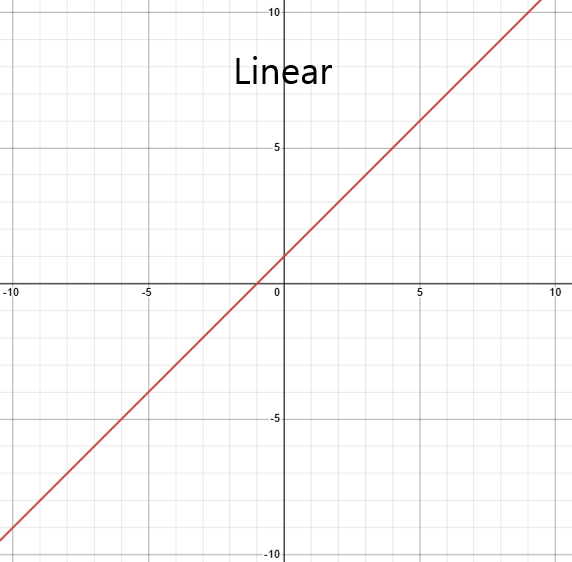
Linear sensitivity makes Minecraft use linear sensitivity like other games.
Sensitivity
If you want your sensitivity to be like it is in other games, go to a sensitivity converter website like https://gamingsmart.com/mouse-sensitivity-converter/. Then you will need to input the game you want converted (and your DPI and sens settings), then select ("Source"), or Fortnite, as Fortnite uses linear sensitivity.
Note:
If you do actually play Fortnite and that's the game's sensitivity you want to use, note that Fortnite has 2 options: linear and exponential. You are probably on linear by default; however, do check if you are using exponential, since this conversion won't be identical if you are.
- Edition: Minecraft Java
- File type: .jar
- Minecraft versions listed: 26.1, 26.1.1, 26.1.2
- How to install: Install the matching mod loader (Forge, Fabric or NeoForge) for your Minecraft version. → Download the .jar. → Put it in the .minecraft/mods folder and launch that loader profile.
- Where to get it: Opens on Modrinth — not every file is mirrored on our own servers.
Install steps are the general flow for this file type — How to install Minecraft Java mods & modpacks walks through it step by step.
- Ships as LinearSensitivity-1.00.jar — drop this file into the mods folder
- Download size: 5 KB
- Download link checked 25 Oct 2026 — working
These come from our own check of the pack file, not from the source page.