Mod Features:
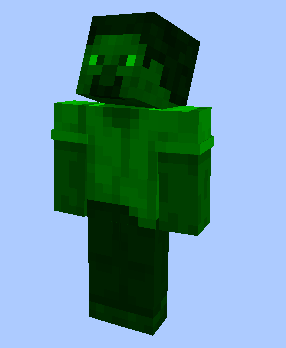
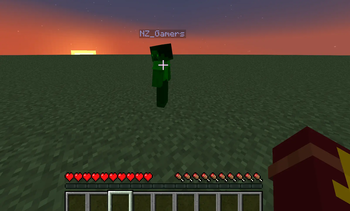
- Client mod that adds enemy hightlighting
- You can CUSTOMIZE mod with config or use commands
How to customize mod:
Use command /color to change hightlight color using color model RGB
- /color R G B
- /color 255 255 255
Quick facts
- Edition: Minecraft Java
- File type: .jar
- Minecraft versions listed: 1.20.1, 1.20.2, 1.20.3
- How to install: Install the matching mod loader (Forge, Fabric or NeoForge) for your Minecraft version. → Download the .jar. → Put it in the .minecraft/mods folder and launch that loader profile.
- Where to get it: Opens on Modrinth — not every file is mirrored on our own servers.
Install steps are the general flow for this file type — How to install Minecraft Java mods & modpacks walks through it step by step.
Verified by MCModsHub
- Ships as TargetHighlight 1.0 1.20.X.jar — drop this file into the mods folder
- Download size: 10 KB
- Download link checked 14 Sept 2026 — working
These come from our own check of the pack file, not from the source page.