
Enhanced Multitools
Enhanced MultiTools adds a variety of MultiTools that combine the functionality of a pickaxe, axe, shovel, and hoe into a single item. Designed to…
⬇ Download on Modrinth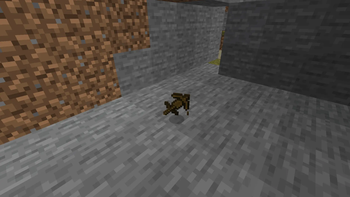
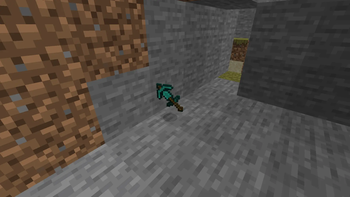
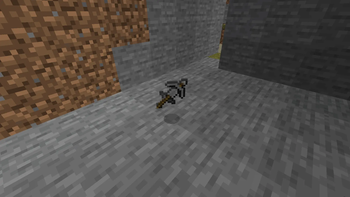
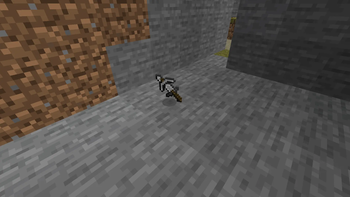
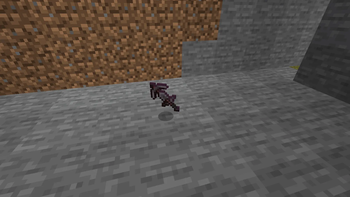
Enhanced MultiTools
Take convenience and efficiency to the next level with Enhanced MultiTools.
Enhanced MultiTools adds a collection of powerful all-in-one tools that combine the functionality of multiple vanilla tools into a single item. Instead of carrying a pickaxe, axe, shovel, and hoe separately, you can use a MultiTool to handle all of these tasks with ease. Whether you're mining deep underground, clearing large areas, gathering wood, or preparing farmland, Enhanced MultiTools helps streamline your gameplay and reduce unnecessary inventory management.
Designed to fit naturally within Minecraft's progression system, MultiTools are available in multiple material tiers, allowing you to upgrade as you advance through the game. Each tool is carefully balanced to provide convenience without feeling overpowered, making them a perfect addition to both casual and long-term survival worlds.
Features Adds versatile all-in-one MultiTools Functions as a pickaxe, axe, shovel, and hoe Available in multiple material tiers Reduces inventory clutter by replacing several tools with one Makes resource gathering and exploration more efficient Balanced to fit naturally into vanilla Minecraft gameplay Survival-friendly crafting recipes Multiplayer compatible Why Use MultiTools?
Managing multiple tools can take up valuable inventory space and slow down gameplay. Enhanced MultiTools solves this problem by giving players a single tool capable of handling most everyday tasks. Spend less time swapping items in your hotbar and more time building, exploring, and surviving.
Whether you're a builder clearing terrain, an adventurer exploring caves, or a survival player looking for a more streamlined experience, Enhanced MultiTools provides a simple but powerful quality-of-life improvement.
Requirements
This mod requires the appropriate mod loader and any listed dependencies to be installed.
Support & Community
Join the Discord server for support, updates, sneak peeks, bug reports, and community discussions:
- Edition: Minecraft Java
- File type: .jar
- Minecraft versions listed: 1.21.8, 1.21.9, 1.21.10
- How to install: Install the matching mod loader (Forge, Fabric or NeoForge) for your Minecraft version. → Download the .jar. → Put it in the .minecraft/mods folder and launch that loader profile.
- Where to get it: Opens on Modrinth — not every file is mirrored on our own servers.
Install steps are the general flow for this file type — How to install Minecraft Java mods & modpacks walks through it step by step.
- Ships as EnhancedMultitools-1.0.0-fabric-1.21.8.jar — drop this file into the mods folder
- Download size: 63 KB
- Download link checked 24 Aug 2026 — working
These come from our own check of the pack file, not from the source page.