
World Preview Prime
Java mod listed for Minecraft 26.x. Downloads from the MC Java Mods app on Android.
I don't know my version or loader
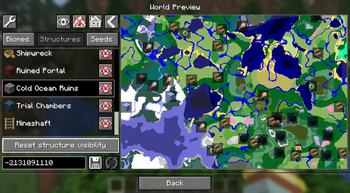
World Preview Prime
World Preview Prime is a continuation of the World Preview mod that adds a seed viewing map directly into the game. Preview and find a seed before you create a world, or review a seed after you've already created a world with it!
World Preview Prime was forked from the original mod due to inactivity from the original developer. This fork will both continue updating to newer versions and improve on datapack/config configuration.
Credits
- Thank you to caeruleusDraconis for making the original mod. I will always question how you made this mod and remained sane, the code is terrifying.
- Thank you to ChocoBoy for the initial port to 26.1 and adding full Lithostitched compatibility. I would have gone insane if I tried it myself.
Usage (Preview)
If you wish to preview a world seed, go to the Create New World screen and click on the Preview tab.
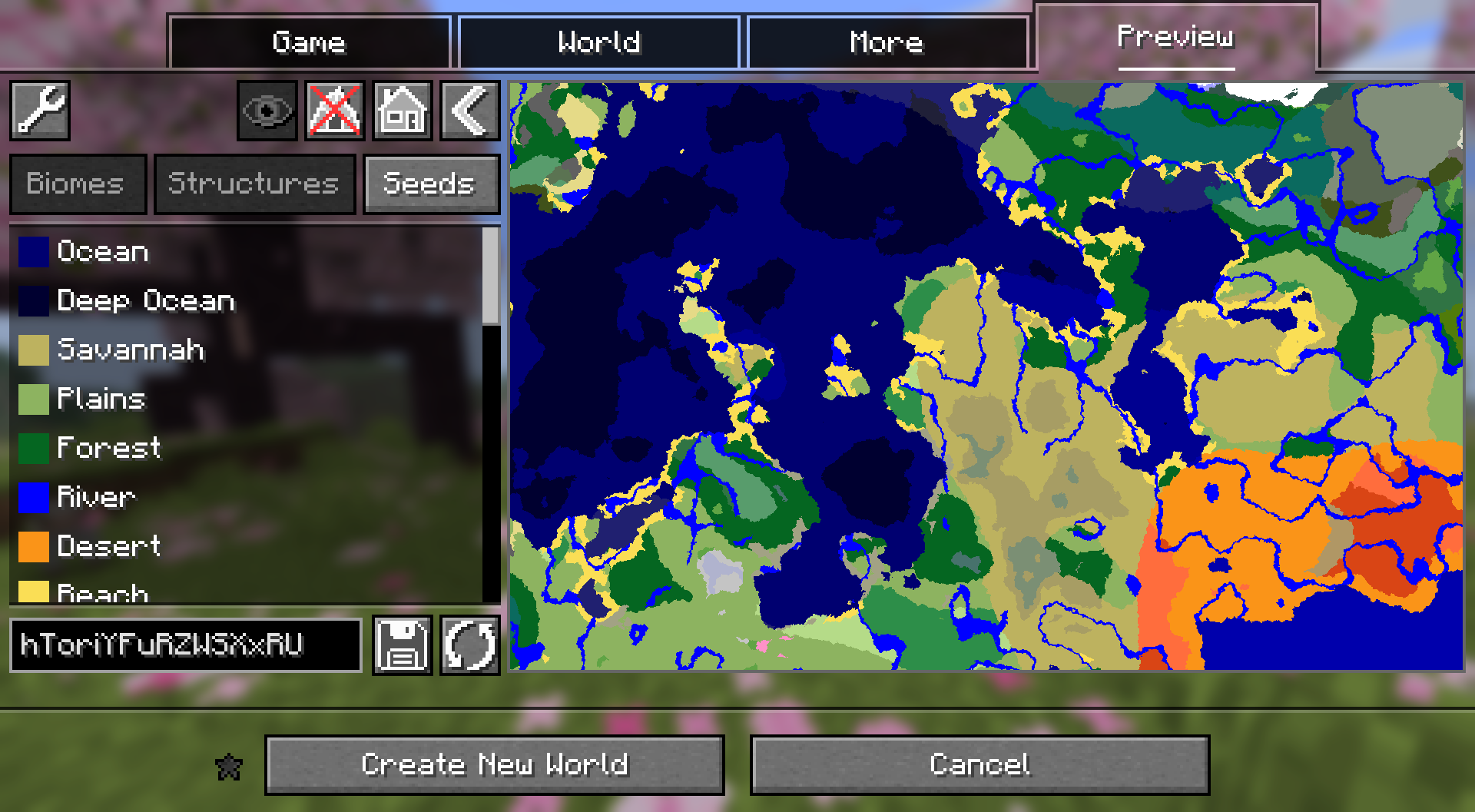
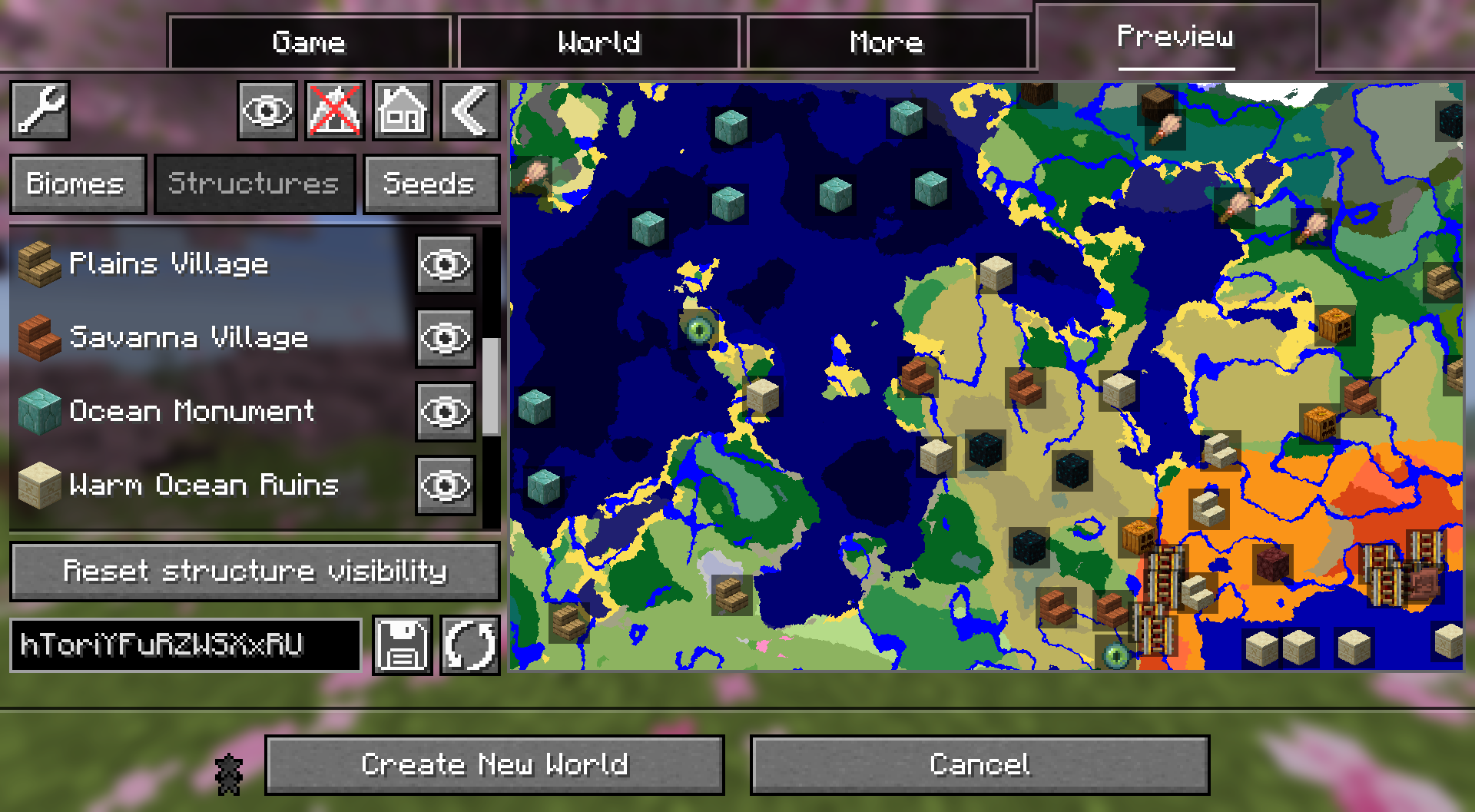
The most notable change from the original mod so far is the colors: World Preview Prime uses the same biome colors that you would see on Chunkbase or Cubiomes. On top of that, the structure icons now use blocks and items rather than custom textures. They're larger and easier to see, too.
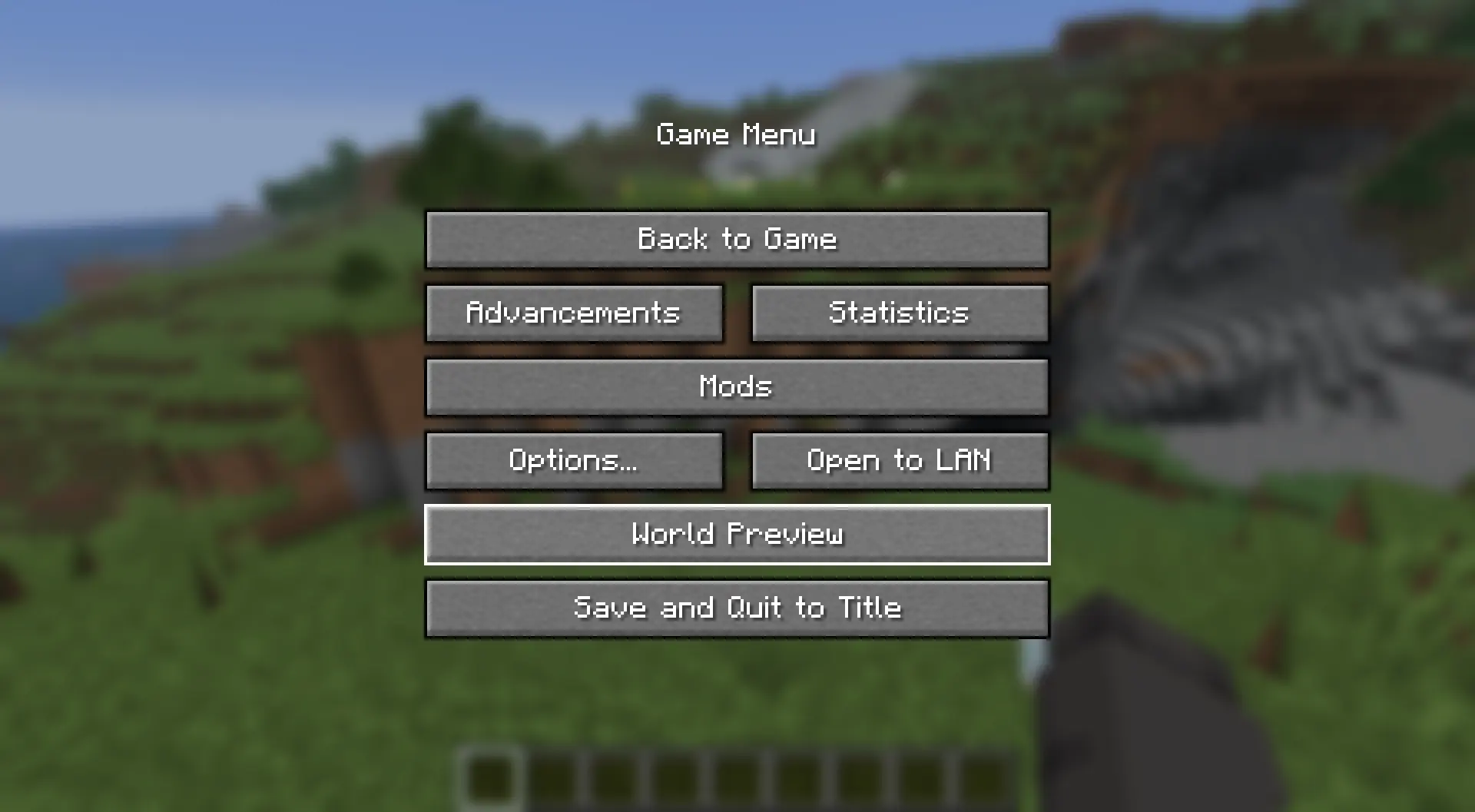
Usage (Review)
If you wish to review a world seed, press the World Preview button in the Pause Menu.
- Edition: Minecraft Java
- File type: .jar
- Minecraft versions listed: 26.1, 26.1.1, 26.1.2
- How to install: Install the matching mod loader (Forge, Fabric or NeoForge) for your Minecraft version. → Download the .jar. → Put it in the .minecraft/mods folder and launch that loader profile.
- Where to get it: Opens on Modrinth — not every file is mirrored on our own servers.
Install steps are the general flow for this file type — How to install Minecraft Java mods & modpacks walks through it step by step.
- Ships as world-preview-prime-2.0.0-neoforge-26.1.jar — drop this file into the mods folder
- Download size: 368 KB
- Download link checked 21 Oct 2026 — working
These come from our own check of the pack file, not from the source page.