
GreenScreen Painting
Java resource pack listed for Minecraft 26.x. Downloads from the MC Java Mods app on Android.
⬇ Download on Modrinth
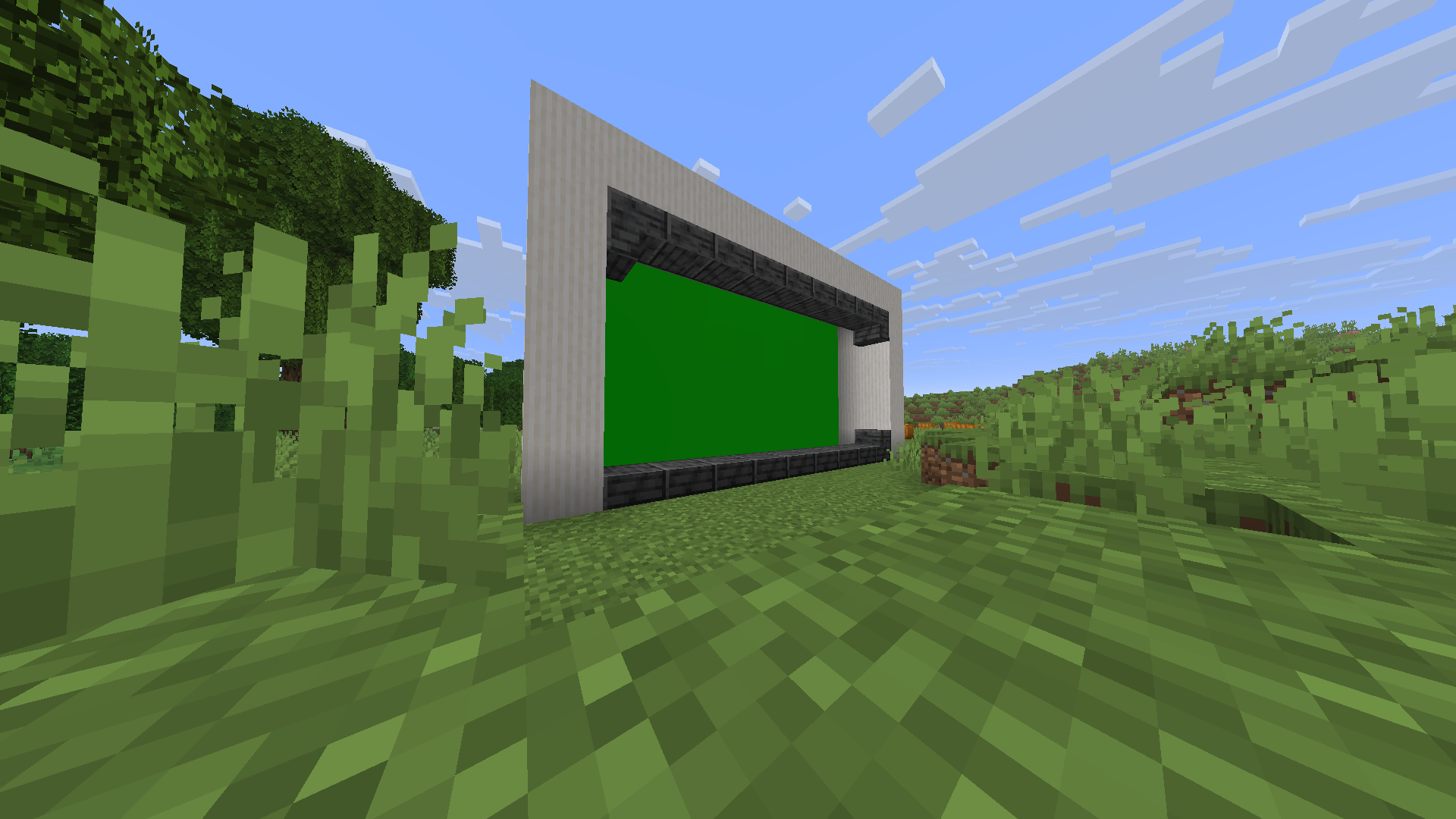
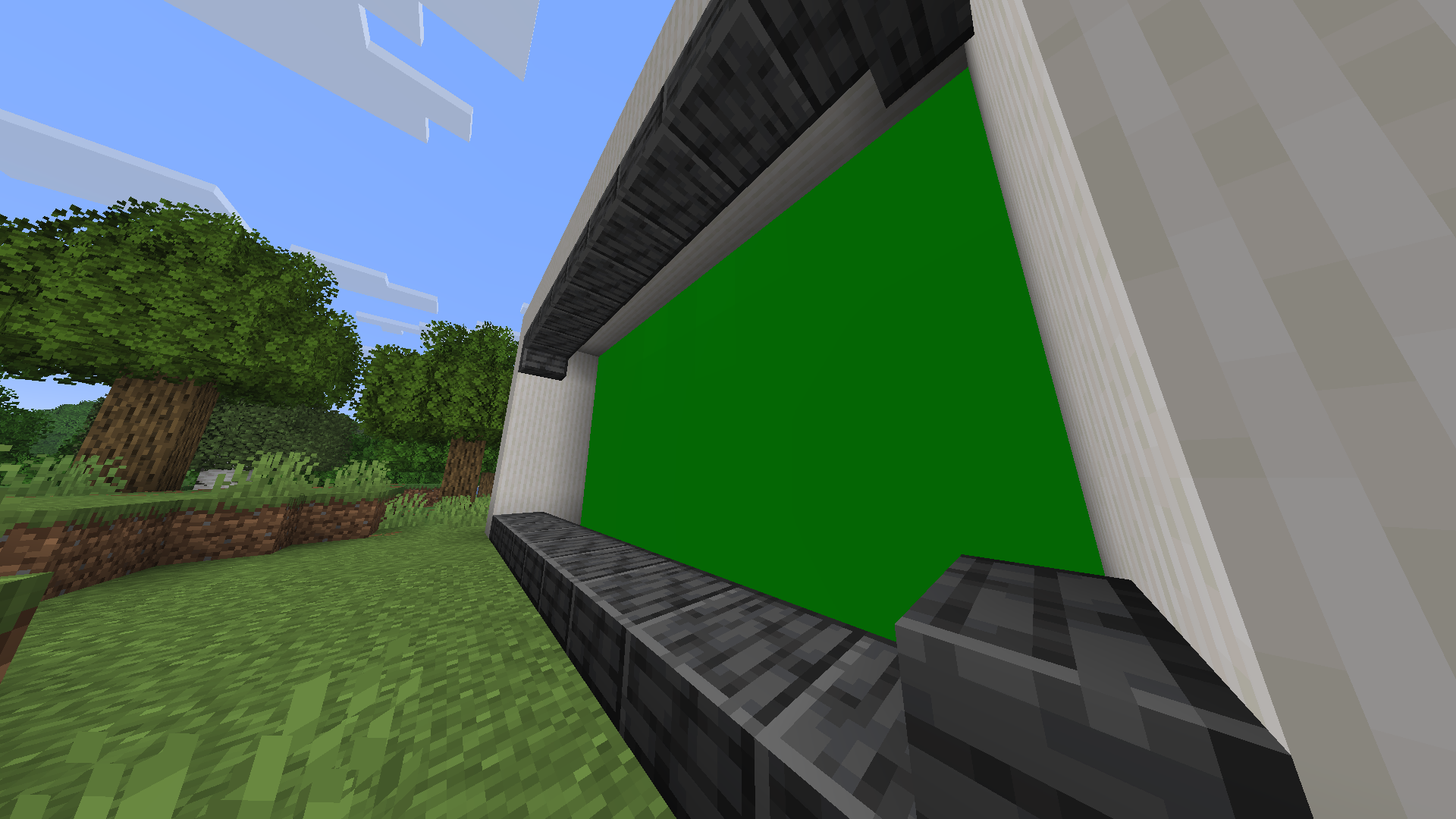
GreenScreen Paintings A simple, lightweight utility resource pack that transforms all vanilla Minecraft paintings into solid, borderless green screens. Perfect for content creators, video editors, and animators who want to easily key out in-game frames and drop in their own custom video clips, memes, or custom artwork!
Key Features
Borderless Design: Replaces the standard wooden borders with seamless, edge-to-edge chroma key green.
Flawless Chroma Keying: Uses a precise, solid green hex code optimized for clean selection in editing software like Premiere Pro, DaVinci Resolve, and CapCut.
100% Vanilla Compatible: Works completely fine on standard vanilla clients. No OptiFine, custom shaders, or backend mods required.
Ultra Lightweight: Extremely tiny file size that won't impact game performance or frame rates.
How to Use
Place & Frame: Craft and place any standard painting on a wall inside your world.
Record: Record your gameplay footage or take screenshots focusing on the green screen canvas.
Key it Out: Drop the footage into your preferred video editor, apply a Chroma Key / Ultra Key effect to the green area, and place your custom video or image on the track underneath!
Categories & Details
Category: Decoration, Tweaks, Utility
Resolution: 16x16 (Vanilla Standard)
Compatibility: Works across all modern versions of Minecraft Java Edition.
Note: If you want to use this for high-end cinematic close-ups, make sure your video rendering resolution in-game is scaled up to keep the edges perfectly sharp for your editor's color sampler!
Clips
Screenshots
- Edition: Minecraft Java
- File type: .zip (resource pack)
- Minecraft version listed: 26.1.2
- How to install: Download the .zip resource pack — do not unzip it. → Put it in .minecraft/resourcepacks. → Enable it in Options → Resource Packs.
- Where to get it: Opens on Modrinth — not every file is mirrored on our own servers.
Install steps are the general flow for this file type — How to install Minecraft Java resource packs walks through it step by step.
- Downloads as GreenScreen Painting.zip
- Download size: 26 KB
- Download link checked 25 Oct 2026 — working
These come from our own check of the pack file, not from the source page.