
Haze PBR
Java resource pack listed for Minecraft 1.20–26.x. Downloads from the MC Java Mods app on Android.
⬇ Download on Modrinth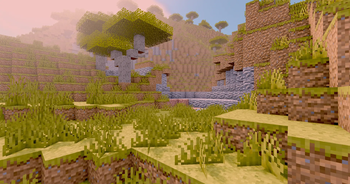

Depth and light for every block, none of the noise.
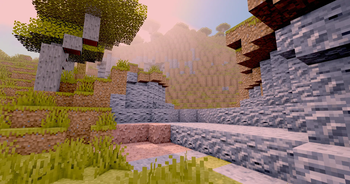
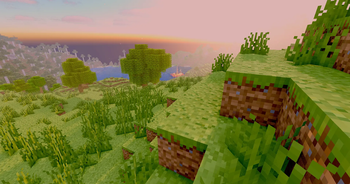
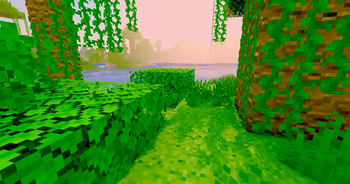
Haze PBR adds real depth and material to Minecraft without repainting a single texture. It leaves your existing block art exactly as it is and only teaches the game how each surface should catch light — so stone feels carved, metal shines, and glowing blocks actually glow. Run it on top of vanilla or any pack you already like, turn on a shader, and the world simply looks more three-dimensional and alive. Everything is built to cover the full block set, from the newest copper and pale oak to nylium, ores, and froglights.
✨ Highlights
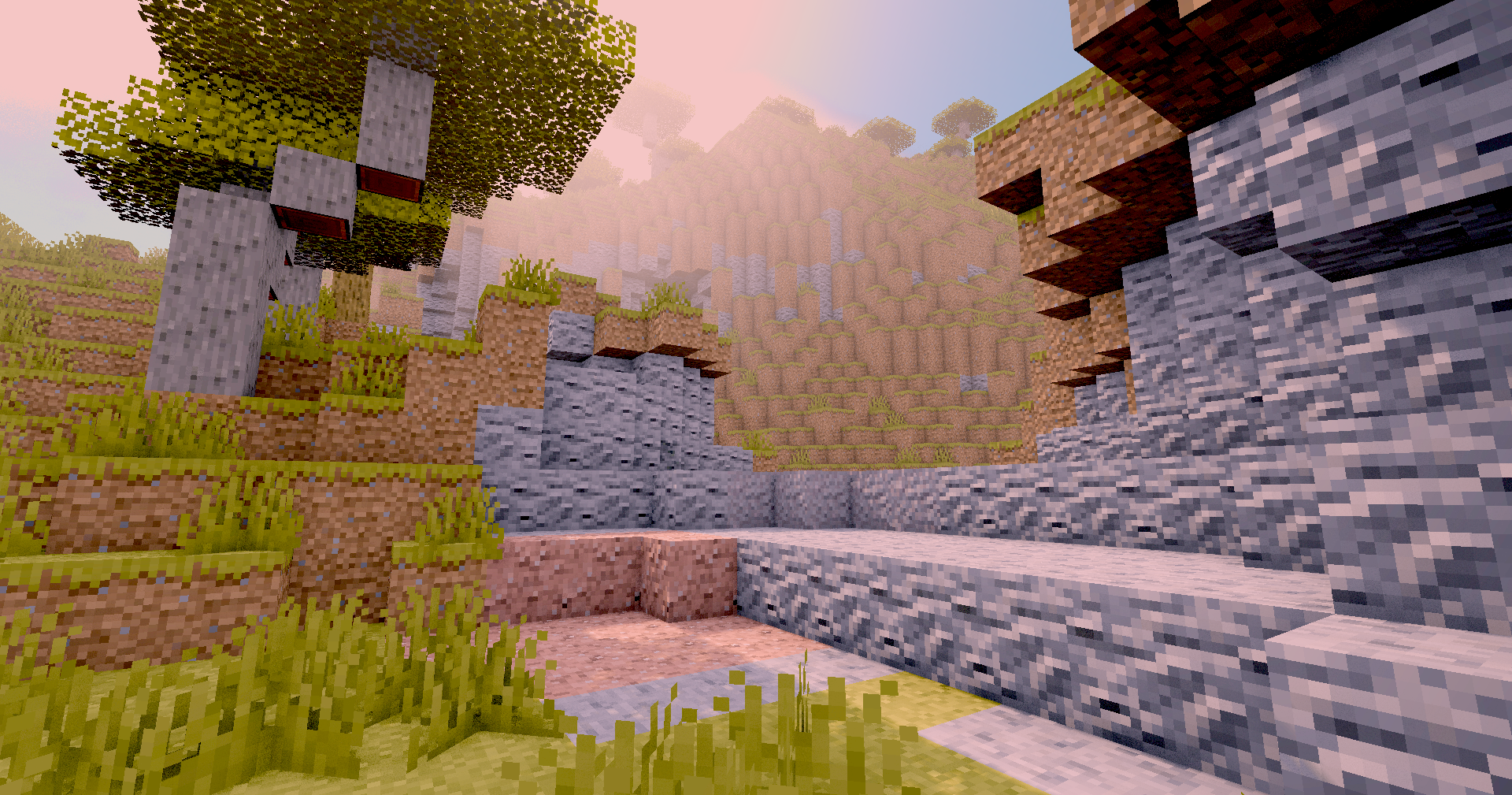
Surface depth on every block. Mortar lines sink in, planks show their grain, ore veins bump out of the rock. Blocks stop looking flat and start reading as real materials you could run your hand across. The effect is consistent across a whole build, not just a handful of showcase blocks.
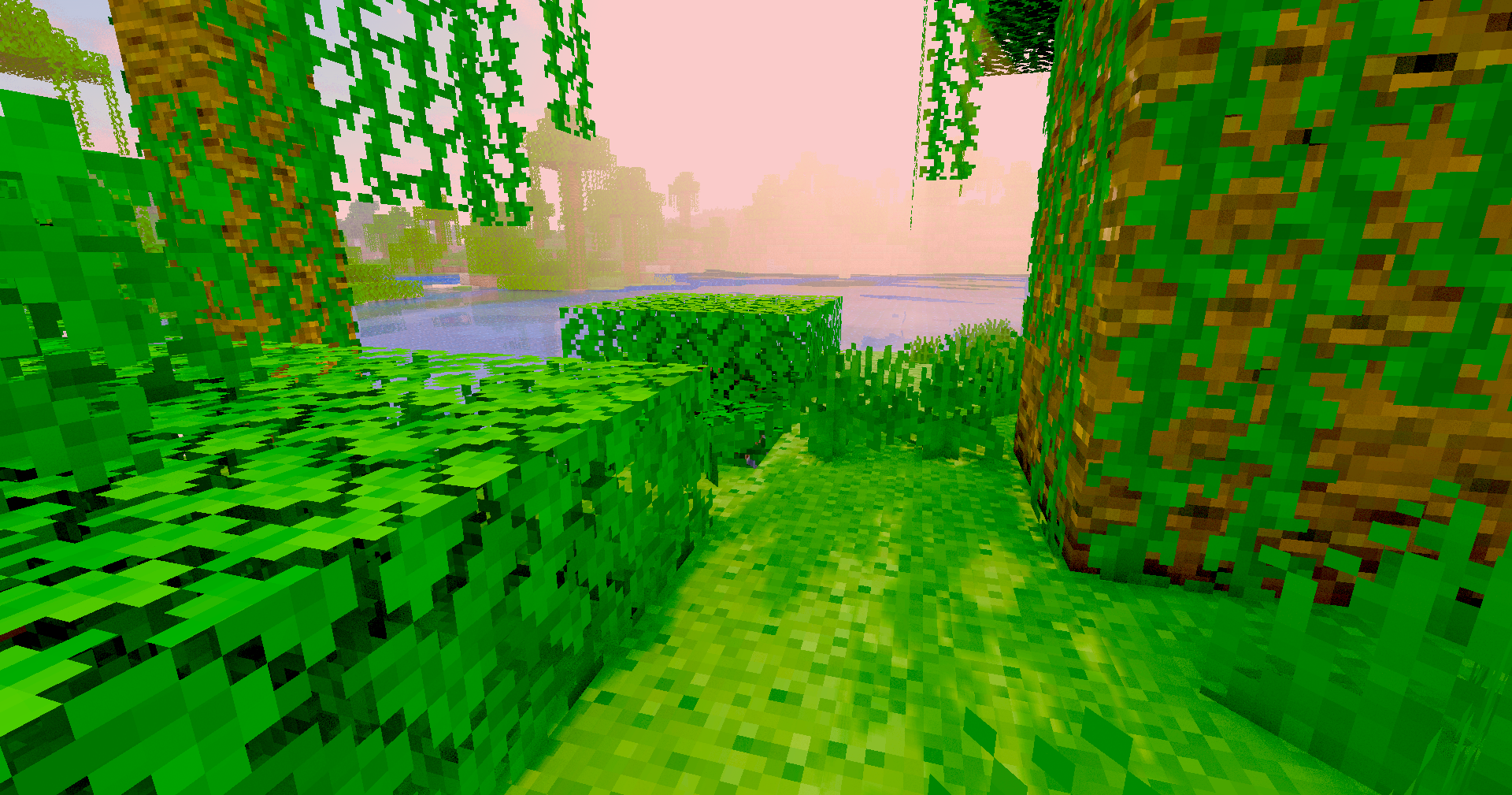
Materials that react to light. Polished stone and cut copper catch highlights and pick up reflections, while wool, nylium, and dirt stay soft and matte. Under the same sky, every block behaves the way it should — shiny things shine, rough things don't.
Glowing light sources. Glowstone, sea lanterns, froglights, amethyst, torches, redstone lamps, lava, fire, end rods, shroomlight, and the firefly bush give off their own light. Only the parts that should glow light up — a lantern's cage stays dark while the flame inside burns.
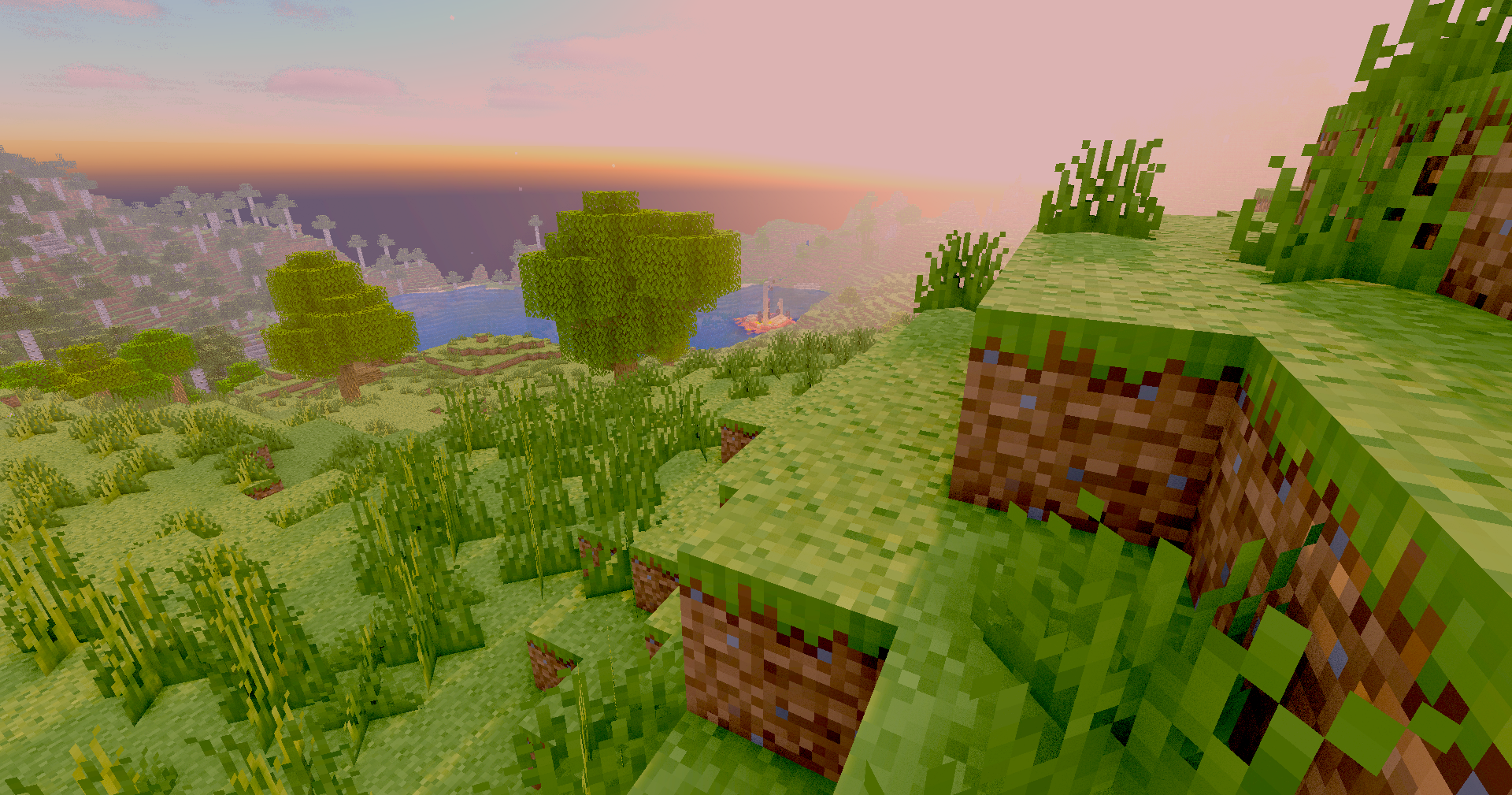
Copper that ages right. Every weathering stage of copper is covered — fresh, exposed, weathered, oxidized — across blocks, bulbs, doors, trapdoors, and grates, so the metal looks correct as it ages. The same full coverage runs through deepslate, tuff, blackstone, nether and end blocks, and every wood type.
⚙️ Compatibility
- Minecraft: built for the current 1.21 generation, and loads cleanly across a wide range of versions. Newer blocks like pale oak, copper bulbs and grates, and the firefly bush are all included.
- What you need: Haze PBR only comes to life with a shader. Use OptiFine or Iris together with a PBR-capable shaderpack (Complementary, BSL, SEUS, Kappa, etc.).
- Base textures: since the pack contains no color textures of its own, place it above vanilla or your color pack in the load order.
🎛️ What's included
- Blocks only — no items, entities, or GUI.
- Ores: coal, copper, iron, gold, redstone, lapis, diamond, emerald, deepslate variants, nether gold, nether quartz, ancient debris, and raw metal blocks.
- Stone: stone, andesite, calcite, the full tuff and deepslate sets, blackstone, and basalt.
- Copper: every oxidation stage across blocks, cut, chiseled, bulbs, doors, trapdoors, and grates.
- Wood: all species logs, stripped logs, and planks — including pale oak, cherry, mangrove, bamboo, plus crimson and warped.
- Nether & End: netherrack, nether and red-nether bricks, soul sand/soil, nylium, warped and crimson growth, end stone, purpur, and portal frames.
- Light blocks: glowstone, sea lantern, froglights, amethyst, lanterns, torches, redstone lamps, shroomlight, end rod, beacon, conduit, lava, fire, and the firefly bush.
No optional add-ons or resolution variants are included in this build.
- Edition: Minecraft Java
- File type: .zip (resource pack)
- Minecraft versions listed: 1.20, 1.20.1, 23w31a
- How to install: Download the .zip resource pack — do not unzip it. → Put it in .minecraft/resourcepacks. → Enable it in Options → Resource Packs.
- Where to get it: Opens on Modrinth — not every file is mirrored on our own servers.
Install steps are the general flow for this file type — How to install Minecraft Java resource packs walks through it step by step.
- Downloads as Haze PBR.zip
- Download size: 5.8 MB
- Download link checked 22 Oct 2026 — working
These come from our own check of the pack file, not from the source page.