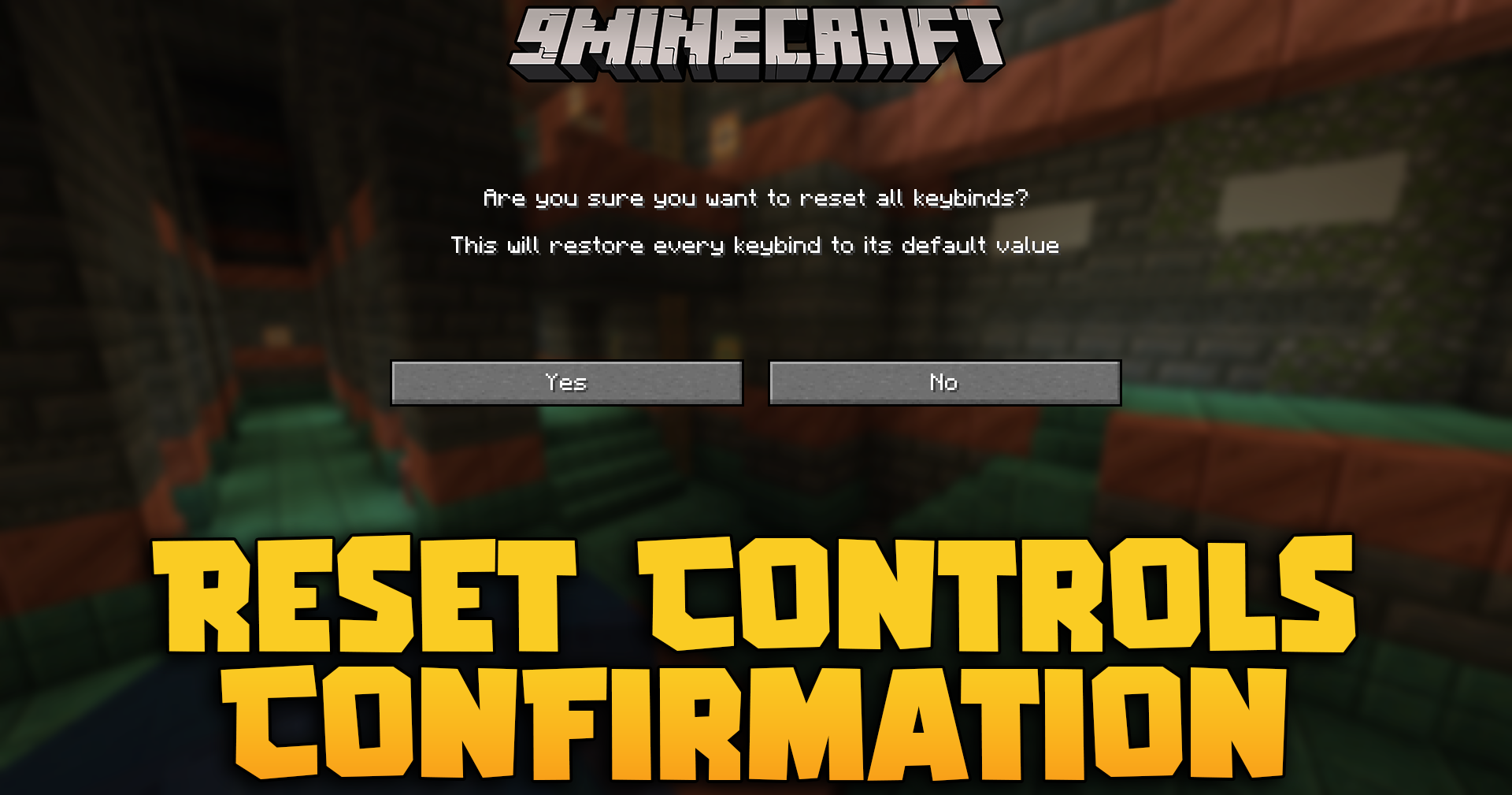
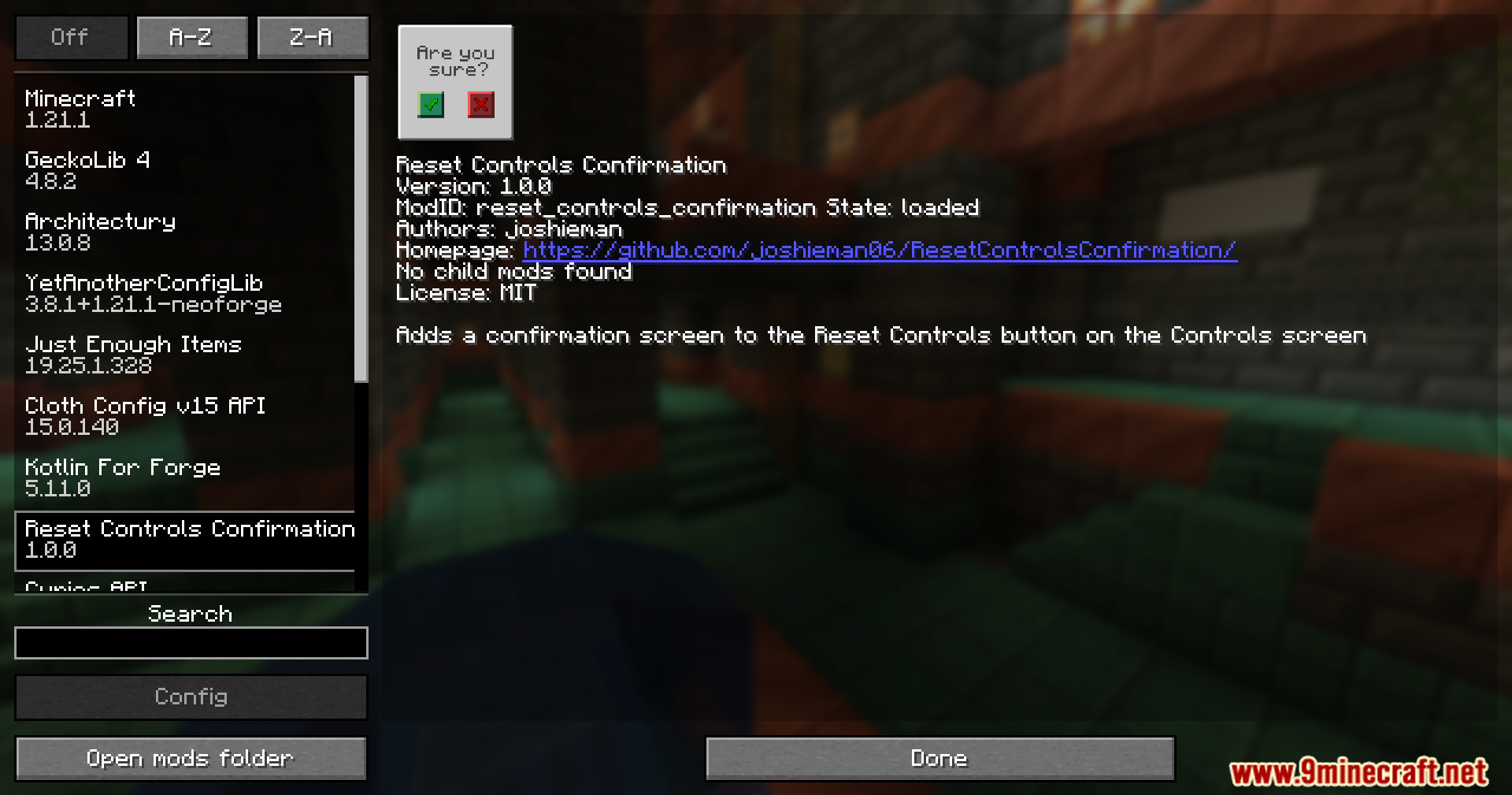
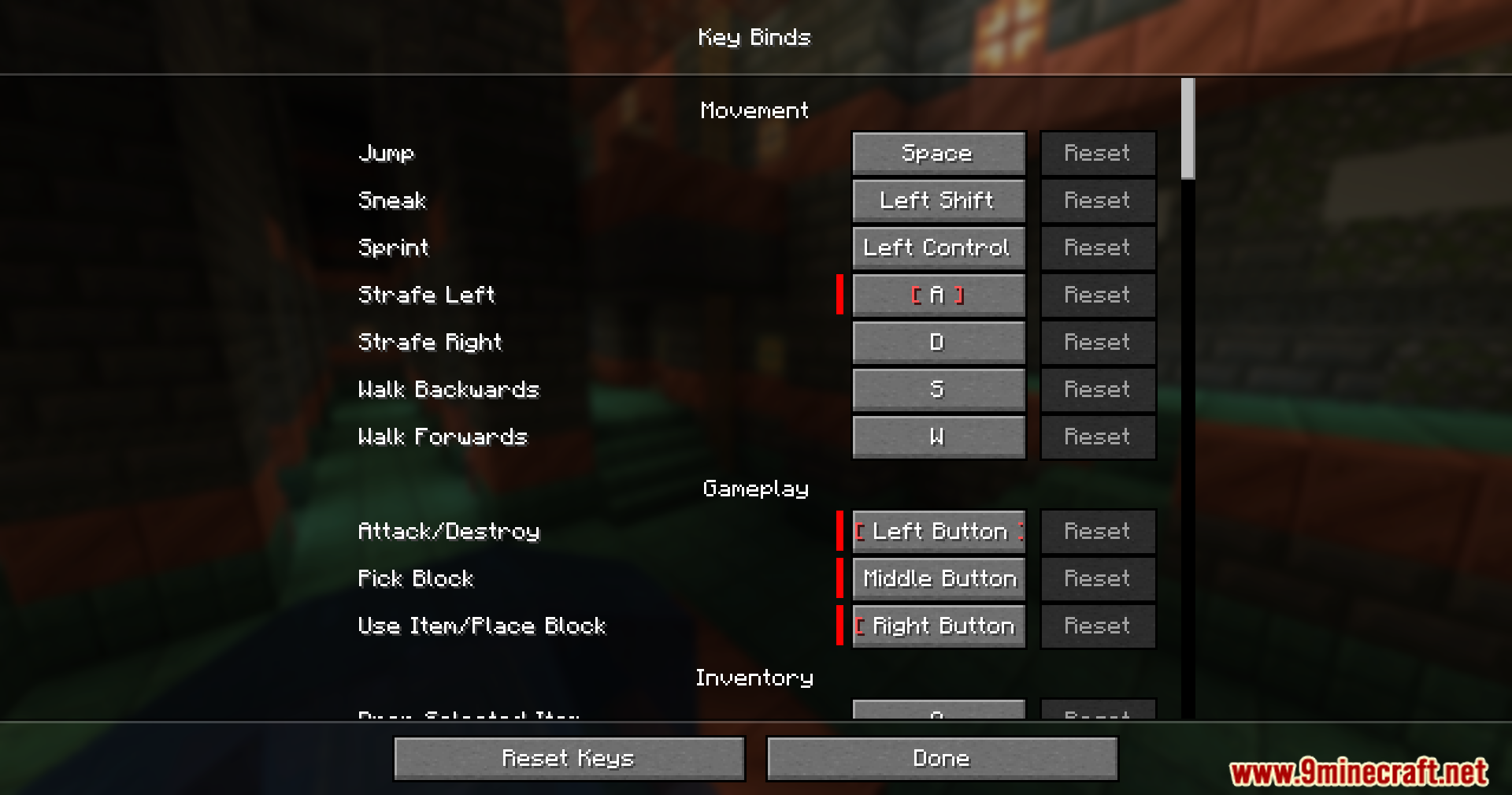
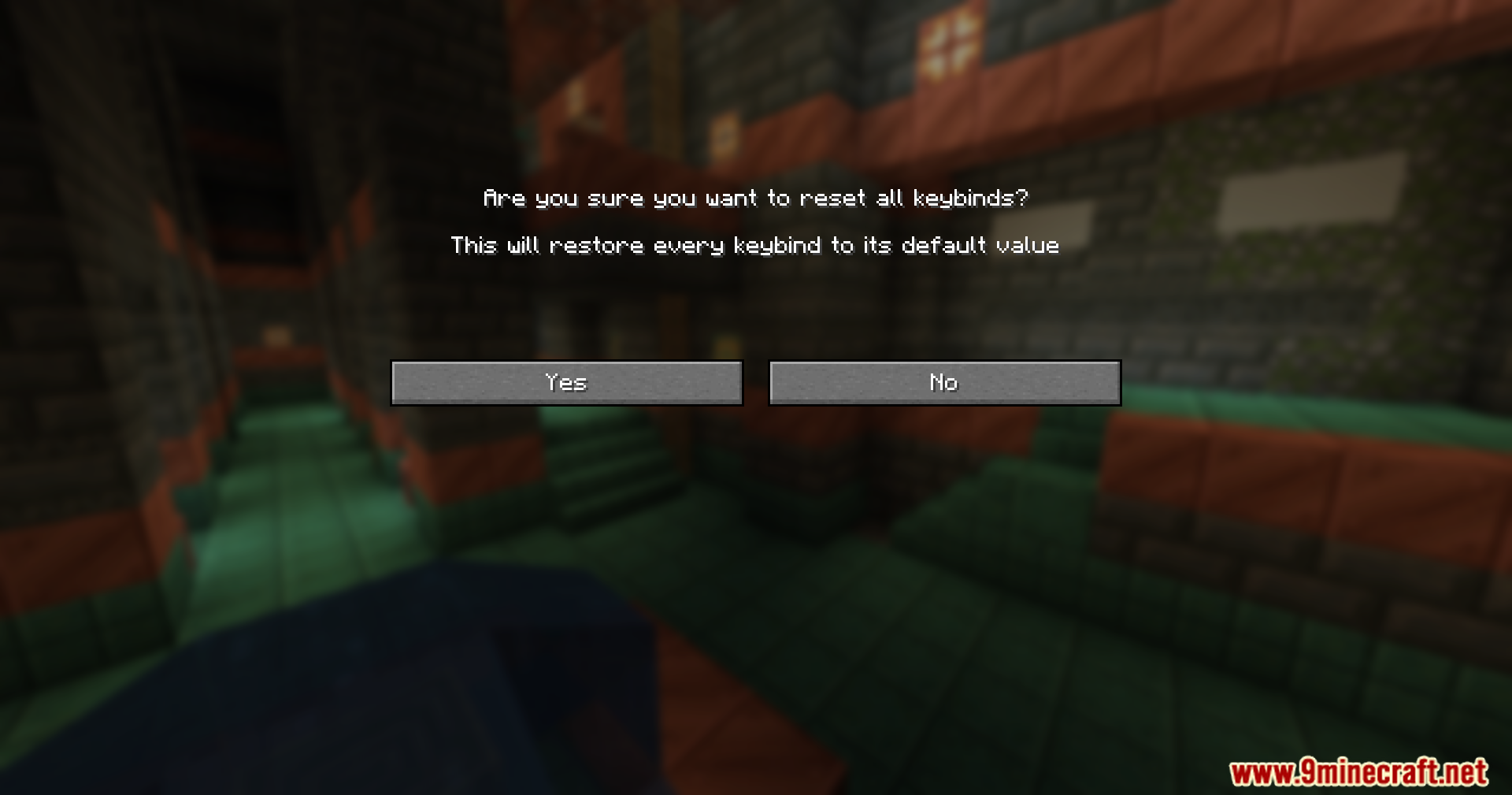
Reset Controls Confirmation Mod adds a simple safety check to your game settings. It puts a warning screen in front of the ‘Reset All’ button in the controls menu so you do not wipe out your custom keyboard setup by mistake.
Features:
- Pops up a warning screen right after you click the ‘Reset All’ button in your keybinds menu.
- Stops you from accidentally deleting all your custom keyboard controls with one wrong click.
- Works perfectly alongside your favorite resource packs without breaking the menu screens.
- Runs smoothly with almost every other mod in the game.
How to Use:
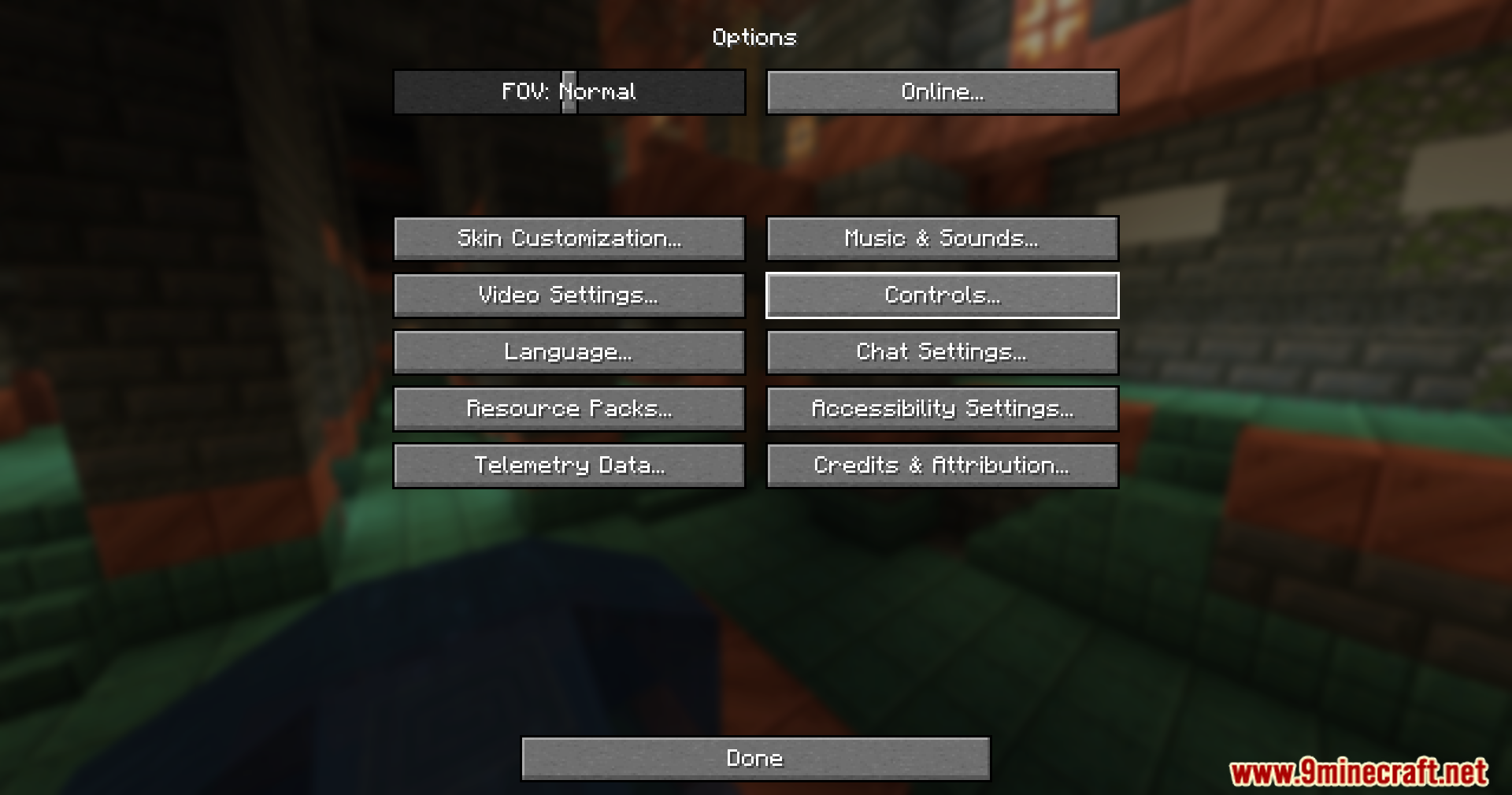
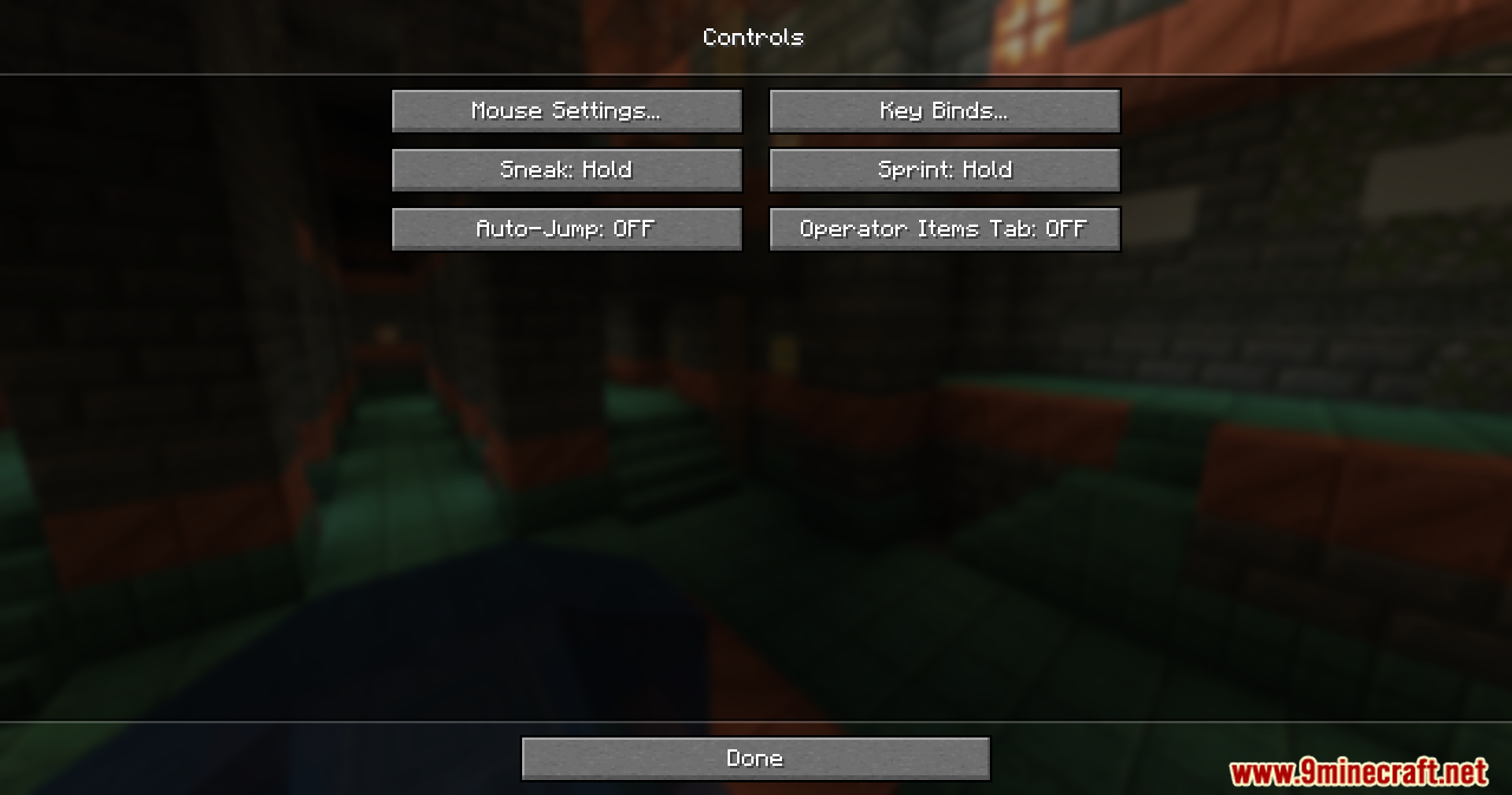
- Open your game options and go to the controls menu.
- Click the ‘Reset All’ button at the bottom of the screen.
- Look at the new warning pop-up that asks if you are sure.
- Choose yes to reset your keys or click no to keep your custom settings safe.
Screenshots:
Reset Controls Confirmation Mod Download Links
Quick facts
- Edition: Minecraft Java
- File type: .jar
- Minecraft versions listed: 1.21.5, 1.20.1
- How to install: Install the matching mod loader (Forge, Fabric or NeoForge) for your Minecraft version. → Download the .jar. → Put it in the .minecraft/mods folder and launch that loader profile.
- Where to get it: In MC Java Mods, or directly above on this page.
Install steps are the general flow for this file type — How to install Minecraft Java mods & modpacks walks through it step by step.
Verified by MCModsHub
- Downloads as 323601.mcaddon
- Download size: 9 KB
- Download link checked 24 Sept 2026 — working
- Mirrored on our own servers — the download does not depend on the original host
These come from our own check of the pack file, not from the source page.