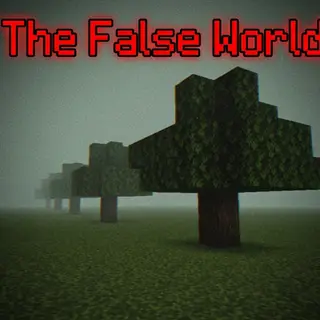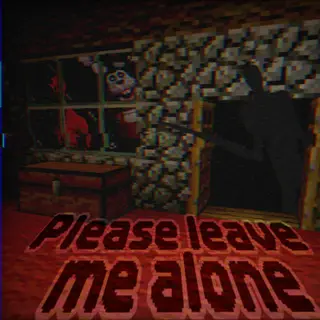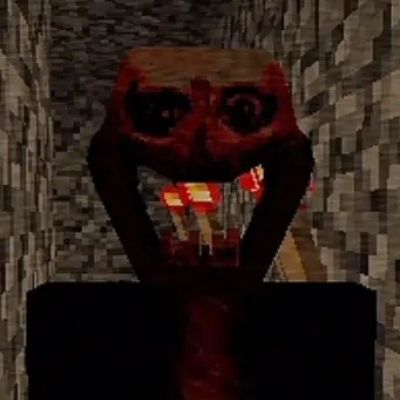
In Your World MCBE {Horror ARG}
Bedrock add-on listed for Minecraft 26.x (behavior + resource pack). File opened and checked on 11 Oct 2026; installs from the MC Bedrock Mods app on Android.
⬇ Download
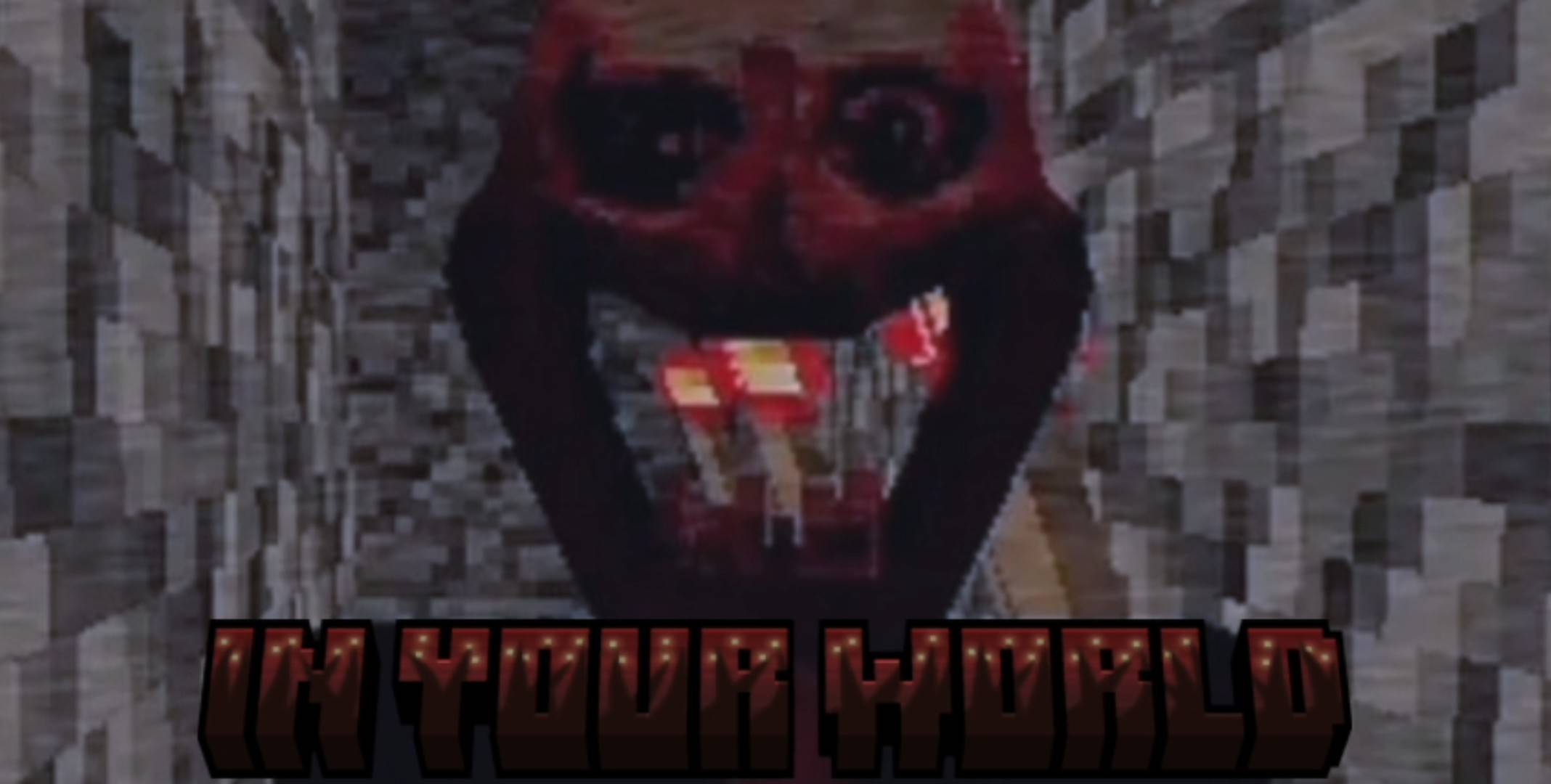
In Your World
It starts like any other Minecraft world.
Trees. Rivers. Caves.
Nothing feels out of place.
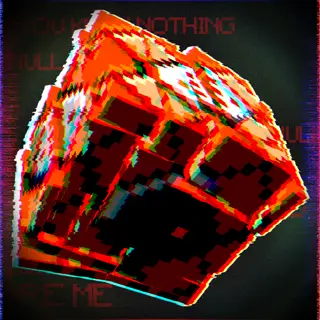
Until you notice something that shouldn't exist.
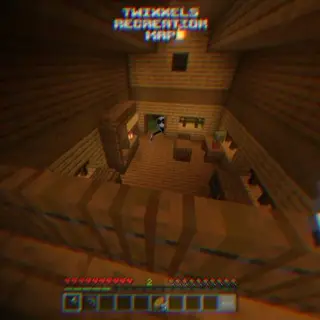
A structure where there was nothing before.
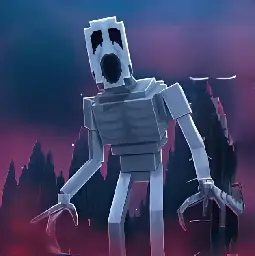
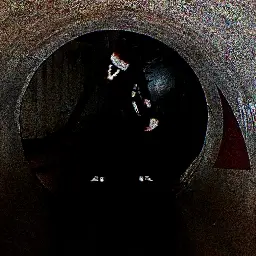
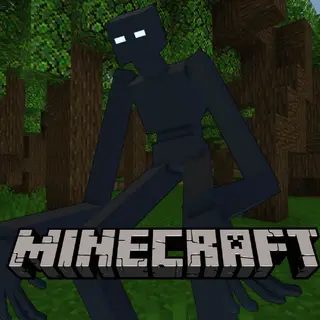
A silhouette standing impossibly high above the clouds.
You look away
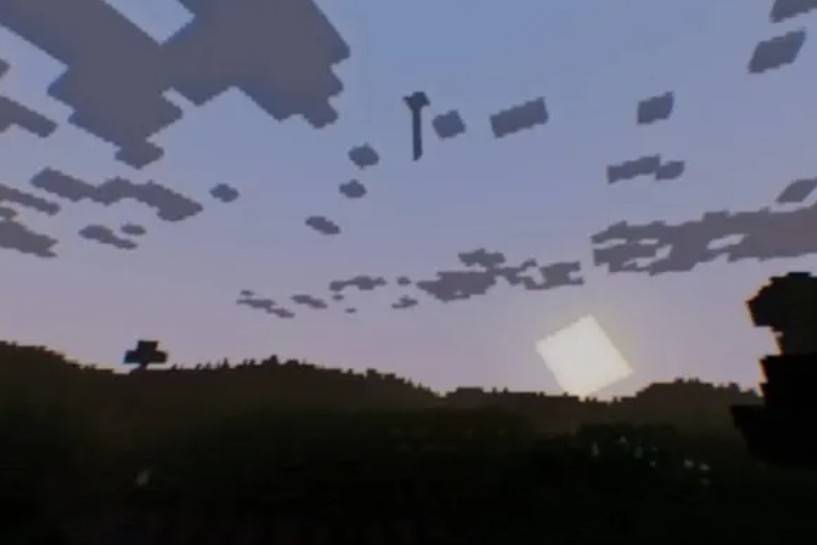
It's gone.
Maybe you imagined it.
Maybe not.

Features
- Unexplained structures that appear where they shouldn't.
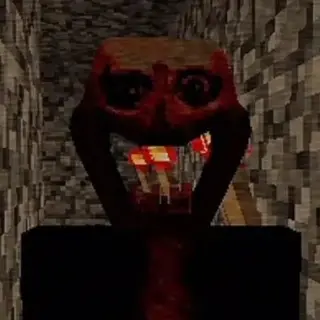
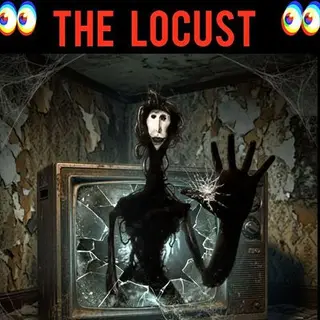
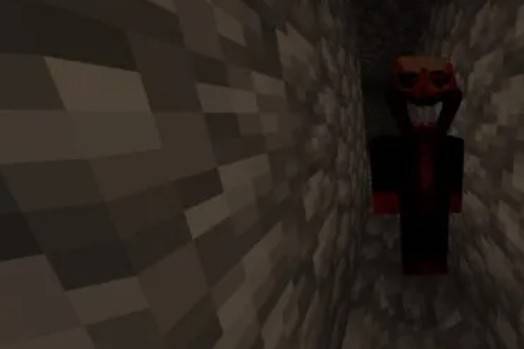
- A mysterious presence that is never where you expect it.
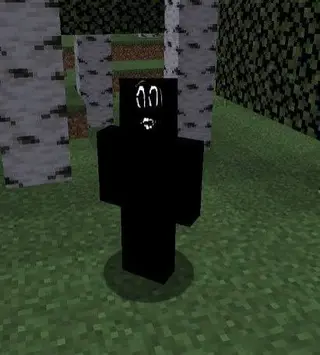
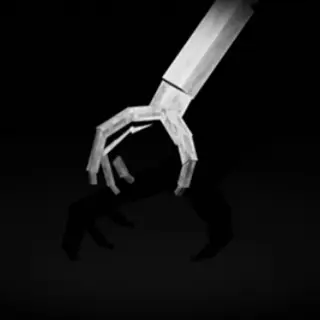
- Strange translucent figures wandering the world.
- Unsettling ambient sounds and unexplained noises.
- Psychological horror focused on atmosphere and uncertainty.
- Random events that make every world feel different.
---
What Happens?
No one really knows.
Some players report seeing impossible structures in the sky.
Others claim they heard footsteps while completely alone.
Some have found strange constructions that seem to have no purpose.
Others insist they were being watched.
Most never see the same thing twice.
Some things disappear the moment you notice them.
Some things don't.
---
Compatibility
- ✅ Minecraft Bedrock Edition
- ✅ Singleplayer
- ✅ Multiplayer
- ✅ Survival
- ✅ Creative
---
Recommended Experience
For the intended experience:
- Play with headphones.
- Keep the volume high.
- Avoid spoilers.
- Don't increase the game's brightness.
The less you know...
The better.
WATCH THE OFFICIAL VIDEO:
Disclaimer
In Your World is an ARG-inspired psychological horror addon.
There are no quests.
No explanations.
No one tells you what is happening.
Explore.
Pay attention.
And if you think you saw something impossible...
Ask yourself one question.
Was it always there... or did it only appear because you noticed it?
CREDITS:
- Edition: Minecraft Bedrock
- File type: .mcpack or .mcaddon
- Minecraft versions listed: 26.0.02, 26.0, 26.3
- How to install: Download the .mcpack or .mcaddon file. → Open it — Minecraft imports it. → In your world: Behavior Packs → Available → Activate, then the same under Resource Packs.
- Where to get it: In MCModsHub, or directly above on this page.
Install steps are the general flow for this file type — How to install Minecraft Bedrock addons & mods walks through it step by step.
- Pack type: .mcaddon — behaviour and resource pack in one file
- Complete pack — everything it depends on is inside the file
- Download size: 4.2 MB
- Download link checked 29 Jul 2026 — working
These come from our own check of the pack file, not from the source page.