
QuickCmds
Java mod listed for Minecraft 1.21. Downloads from the MC Java Mods app on Android.
A radial command wheel — bind commands, chat messages and hotkeys to a quick-access ring and fire them with a single click.
⬇ Download on Modrinth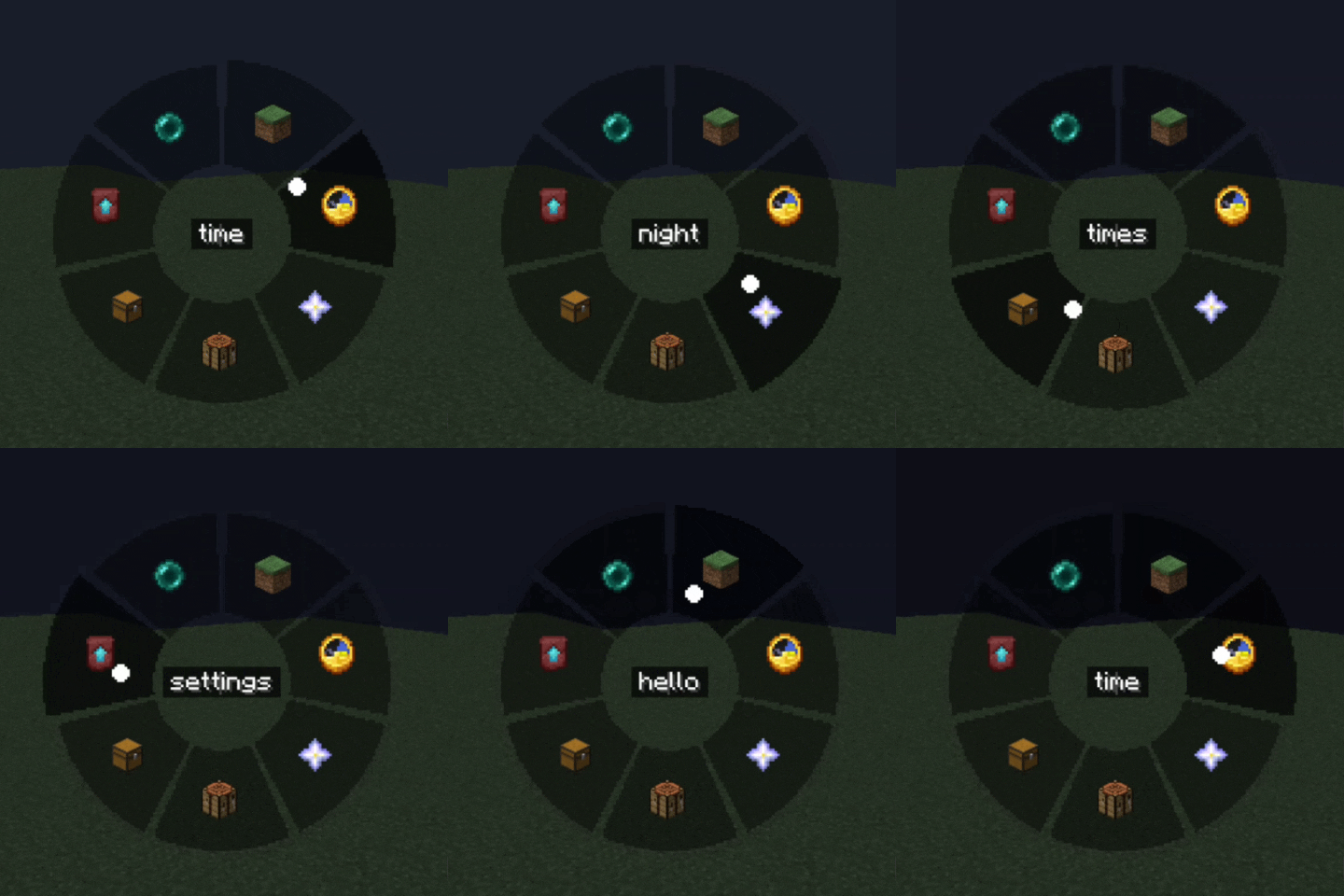
QuickCmds


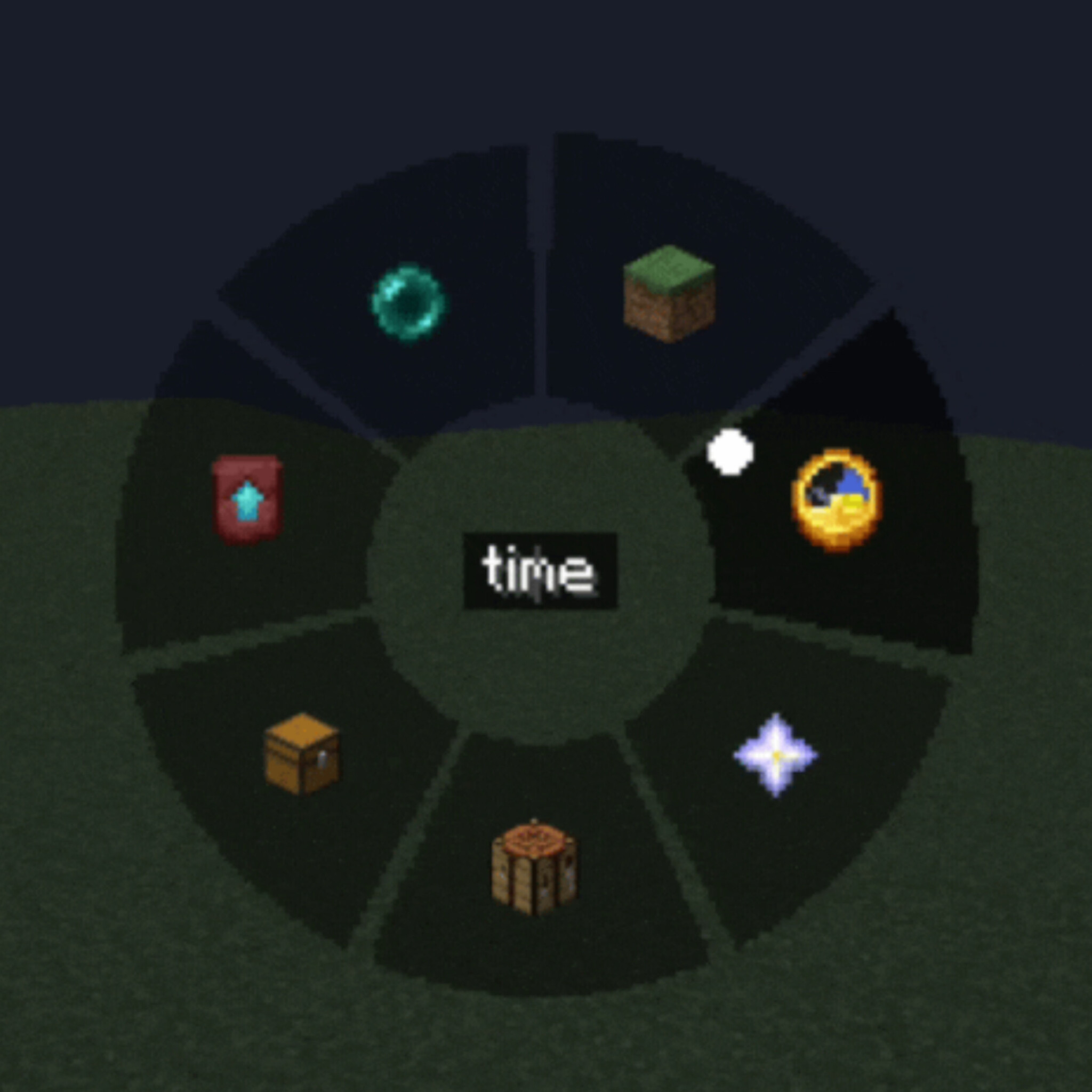
A lightweight client-side mod that adds a customizable radial command wheel to Minecraft — press a key to bring up a ring of up to 12 slots and trigger commands, chat messages, or hotkeys with a single click.
Features
Radial Quick Panel — hold or press a key to open a circular menu, hover a segment and click to execute
Three slot types
- Command — run one or several /commands (one per line, with configurable delay between them)
- Chat message — send preset text/messages instantly
- Hotkey — trigger a custom key combination
Fully customizable appearance
- Adjustable wheel size, outer/inner radius and dead zone
- Custom segment color, text color and transparency (normal and hover states)
- Icon picker — choose from built-in icons or any Minecraft item texture
Two independent keybinds — one to open the command wheel, one for a separate quick settings panel
In-game settings GUI — no config file editing needed, everything is configurable through tabs (Commands / Settings / Appearance)
Client-side only — works on any server, no server-side installation required
Localized in 13 languages: English, Russian, Ukrainian, German, French, Spanish, Polish, Turkish, Japanese, Korean, Chinese, Portuguese (BR), Kazakh
How it works
- Press the Quick Panel key to open the radial wheel
- Hover over a slot to see its tooltip
- Left-click to run it, right-click to delete/edit
- Use the Settings key to configure slots, appearance, and keybinds without leaving the game
Perfect for survival multiplayer, creative building, server administration, or just speeding up repetitive command/chat workflows.
Compatibility
Client-side mod — safe to use on vanilla servers, no server installation needed.
- Edition: Minecraft Java
- File type: .jar
- Minecraft versions listed: 1.21.6, 1.21.7, 1.21.8
- How to install: Install the matching mod loader (Forge, Fabric or NeoForge) for your Minecraft version. → Download the .jar. → Put it in the .minecraft/mods folder and launch that loader profile.
- Where to get it: Opens on Modrinth — not every file is mirrored on our own servers.
Install steps are the general flow for this file type — How to install Minecraft Java mods & modpacks walks through it step by step.
- Ships as quickcmds-1.0.16.jar — drop this file into the mods folder
- Download size: 95 KB
- Download link checked 4 Oct 2026 — working
These come from our own check of the pack file, not from the source page.