MS-Magic Seat
Bedrock add-on listed for Minecraft 26.x (behavior + resource pack). File opened and checked on 6 Oct 2026; installs from the MC Bedrock Mods app on Android.
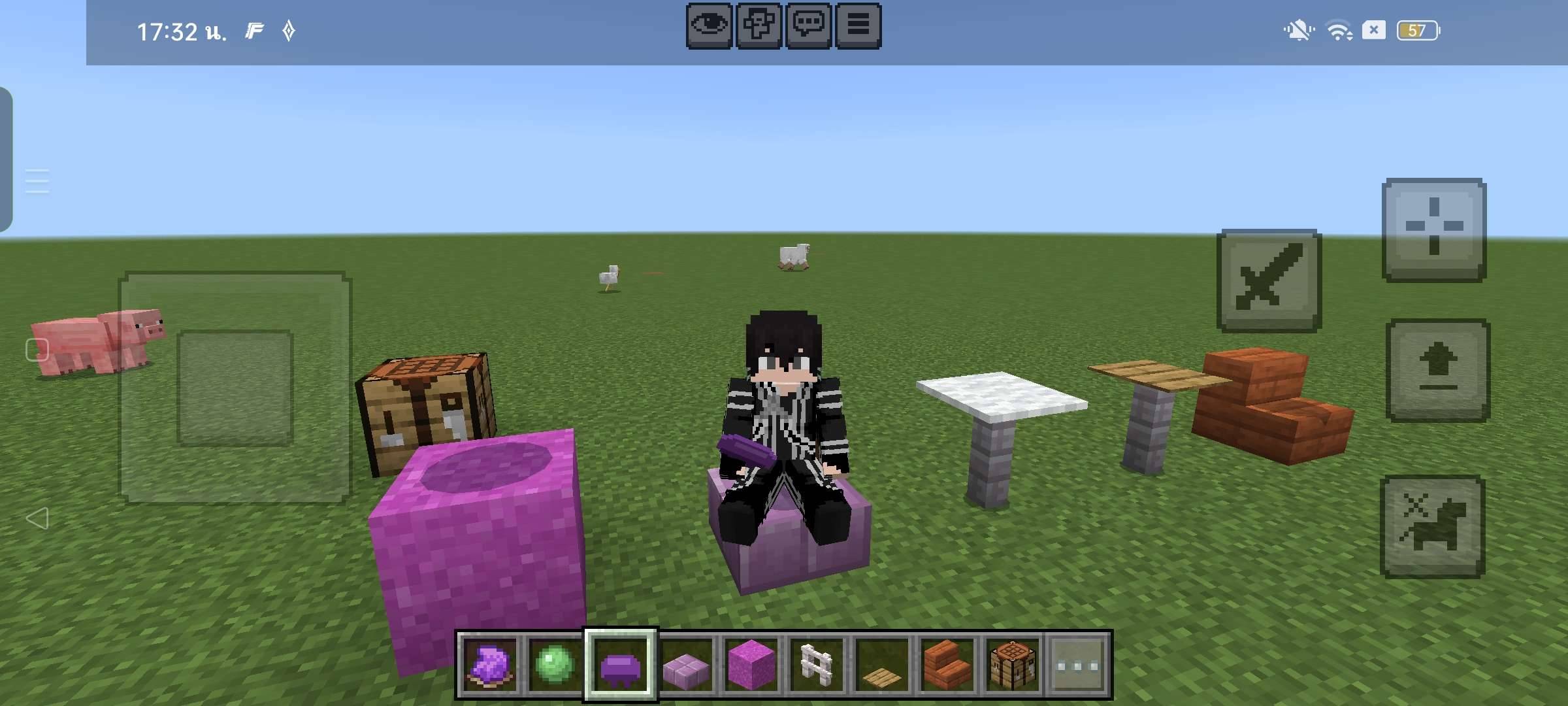
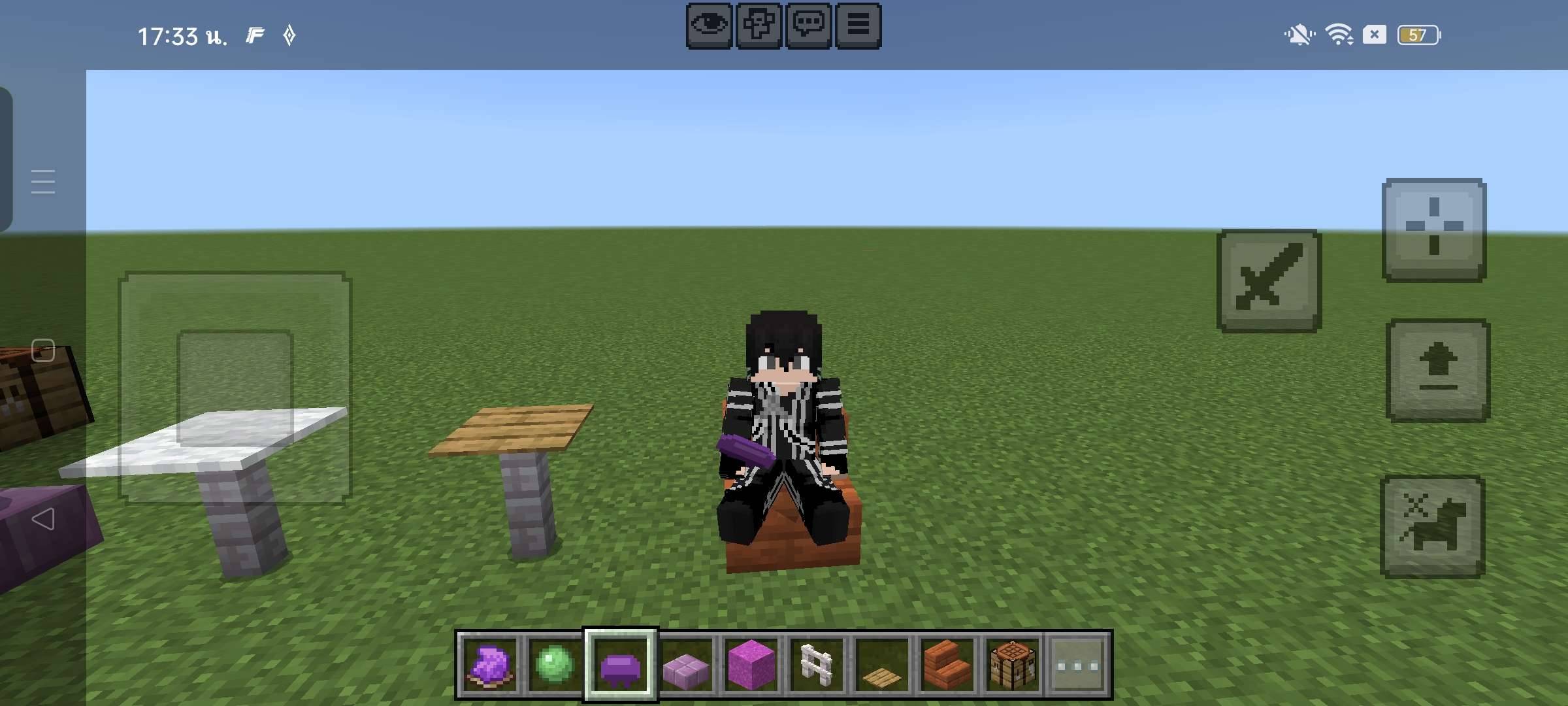
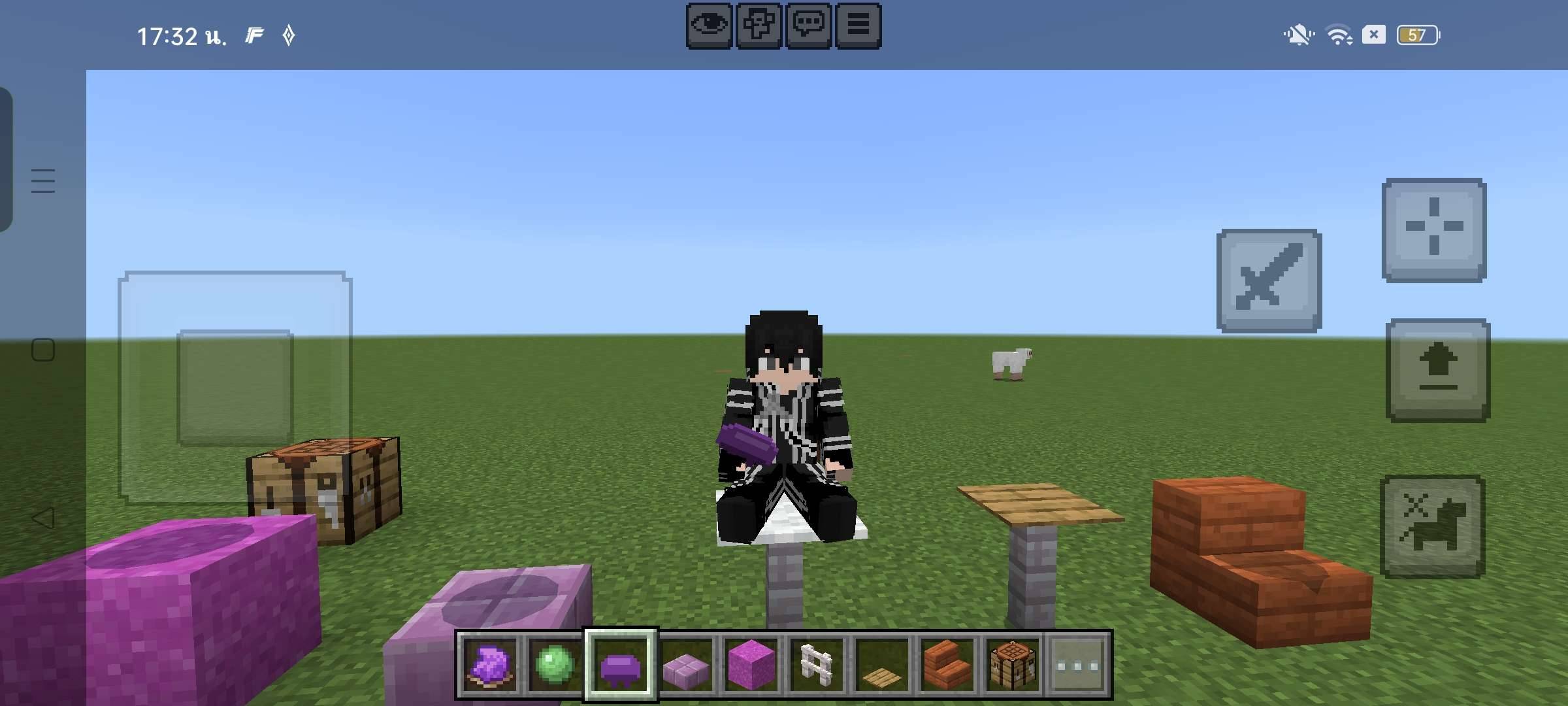
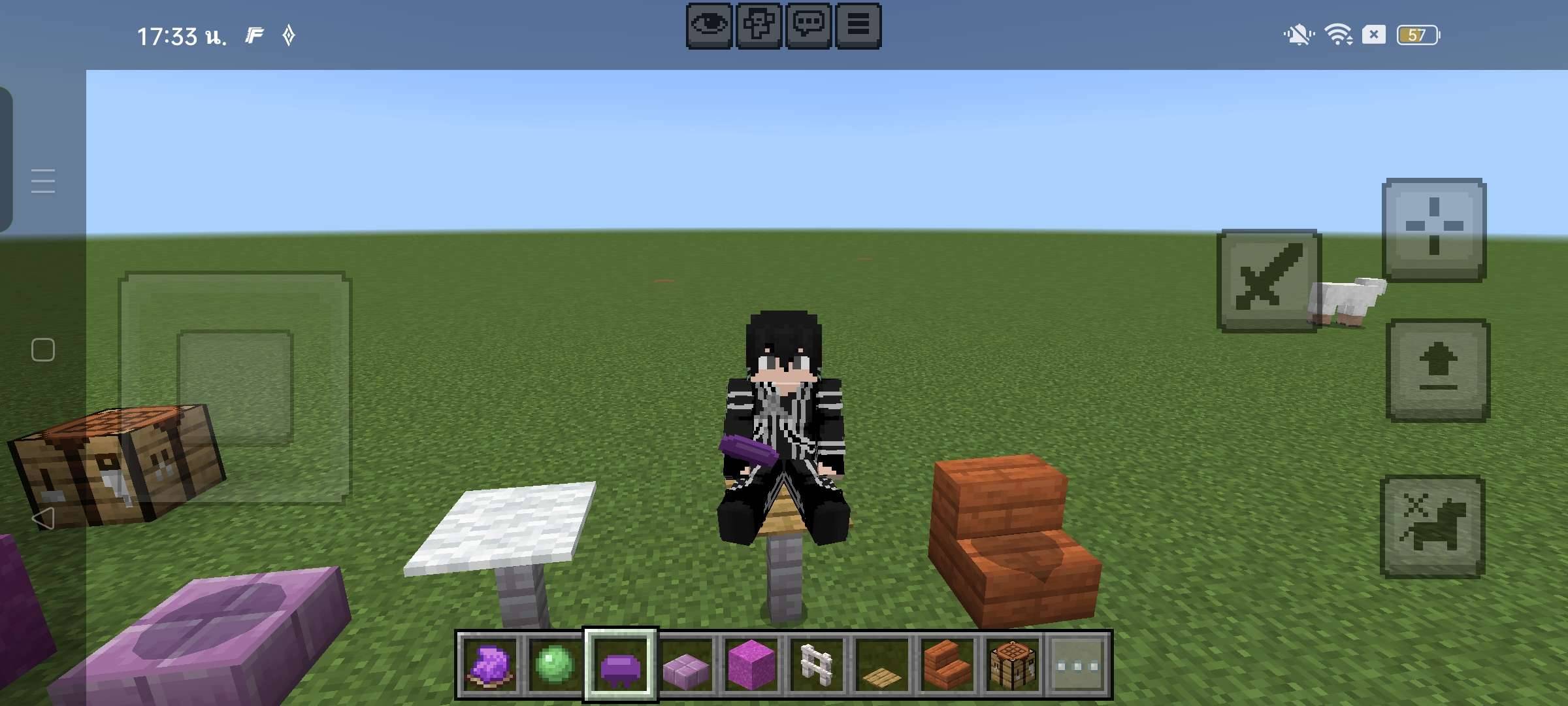
Create invisible seats anywhere in Minecraft Bedrock! Perfect for roleplay, cafés, cities, parks, and custom builds. Lightweight, multiplayer friendly…
⬇ Download on CurseForge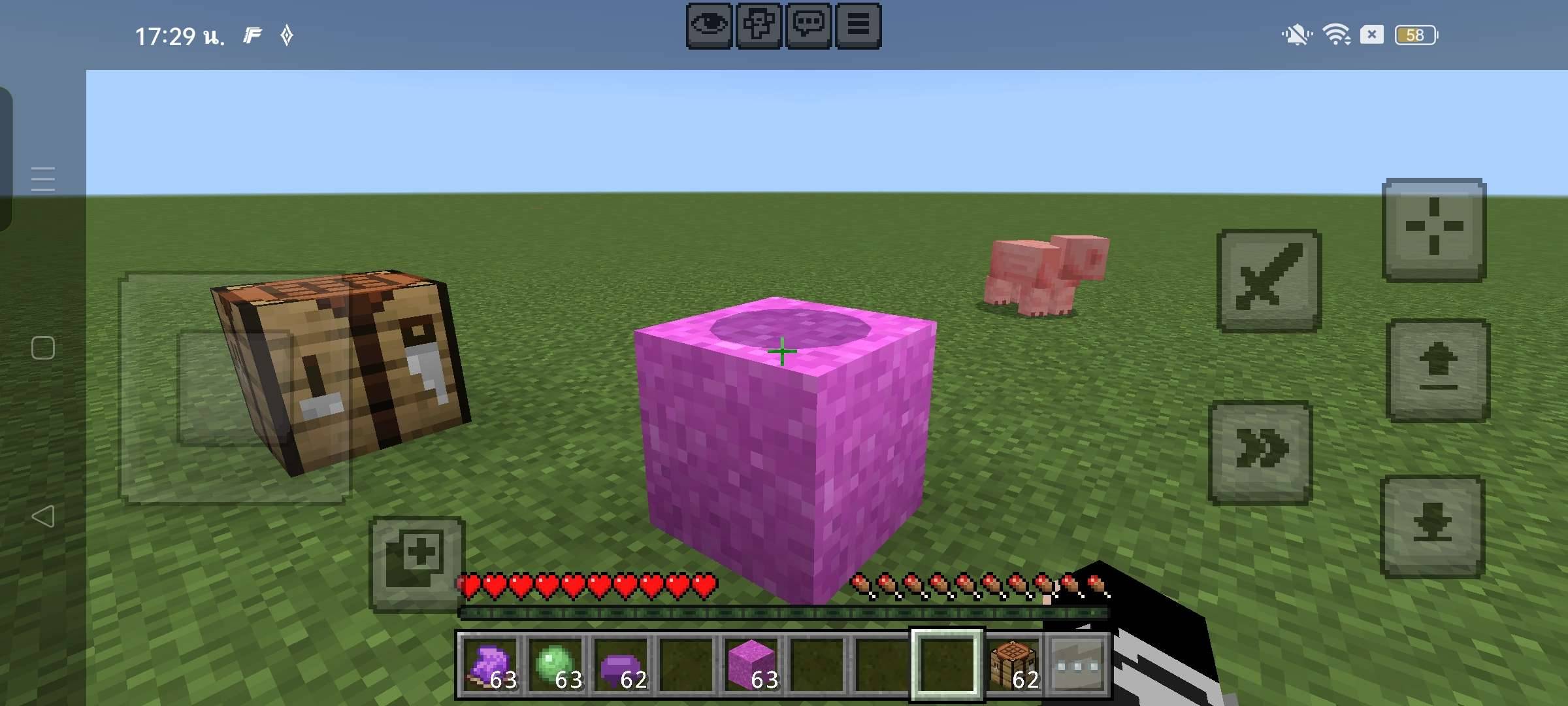
MS-Magic Seat
Sit anywhere with ease!
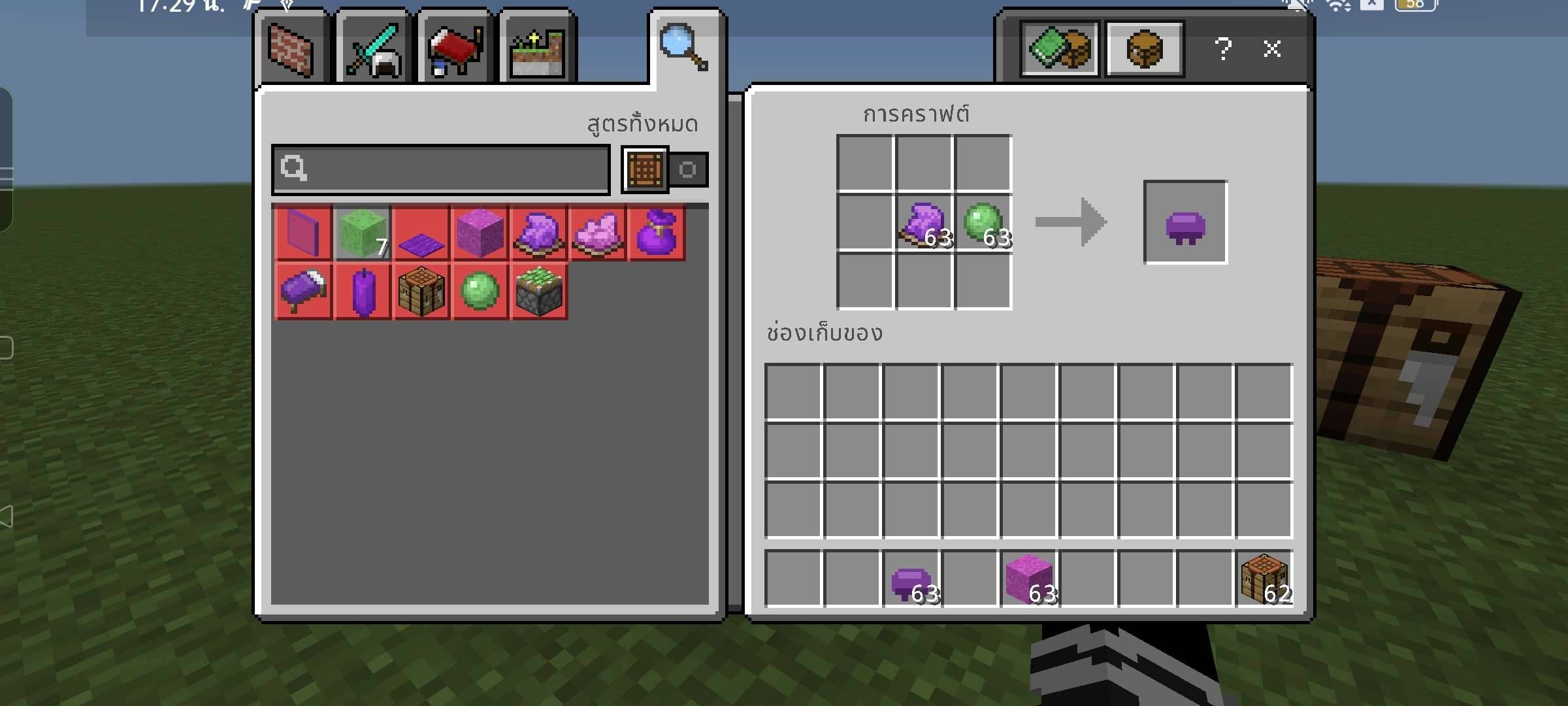
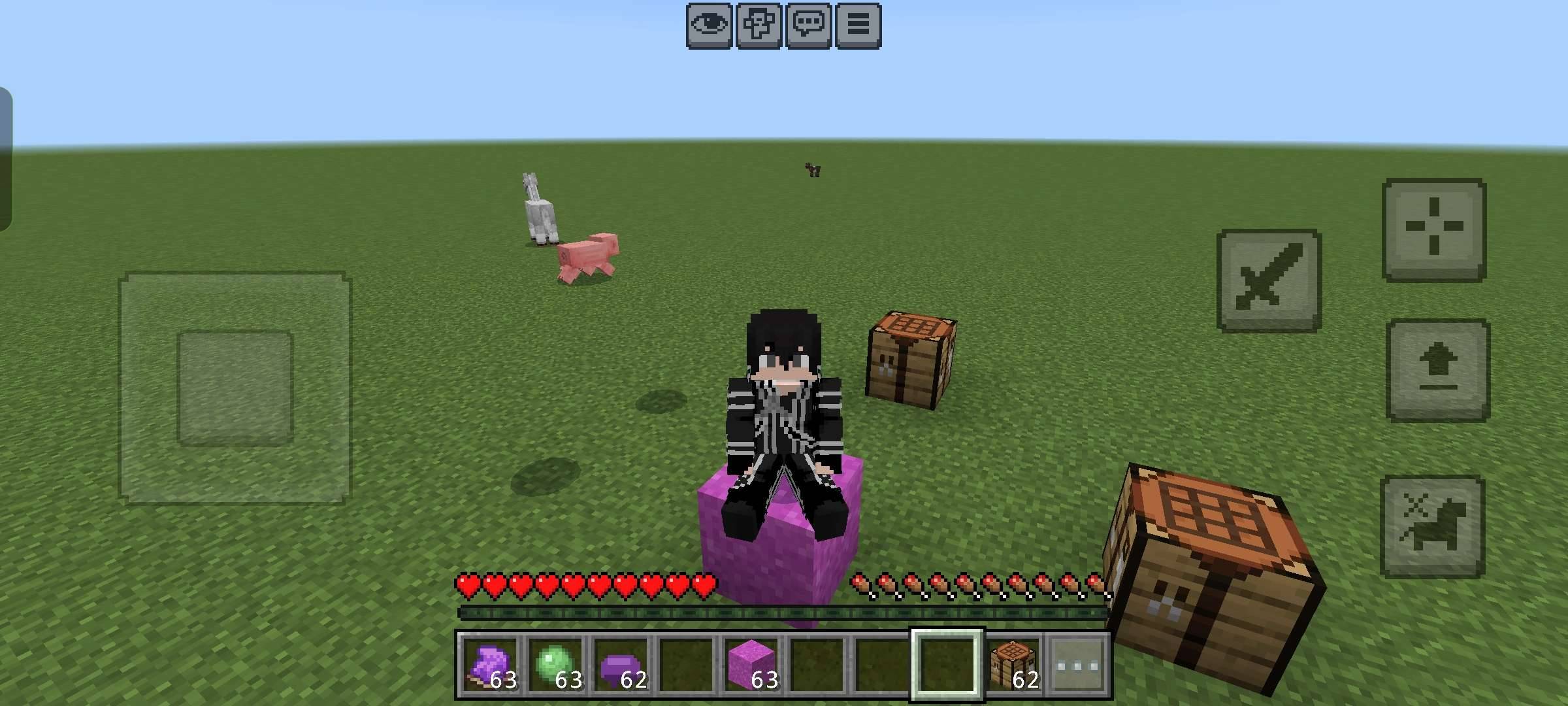
MS-Magic Seat lets players create invisible seats and sit naturally anywhere in your Minecraft Bedrock world. It's perfect for roleplay servers, cities, cafés, restaurants, parks, waiting areas, and custom builds.
Features
- 🪑 Create invisible seats anywhere
- 👥 Multiplayer compatible
- ⚡ Lightweight and easy to use
- 🎮 Simple gameplay integration
- 📱 Designed for Minecraft Bedrock Edition
Perfect For
- Roleplay servers
- Survival worlds
- Creative builds
- Cities and towns
- Cafés, restaurants, and parks
- Custom maps
Installation
1. Import the ".mcaddon" file.
2. Enable both the Behavior Pack and Resource Pack.
3. Create or join a world with the addon enabled.
4. Enjoy placing and using invisible seats!
Compatibility
- Minecraft Bedrock Edition
- Supports recent Bedrock versions
If you find any bugs or have suggestions, feel free to leave a comment. Your feedback helps improve the addon!
Have fun building and sitting anywhere!
- Edition: Minecraft Bedrock
- File type: .mcpack or .mcaddon
- Minecraft version listed: 26.30
- How to install: Download the .mcpack or .mcaddon file. → Open it — Minecraft imports it. → In your world: Behavior Packs → Available → Activate, then the same under Resource Packs.
- Where to get it: Opens on CurseForge — not every file is mirrored on our own servers.
Install steps are the general flow for this file type — How to install Minecraft Bedrock addons & mods walks through it step by step.
- Pack type: .mcaddon — behaviour and resource pack in one file
- Manifest requires Minecraft 1.26.32 or newer
- Complete pack — everything it depends on is inside the file
- Download size: 186 KB
- Download link checked 19 Oct 2026 — working
These come from our own check of the pack file, not from the source page.