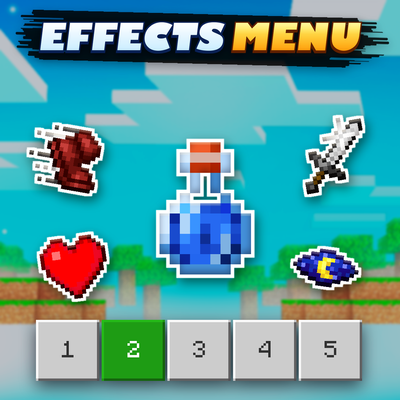
Effects Menu
Bedrock add-on listed for Minecraft 1.21–26.x (behavior + resource pack). File opened and checked on 7 Oct 2026; installs from the MC Bedrock Mods app on Android.
⬇ Download on CurseForgeThe author built this one for Minecraft 26.50. On other versions it may install and then do nothing.
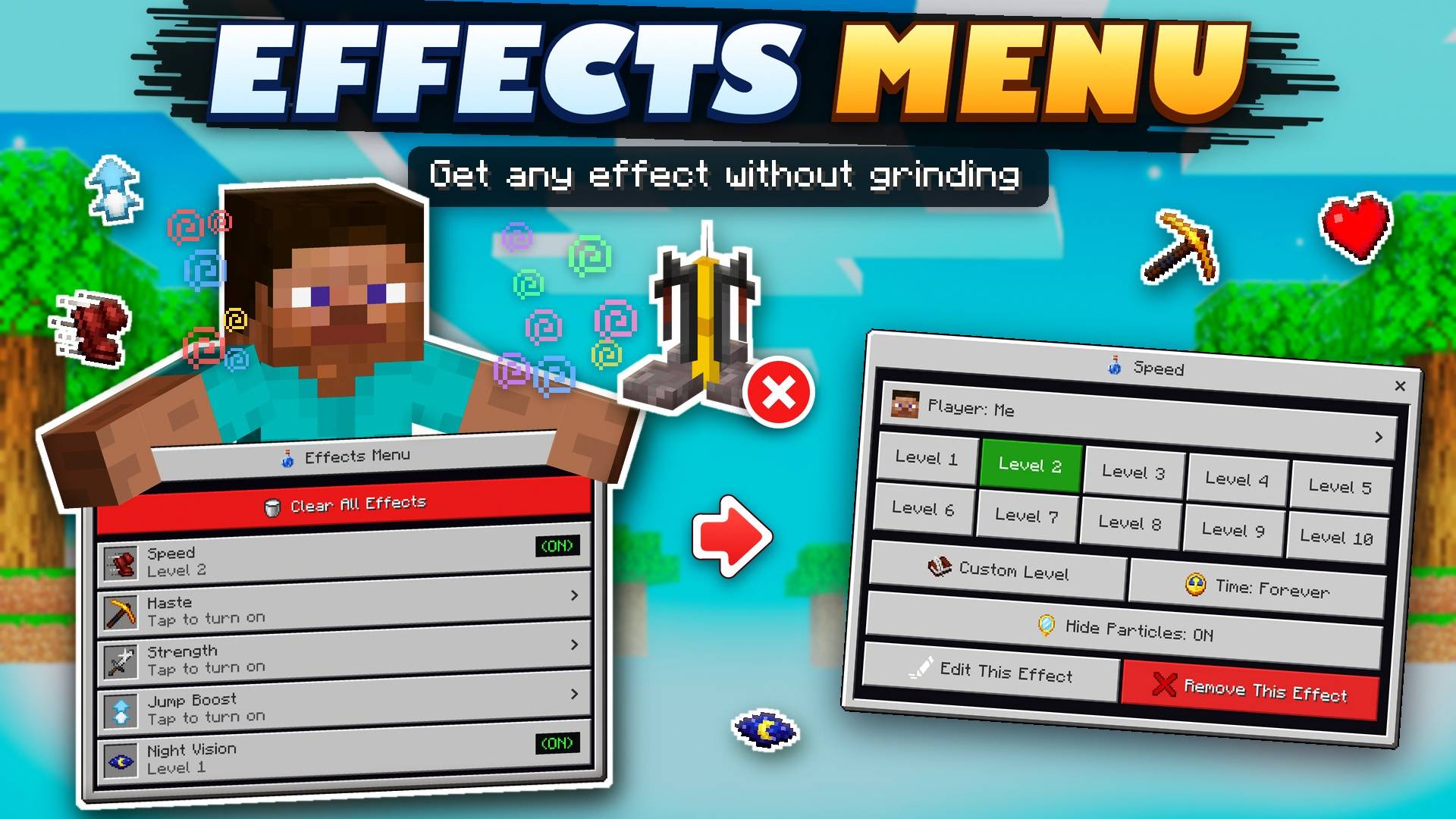
Get any effect you need without grinding for potions or using a brewing stand. Open the menu, choose an effect, select its level and duration, and apply it instantly. You can also remove or change your effects whenever you want.
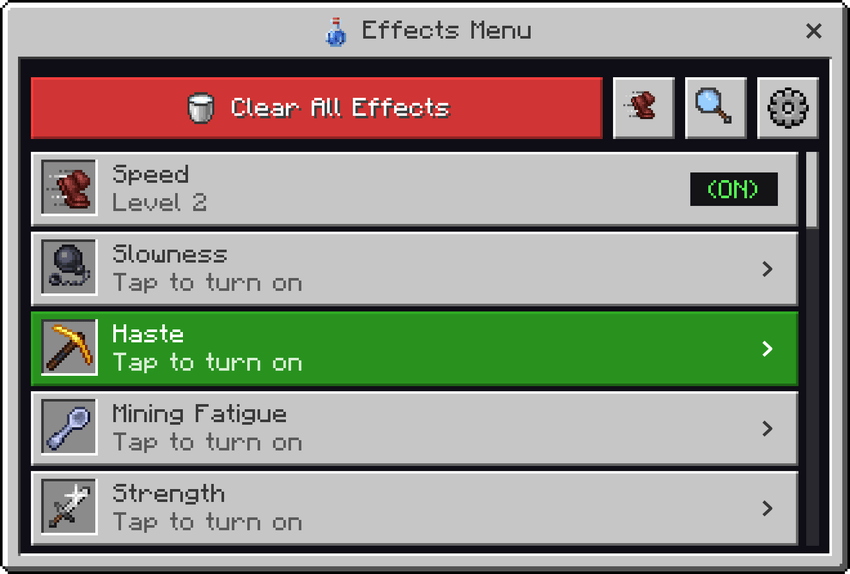
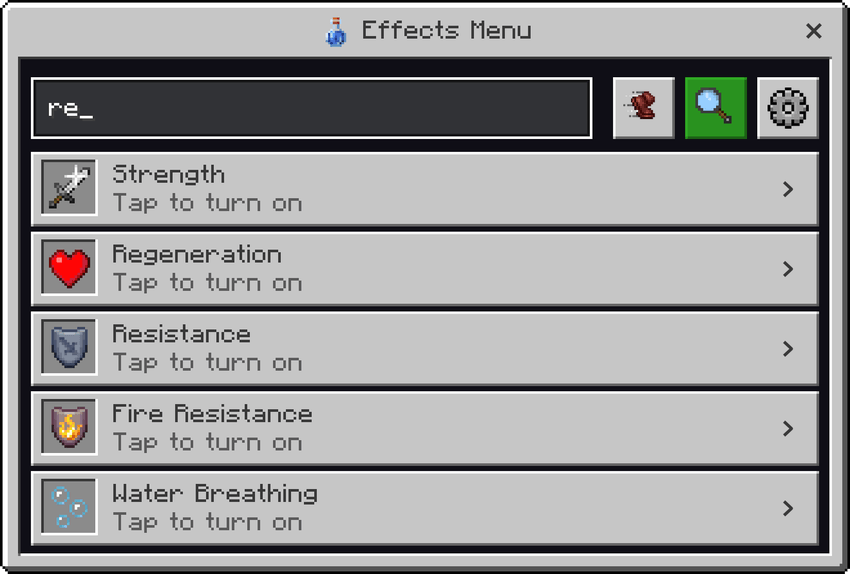
- 25 different effects including Speed, Haste, Strength, Jump Boost, Regeneration, Resistance, Fire Resistance, Water Breathing, Night Vision, Invisibility, Slow Falling and more
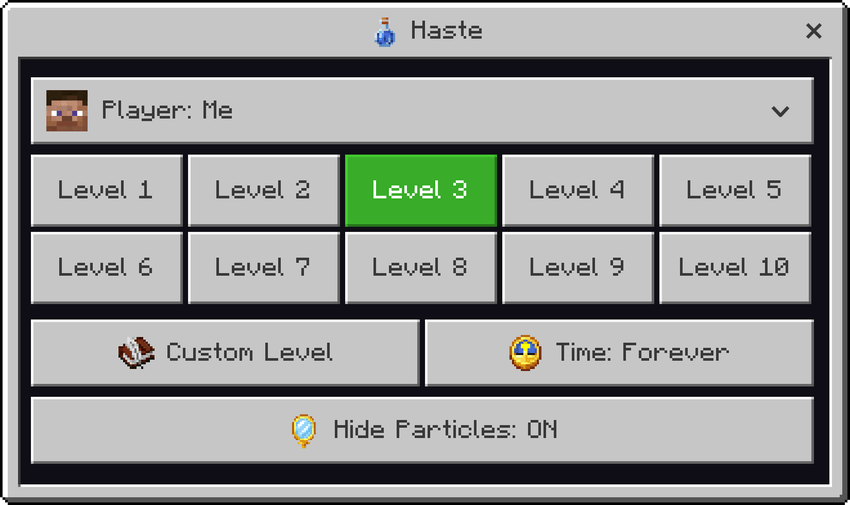
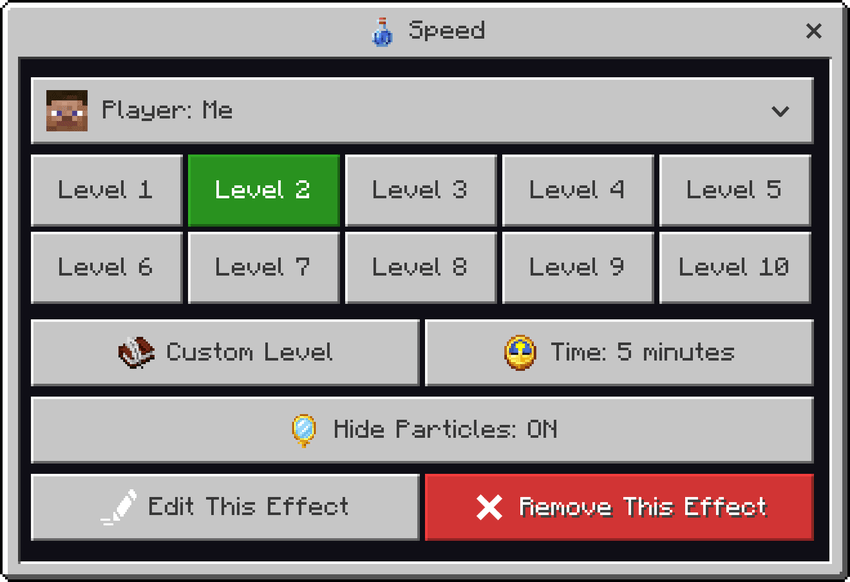
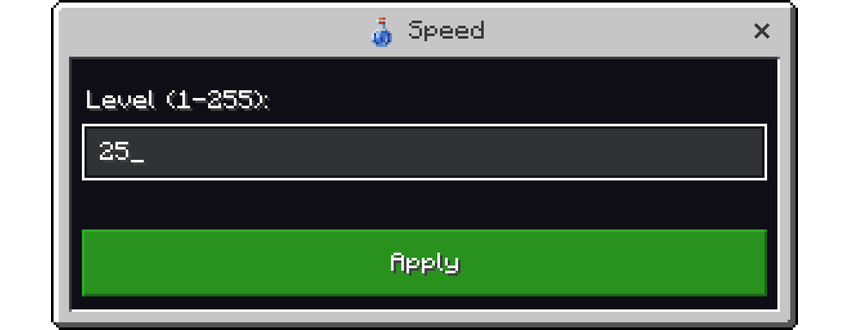
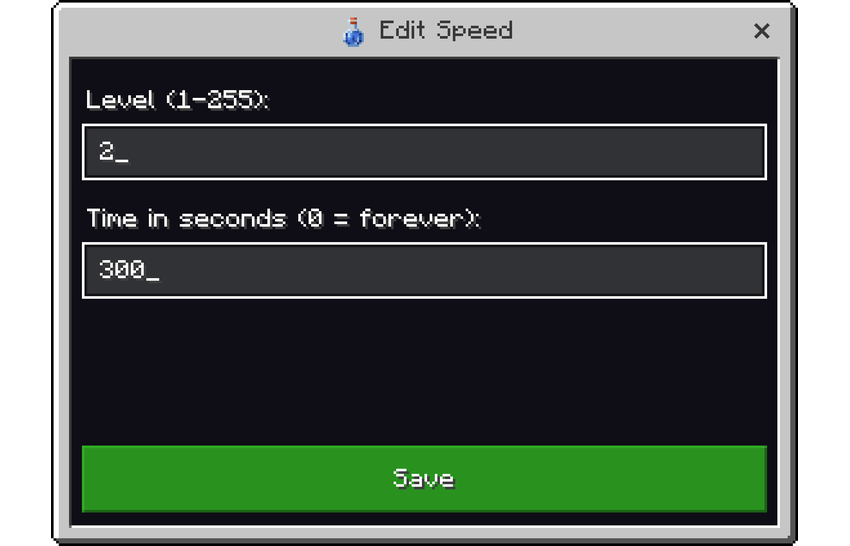
- Choose effect levels from 1 to 10, or enter your own level up to 255
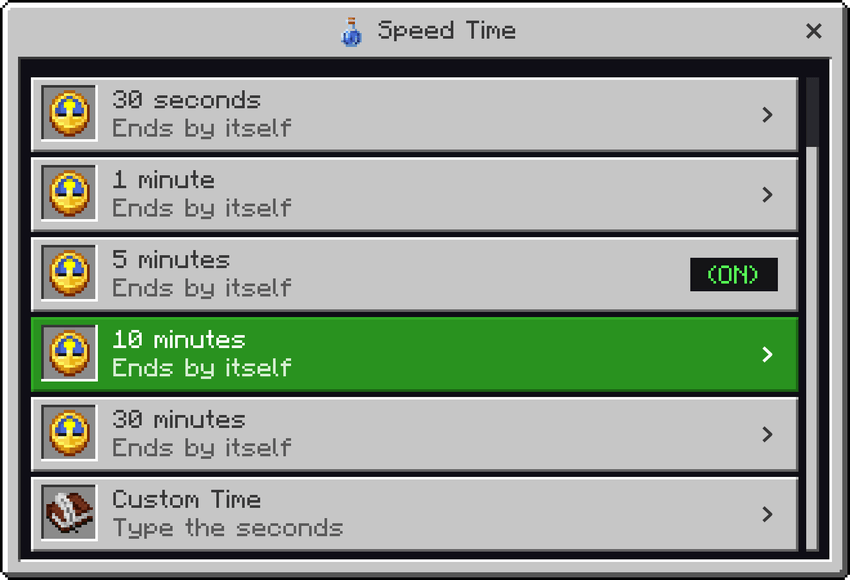
- Choose how long the effect lasts, from 30 seconds to 30 minutes, forever, or enter a custom duration
- Hide particles for individual effects when you don't want the effect particles around you
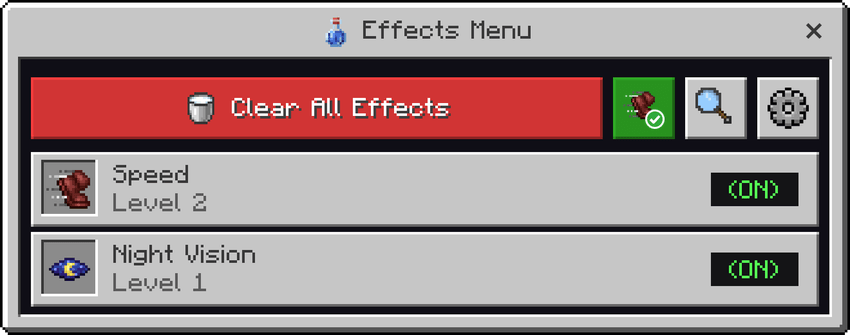
- Active effects are marked with their current level so you can easily see what is enabled
- Edit or remove individual effects, or use Clear All Effects to remove everything
- Search for effects quickly using the search box
- Use the Active filter to see only the effects currently applied to you
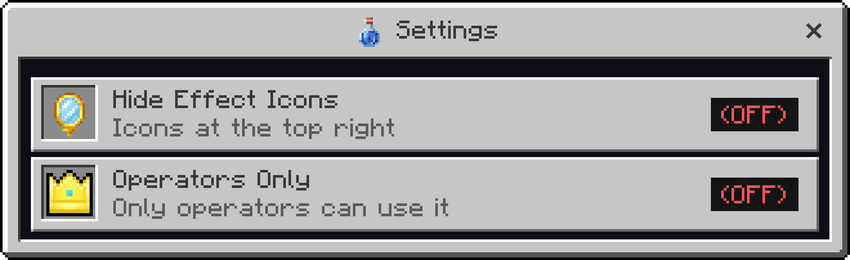
- Hide the effect icons shown at the top right of the screen
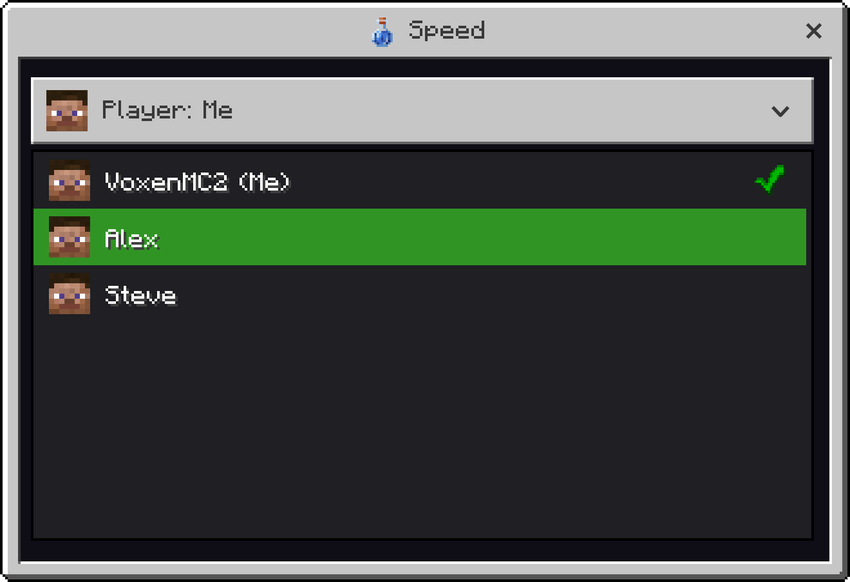
- Operators can select another player and give them effects
- Operators Only setting allows you to restrict the menu to operators
How to Use
- Apply both the Behavior Pack and Resource Pack to your world.
- Open the chat and type
/effectsor/voxen:effectsto open the effects menu. - Choose the effect you want to use.
- Select the level and duration you want, then apply the effect.
- To change or remove an effect, open the same effect again and choose the option you need.
Having any issues with my mods or found a bug? Or maybe you have an idea for a mod that you would like me to make? Join my Discord server and let me know! I'm active there regularly and would love to hear your feedback, suggestions, and ideas.

- Edition: Minecraft Bedrock
- File type: .mcpack or .mcaddon
- Minecraft version listed: 26.50
- How to install: Download the .mcpack or .mcaddon file. → Open it — Minecraft imports it. → In your world: Behavior Packs → Available → Activate, then the same under Resource Packs.
- Where to get it: Opens on CurseForge — not every file is mirrored on our own servers.
Install steps are the general flow for this file type — How to install Minecraft Bedrock addons & mods walks through it step by step.
- Pack type: .mcaddon — behaviour and resource pack in one file
- Manifest requires Minecraft 1.21.100 or newer
- Complete pack — everything it depends on is inside the file
- Download size: 809 KB
- Download link checked 17 Oct 2026 — working
These come from our own check of the pack file, not from the source page.