Automatic Villager Trades
Automates villager trading with a custom block that accepts items through an input hopper and outputs results automatically. Supports all standard trades…
⬇ Download on CurseForge
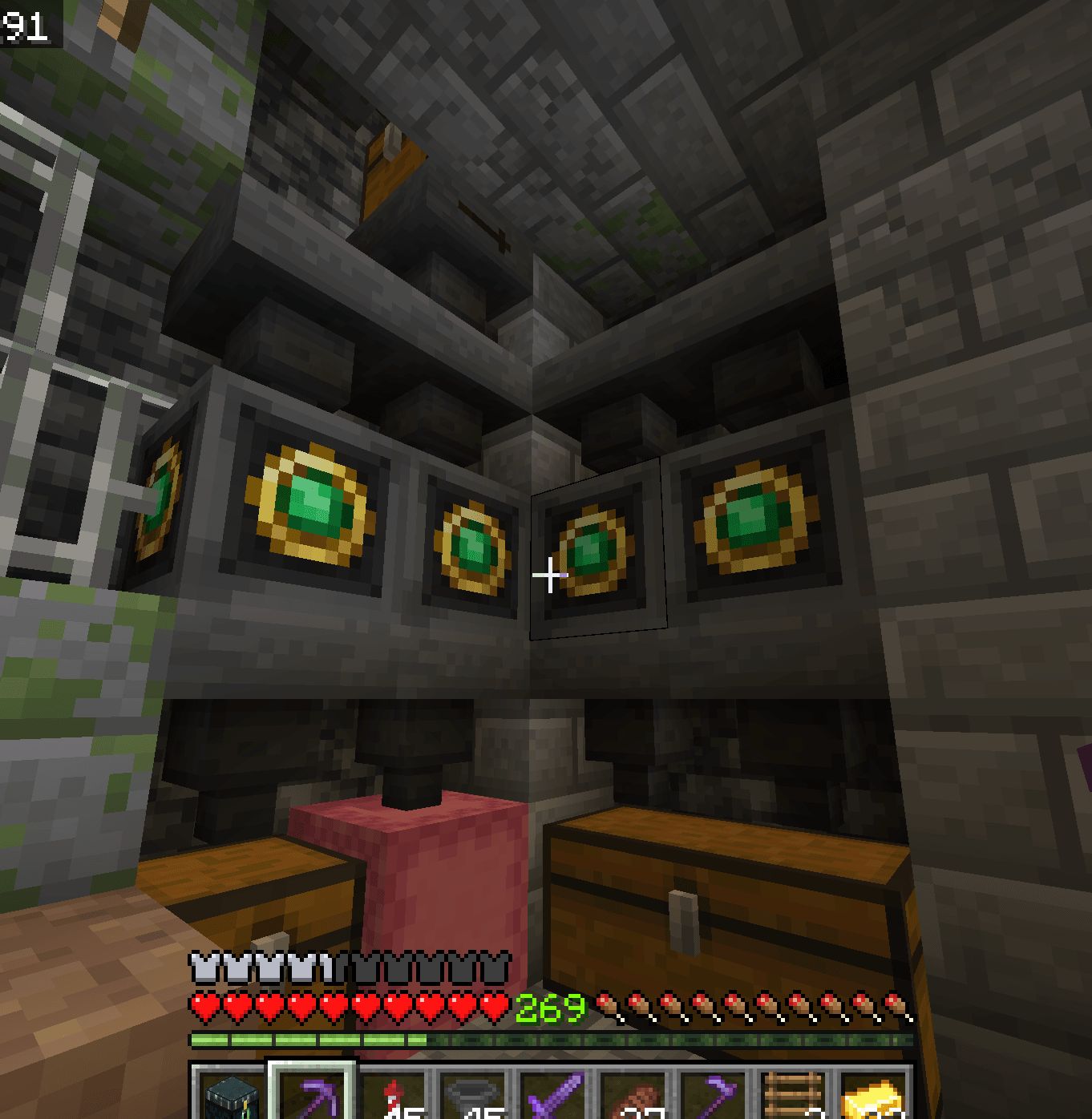
Place the Villager Trade Processor block, feed it the required trade items through an input hopper, and collect results from an output hopper. The block automatically performs villager trades, refreshes offers, and applies discounts when you use Golden Apples and Fermented Spider Eyes. Works with any standard villager trade and requires both a Behavior Pack and Resource Pack enabled
- Place the Villager Trade Processor block
- Input trade items using a hopper pointed into the block. First 2 slots are the only ones that let items through. Place 1 of the item you want to trade, and an emerald in these slots.
- Output items are pulled by a hopper beneath or beside the block
- Supports all normal villager trades
- Discounts activate using Golden Apples + Fermented Spider Eyes in slots 3 and 4.
Slot 5 isn't used, so I usually use a filler item. Trades work in both directions. If you input 32 additional sticks for example, it will consume them and put an emerald in the hopper below. If you insert a second emerald, it will give you 32 sticks.
Enable both BP and RP for full functionality
- Edition: Minecraft Bedrock
- File type: .mcpack or .mcaddon
- Minecraft versions listed: 1.21.30, 1.21.50, 1.21.2
- How to install: Download the .mcpack or .mcaddon file. → Open it — Minecraft imports it. → In your world: Behavior Packs → Available → Activate, then the same under Resource Packs.
- Where to get it: Opens on CurseForge — not every file is mirrored on our own servers.
Install steps are the general flow for this file type — How to install Minecraft Bedrock addons & mods walks through it step by step.
- Pack type: .mcaddon — behaviour and resource pack in one file
- Manifest requires Minecraft 1.20.50 or newer
- Complete pack — everything it depends on is inside the file
- Download size: 2.4 MB
- Download link checked 12 Sept 2026 — working
These come from our own check of the pack file, not from the source page.