
R1's radar and camera additions for ProtoManly's Weather
Java mod listed for Minecraft 1.21. File opened and checked on 18 Oct 2026; downloads from the MC Java Mods app on Android.
⬇ Download on Modrinth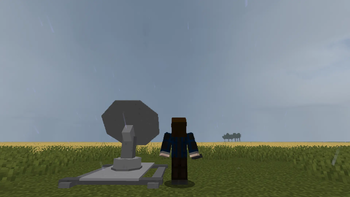
Mod Description
this is just a fun mod to add portable radars, radar dishes, cameras, and traders
Radars
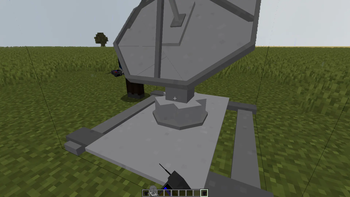
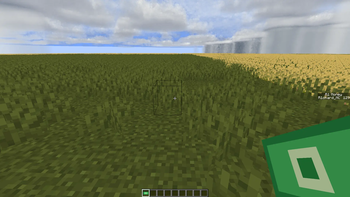
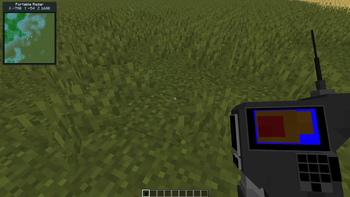
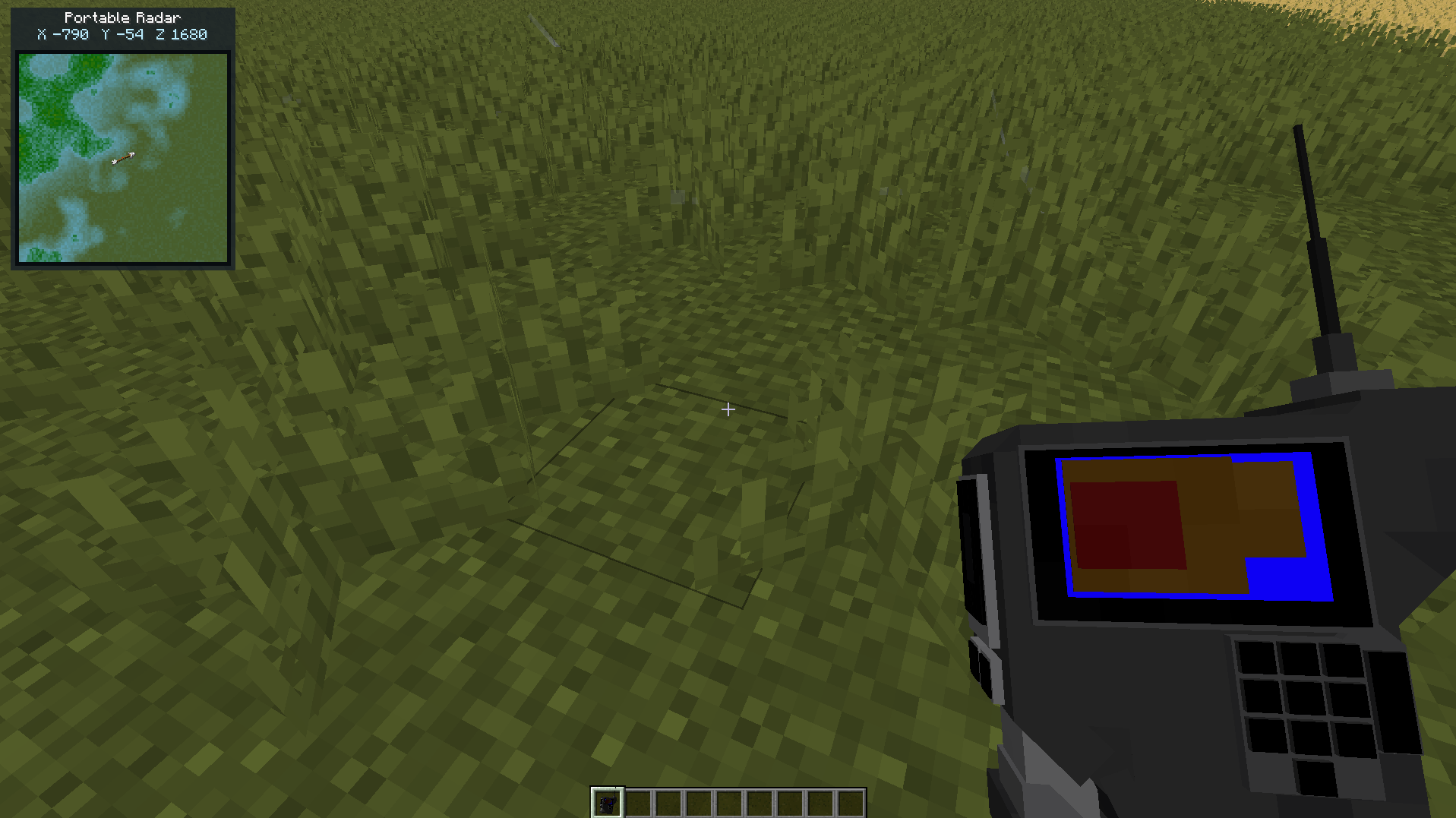
The radar is an item that when paired with the radar dish it shows the info about storms and where to find them.
When holding the radar you can do shift + P {the default keybind} to open a EMP menu for some fun and competition.
How to Pair
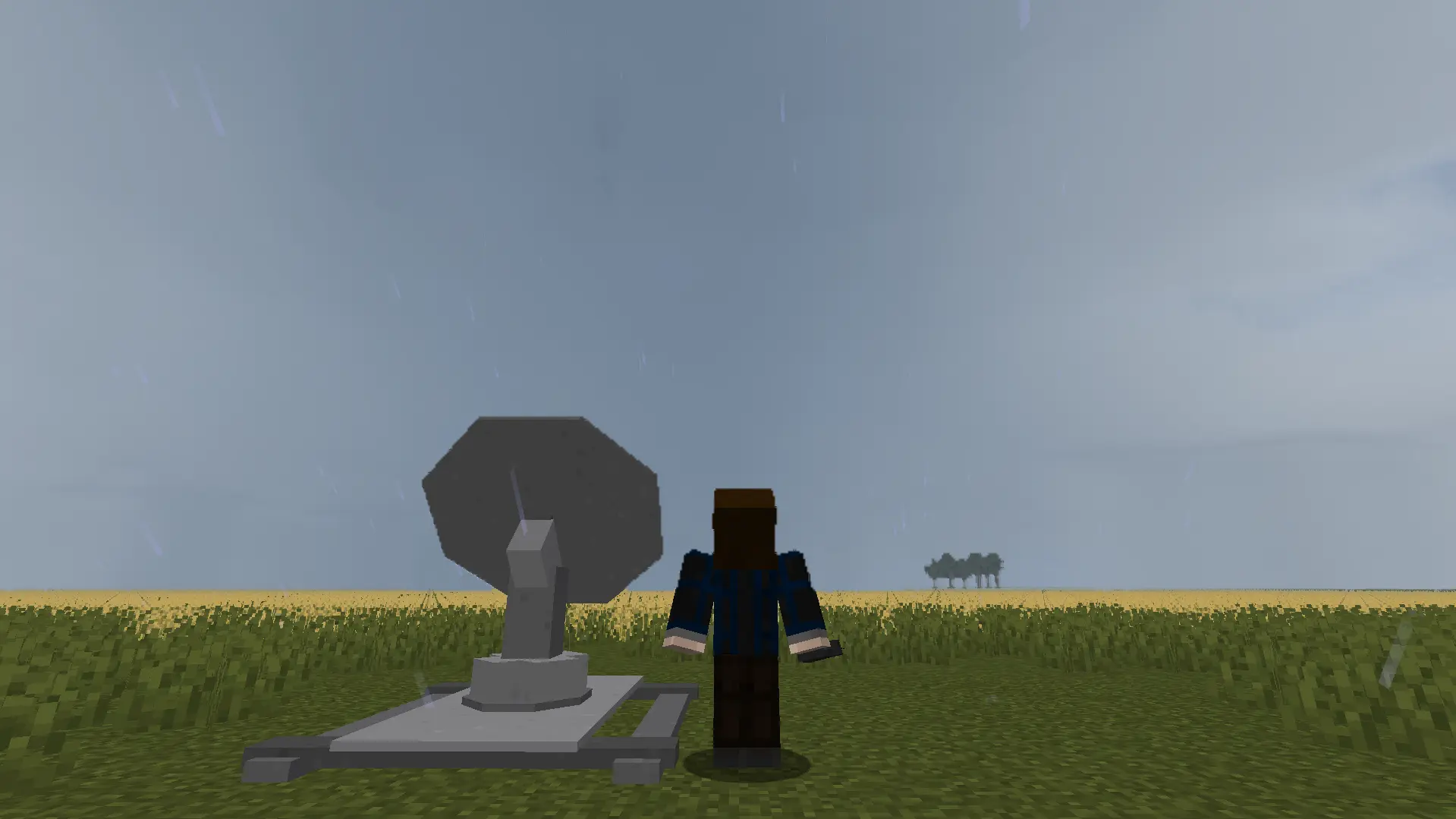
All you need to do is place a radar dish down and in the radius right click at the air.
The Camera
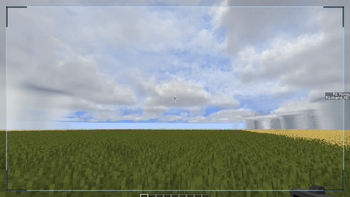
The camera is an item that when you click and let go it takes a picture.
The Pictures
You can right click a picture to open it and show what you captured.
Traders
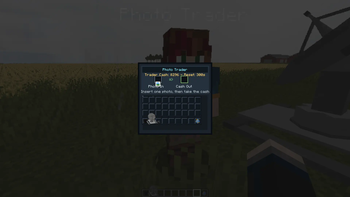
You can sell a picture by going to a trader and interacting with them.
Video (not a tutorial)
Pictures
- Edition: Minecraft Java
- File type: .jar
- Minecraft version listed: 1.21.1
- How to install: Install the matching mod loader (Forge, Fabric or NeoForge) for your Minecraft version. → Download the .jar. → Put it in the .minecraft/mods folder and launch that loader profile.
- Where to get it: Opens on Modrinth — not every file is mirrored on our own servers.
Install steps are the general flow for this file type — How to install Minecraft Java mods & modpacks walks through it step by step.
- Ships as R1's radar and camera additions for ProtoManly's Weather.jar — drop this file into the mods folder
- Download size: 324 KB
- Download link checked 22 Oct 2026 — working
These come from our own check of the pack file, not from the source page.