
Stardew Clock
Java mod listed for Minecraft 1.21. Downloads from the MC Java Mods app on Android.
Small client-side Fabric mod for Minecraft that adds a cozy Stardew Valley-inspired clock overlay to your HUD.
I don't know my version or loader
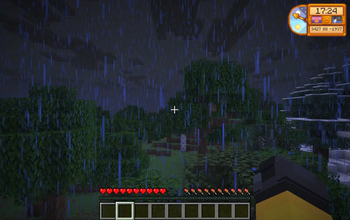
Stardew Clock
Stardew Clock is a small client-side Fabric mod for Minecraft that adds a cozy Stardew Valley-inspired clock overlay to your HUD.
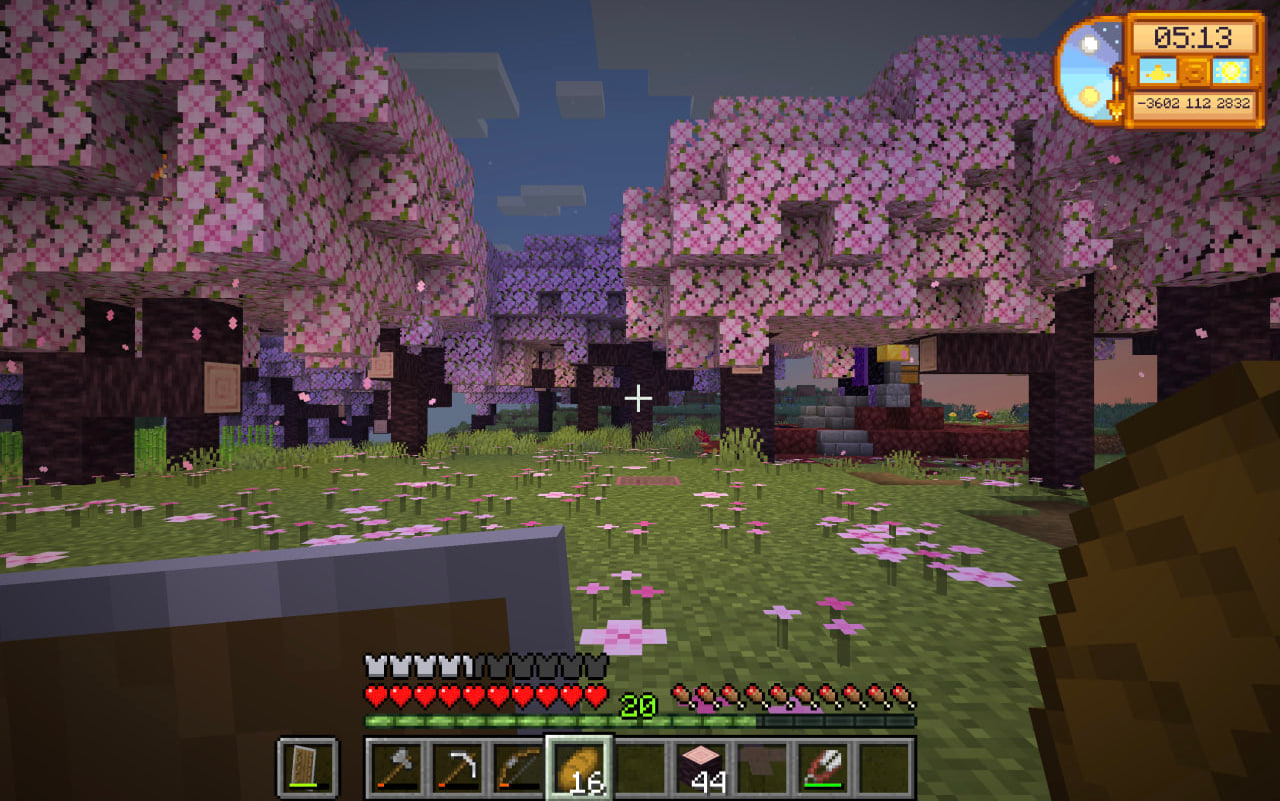
The mod brings the familiar warm pixel-art feeling of Stardew Valley’s clock into Minecraft while keeping the information useful for regular gameplay. It displays the current in-game time, your player coordinates, the current time of day, and the current weather in a compact HUD widget.
Features
- Stardew Valley-inspired pixel-art clock overlay
- Numeric Minecraft time display
- Rotating clock hand that follows the in-game day cycle
- Time-of-day indicator
- Weather indicator for sunny, rainy, and stormy weather
- Player coordinates displayed directly on the clock
- Client-side only
- Lightweight and simple
Displayed Information
The clock shows:
- Current in-game time
- Player coordinates
- Time of day, such as morning, day, evening, or night
- Current weather, including sunny, rain, or thunderstorm
Configuration
The mod includes simple configuration options for the HUD overlay. You can enable or disable displayed information and adjust the clock position on the screen.
If Mod Menu is installed, the configuration screen can be opened from the Mods menu.
Compatibility
Stardew Clock is built for Fabric and is intended to run as a client-side HUD mod. It does not add blocks, items, world generation, or server-side gameplay changes.
Credits
This mod is inspired by the clock UI from Stardew Valley.
Stardew Valley is created by ConcernedApe.
This project is an unofficial fan-made Minecraft mod and is not affiliated with or endorsed by ConcernedApe or Mojang.
- Edition: Minecraft Java
- File type: .jar
- Minecraft versions listed: 1.21, 1.21.1, 1.21.2
- How to install: Install the matching mod loader (Forge, Fabric or NeoForge) for your Minecraft version. → Download the .jar. → Put it in the .minecraft/mods folder and launch that loader profile.
- Where to get it: Opens on Modrinth — not every file is mirrored on our own servers.
Install steps are the general flow for this file type — How to install Minecraft Java mods & modpacks walks through it step by step.
- Ships as stardewclock-1.0.1.jar — drop this file into the mods folder
- Download size: 21 KB
- Download link checked 23 Oct 2026 — working
These come from our own check of the pack file, not from the source page.