
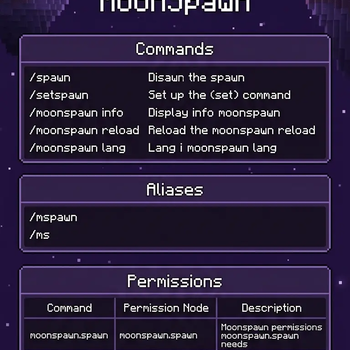


📜 Commands
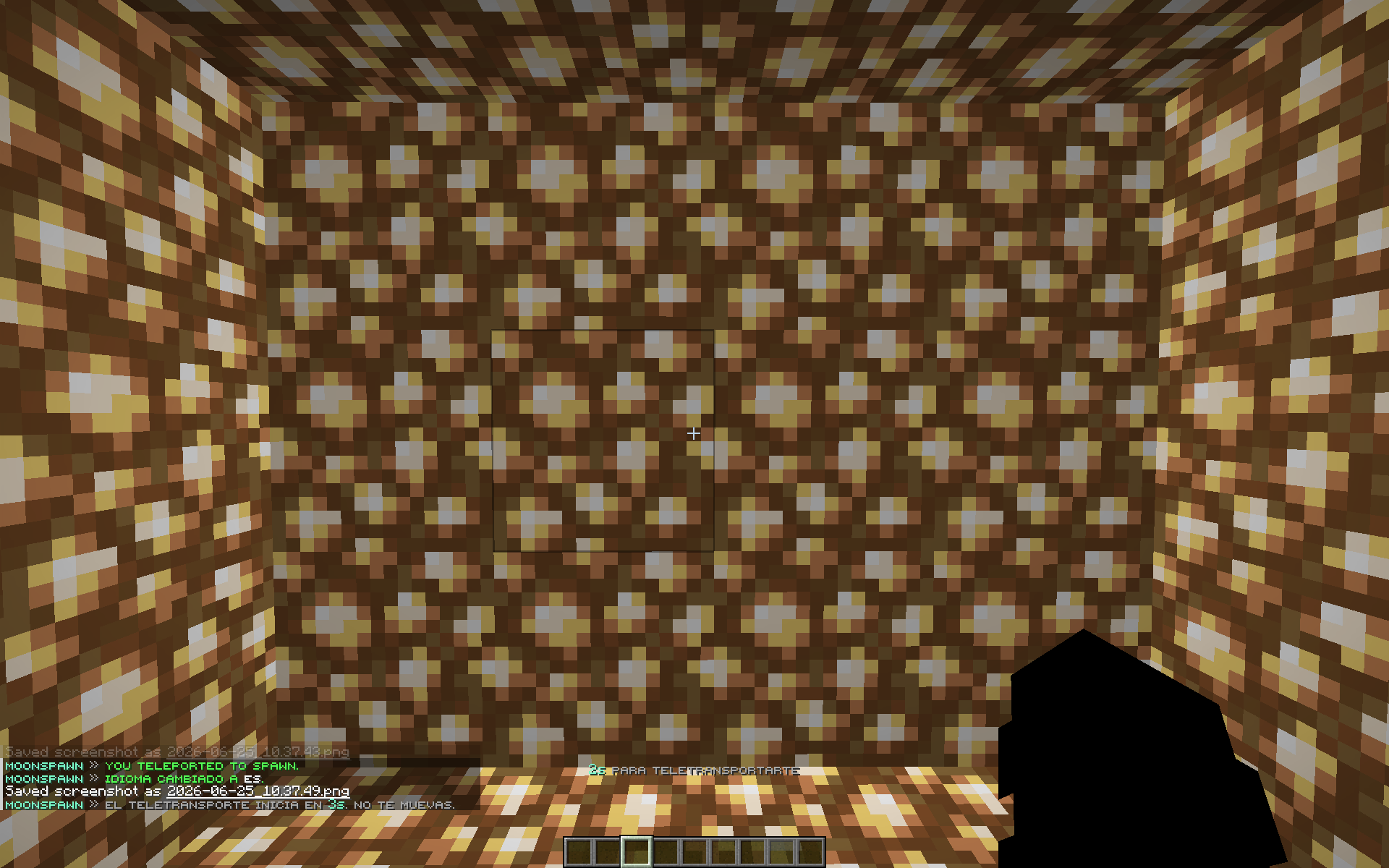
🚀 /spawn Teleports you to the configured spawn location.
📍 /setspawn Sets your current location as the server spawn point.
ℹ️ /moonspawn info Displays plugin information, the active language, and the current spawn status.
🔄 /moonspawn reload Reloads the configuration and language files.
🌐 /moonspawn lang <tr|en|es> Changes the plugin language.

🔐 Permission List
🎮 moonspawn.spawn Allows players to use the /spawn command. Default: true
🛠️ moonspawn.setspawn Allows players to set the server spawn point using /setspawn. Default: op
👑 moonspawn.admin Grants access to all administrative commands (/moonspawn, /mspawn, /ms). Default: op
⏱️ moonspawn.bypass.cooldown Bypasses the spawn teleport cooldown. Default: op
- Edition: Minecraft Java
- File type: .jar
- Minecraft versions listed: 1.21, 1.21.1, 1.21.2
- How to install: Install the matching mod loader (Forge, Fabric or NeoForge) for your Minecraft version. → Download the .jar. → Put it in the .minecraft/mods folder and launch that loader profile.
- Where to get it: Opens on Modrinth — not every file is mirrored on our own servers.
Install steps are the general flow for this file type — How to install Minecraft Java mods & modpacks walks through it step by step.
- Ships as MoonSpawn-1.0.0.jar — drop this file into the mods folder
- Download size: 1.8 MB
- Download link checked 24 Aug 2026 — working
These come from our own check of the pack file, not from the source page.