-
COMPASSBAR SCRIP
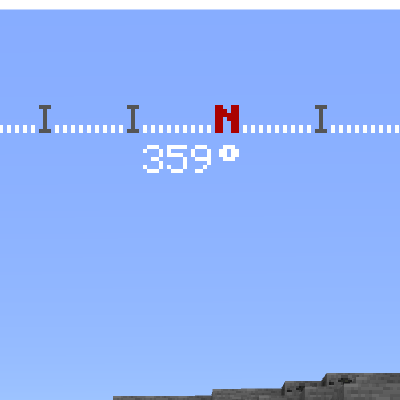
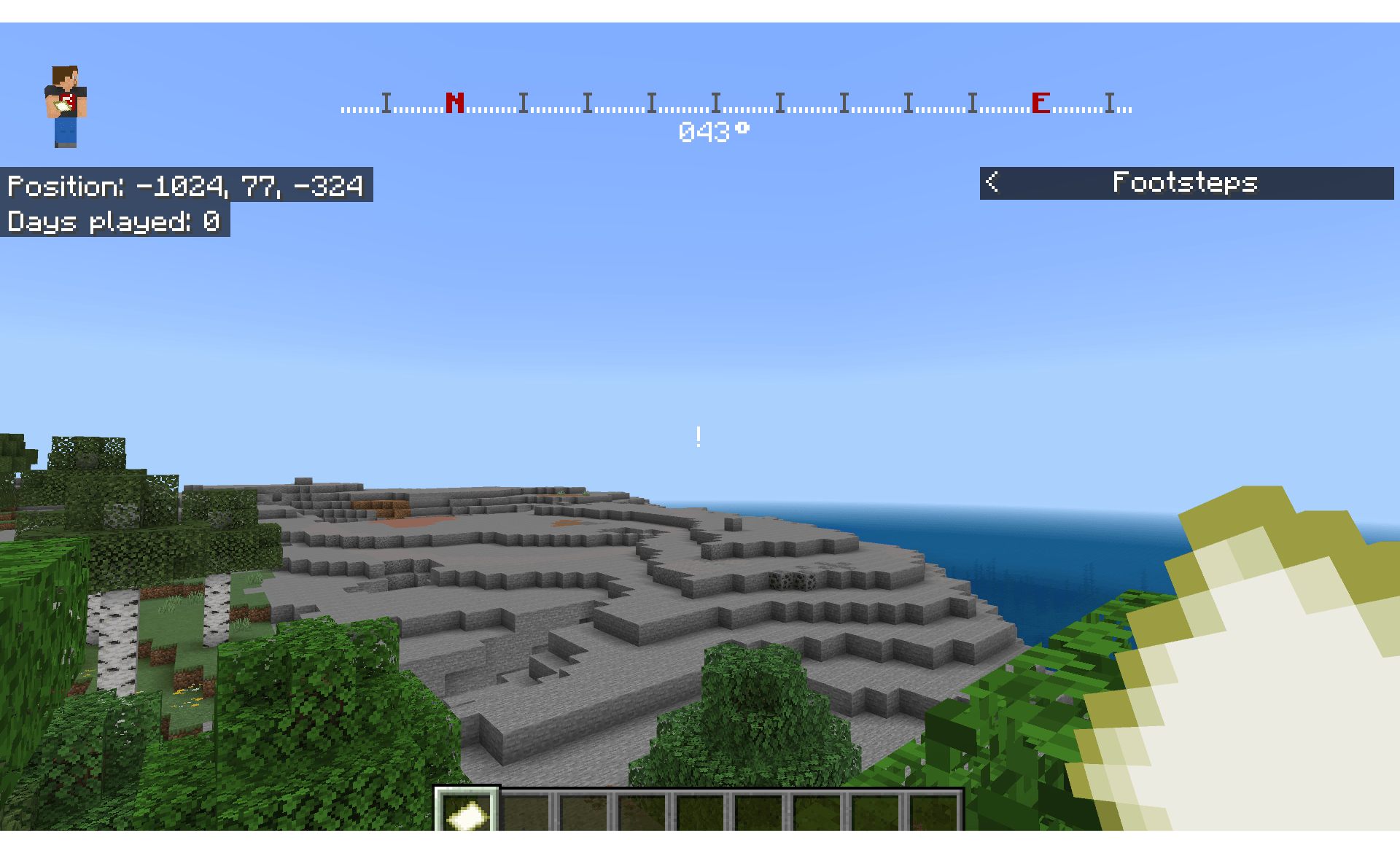
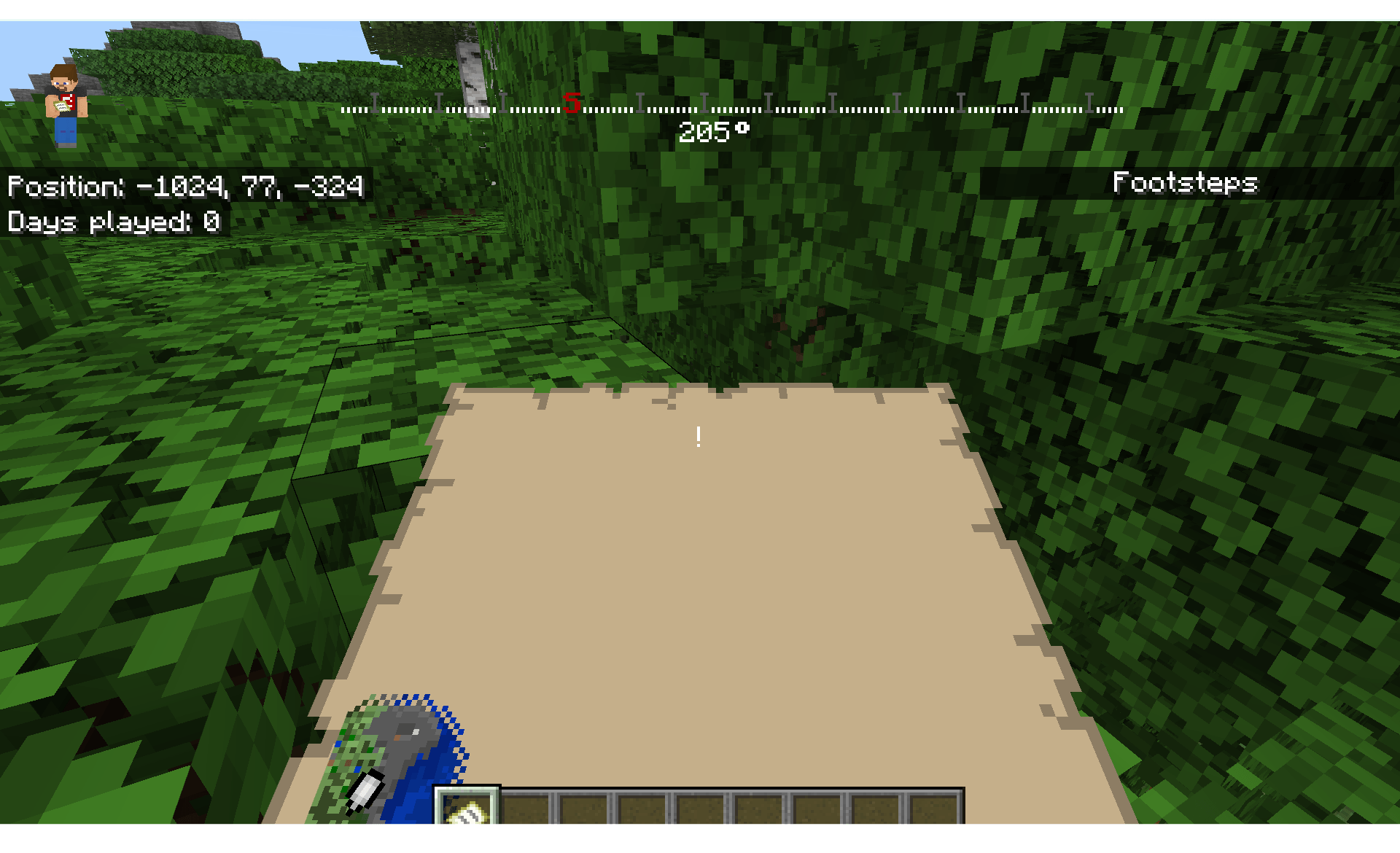
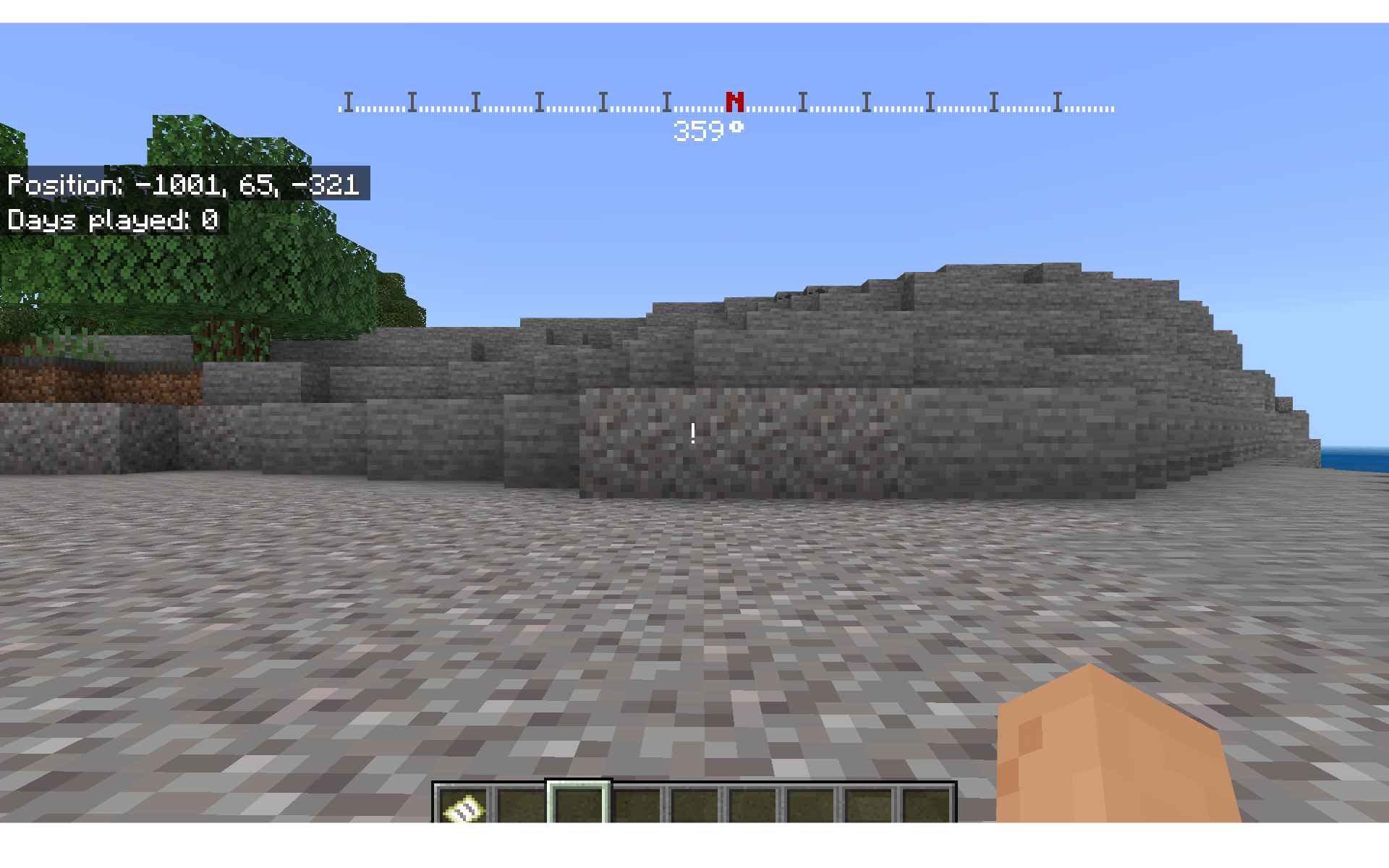
hello guys today I have a script that is easy to import into your projects! This script was made because there's very few of these and also because this will help change add-ons with hud elements so, if you have an addon that's lacking a compassbar like a gun addon or some other projects here it is! Also if you need a tutorial on how to set it up, how to use it and how to configure it here is that video: https://youtu.be/8KcMAV2fu9w
THINGS YOU CANNOT DO-
- Claim this code as yours
-
- Not giving proper credit
-
- Sell, or trade this code,
THINGS YOU CAN DO
besides all that as long as credit is involved IDC what you do with it in your addon Also it's free to use in any marketplace addon, as long as you give credits, as said before
IMPORTANT NOTE
So there are some things that I didn't mention before,-
- In the hud_screen.json I had to add my own text label as a cross hair because the original one isn't showing in game and I didn't have time to fix it so I made the oable a + but you can color code it or also, make it an image with the same positioning if you don't want text.
-
- lAso the compassbar script was made to send the text to the compassbar so with that being said I had to raise the action bar element in the hud_screen.json(c) and that's why the cosshair wasn't showing it's either that or I think it has a layer that is conflicting with the action bar or something and maybe that's why the original cross hair doesn't show, either way idk yet because I didn't bother testing it, but maybe you guys can mess around with it, also I'm still new to UI and scripts so this has its imperfections.
-
Quick facts
- Edition: Minecraft Bedrock
- File type: .mcpack or .mcaddon
- Minecraft version listed: 26.30
- How to install: Download the .mcpack or .mcaddon file. → Open it — Minecraft imports it. → In your world: Behavior Packs → Available → Activate, then the same under Resource Packs.
- Where to get it: Opens on CurseForge — not every file is mirrored on our own servers.
Install steps are the general flow for this file type — How to install Minecraft Bedrock addons & mods walks through it step by step.
Verified by MCModsHub
- Pack type: .mcaddon — behaviour and resource pack in one file
- Manifest requires Minecraft 1.26.30 or newer
- Complete pack — everything it depends on is inside the file
- Download size: 17 KB
- Download link checked 21 Aug 2026 — working
These come from our own check of the pack file, not from the source page.