
Port A Beacon
Java mod listed for Minecraft 26.x. Downloads from the MC Java Mods app on Android.
I don't know my version or loader
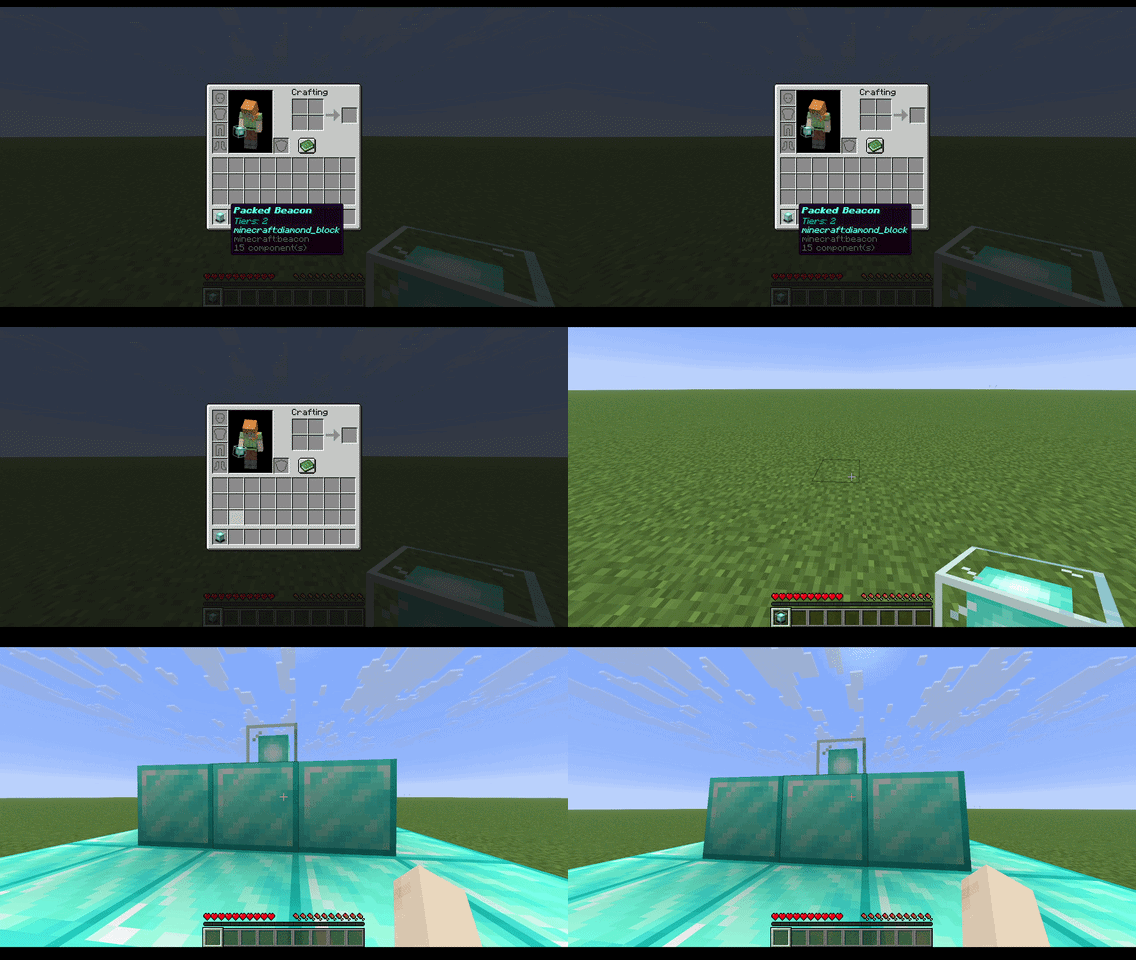
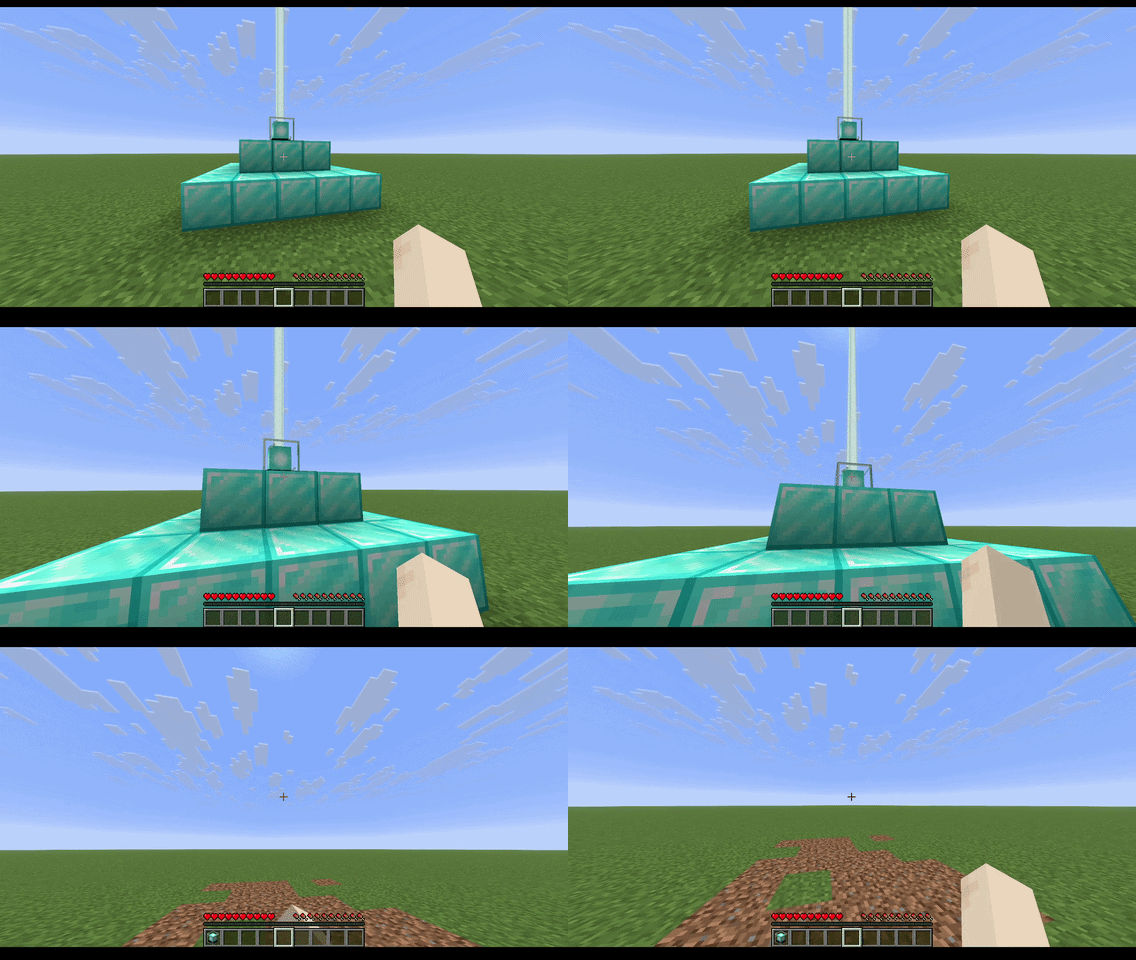
A fabric mod that cuts out the hassle of mining down your beacon and rebuilding it when you want to move it! Simply Shift + Right Click your beacon in order to compact it and pick it up, and place it down at the new location to instantly rebuild it!
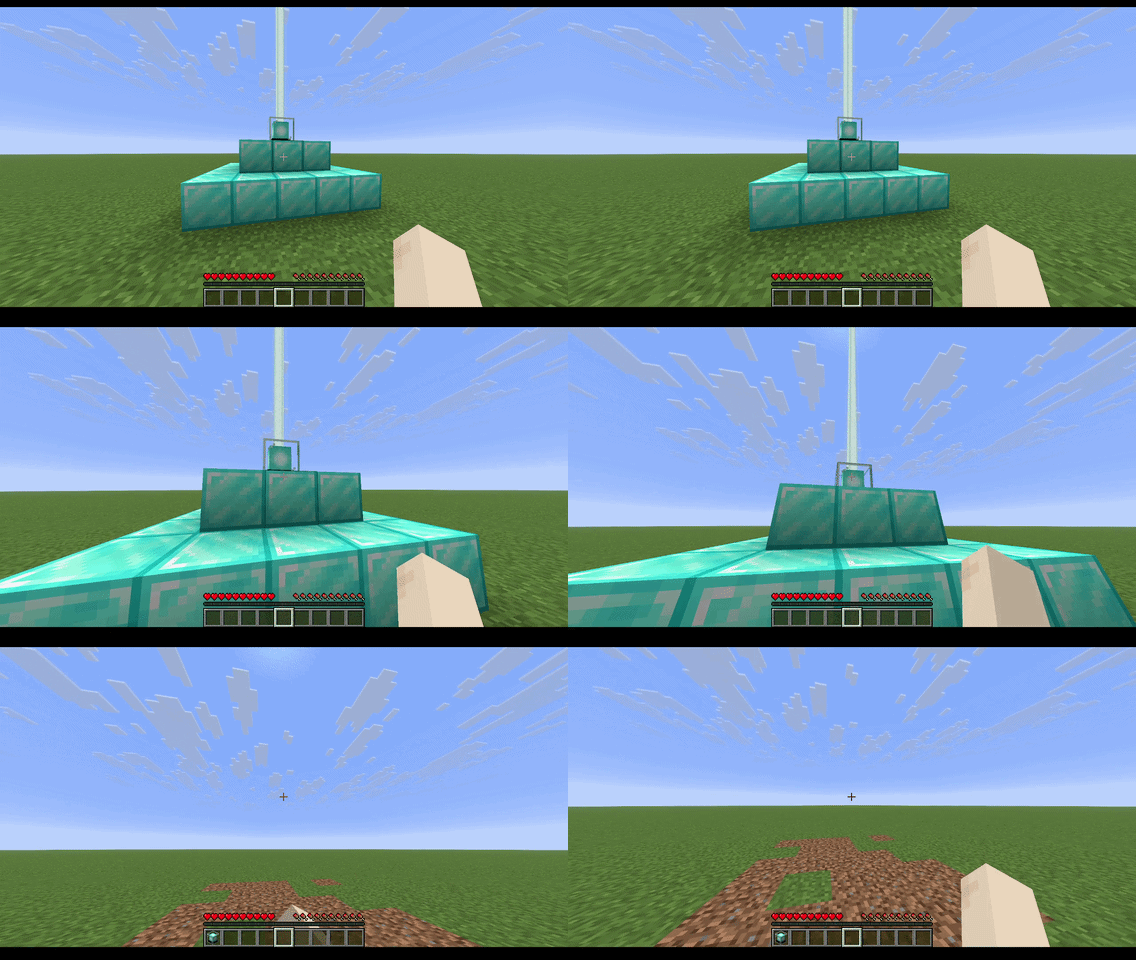
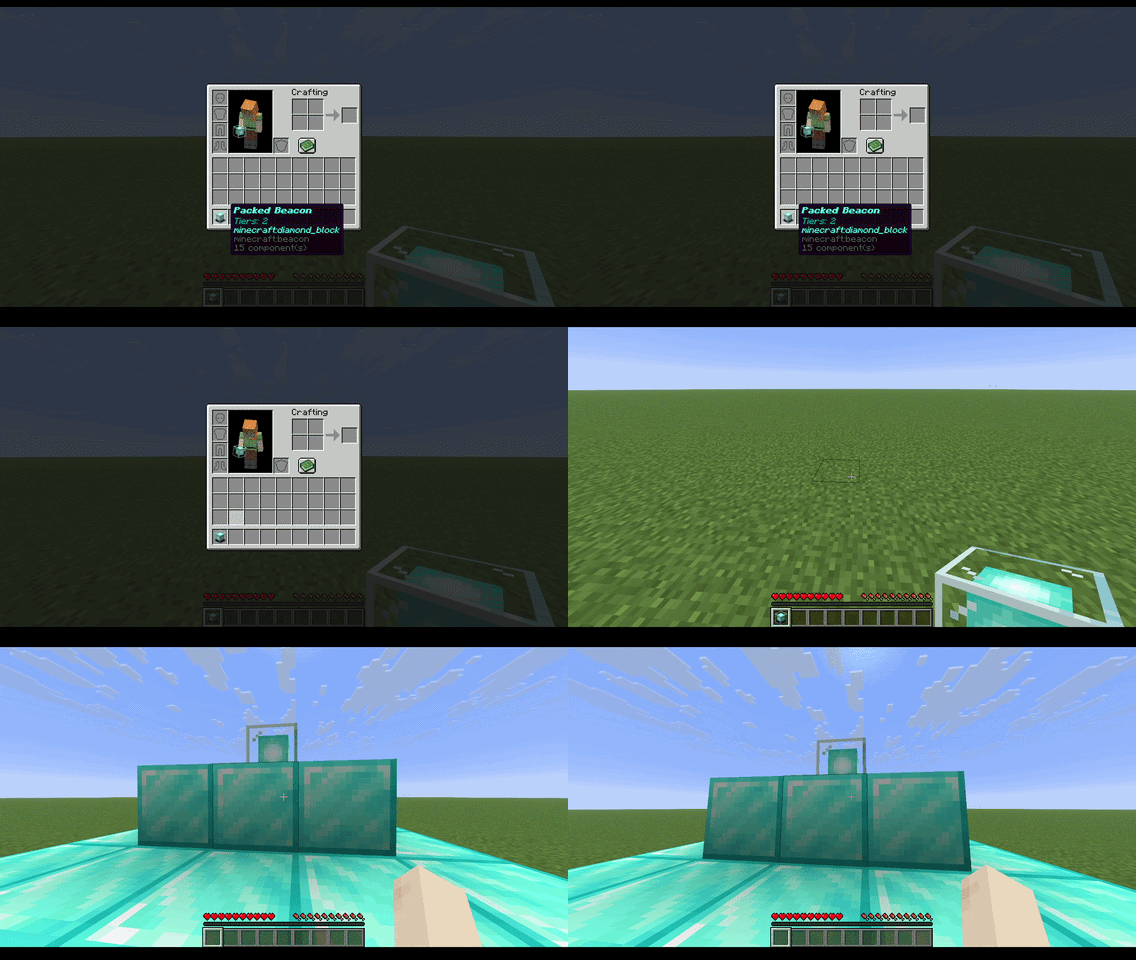
DISCLAIMER
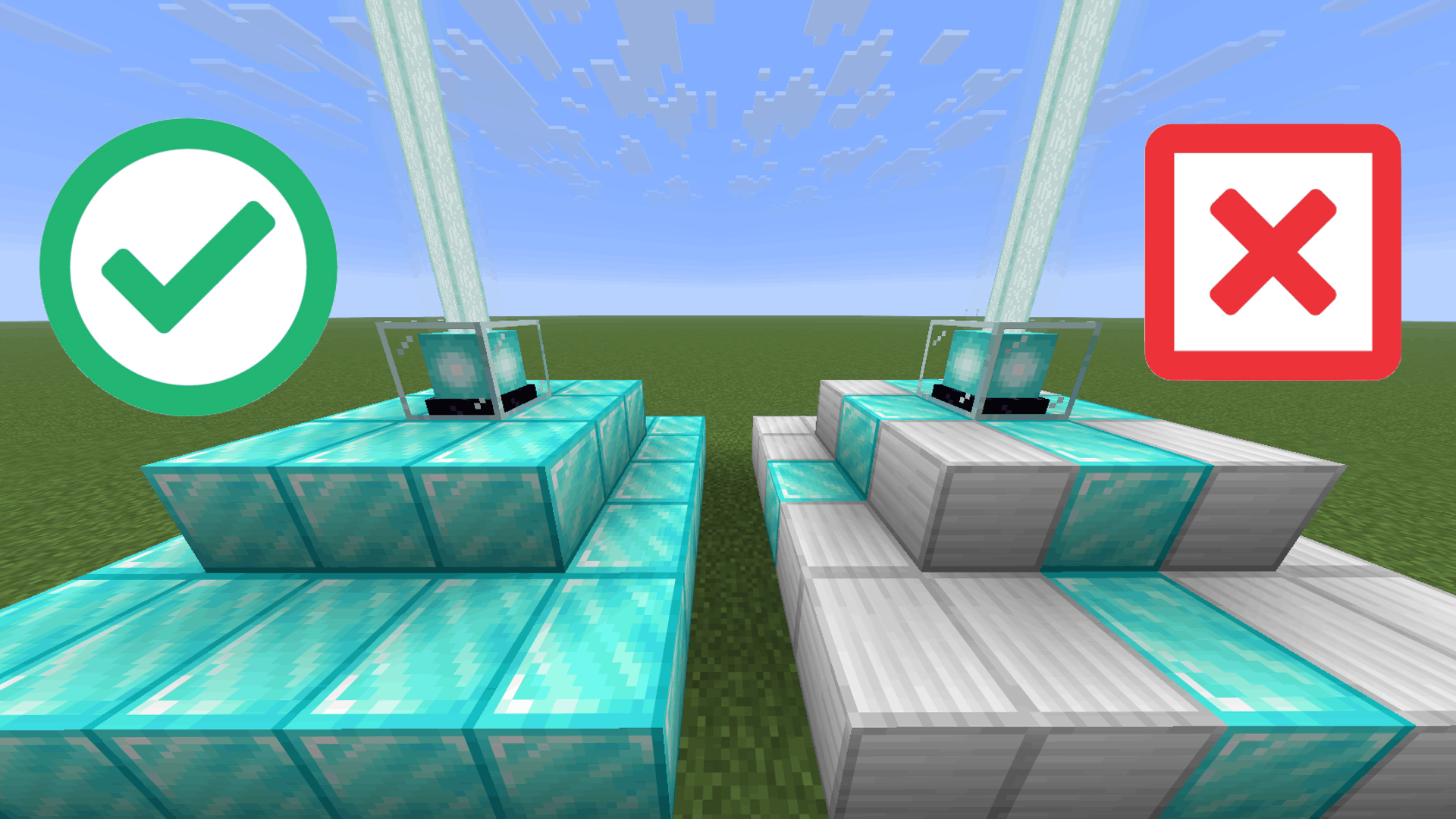
Beacon pyramids can only be picked up if it's all built out of one block. Multiple block types are not supported. In addition, when the pyramid is being rebuilt, there is no safety for destroying nearby blocks. Be careful of where you rebuild your beacons!
- Edition: Minecraft Java
- File type: .jar
- Minecraft versions listed: 26.1, 26.1.1, 26.1.2
- How to install: Install the matching mod loader (Forge, Fabric or NeoForge) for your Minecraft version. → Download the .jar. → Put it in the .minecraft/mods folder and launch that loader profile.
- Where to get it: Opens on Modrinth — not every file is mirrored on our own servers.
Install steps are the general flow for this file type — How to install Minecraft Java mods & modpacks walks through it step by step.
- Ships as port-a-beacon-1.0-26.x.jar — drop this file into the mods folder
- Download size: 36 KB
- Download link checked 4 Oct 2026 — working
These come from our own check of the pack file, not from the source page.