
Quick Switch (S,W)
Quick Switch lets you seamlessly switch between singleplayer worlds and multiplayer servers directly from the pause menu.
⬇ Download on Modrinth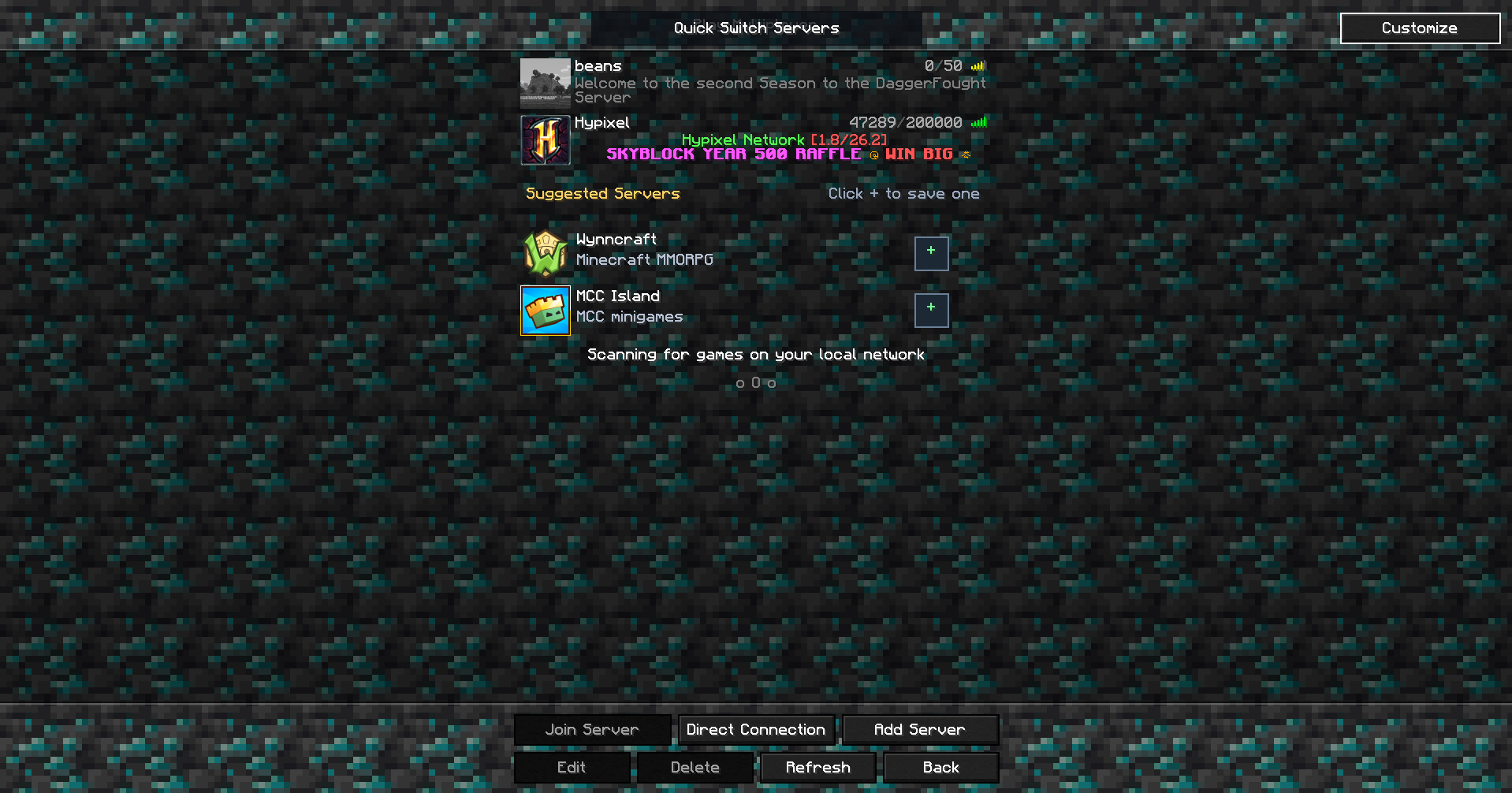
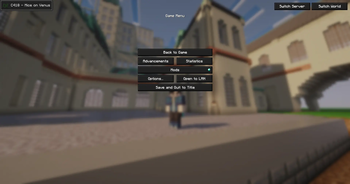
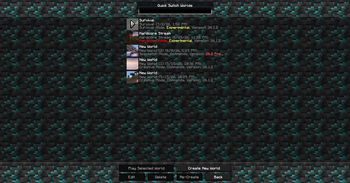
Quick Switch is a simple quality-of-life mod that lets you switch between your favorite singleplayer worlds and multiplayer servers without ever returning to Minecraft's main menu.
Normally, changing worlds or joining a server requires disconnecting, waiting for the title screen to load, and then navigating through multiple menus. Quick Switch streamlines that entire process by adding convenient options directly to the pause menu, allowing you to switch with just a few clicks.
Whether you're building in a creative world, playing survival with friends, or hopping between your favorite multiplayer servers, Quick Switch makes the transition fast, smooth, and effortless.
Features Switch between singleplayer worlds directly from the pause menu. Join multiplayer servers without returning to the title screen. Save time by eliminating unnecessary menu navigation. Simple, lightweight, and easy to use. Designed to blend seamlessly with Minecraft's vanilla interface.
Quick Switch is perfect for players who frequently move between worlds or servers and want a faster, more convenient way to play without breaking their flow.
- Edition: Minecraft Java
- File type: .jar
- Minecraft version listed: 26.2
- How to install: Install the matching mod loader (Forge, Fabric or NeoForge) for your Minecraft version. → Download the .jar. → Put it in the .minecraft/mods folder and launch that loader profile.
- Where to get it: Opens on Modrinth — not every file is mirrored on our own servers.
Install steps are the general flow for this file type — How to install Minecraft Java mods & modpacks walks through it step by step.
- Ships as quick-switch-1.5.0+mc26.2-neoforge.jar — drop this file into the mods folder
- Download size: 41 KB
- Download link checked 22 Aug 2026 — working
These come from our own check of the pack file, not from the source page.