
Version Tooltips
Java mod listed for Minecraft 1.20. Downloads from the MC Java Mods app on Android.
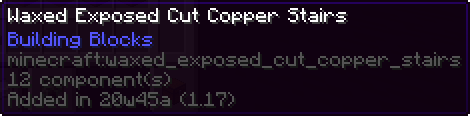
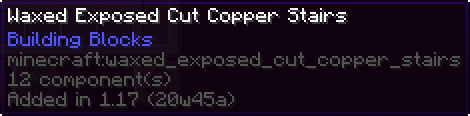
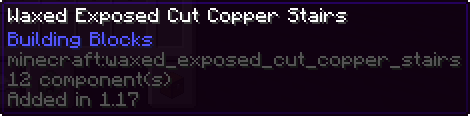
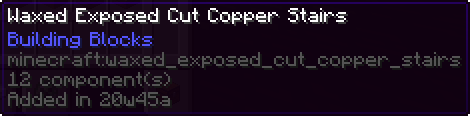
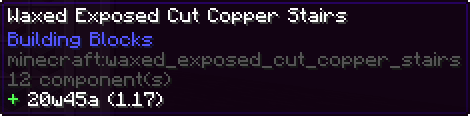
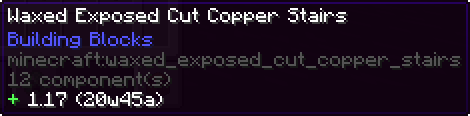
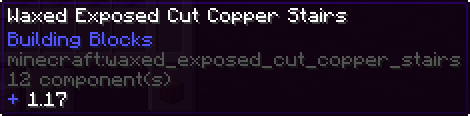
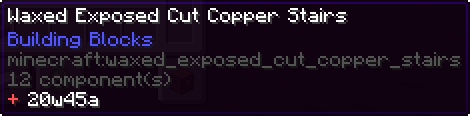
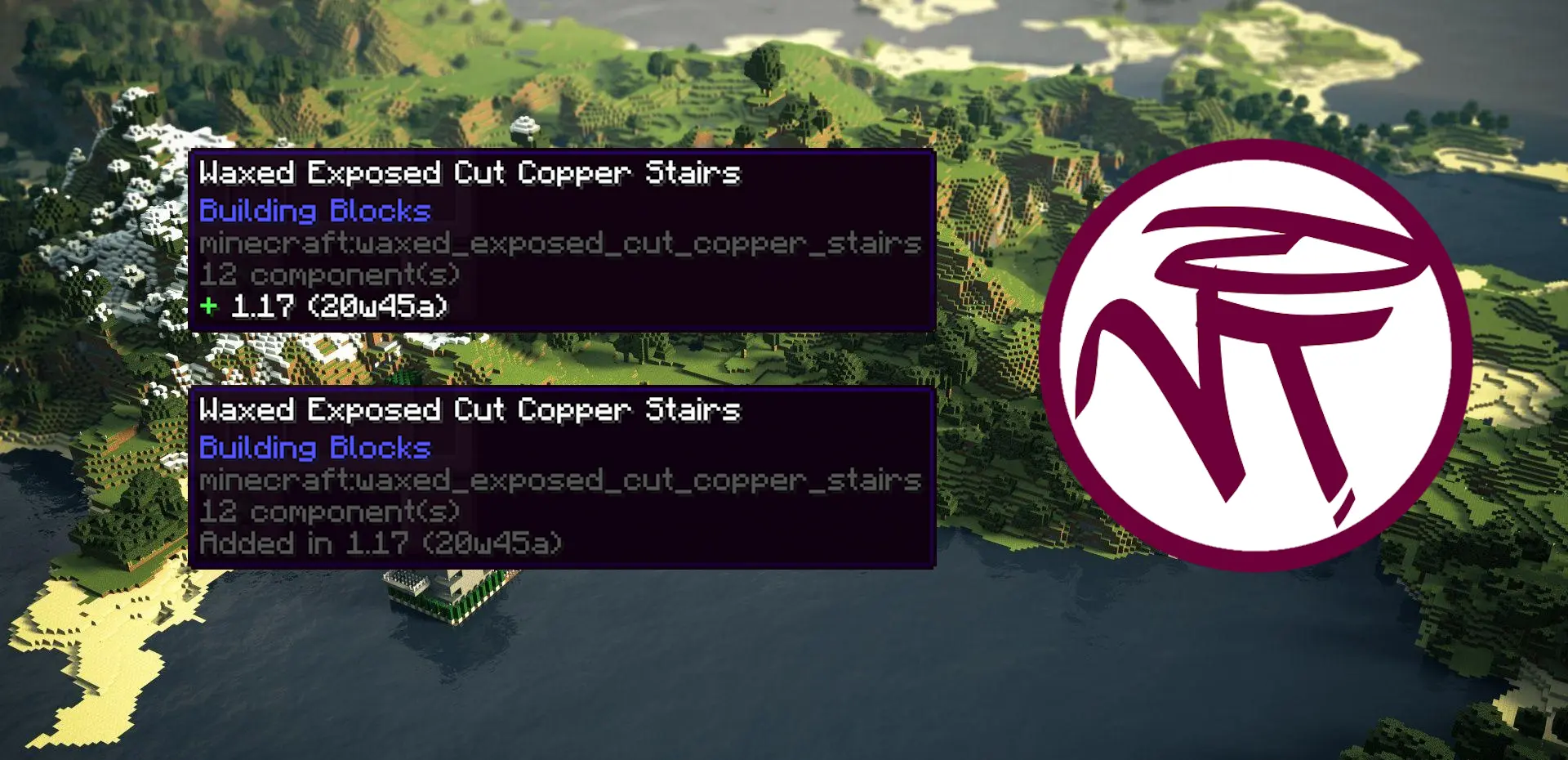
This client-side utility mod adds a tooltip that displays the version and/or snapshot of Minecraft an item was added in.
I don't know my version or loader



Overview
VersionTooltips is a simple mod adds the ability to display the version as well as the snapshot an item was first introduced in the game directly inside an in-game tooltip. It is highly customizable with many different features and options and very useful when playing or building in servers that use ViaVersion, ViaFabric, ViaFabricPlus, ViaBackwards, etc. where having the version displayed directly inside the game saves a lot of time. Supports every vanilla item and handles every special case such as potions, splahs potions, lingering potions, tipped arrows, enchanted books* and paintings**.
Information
- Architectury API is only required when using NeoForge.
- *Enchanted books' data is coherent with the version/snapshot the respective enchantment was added not the enchanted book item itself.
- **Paintings became data-driven in MC 1.21.5, naturally the data component of the paintings only became usable in that version. Expect prior 1.21.5 MC versions to display the original painting item.
Features
- Universal Mod Toggle
- Show Only on Keybind Press
- Configurable Keybind in Minecraft Options
- Only Show With Advanced Tooltips (F3+H)
- Changeable Style (Vanilla/Modded)
- Changeable Types:
- Version Only
- Snapshot Only
- Version (Snapshot)
- Snapshot (Version)
- Search by version in Creative Menu
- /versiontooltips command to toggle settings on the go
Examples
Modded-style Version Tooltip [Snapshot (Version)]
![Modded-style Version Tooltip [Snapshot (Version)]](https://cdn.modrinth.com/data/cached_images/c05018368c2f168296a9756208fdfb5d38a7ec42.png)
Vanilla-style Version Tooltip [Version (Snapshot)]
![Vanilla-style Version Tooltip [Version (Snapshot)]](https://cdn.modrinth.com/data/cached_images/82c514a63e95fce626401844c271945acb146756.png)
(See more)
- Edition: Minecraft Java
- File type: .jar
- Minecraft versions listed: 1.20, 1.20.1
- How to install: Install the matching mod loader (Forge, Fabric or NeoForge) for your Minecraft version. → Download the .jar. → Put it in the .minecraft/mods folder and launch that loader profile.
- Where to get it: Opens on Modrinth — not every file is mirrored on our own servers.
Install steps are the general flow for this file type — How to install Minecraft Java mods & modpacks walks through it step by step.
- Ships as versiontooltips-fabric-2.0.2-1.20-1.20.1.jar — drop this file into the mods folder
- Download size: 56 KB
- Download link checked 22 Oct 2026 — working
These come from our own check of the pack file, not from the source page.