
Paint
Java mod listed for Minecraft 1.21. Downloads from the MC Java Mods app on Android.
⬇ Download on Modrinth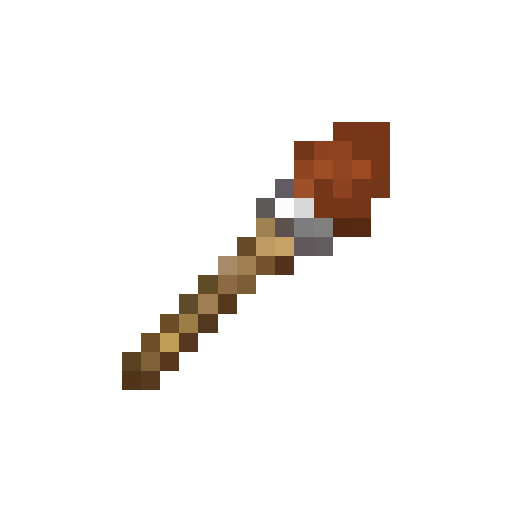
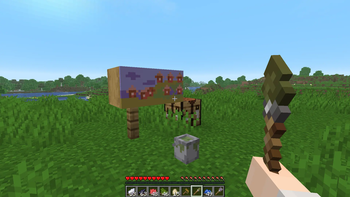
Bring real painting into Minecraft.
Create paintings of any size using expandable canvases, different brush types, and realistic paint mixing.
Features
Expandable Canvases
- Craft canvases starting at 1×1.
- Combine them to create canvases of any size.
- Merge painted canvases without losing your artwork.
Three Brush Types Each brush paints with a different stroke size:
- Filbert Brush — 1×1 pixels for fine details.
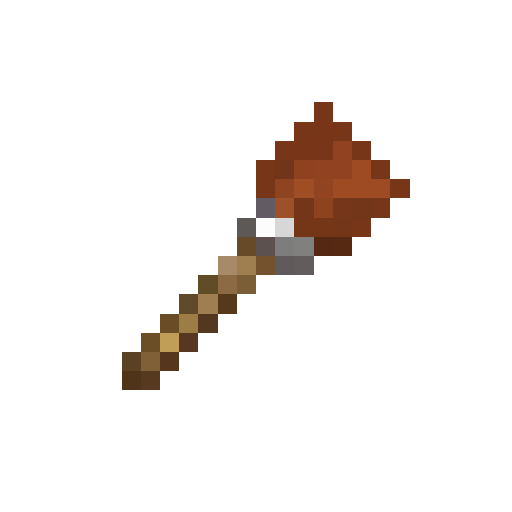
- Flat Brush — 3×3 pixels for general painting.
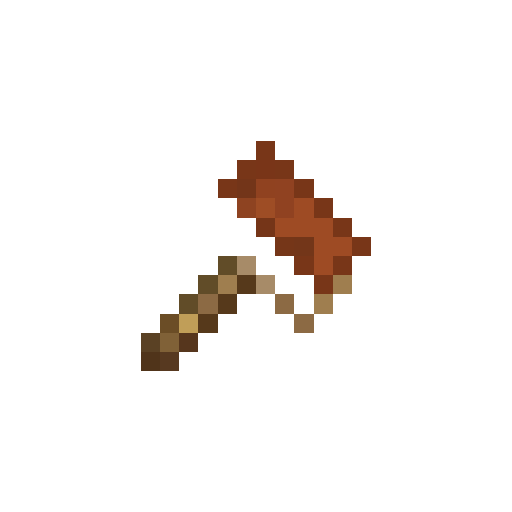
- Roller Brush — 5×2 pixels for quickly covering large areas.
Color Cans
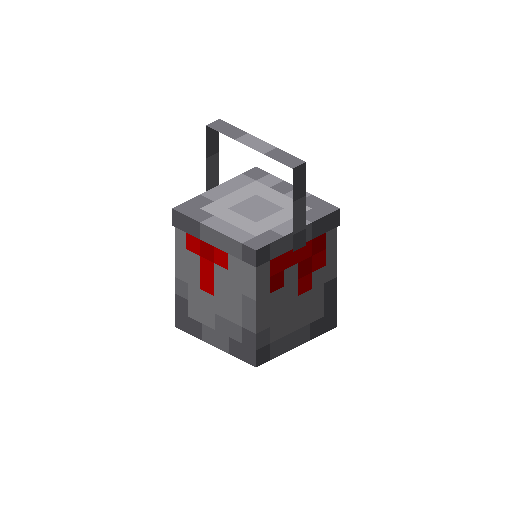
- Place paint cans anywhere in the world.
- Fill them using an egg.
- Add dyes to create colored paint.
Realistic Color Mixing Mix dyes together just like real paint. For example:
- Red + Green → Brown
Experiment with different combinations to create the exact colors you need.
Whether you're making pixel art, decorating your house, or creating giant murals, Paint gives you the tools to turn Minecraft into your own art studio.
- Edition: Minecraft Java
- File type: .jar
- Minecraft version listed: 1.21.11
- How to install: Install the matching mod loader (Forge, Fabric or NeoForge) for your Minecraft version. → Download the .jar. → Put it in the .minecraft/mods folder and launch that loader profile.
- Where to get it: Opens on Modrinth — not every file is mirrored on our own servers.
Install steps are the general flow for this file type — How to install Minecraft Java mods & modpacks walks through it step by step.
- Ships as paint-1.0.0.jar — drop this file into the mods folder
- Download size: 93 KB
- Download link checked 24 Oct 2026 — working
These come from our own check of the pack file, not from the source page.