
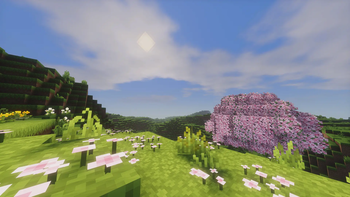
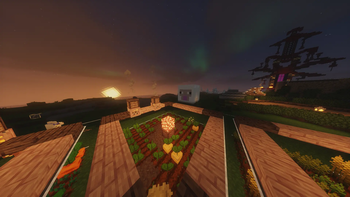

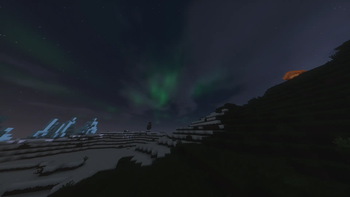
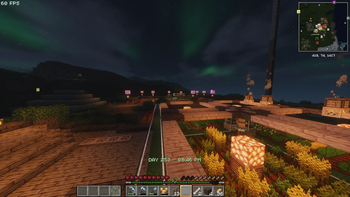
This Modpack is meant to be used with classic tools fusion of curseforge but due to content rules I cannot put it in the modpack
Actions & Everything
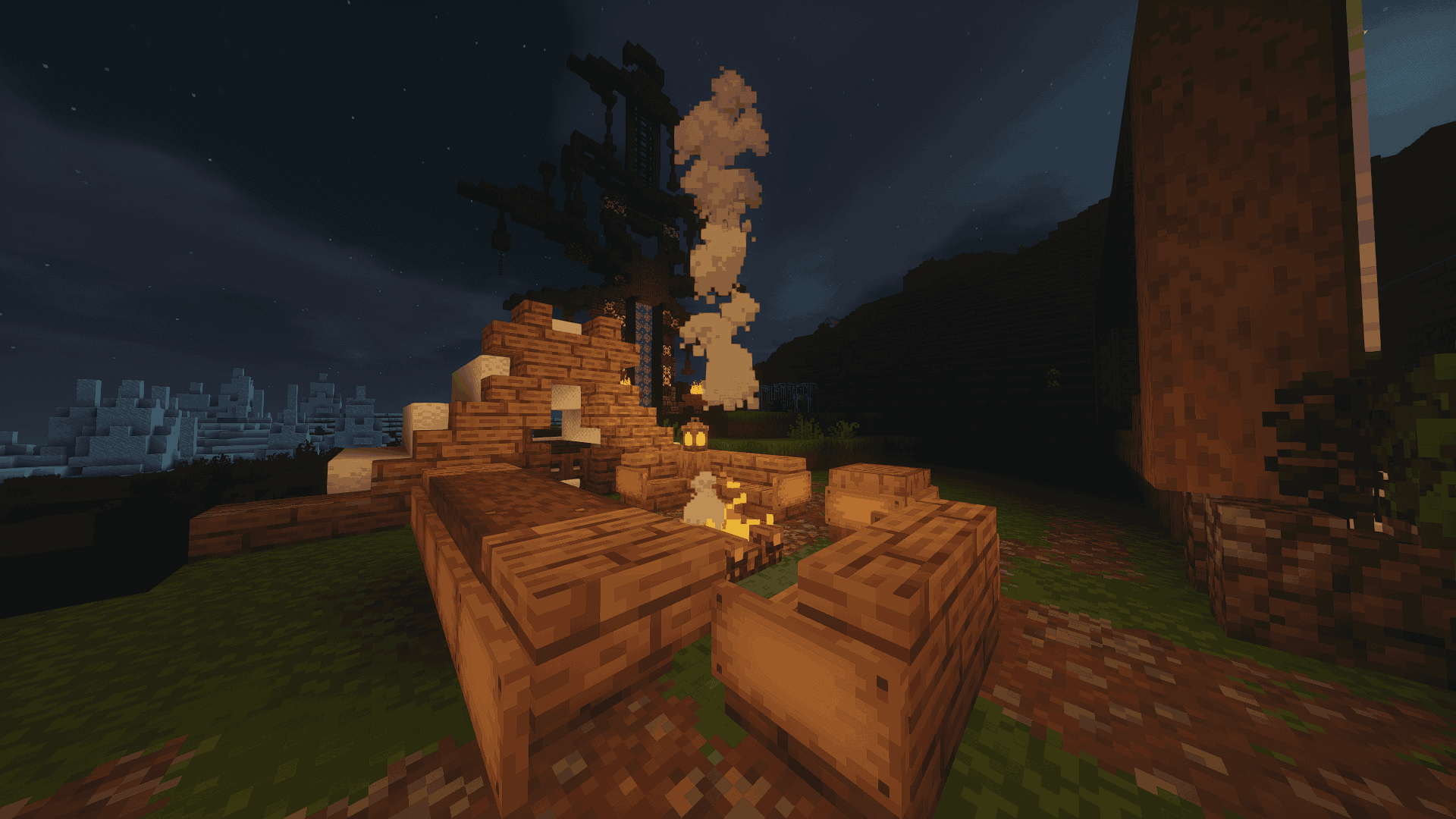
This modpack was created to enhance Minecraft's immersive and enjoyable aspects without drastically altering the game. It focuses on improving movement and player interactions, incorporating quality-of-life enhancements, visual upgrades, and performance optimizations through a carefully selected set of Fabric mods. The goal is to restore a fun, pressure-free gameplay experience, reminiscent of vanilla Minecraft while avoiding over-the-top features. The collection consists of mods and resource packs designed to make the game feel more alive and engaging.
How to install Classic Tools Fusion
- Search for "Classic Tools Fusion"
- Click on the link that says "Classic Tools Fusion-CTF 1 (NOT Classic Tools Fusion Compats)
- Get corresponding version and place in resource pack folder
- Enable in Minecraft settings
- Edition: Minecraft Java
- File type: .jar
- Minecraft version listed: 26.2
- How to install: Install the matching mod loader (Forge, Fabric or NeoForge) for your Minecraft version. → Download the .jar. → Put it in the .minecraft/mods folder and launch that loader profile.
- Where to get it: Opens on Modrinth — not every file is mirrored on our own servers.
Install steps are the general flow for this file type — How to install Minecraft Java mods & modpacks walks through it step by step.
- Downloads as Actions & Everything.mrpack
- Download size: 86.6 MB
- Download link checked 22 Aug 2026 — working
These come from our own check of the pack file, not from the source page.