
Vein Miner | Sneak Mining | Ores & Logs
Bedrock add-on listed for Minecraft 26.x (behavior pack only). File opened and checked on 26 Sep 2026; installs from the MC Bedrock Mods app on Android.
Vein Miner is a lightweight Minecraft Bedrock behavior pack that allows players to quickly mine entire veins of ores or trees by sneaking, fully…
I don't know my version
About
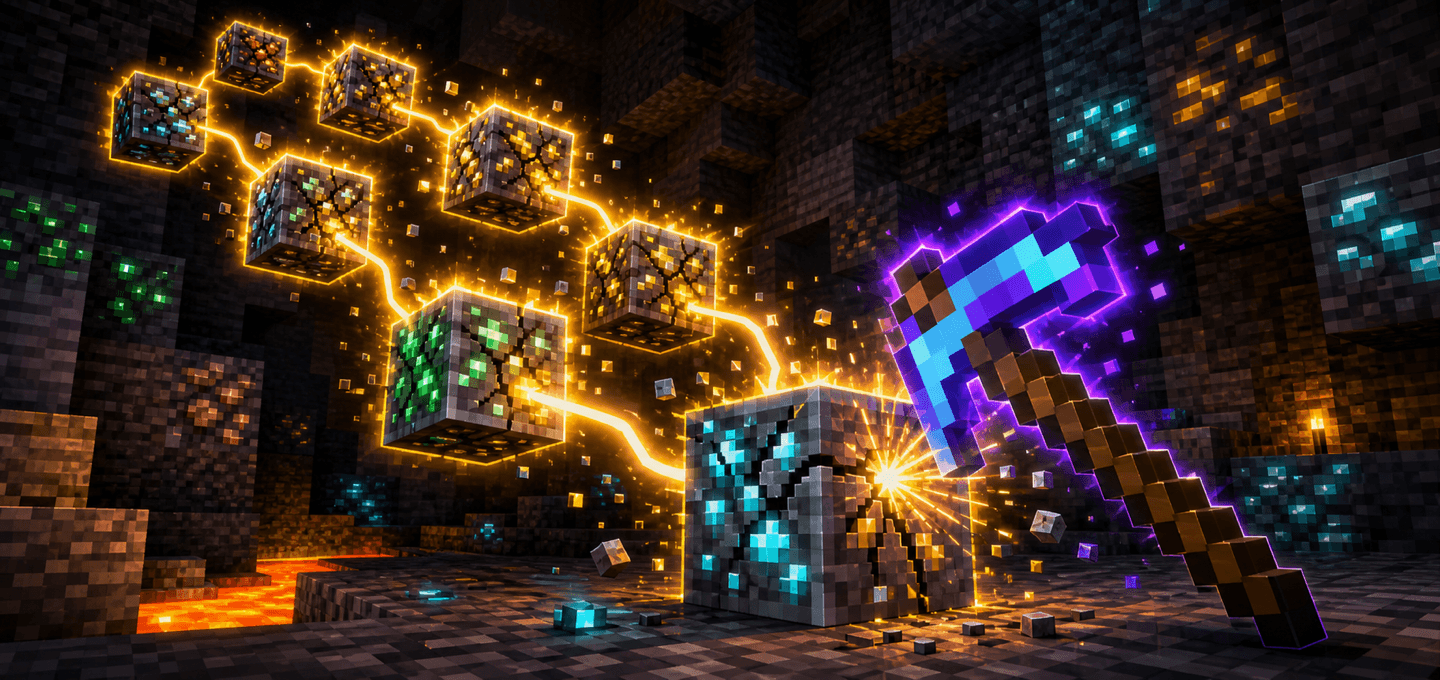
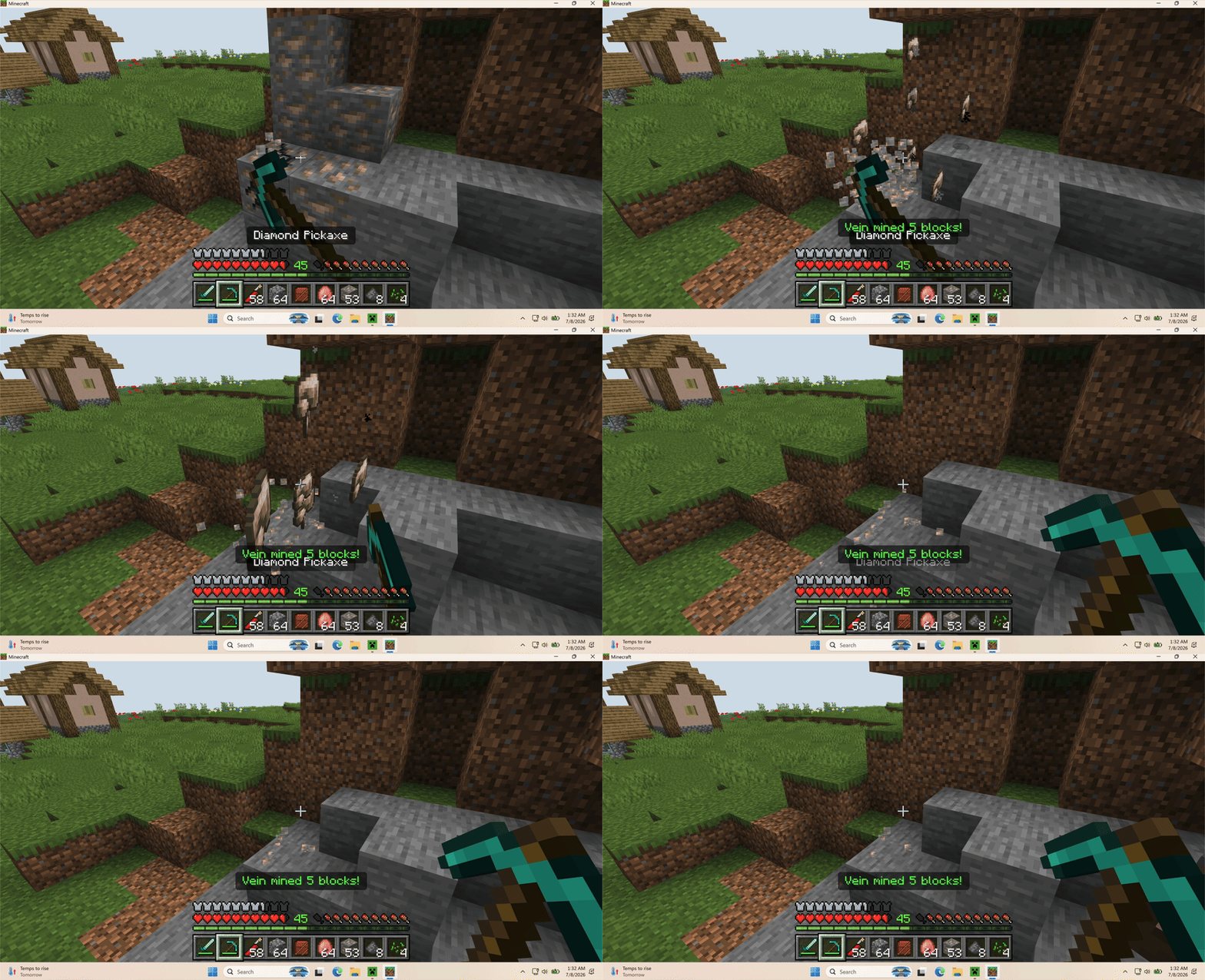
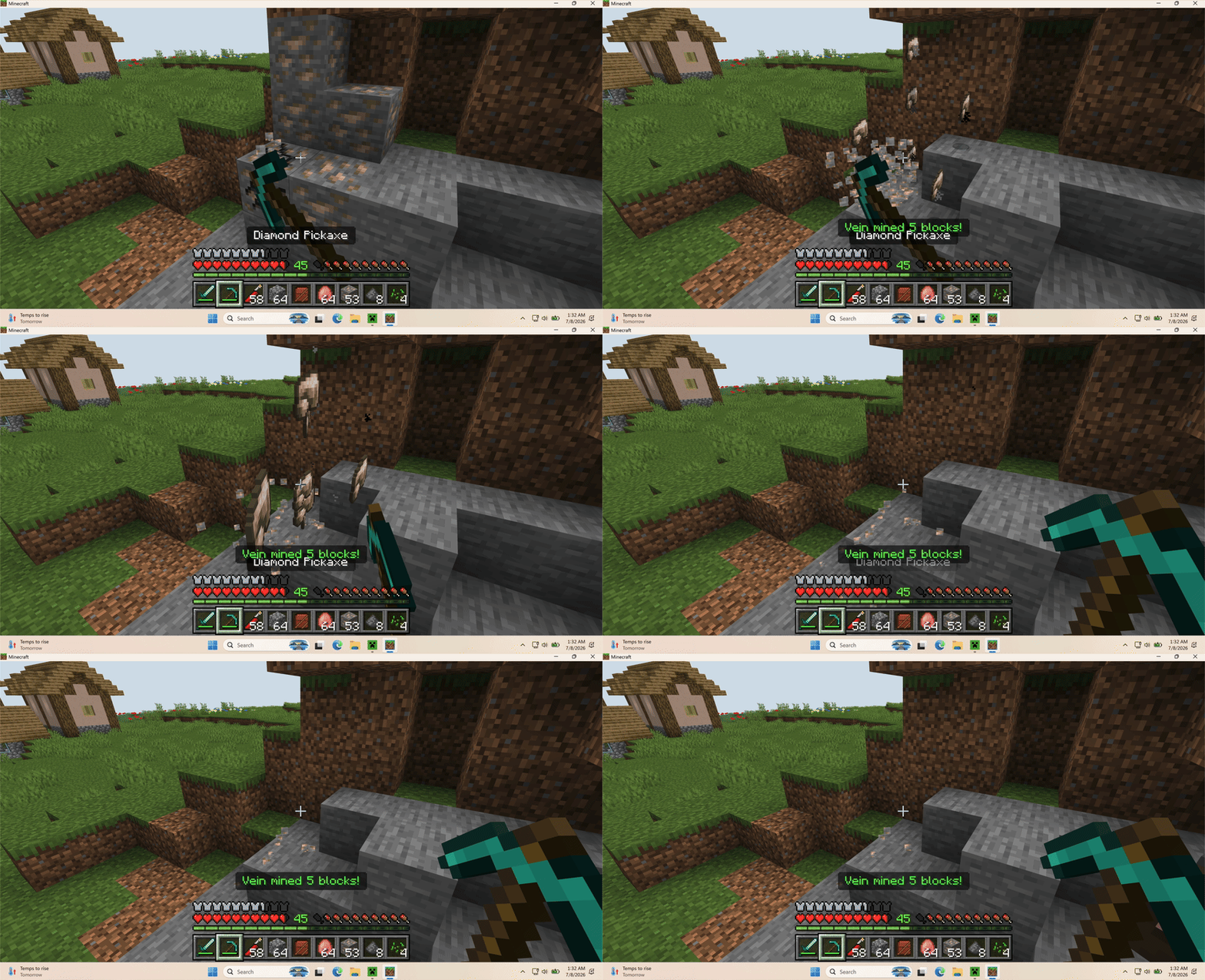
Vein Miner lets players mine connected ore veins in Minecraft Bedrock by breaking one supported block.
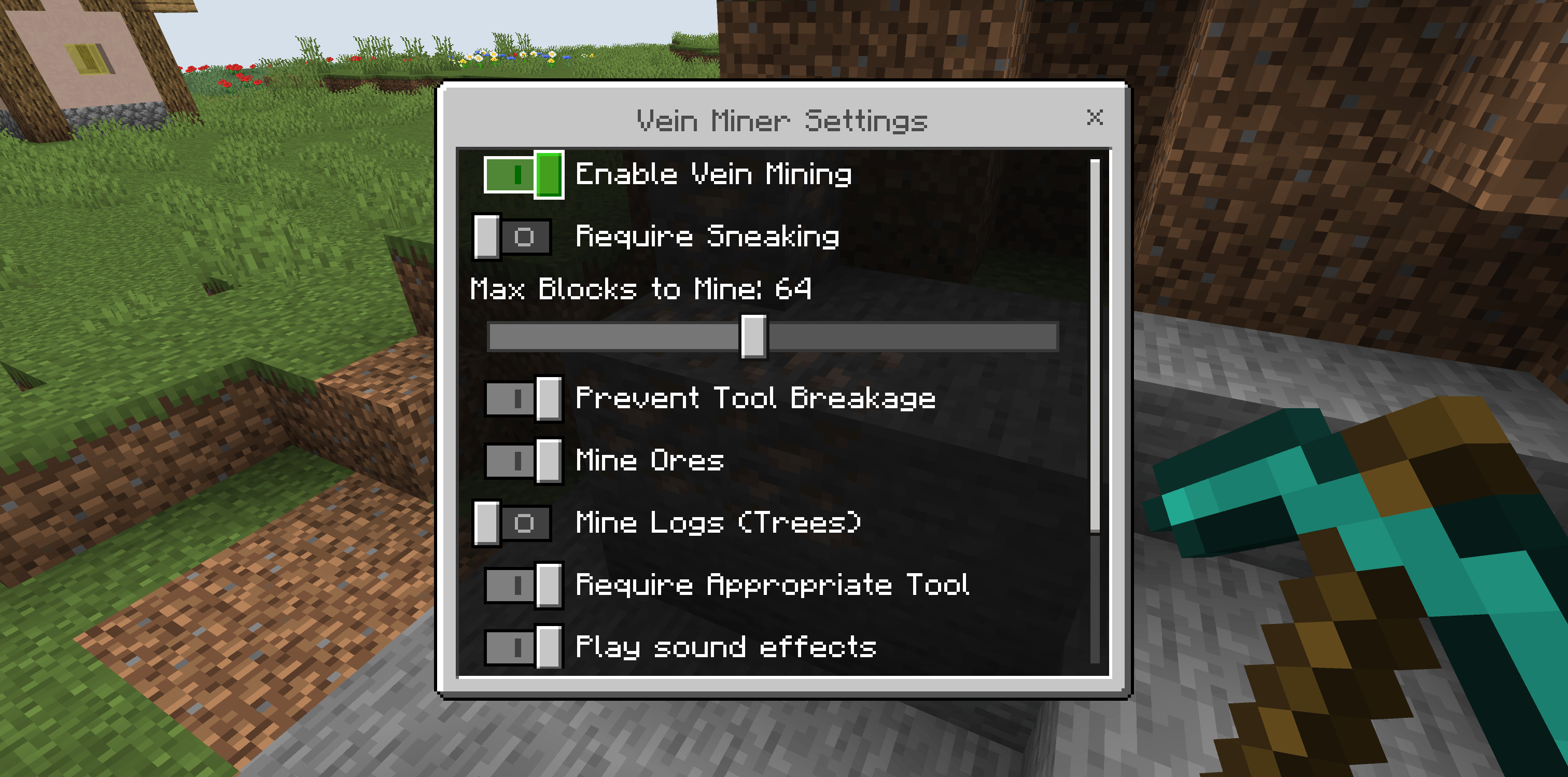
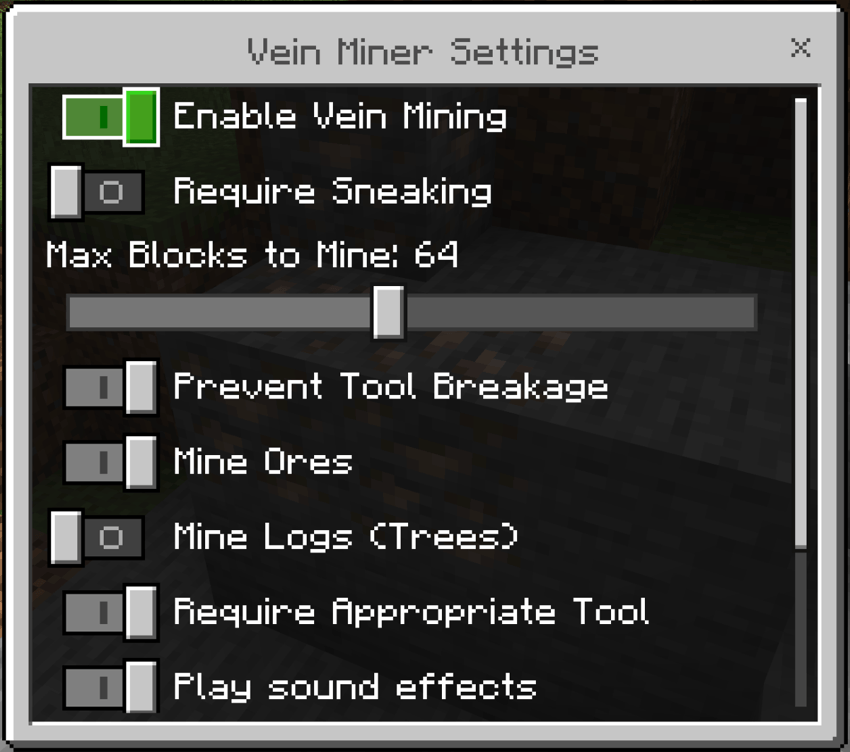
It is built for survival worlds: each extra block still costs tool durability, respects compatible tools, supports Fortune and Silk Touch drops, and can award ore XP. World operators can tune the behavior from a DDUI settings menu, including whether sneaking is required.
Features
- Chain-mine connected vanilla ore veins
- Optional tree/log mining mode
- Optional Require Sneaking setting, disabled by default
- Configurable max block limit from 8 to 128 blocks
- Uses tool durability for each mined block
- Supports Unbreaking, Fortune, and Silk Touch
- Drops ore experience where appropriate
- Prevents tool breakage by stopping before the tool reaches 0 durability
- Optional sound and particle feedback
- DDUI settings menu with
/ztp:veinmineror/ztp:vm; changes save automatically as you adjust them
How to use
- Import the
.mcaddoninto Minecraft Bedrock 26.50 or newer. - Activate the Vein Miner Behavior Pack on the world.
- Start the world and mine a supported ore block with the correct tool.
Game Directors can open the DDUI settings menu with /ztp:veinminer or /ztp:vm to change limits, enable log mining, require sneaking, toggle tool checks, and adjust effects. Changes are saved to the world automatically.
Notes
- Ore vein mining is enabled by default.
- Sneaking is not required by default, but can be enabled in settings.
- Log/tree mining is available in settings, but disabled by default.
- Creative mode bypasses tool requirements and durability costs.
- When Prevent Tool Breakage is enabled, chain mining stops before the tool breaks.
- Settings save automatically; no confirmation button is needed.
- No experimental toggles are required.
Requirements
- Minecraft Bedrock Edition 1.26.50 or newer
- No external dependency required

- Edition: Minecraft Bedrock
- File type: .mcpack or .mcaddon
- Minecraft versions listed: 26.50, 26.0.02, 26.0
- How to install: Download the .mcpack or .mcaddon file. → Open it — Minecraft imports it. → In your world: Behavior Packs → Available → Activate, then the same under Resource Packs.
- Where to get it: Opens on CurseForge — not every file is mirrored on our own servers.
Install steps are the general flow for this file type — How to install Minecraft Bedrock addons & mods walks through it step by step.
- Pack type: .mcaddon — behaviour and resource pack in one file
- Manifest requires Minecraft 1.26.0 or newer
- Complete pack — everything it depends on is inside the file
- Download size: 121 KB
- Download link checked 19 Oct 2026 — working
These come from our own check of the pack file, not from the source page.