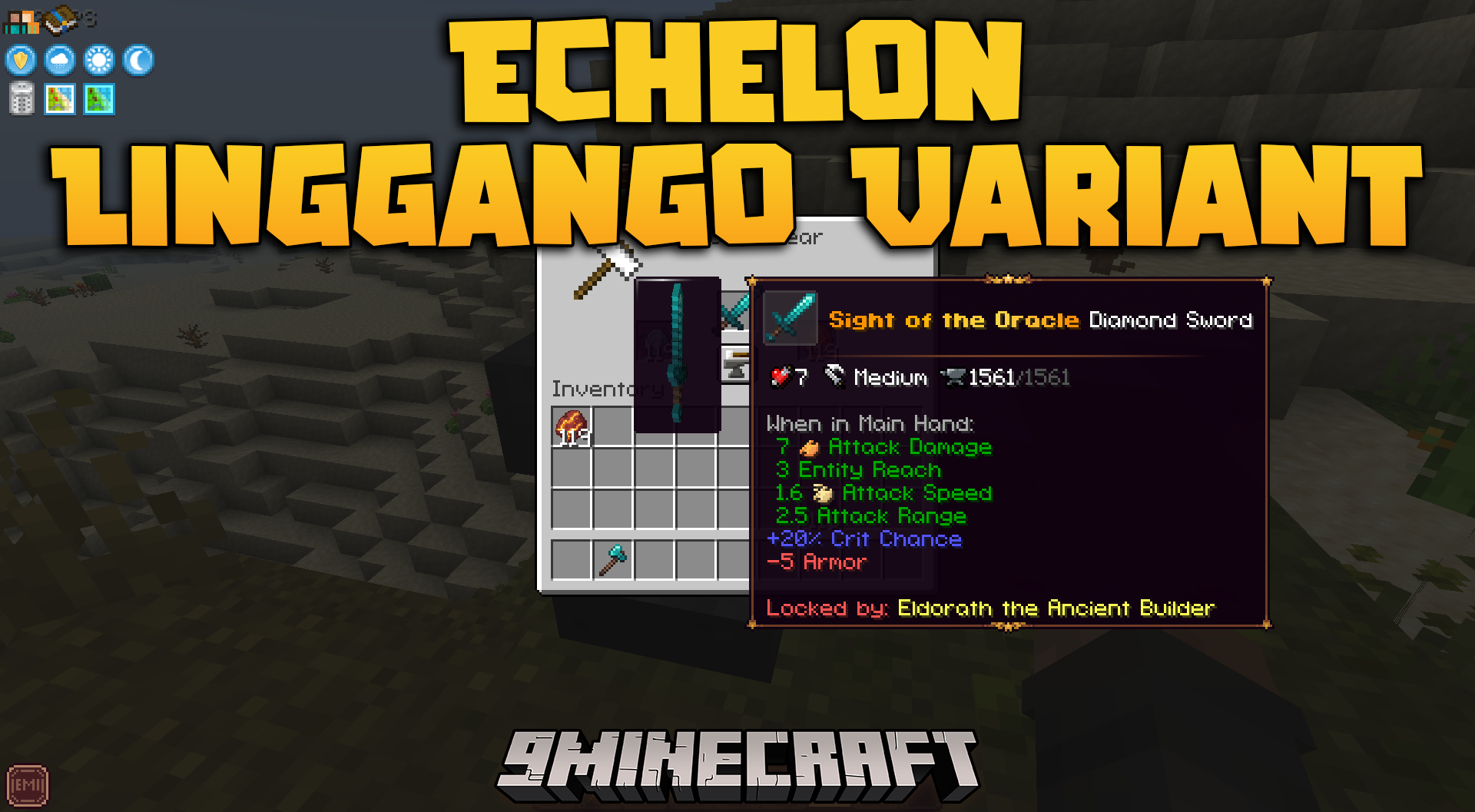
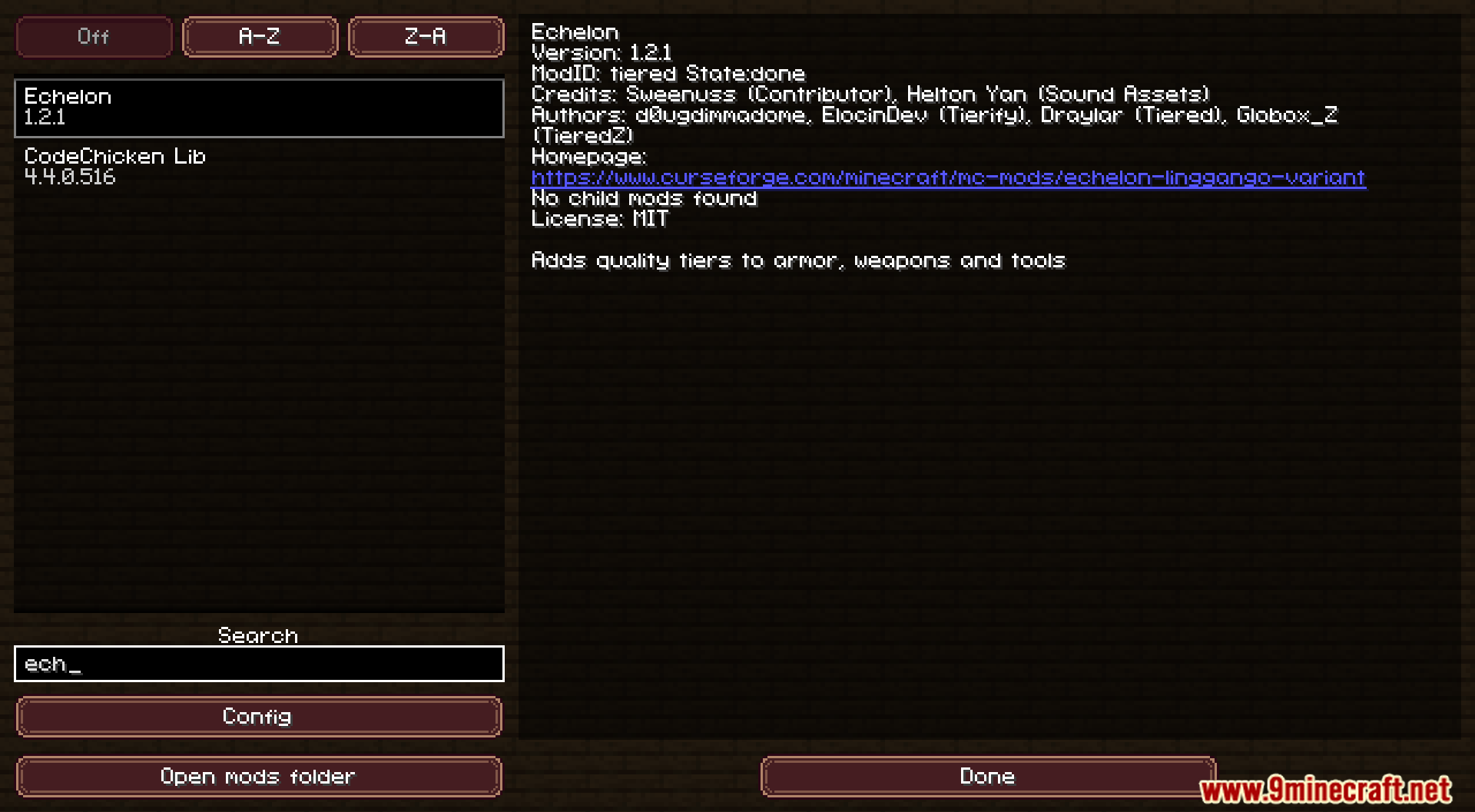
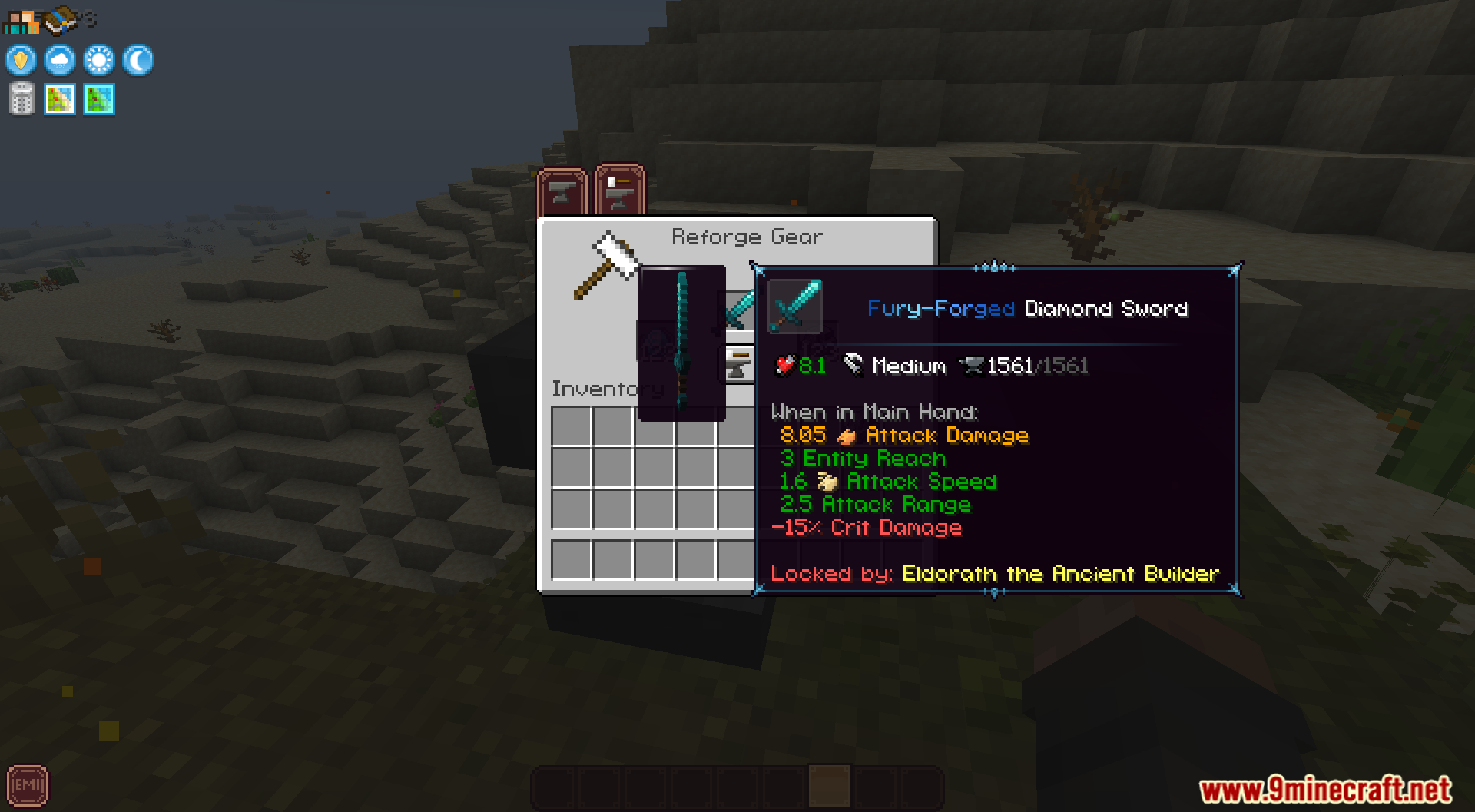
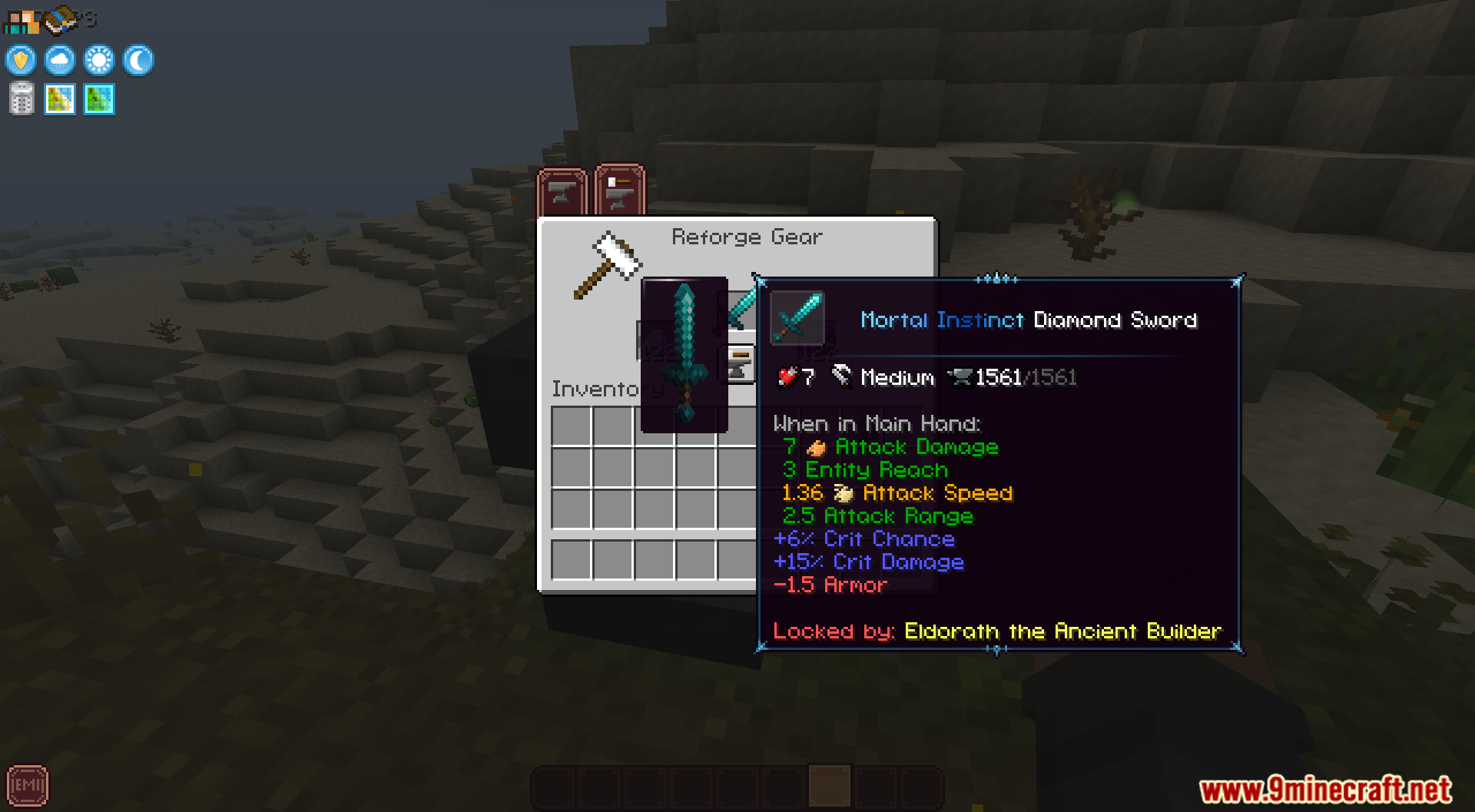
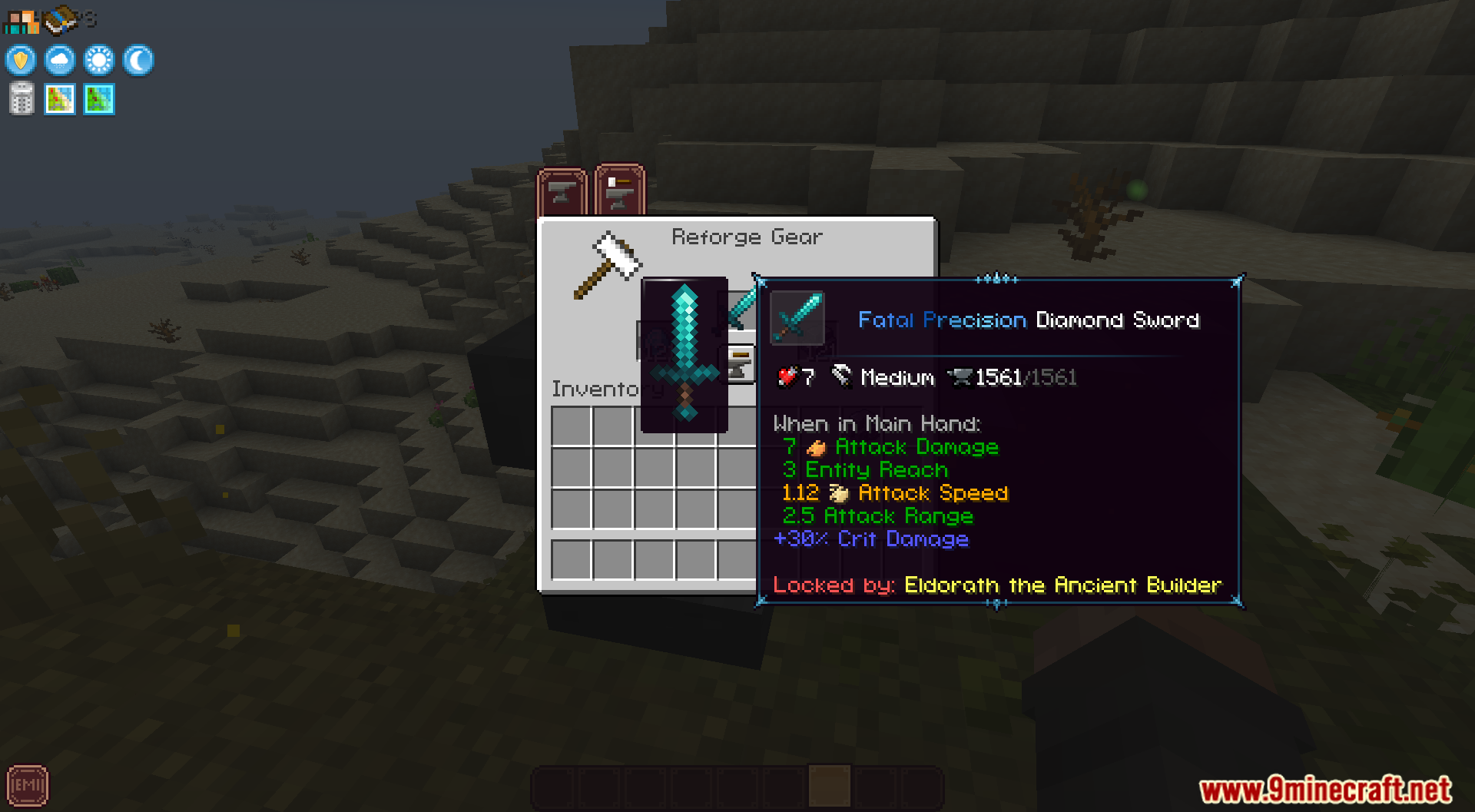
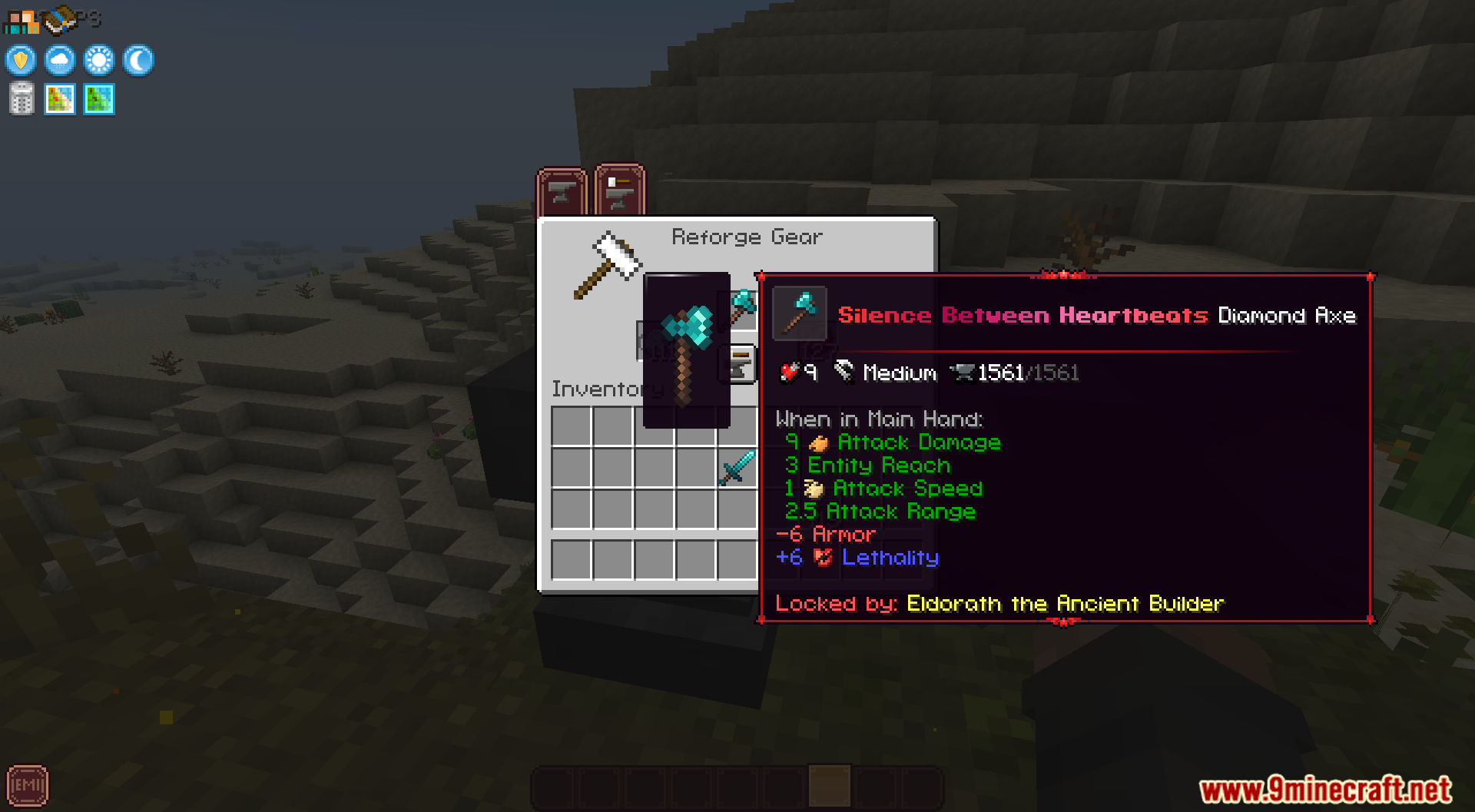
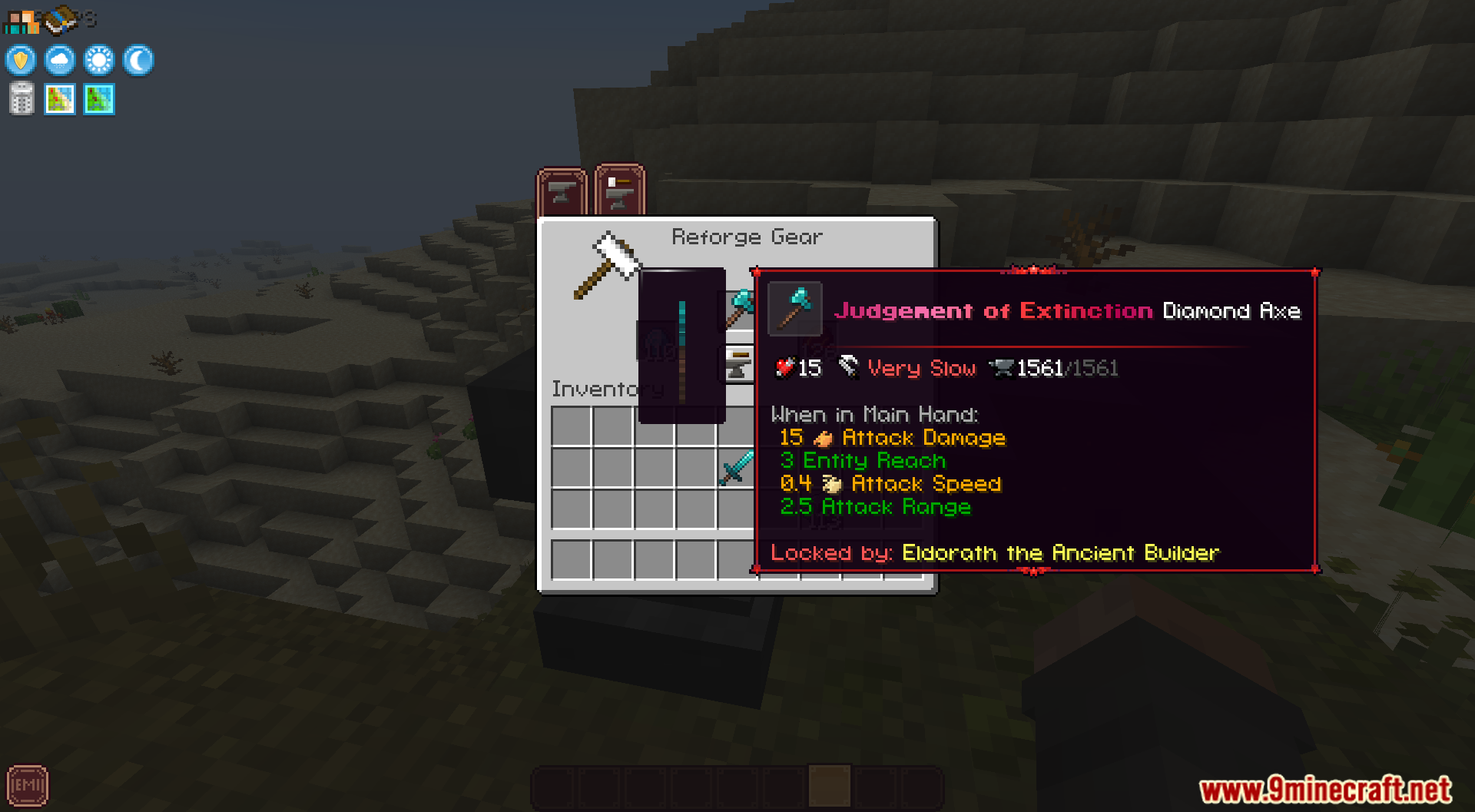
Echelon Linggango Variant Mod gives your items special stats with a new reforging system. It lets you upgrade your tools and armor using new materials you find in the world. You can change how your gear works to match your play style.
Features:
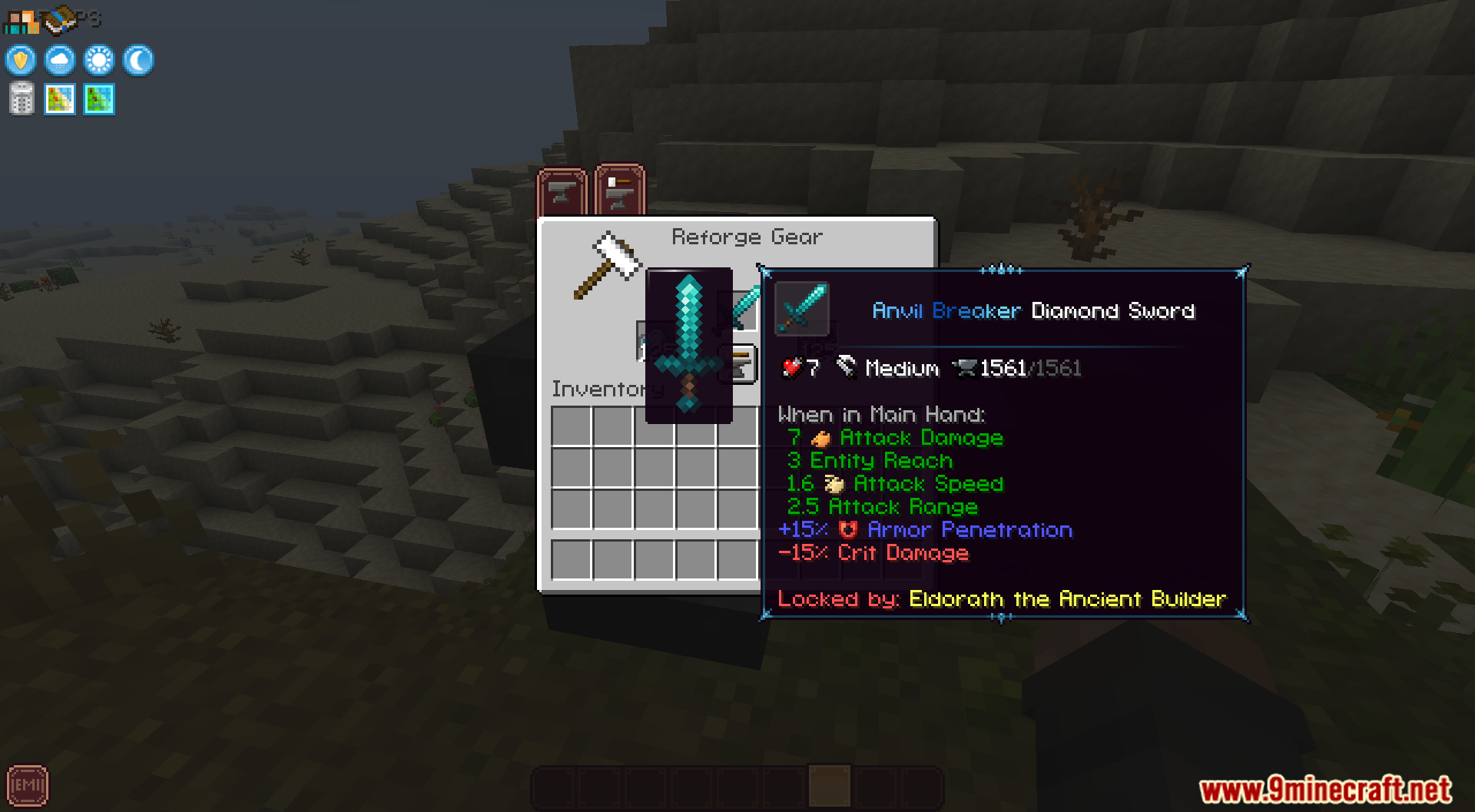
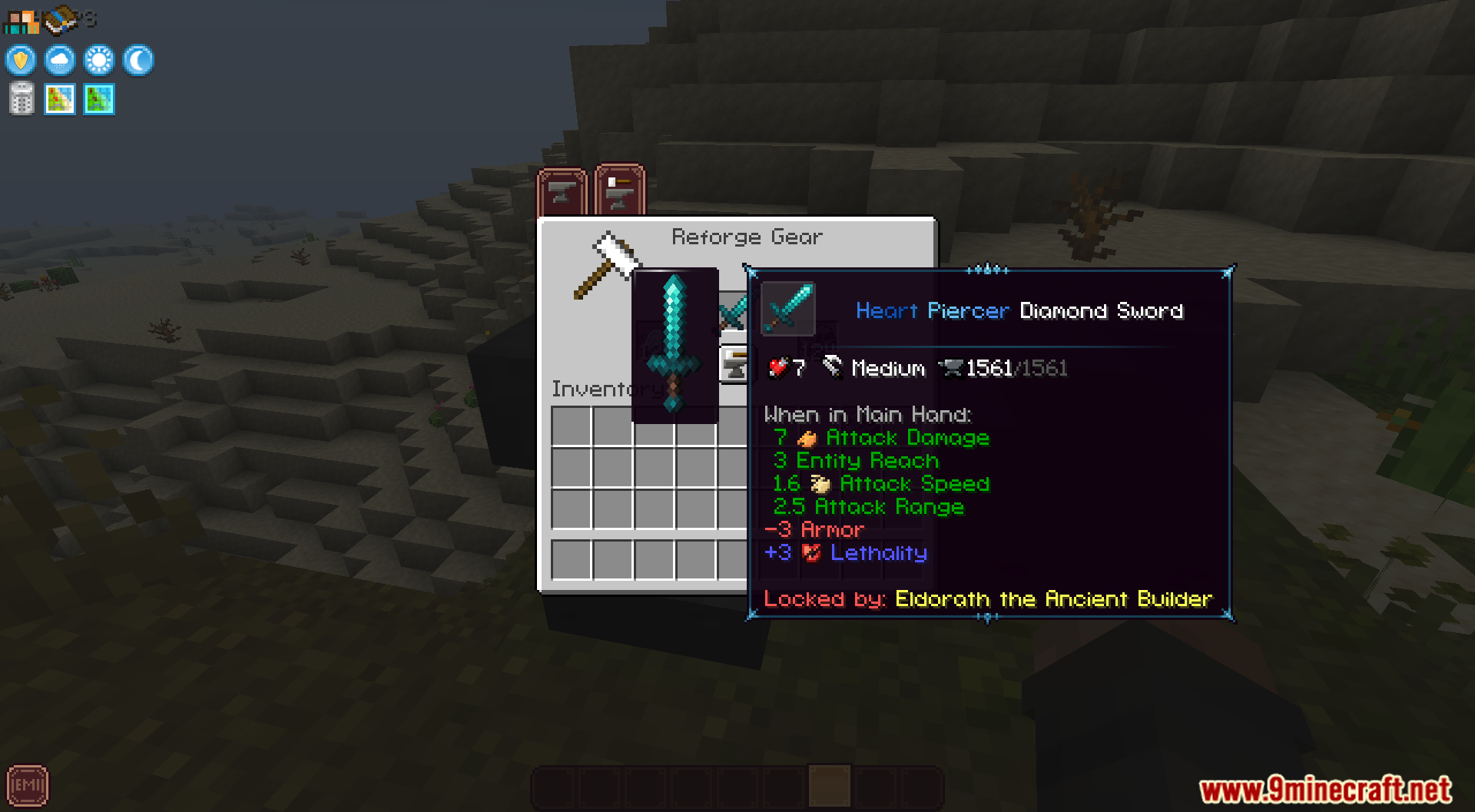
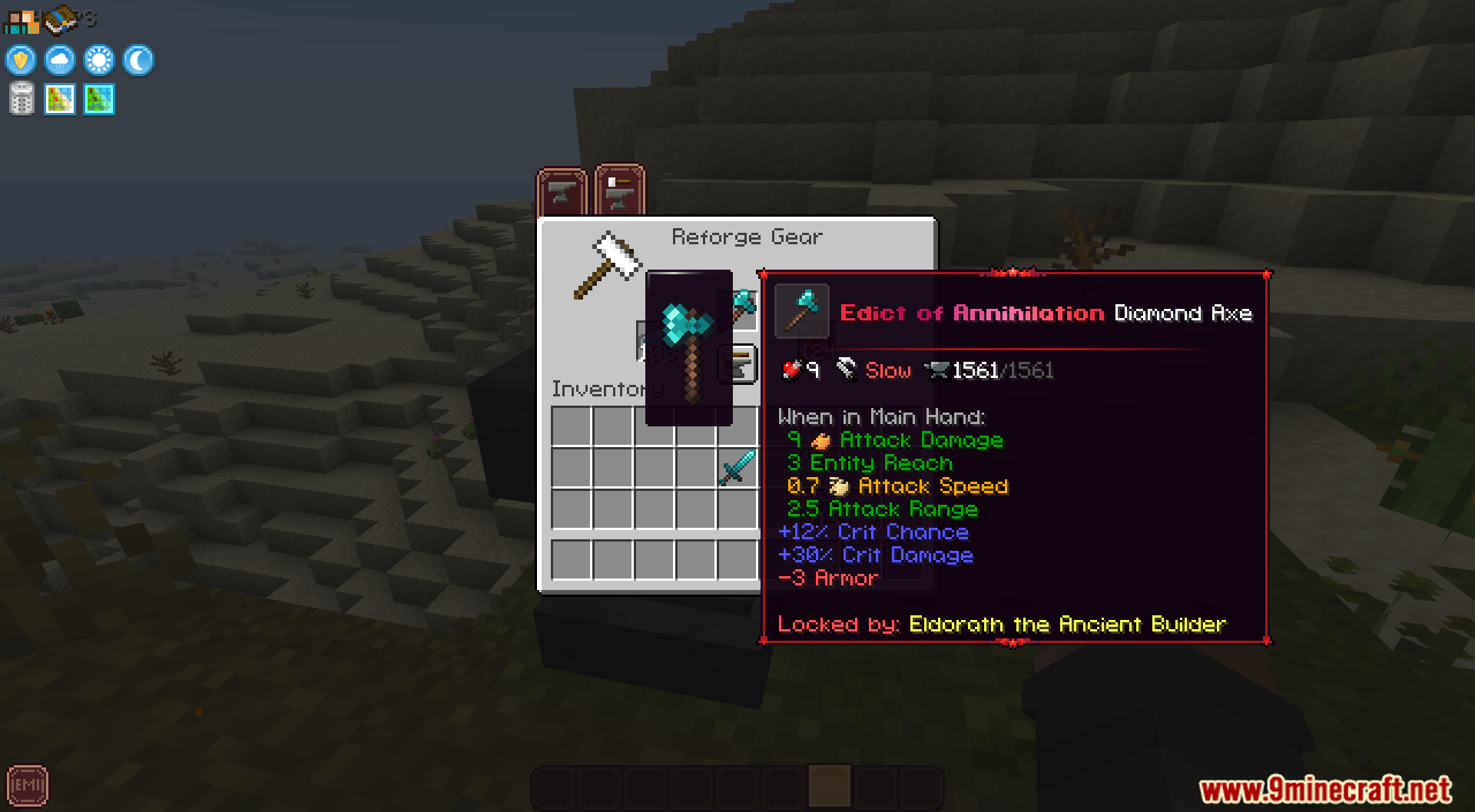
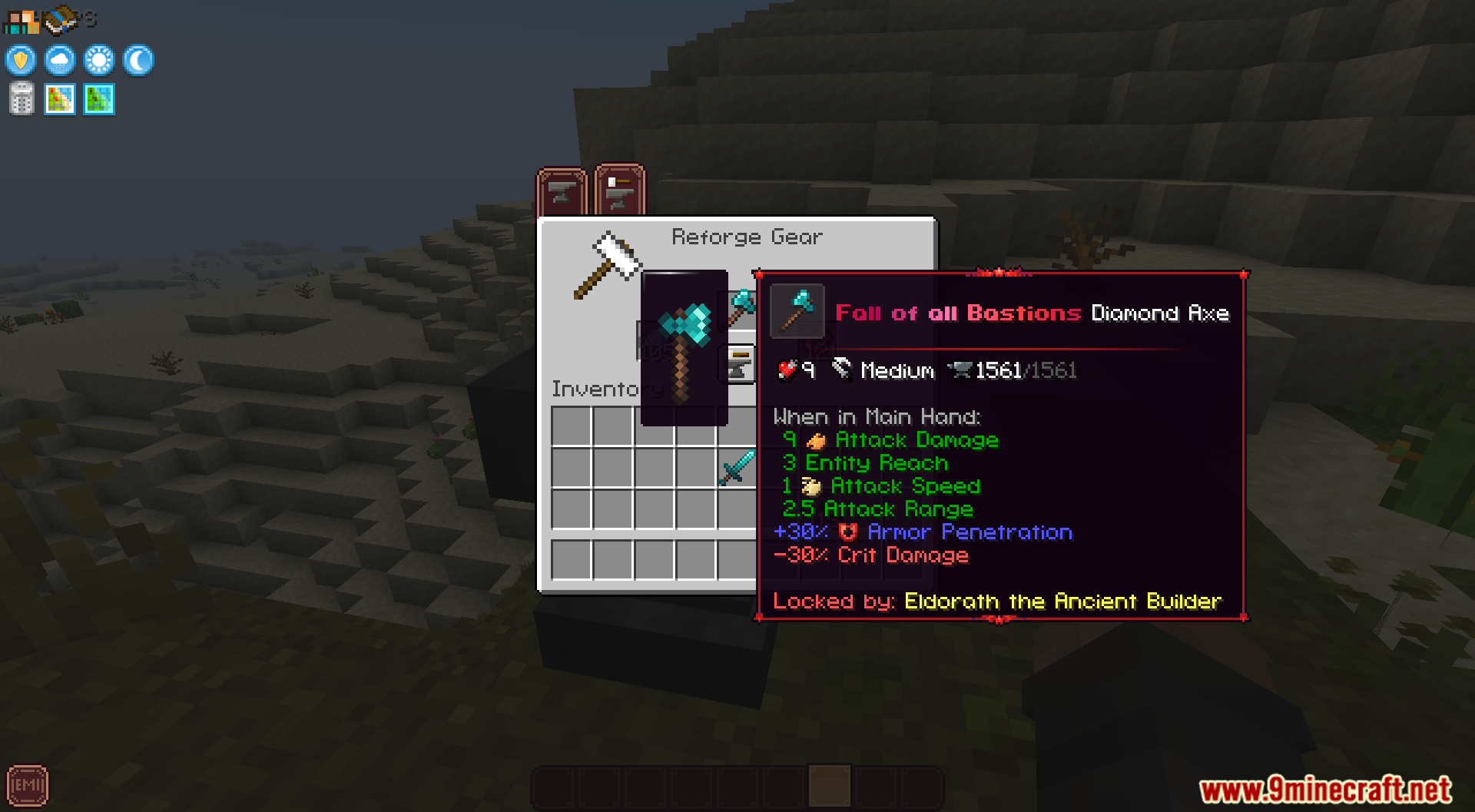
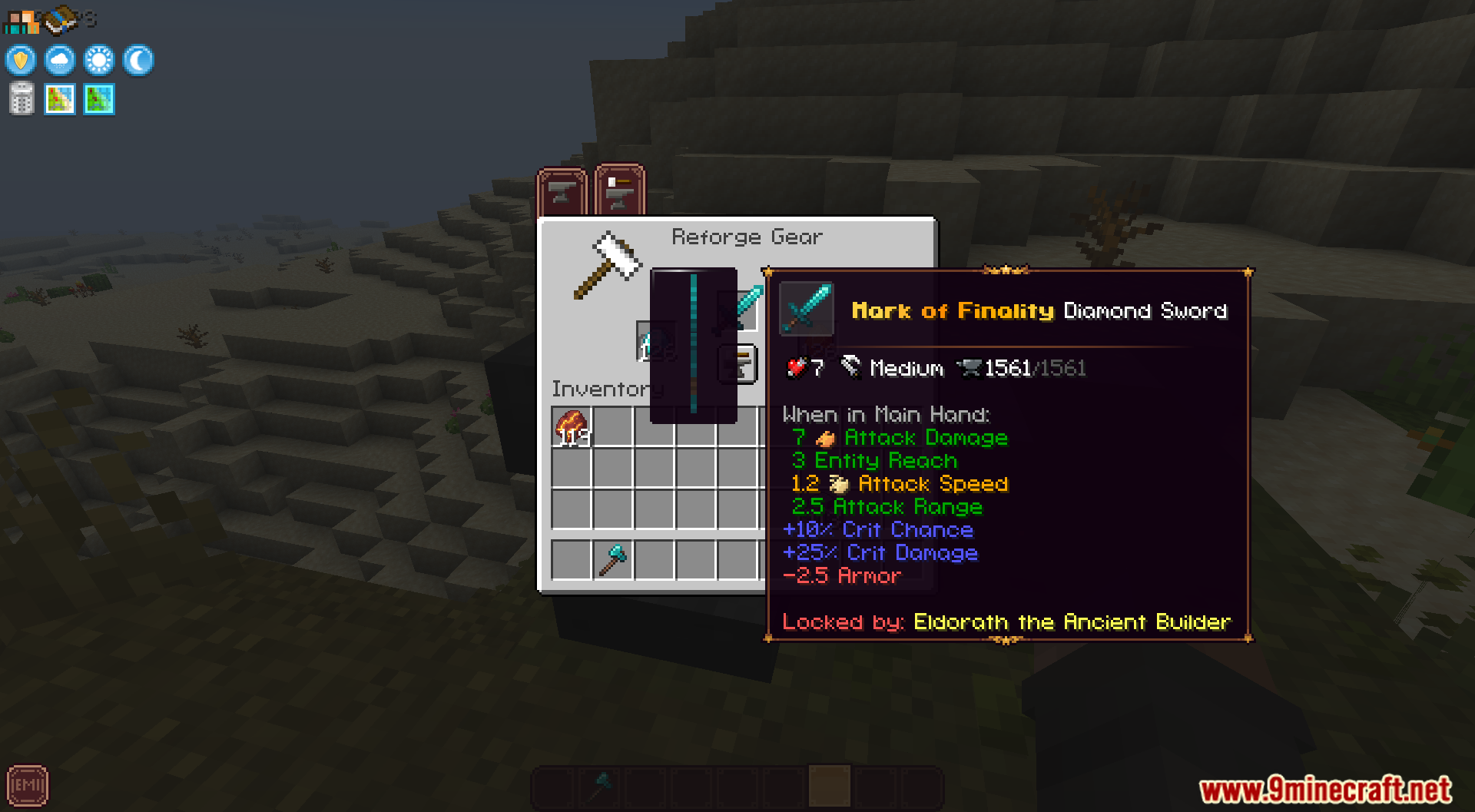
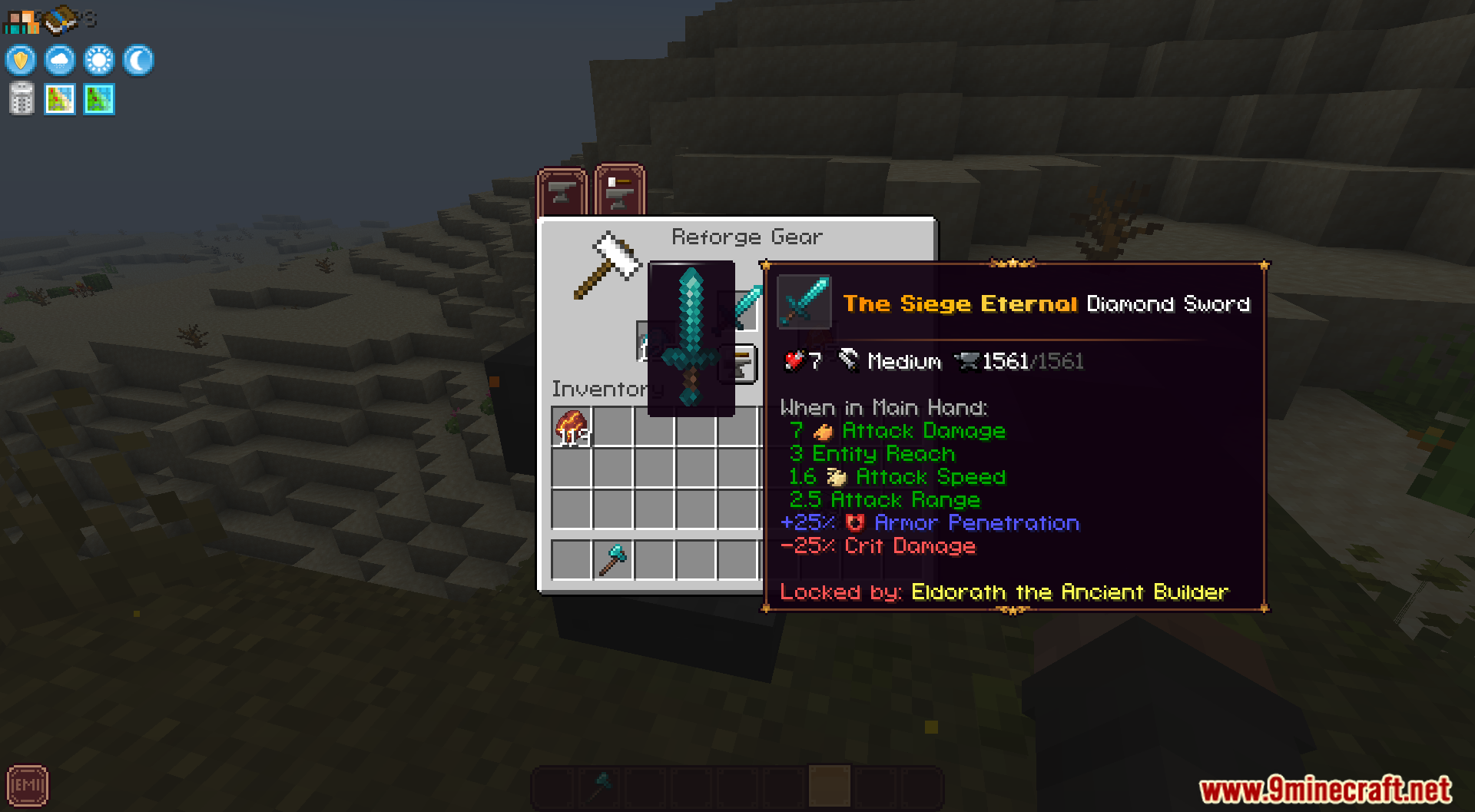
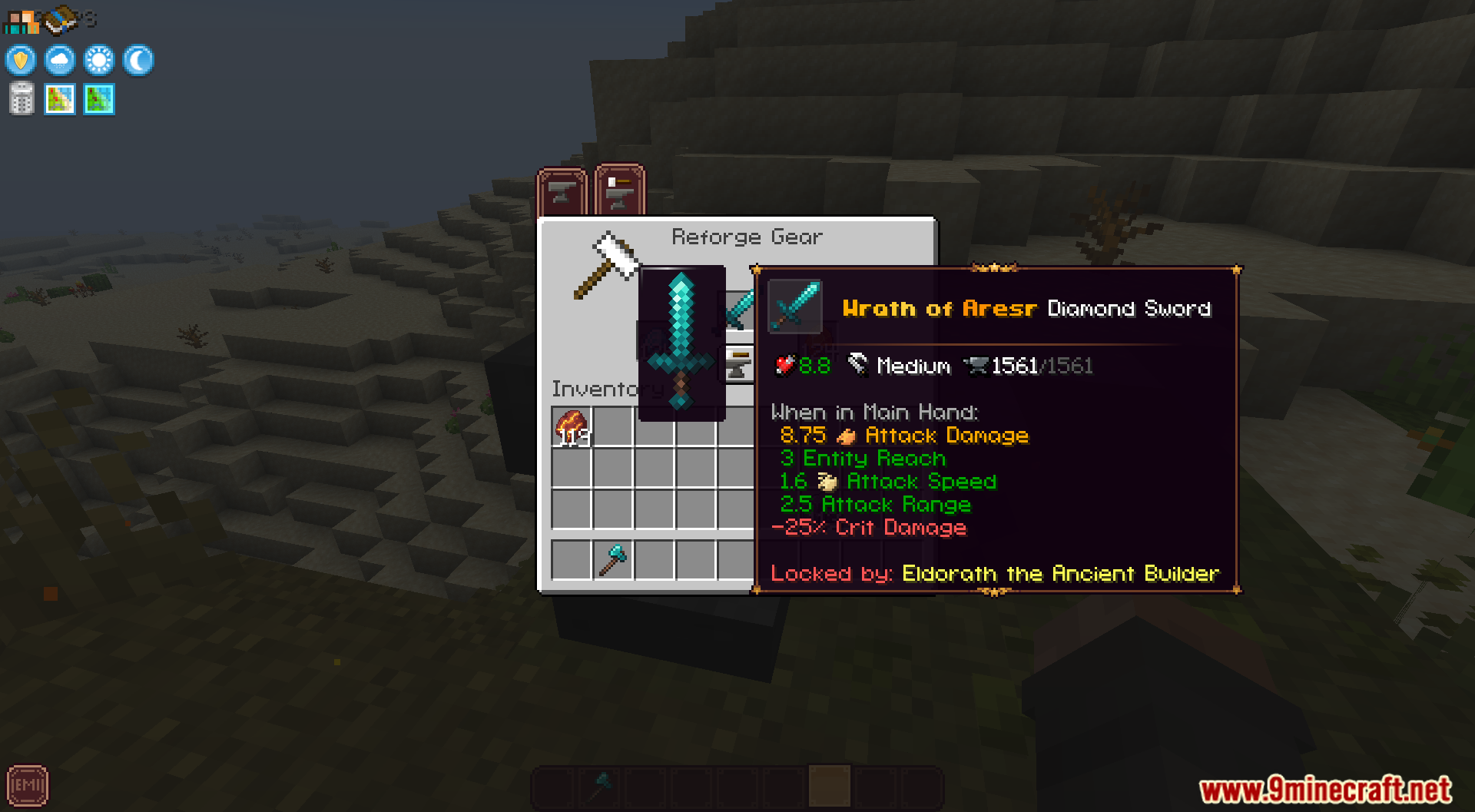
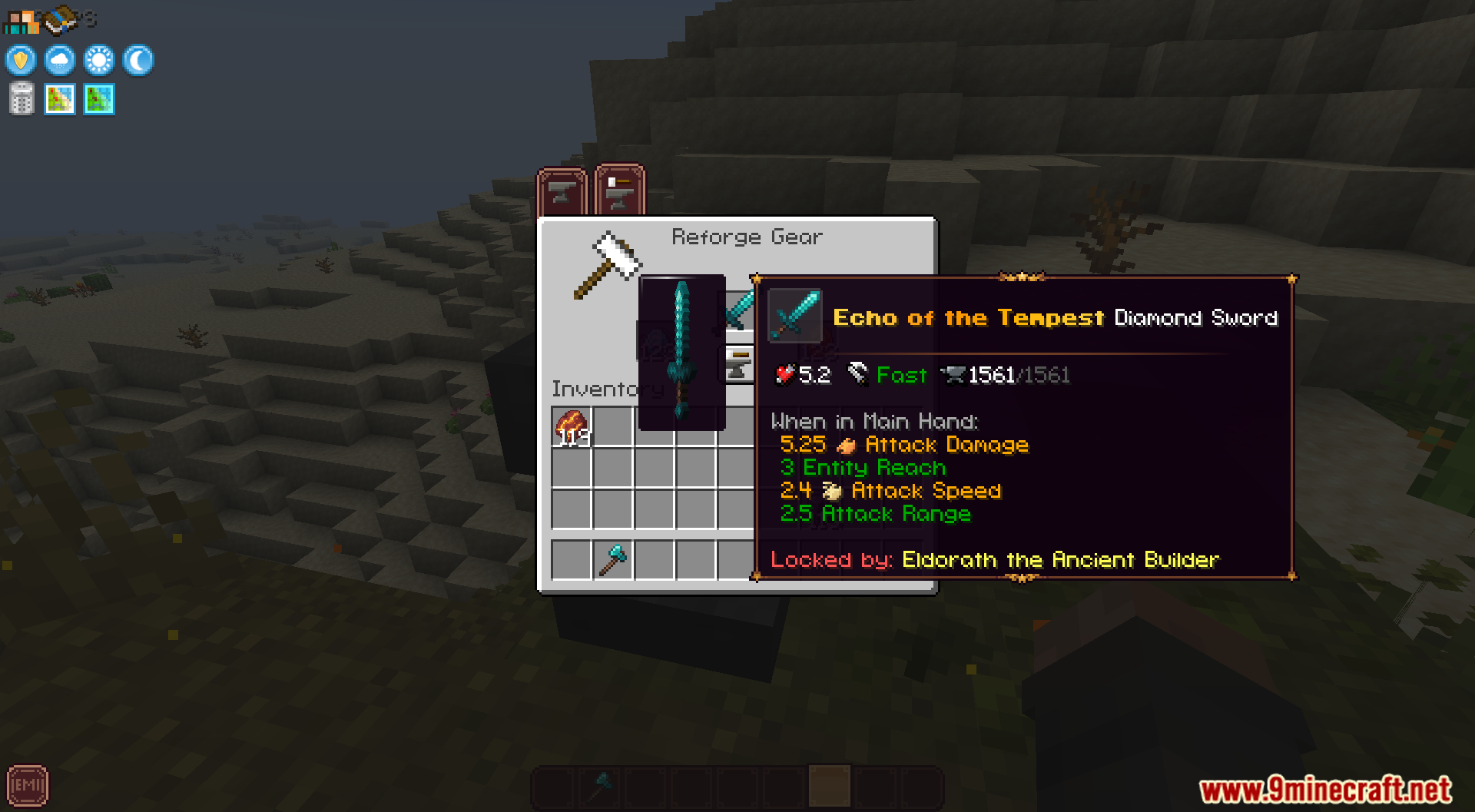
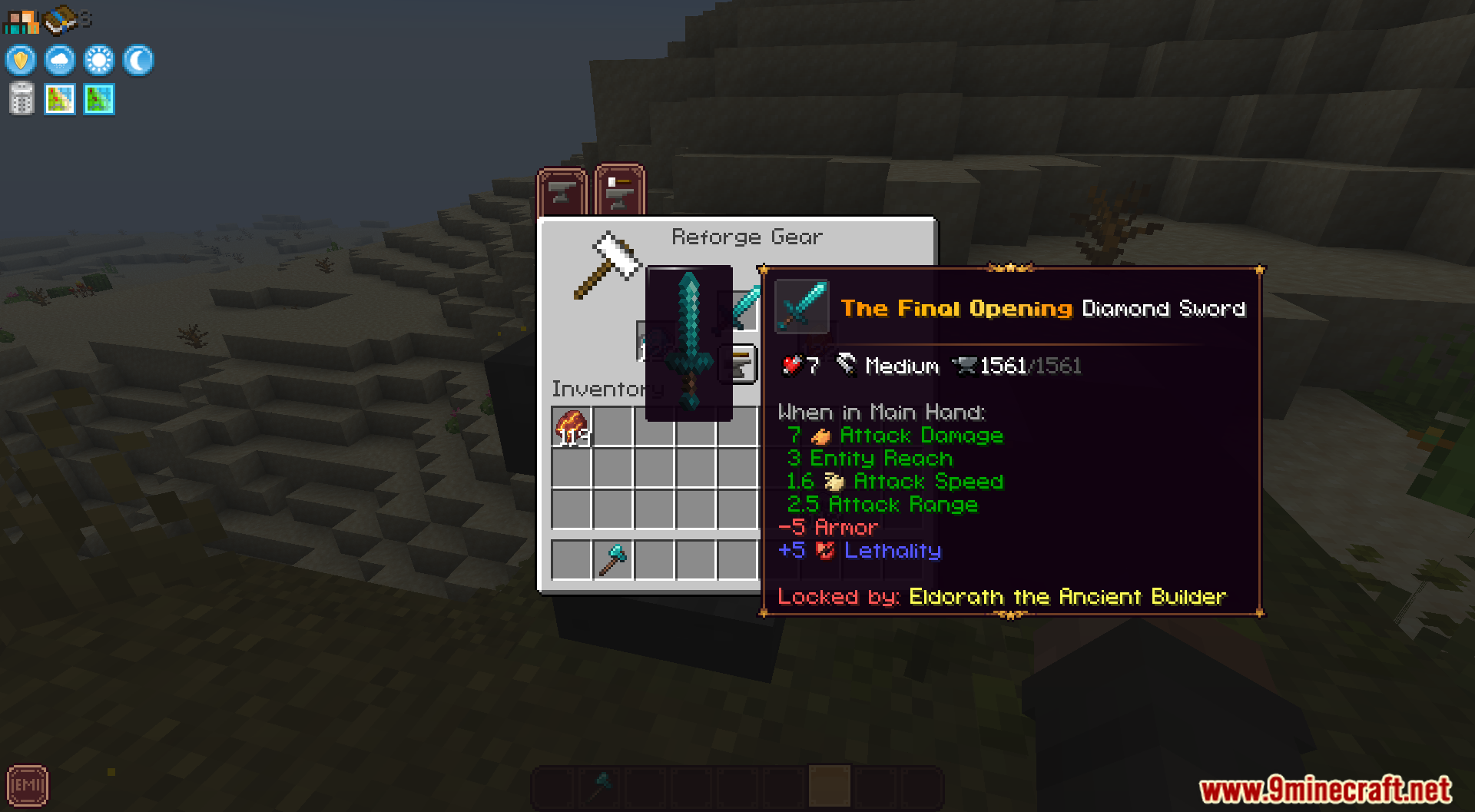
- Deep Reforging System: Upgrades give a good bonus and a bad penalty.
- Higher tiers make both stats much stronger.
- Adds over 100 different reforges to the game.
- Perfect Roll: A rare chance to remove the bad penalty completely.
- Perfect items get a special label and a cool border.
- Modifier Names: Each upgrade gets a unique name and moving colors.
- Cleansing Stone: A new item to remove upgrades from gear.
- Find Limestone in the Overworld for Common upgrades.
- Mine Pyrite in the Overworld for Uncommon upgrades.
- Collect Galena in the Nether for Rare upgrades.
- Get Charoite in the Nether for Epic upgrades.
- Find Crown Topaz in the End for Legendary upgrades.
- Mine Painite in the End for Mythic upgrades.
How to Use:
- Open the reforge screen.
- Put the Cleansing Stone in the material slot.
- Add your repair material and the item.
- Click the reforge button to remove the tier.
Screenshots:
Echelon Linggango Variant Mod Download Links
Quick facts
- Edition: Minecraft Java
- File type: .jar
- Minecraft version listed: 1.20.1
- How to install: Install the matching mod loader (Forge, Fabric or NeoForge) for your Minecraft version. → Download the .jar. → Put it in the .minecraft/mods folder and launch that loader profile.
- Where to get it: In MC Java Mods, or directly above on this page.
Install steps are the general flow for this file type — How to install Minecraft Java mods & modpacks walks through it step by step.
Verified by MCModsHub
- Downloads as 33456.mcaddon
- Download size: 5.4 MB
- Download link checked 26 Sept 2026 — working
- Mirrored on our own servers — the download does not depend on the original host
These come from our own check of the pack file, not from the source page.