Macaw's Paintings Mod (26.2, 1.20.1) – In-game Art Gallery
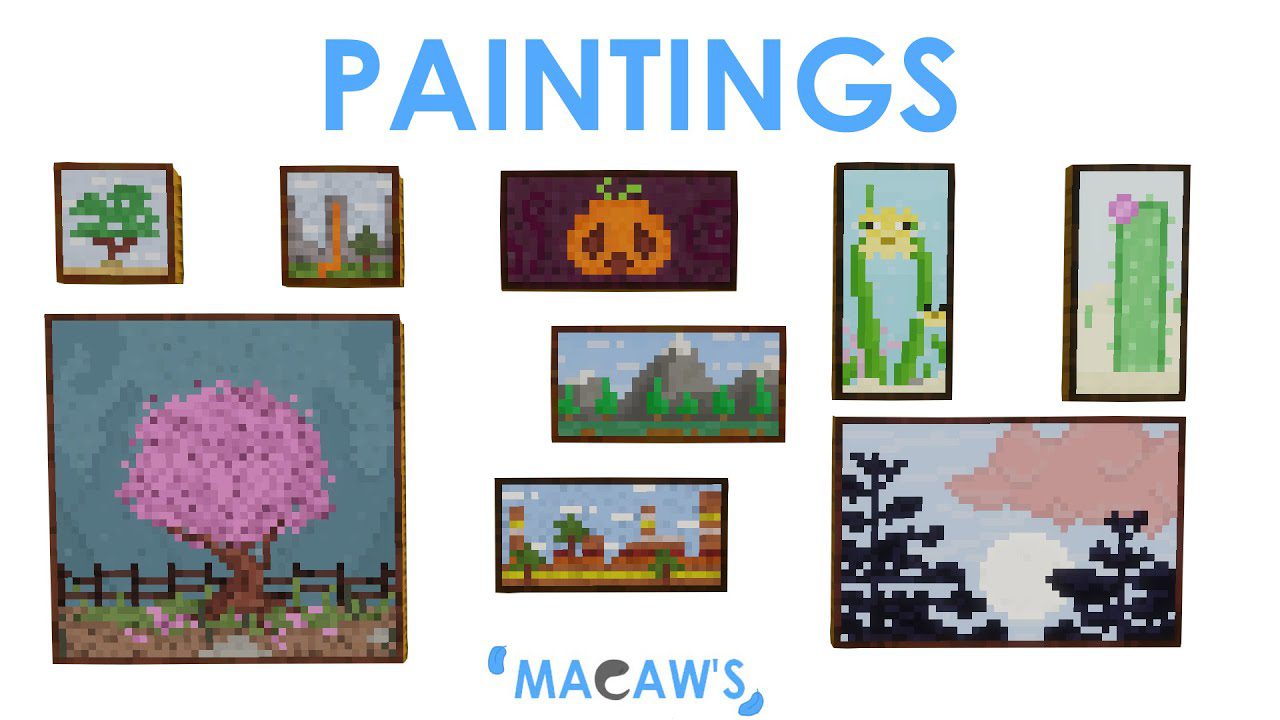
Macaw's Paintings Mod will add new paintings to the game, allowing you to decorate your builds. The paintings are quite simple and done in a pixel art…
⬇ Download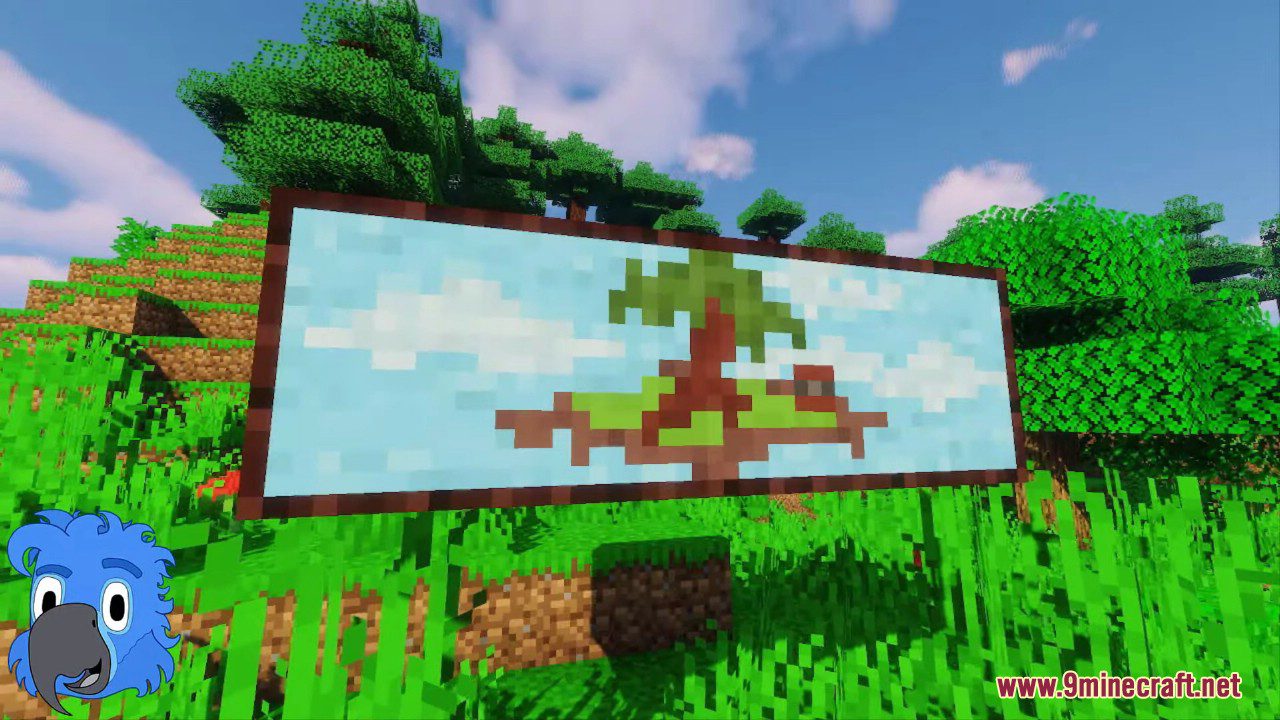
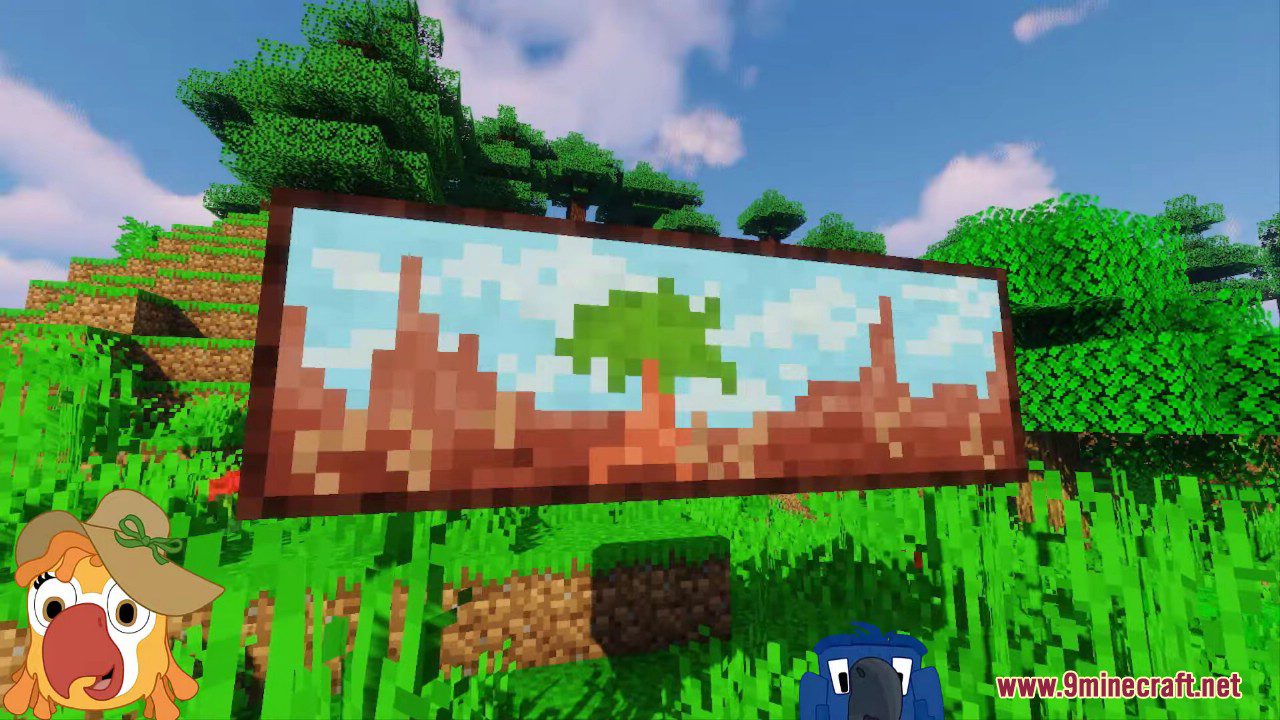
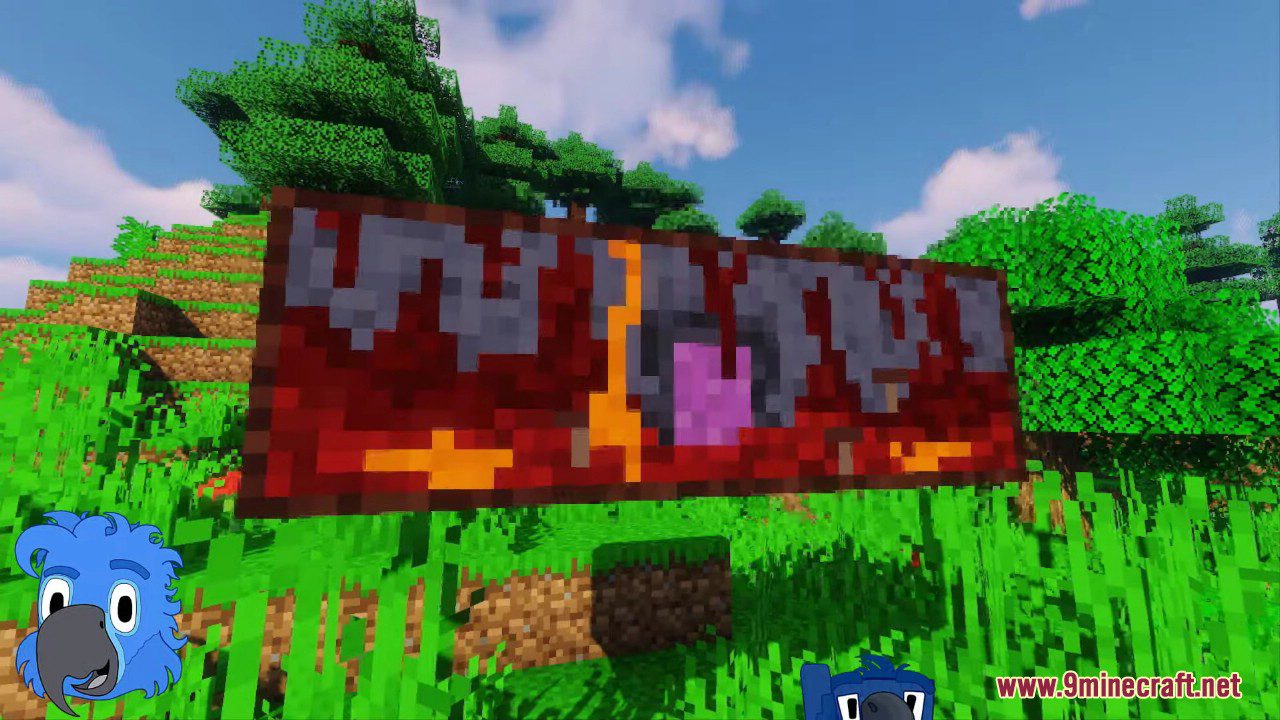
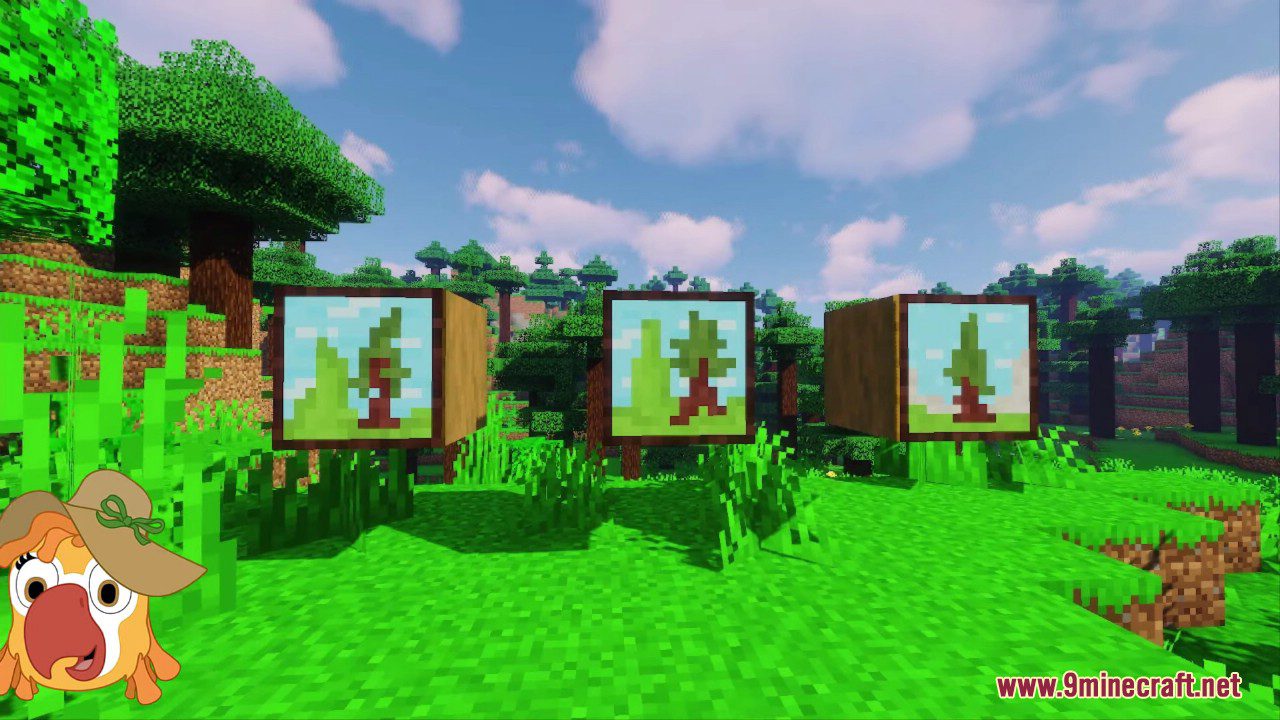
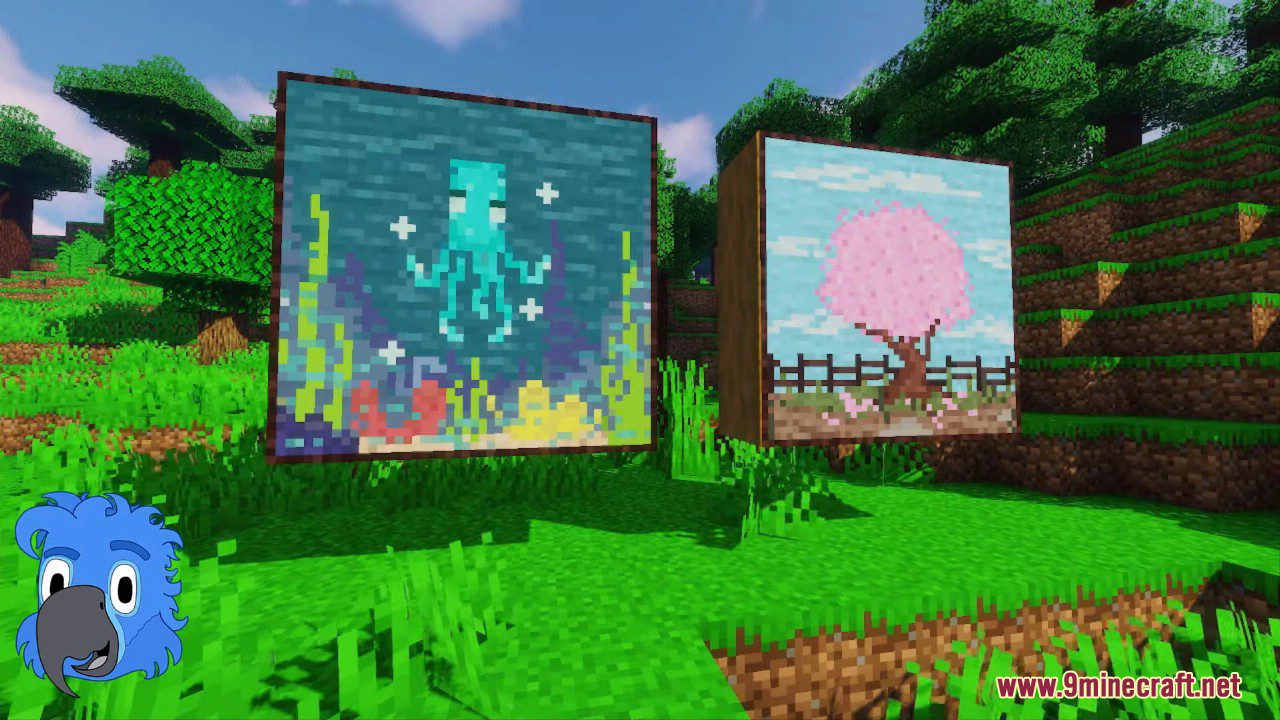
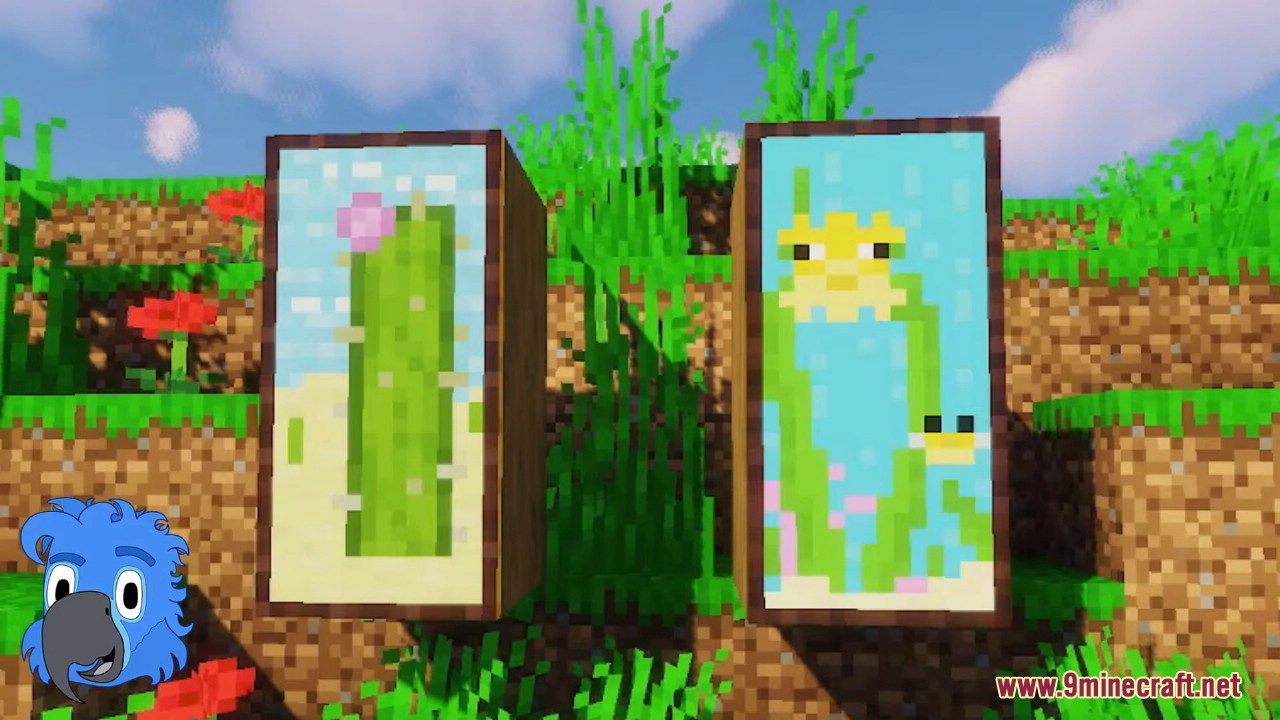
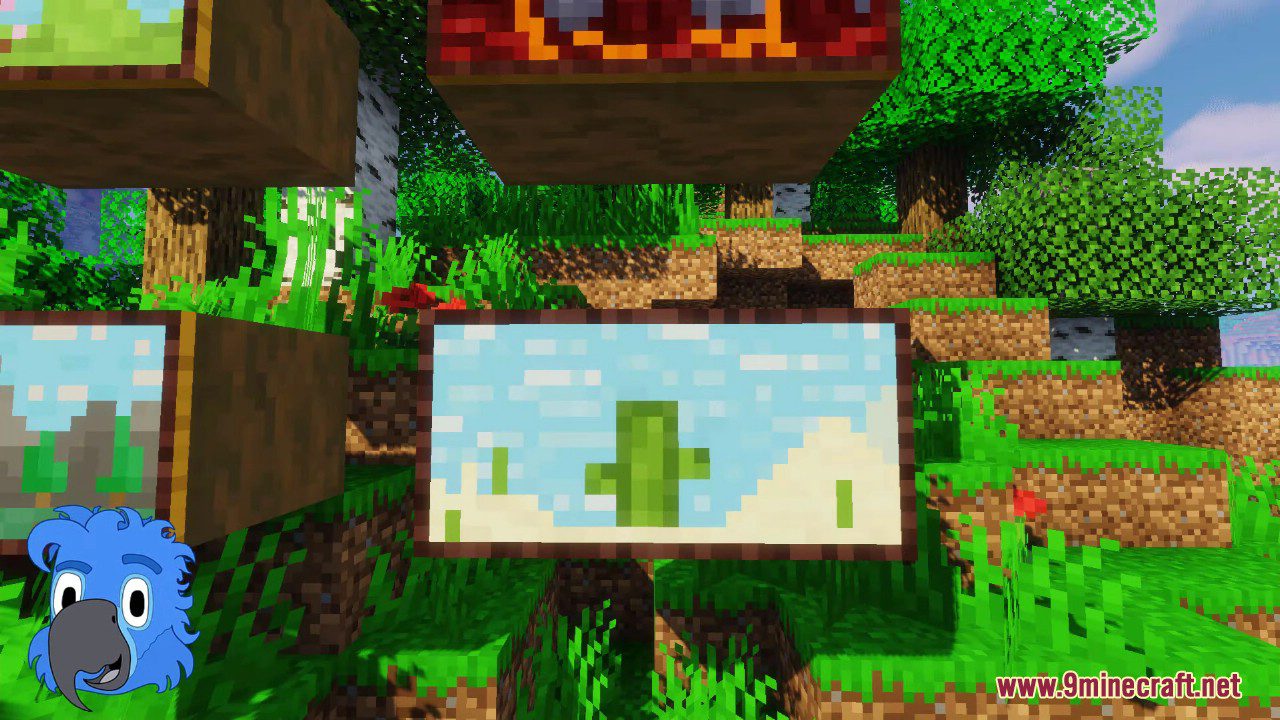
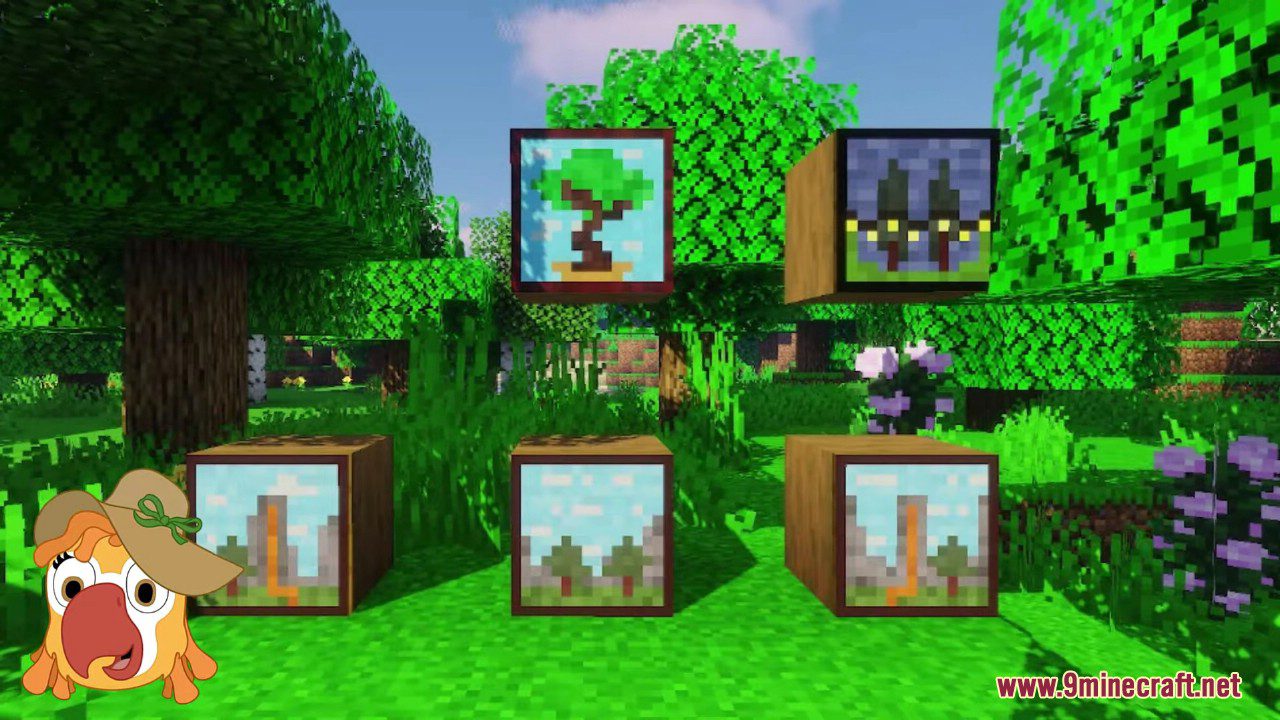
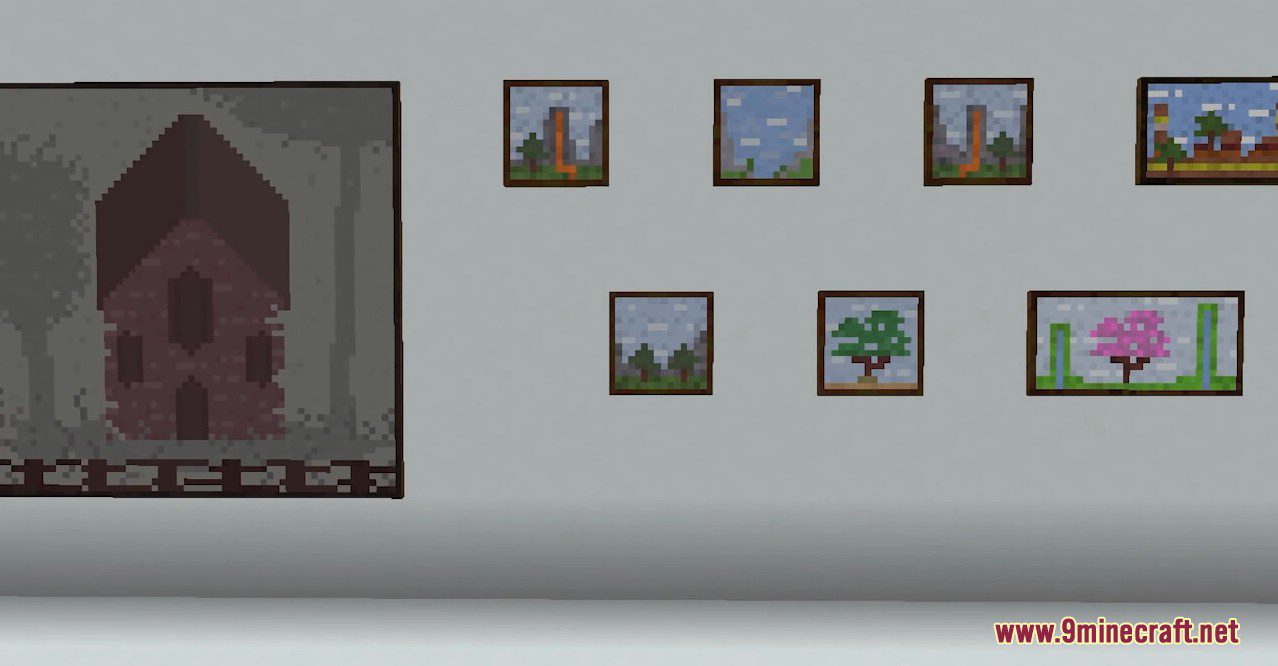
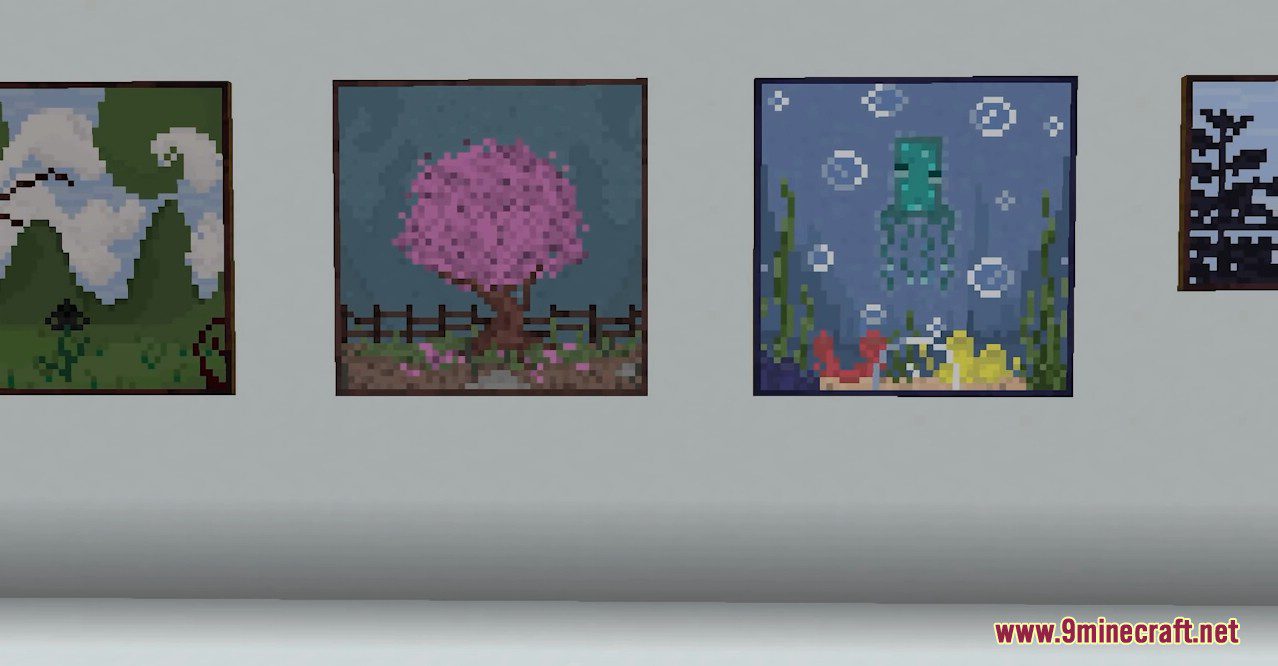
Macaw’s Paintings Mod will add new paintings to the game, allowing you to decorate your builds. The paintings are quite simple and done in a pixel art style. They don’t replace the standard paintings; by cycling through the regular paintings, you will find the new options as well. Currently, the mod adds 40 paintings of various sizes.
Features:
- Adds a variety of new paintings with a pixel art style, designed to fit seamlessly into the game’s aesthetic.
- The new paintings don’t replace the standard ones; they are added to the existing pool and can be cycled through like regular paintings.
- Includes a selection of paintings in different sizes, offering more options for decorating your builds.
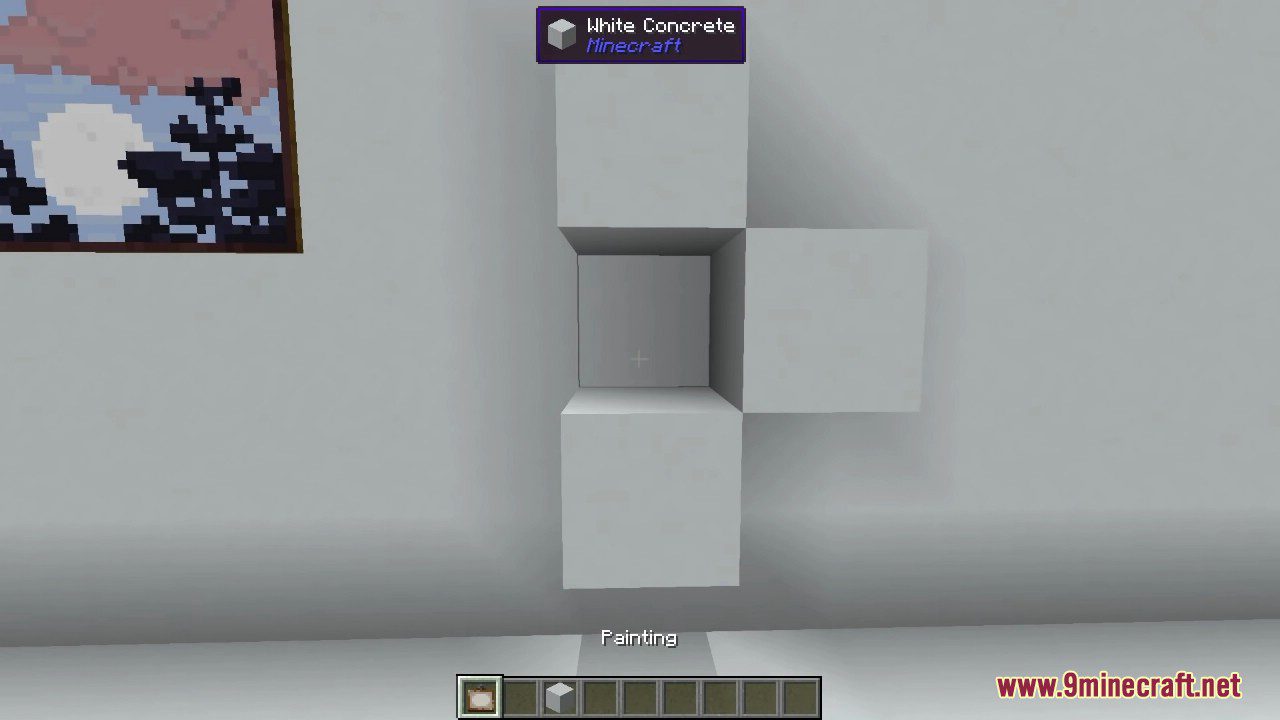
- Craft paintings as you normally would, and the new designs will be available.
Screenshots:
Macaw’s Paintings Mod Download Links
- Edition: Minecraft Java
- File type: .jar
- Minecraft version listed: 1.20.1
- How to install: Install the matching mod loader (Forge, Fabric or NeoForge) for your Minecraft version. → Download the .jar. → Put it in the .minecraft/mods folder and launch that loader profile.
- Where to get it: Opens on the file's original source — not every file is mirrored on our own servers.
Install steps are the general flow for this file type — How to install Minecraft Java mods & modpacks walks through it step by step.
Macaw's Paintings Mod (26.2, 1.20.1) – In-game Art Gallery is a free Minecraft Java mod. Compatible with Minecraft 1.20.1. Download it and open it directly in the game.