ModsJava
Dqrkis Client Mod (1.21.11, 1.21.4) – Undetectable Ghost Client
Java mod listed for Minecraft 1.21. Downloads from the MC Java Mods app on Android.
⬇ Download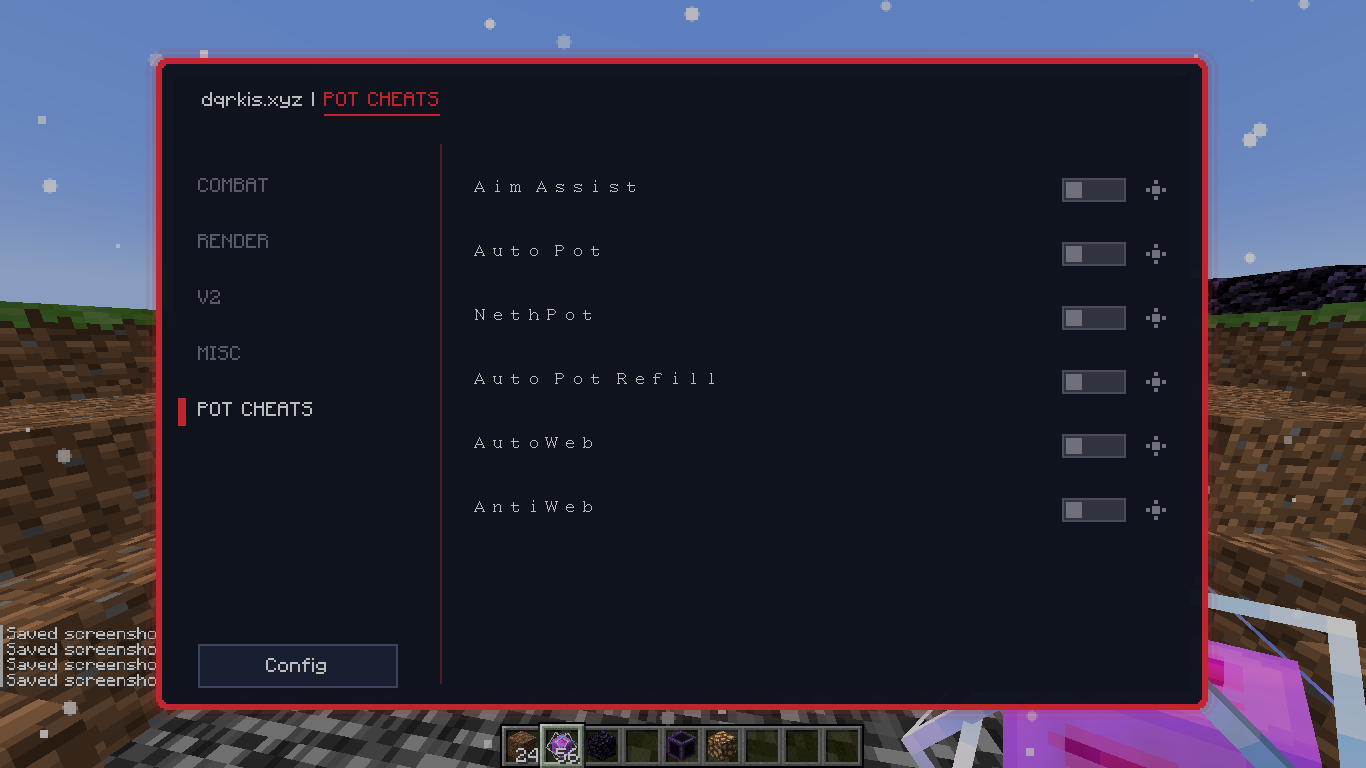
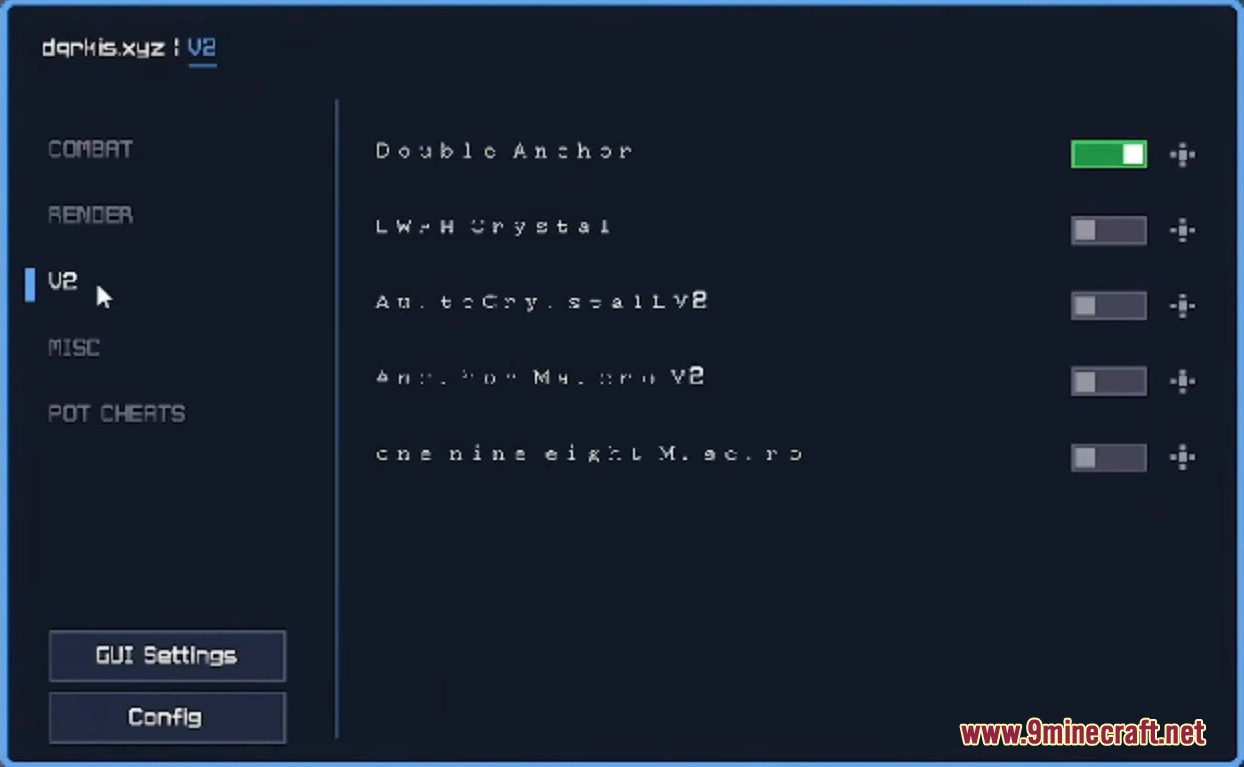
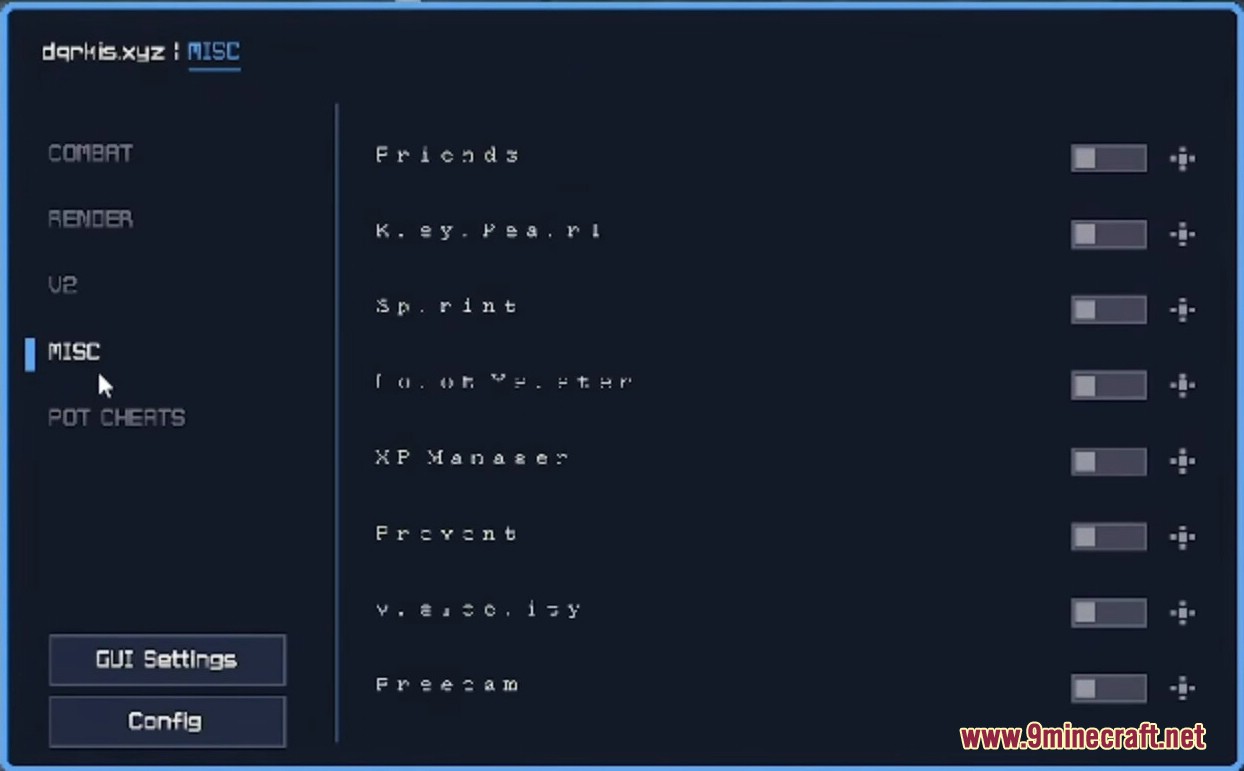
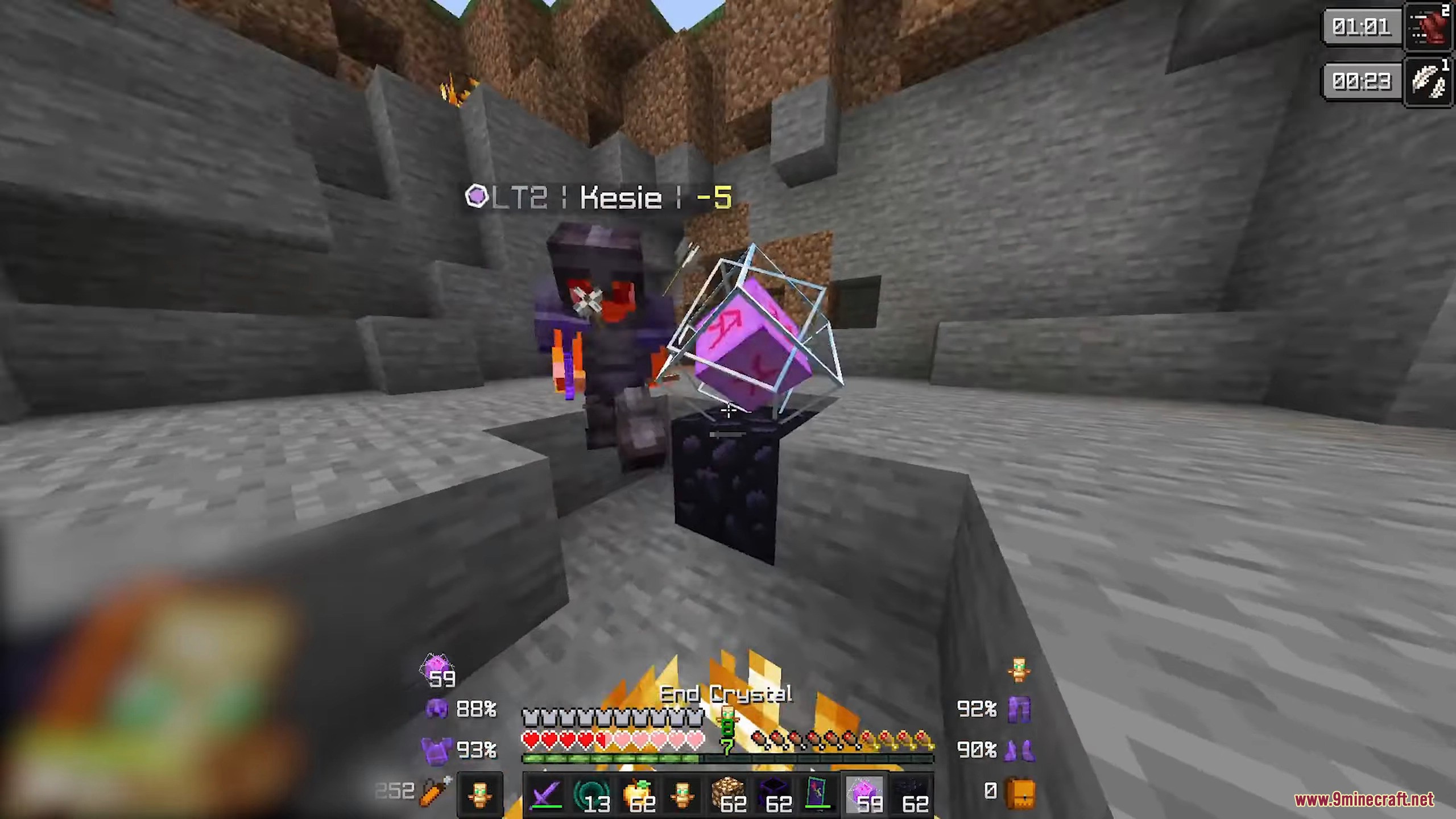
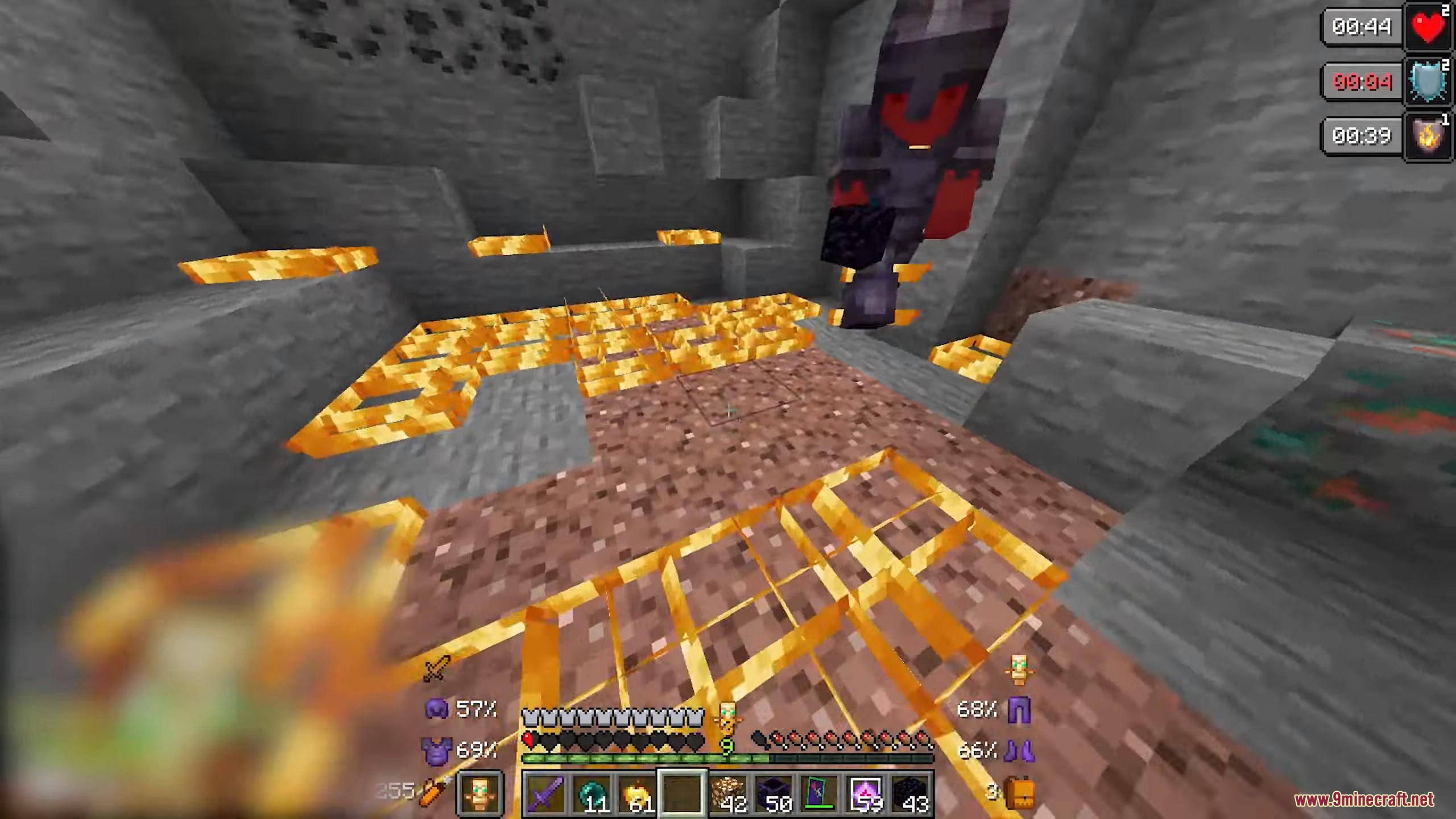
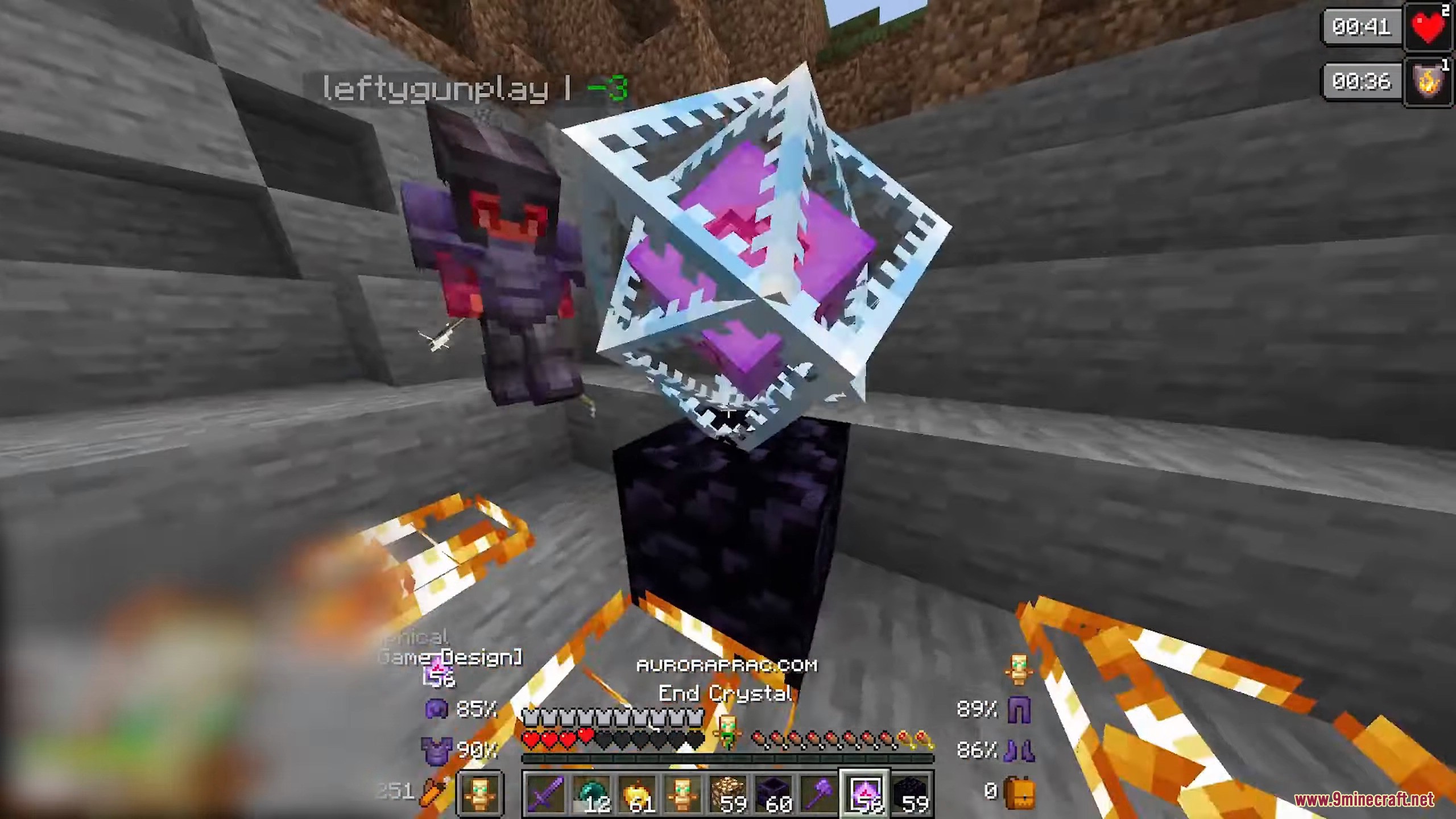
Dqrkis Client Mod is a closet-style PvP client for Minecraft, focused on Crystal PvP and utility automation. The client provides combat assistance, potion automation, and useful utilities while staying simple and lightweight.
Features:
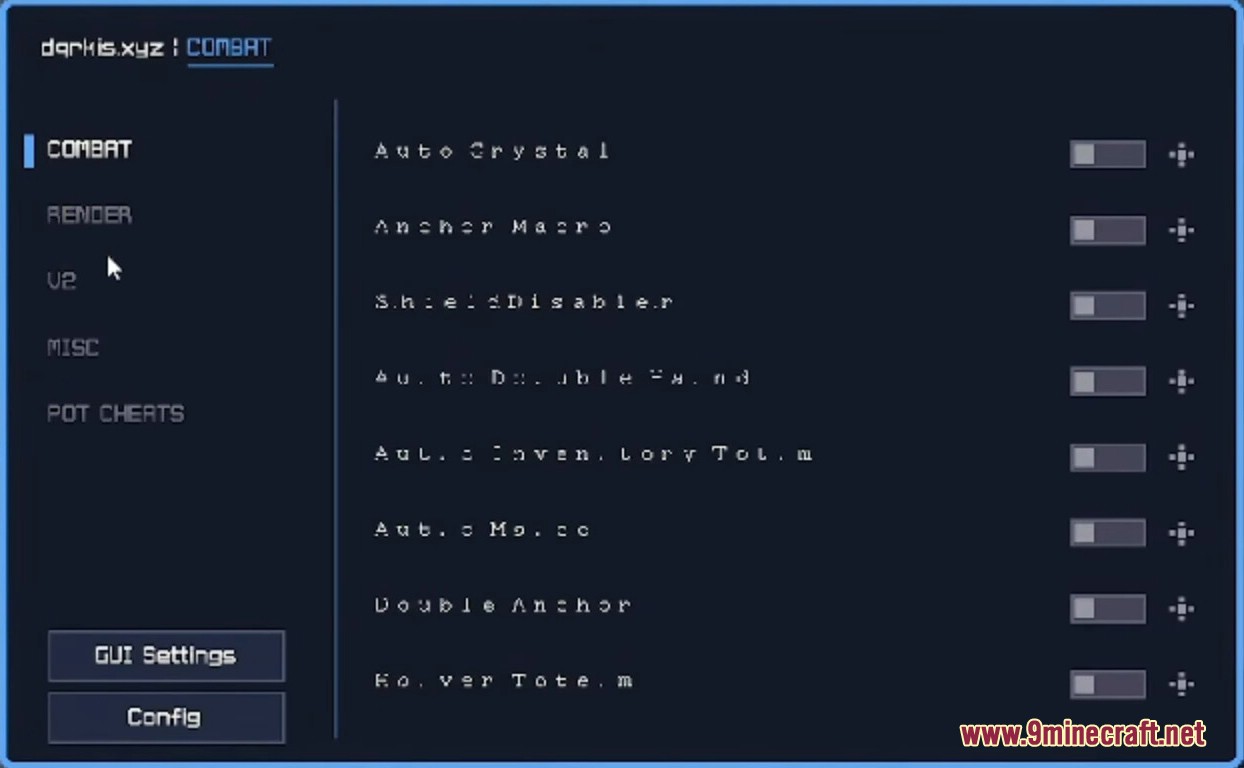
- COMBAT
- Auto Crystal – Automatically places and breaks crystals
- Anchor Macro – Fast respawn anchor attacks
- Shield Disabler – Helps break enemy shields
- Auto Inventory Totem – Moves totems into inventory
- Auto Totem – Automatically equips totems
- Auto Mace – Automatic mace attacks
- Double Anchor – Places two anchors quickly
- Cover Totem – Extra totem protection
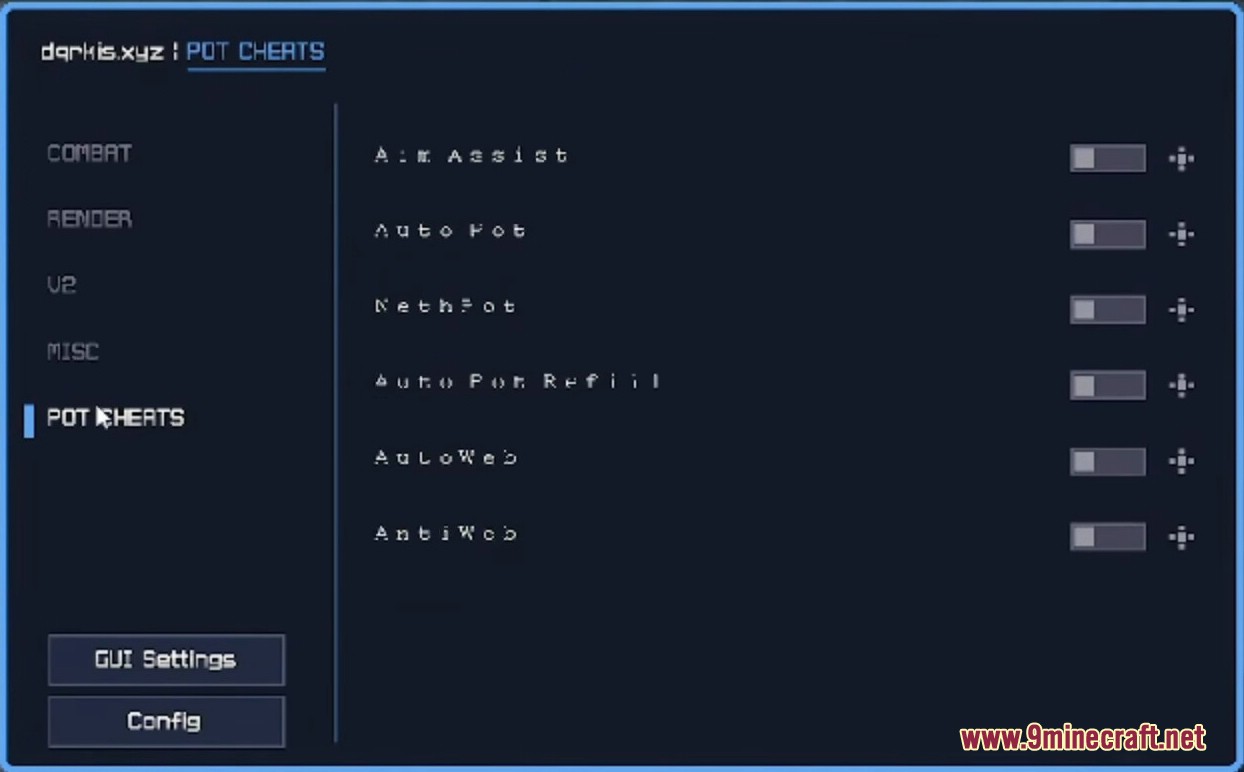
- POT CHEATS
- Aim Assist – Helps aim at targets
- Auto Pot – Automatically throws potions
- Nether Pot – Potion automation in the Nether
- Auto Pot Refill – Refills potions automatically
- Auto Web – Places cobwebs automatically
- Anti Web – Reduces cobweb slowdown
- MISC
- Friends – Friend list management
- Key Pearl – Quick ender pearl keybind
- Sprint – Automatic sprinting
- Auto Totem – Offhand totem automation
- XP Manager – Controls XP bottle usage
- Prevent – Basic protection features
- Velocity – Reduces knockback
- Freecam – Free camera movement
- U2 (Advanced Modules)
- Double Anchor – Advanced anchor placement
- LWMH Crystal – Custom crystal automation
- Anti Crystal LV2 – Crystal protection
- Anti Crystal Multi Hit LV2 – Advanced crystal defense
- Custom Macros – Special automation modules
Screenshots:
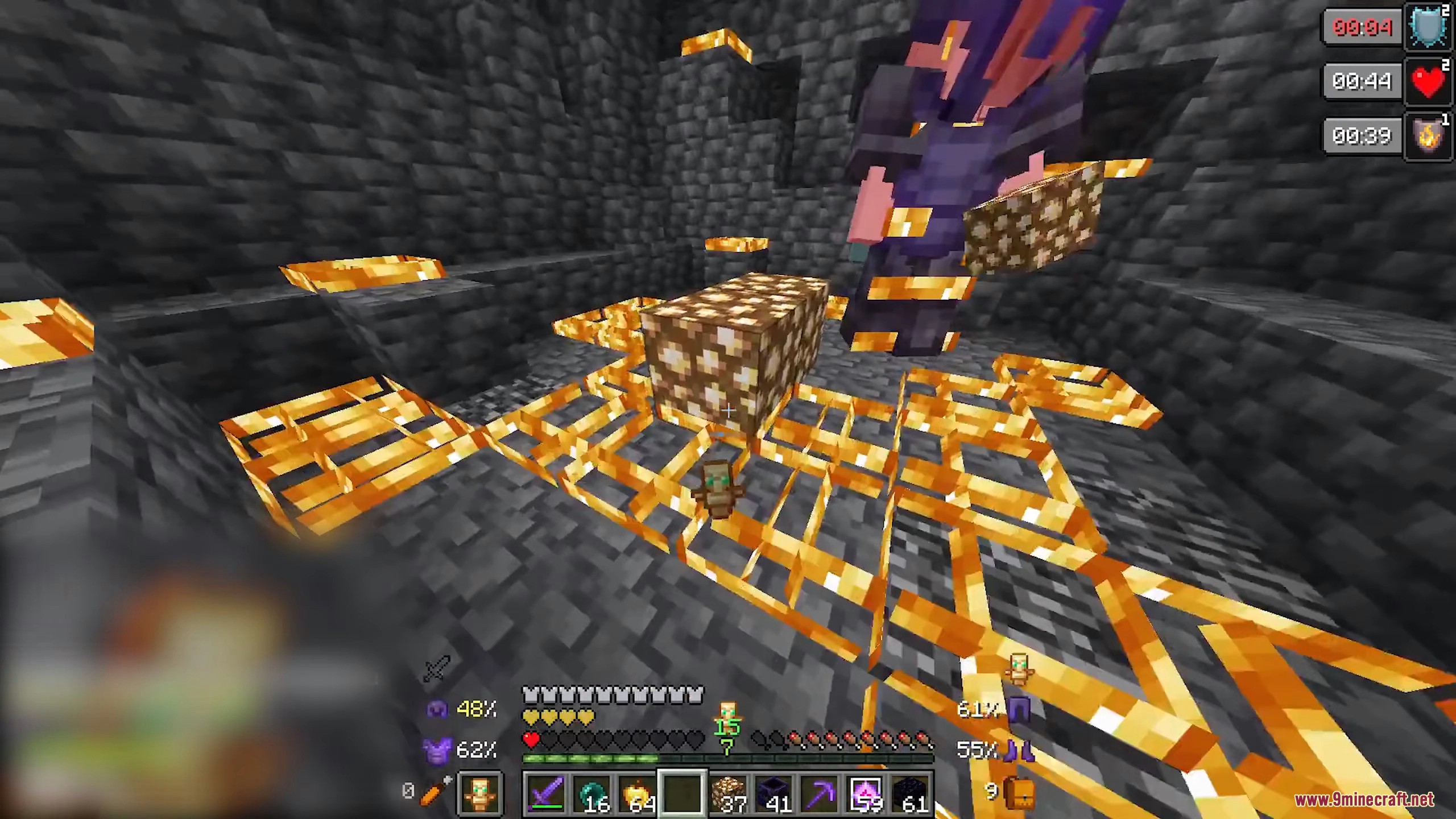
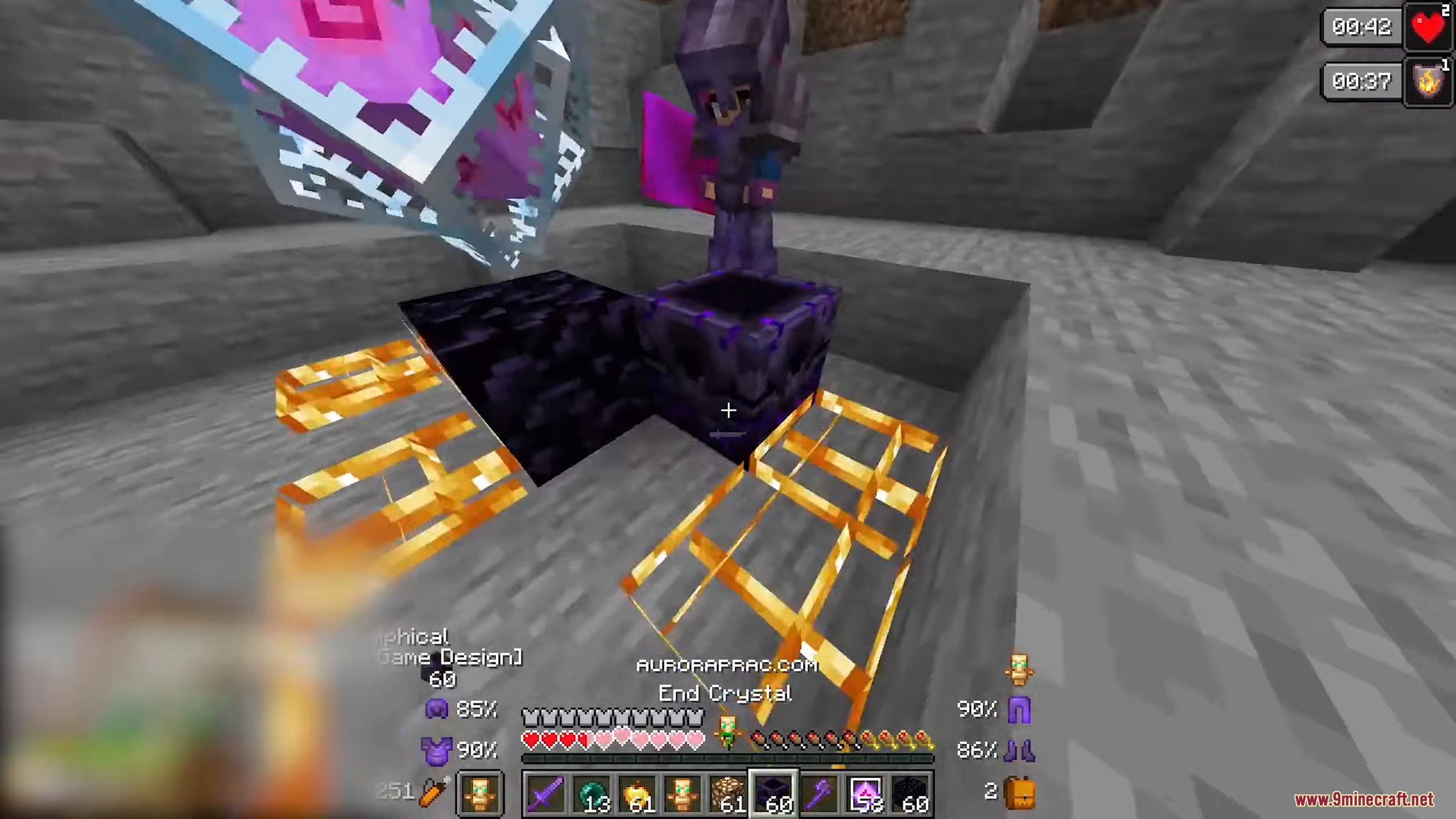
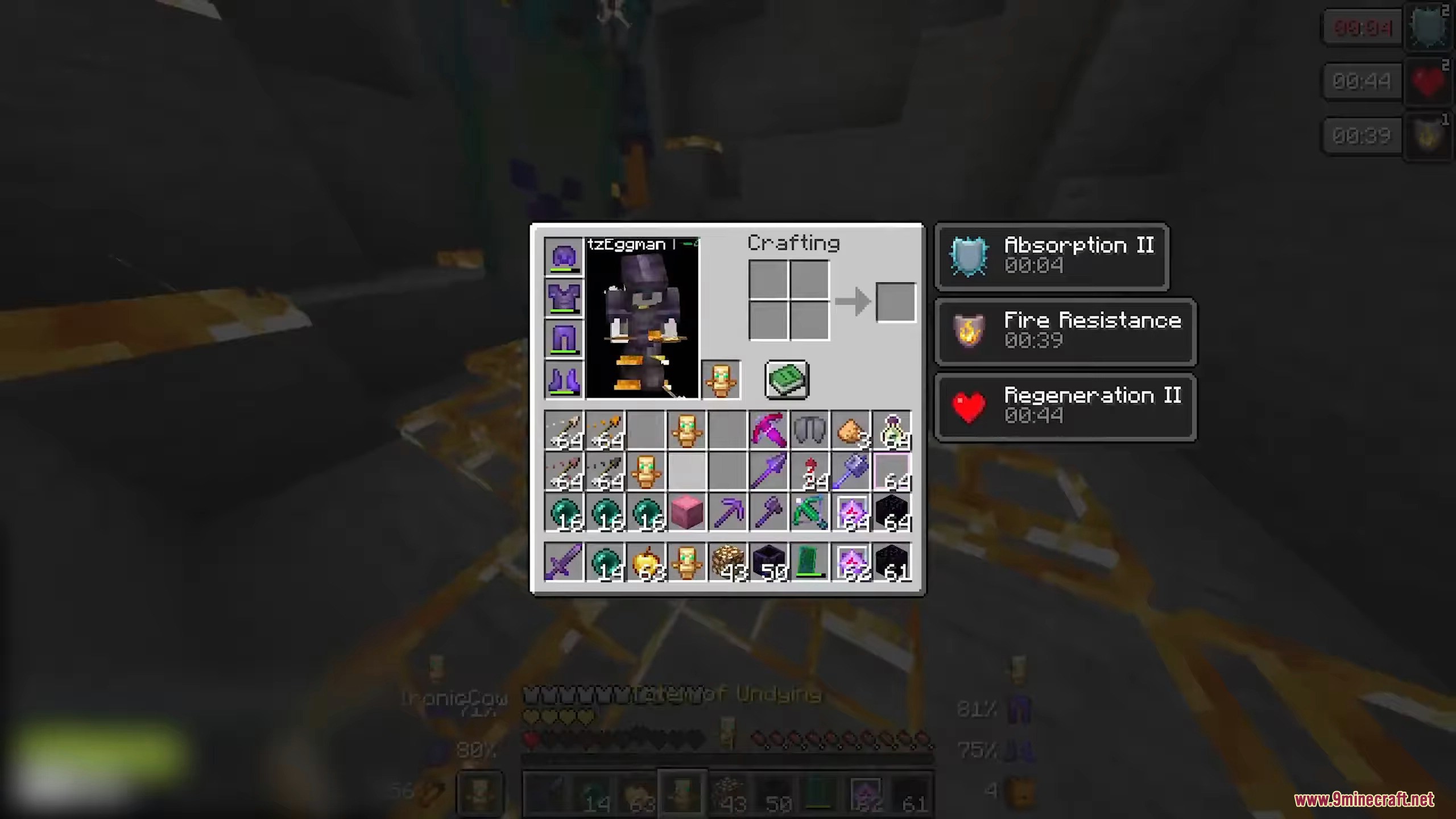
How to use:
- Open ClickGUI: F12
- Main key: Insert
Required Setting:
- Disable menu blur before using the client:
- Go to
Options - Open
Accessibility Settings - Set
Menu Background Blurto OFF
- Go to
Dqrkis Client Mod Download Links
Quick facts
- Edition: Minecraft Java
- File type: .jar
- Minecraft versions listed: 1.21.11, 1.21.4
- How to install: Install the matching mod loader (Forge, Fabric or NeoForge) for your Minecraft version. → Download the .jar. → Put it in the .minecraft/mods folder and launch that loader profile.
- Where to get it: In MC Java Mods, or directly above on this page.
Install steps are the general flow for this file type — How to install Minecraft Java mods & modpacks walks through it step by step.
File checked by MCModsHub
- Downloads as 33494.mcaddon
- Download size: 1.5 MB
- Download link checked 24 Sept 2026 — working
- Mirrored on our own servers — the download does not depend on the original host
These come from our own check of the pack file, not from the source page.