





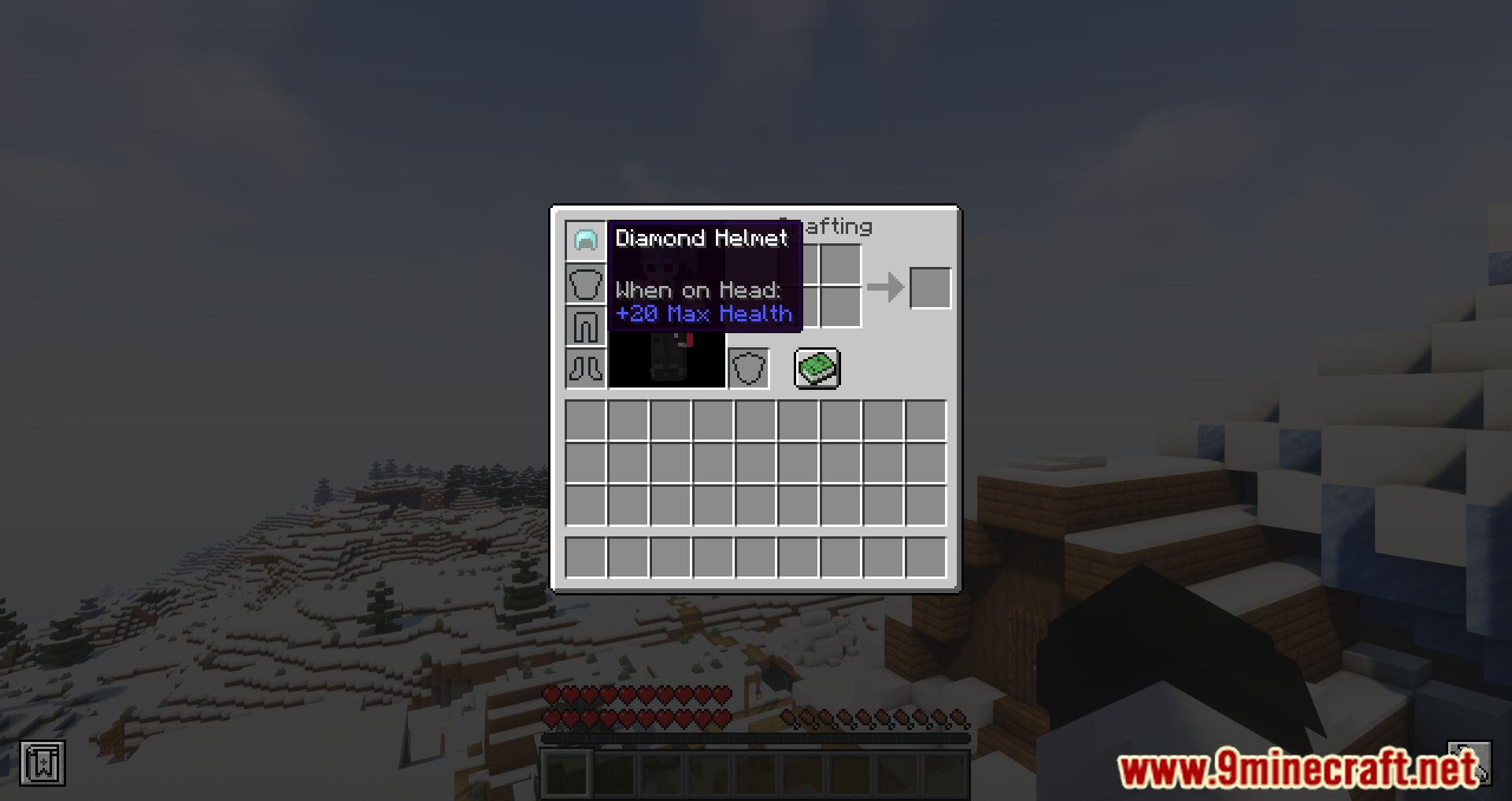


Max Health Fix Mod fixes an old bug in Minecraft that caused the “Max Health” attribute to be ignored when a player joins the game. This bug will cause players with a health value more significant than the default limit of 20 to be reset back down to 20 when they join the game. For example, if the player is wearing a helmet that gives them +10 max health and they leave the game while having 25 health, their health will be reset back to 20 when they rejoin the game. This mod will fix the bug and allow players to retain their health values when they join a server.
Features:
- Resolves the issue where a player’s health resets to the default value (20) upon rejoining the game, even if their max health was higher due to equipment or effects.
- Client and Server Compatibility:
- When installed on the client, it fixes the bug for single-player worlds.
- When installed on the server, it fixes the bug for all players, even those without the mod installed on their client.
Screenshots:


Max Health Fix Mod Download Links
- Edition: Minecraft Java
- File type: .jar
- Minecraft version listed: 1.20.1
- How to install: Install the matching mod loader (Forge, Fabric or NeoForge) for your Minecraft version. → Download the .jar. → Put it in the .minecraft/mods folder and launch that loader profile.
- Where to get it: In MC Java Mods, or directly above on this page.
Install steps are the general flow for this file type — How to install Minecraft Java mods & modpacks walks through it step by step.
- Downloads as 33497.mcaddon
- Download size: 18 KB
- Download link checked 22 Sept 2026 — working
- Mirrored on our own servers — the download does not depend on the original host
These come from our own check of the pack file, not from the source page.