
Filament Mod (26.2, 1.20.1) – Add New Items, Blocks, and Decorations
Java mod listed for Minecraft 1.20. Downloads from the MC Java Mods app on Android.
⬇ Download
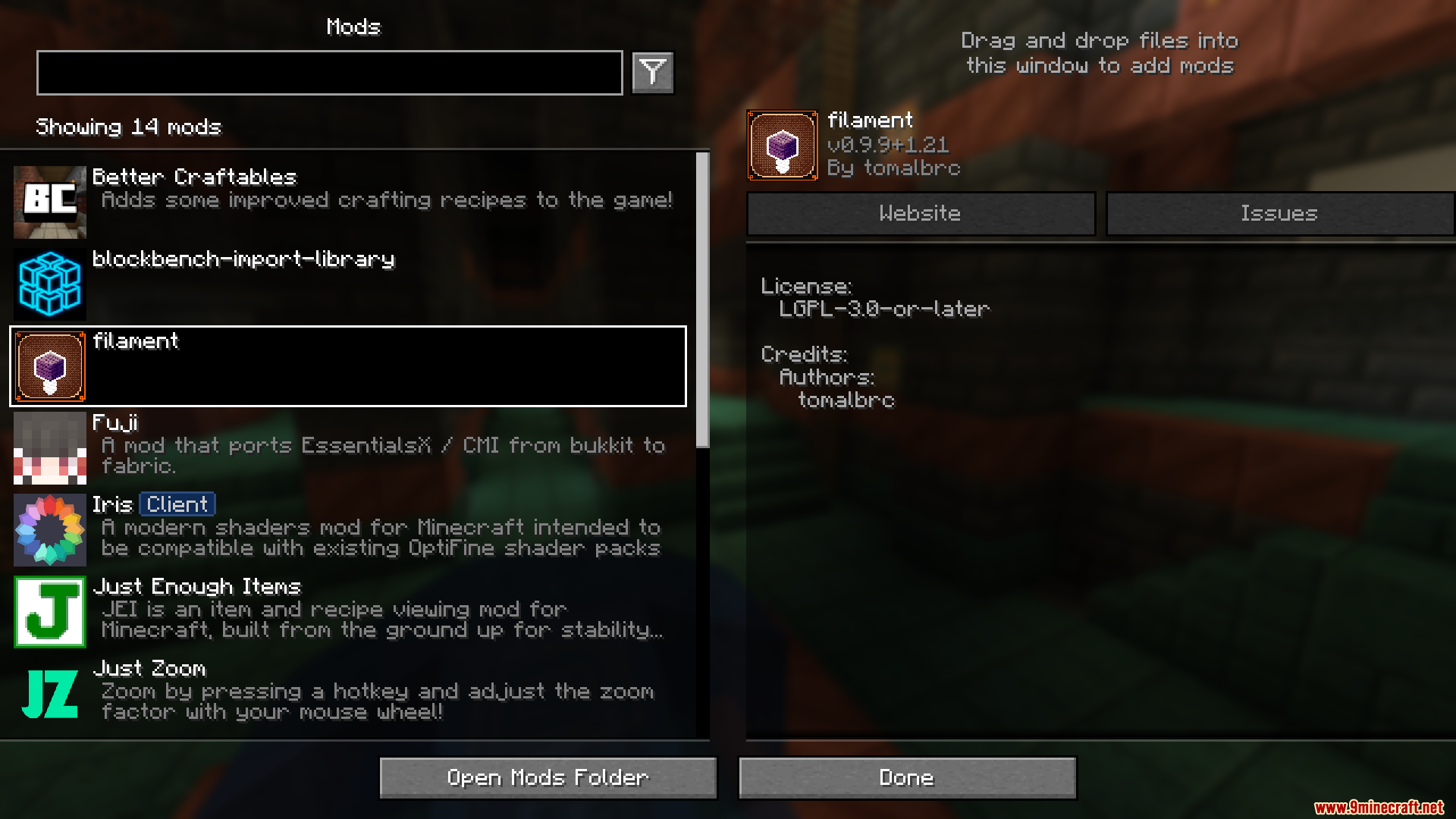
Filament Mod makes it easy to add new items, blocks, and decorations to Minecraft without any coding. Players and server owners can create custom content such as new blocks or special armor by using JSON files. It’s also super easy for others to join a Filament server without needing to install mods, as it works with regular Minecraft clients. The mod uses resource packs and clever tricks to keep the game running smoothly, even with lots of new custom content.
Features:
- Add custom items with unique behaviors like armor or shooting.
- Create custom blocks with special properties.
- Design custom decorations like furniture with customizable placement and behaviors.
- No coding is required, everything is configured through JSON files.
- Works with vanilla clients, no mod installation is needed for players.
- Low server performance impact.
Screenshots:
Filament Mod Download Links
- Edition: Minecraft Java
- File type: .jar
- Minecraft version listed: 1.20.1
- How to install: Install the matching mod loader (Forge, Fabric or NeoForge) for your Minecraft version. → Download the .jar. → Put it in the .minecraft/mods folder and launch that loader profile.
- Where to get it: In MC Java Mods, or directly above on this page.
Install steps are the general flow for this file type — How to install Minecraft Java mods & modpacks walks through it step by step.
- Downloads as 33512.mcaddon
- Download size: 12.4 MB
- Download link checked 26 Sept 2026 — working
- Mirrored on our own servers — the download does not depend on the original host
These come from our own check of the pack file, not from the source page.