Extra Options v1.3 1.4.6
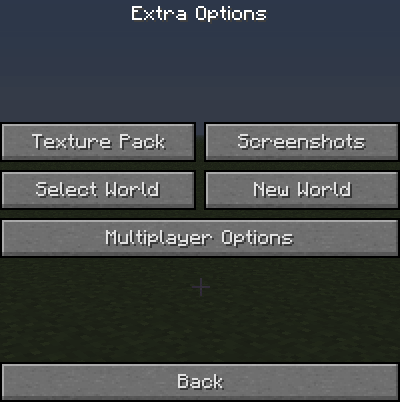
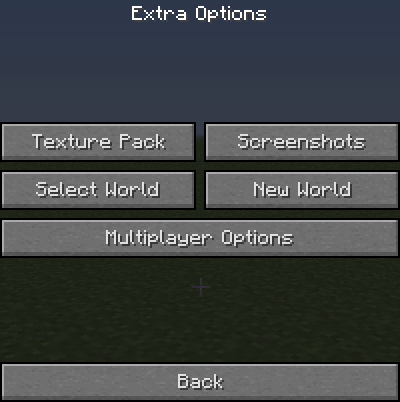
This mod gives you a few extra options on the menu screen ingame. The options include changing the texture pack and clearing multiplayer chat (also works on spc chat).
The join server button works on single player and multiplayer. When using it on single player you click the server you want to join then it will save your world chunks then start joining the server. It works when wanting to change server too. Instead of saving chunks it just disconnects from the previous server.

Main Menu

Extra Options

Multiplayer Options

- Edition: Minecraft Java
- File type: .jar
- How to install: Install the matching mod loader (Forge, Fabric or NeoForge) for your Minecraft version. → Download the .jar. → Put it in the .minecraft/mods folder and launch that loader profile.
- Where to get it: Opens on CurseForge — not every file is mirrored on our own servers.
Install steps are the general flow for this file type — How to install Minecraft Java mods & modpacks walks through it step by step.
Extra Options is a free Minecraft Java mod. Downloaded 2,437 times (via CurseForge). Download it and open it directly in the game.