ModsJava
Simple Voice Chat Radio Mod (26.1.2, 1.20.1) – Radio Devices for Long-distance Talk
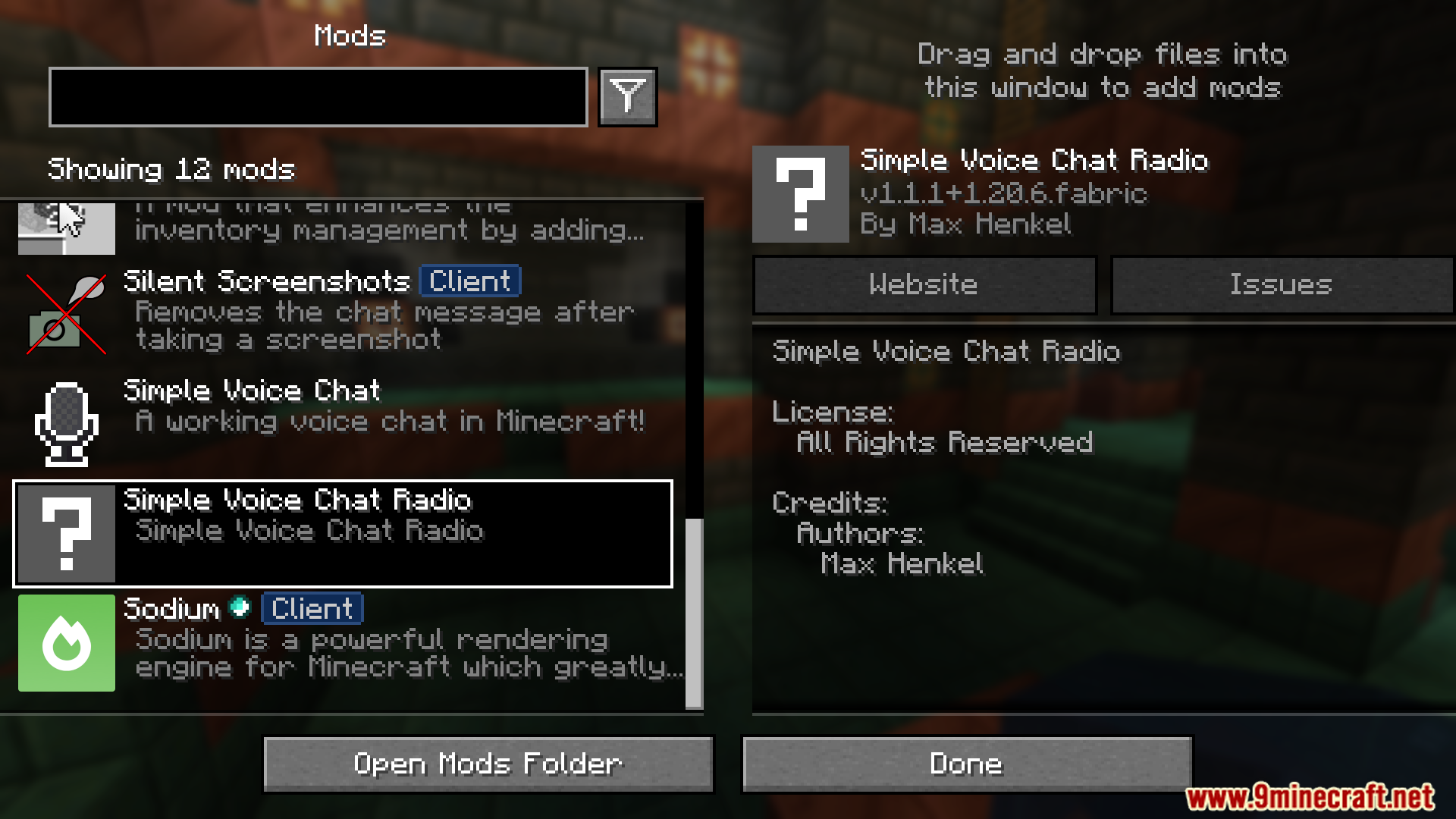
Simple Voice Chat Radio Mod adds a radio communication system for voice chat, allowing players to communicate over distances using radio devices.
Features:
- Adds radio devices for long-distance communication.
- Enhances multiplayer experience with strategic communication tools.
How to use:
- Install this mod alongside Simple Voice Chat on your server.
- Make sure you set up the voice chat mod correctly.
- Get the mp3 livestream URL of your favorite radio station.
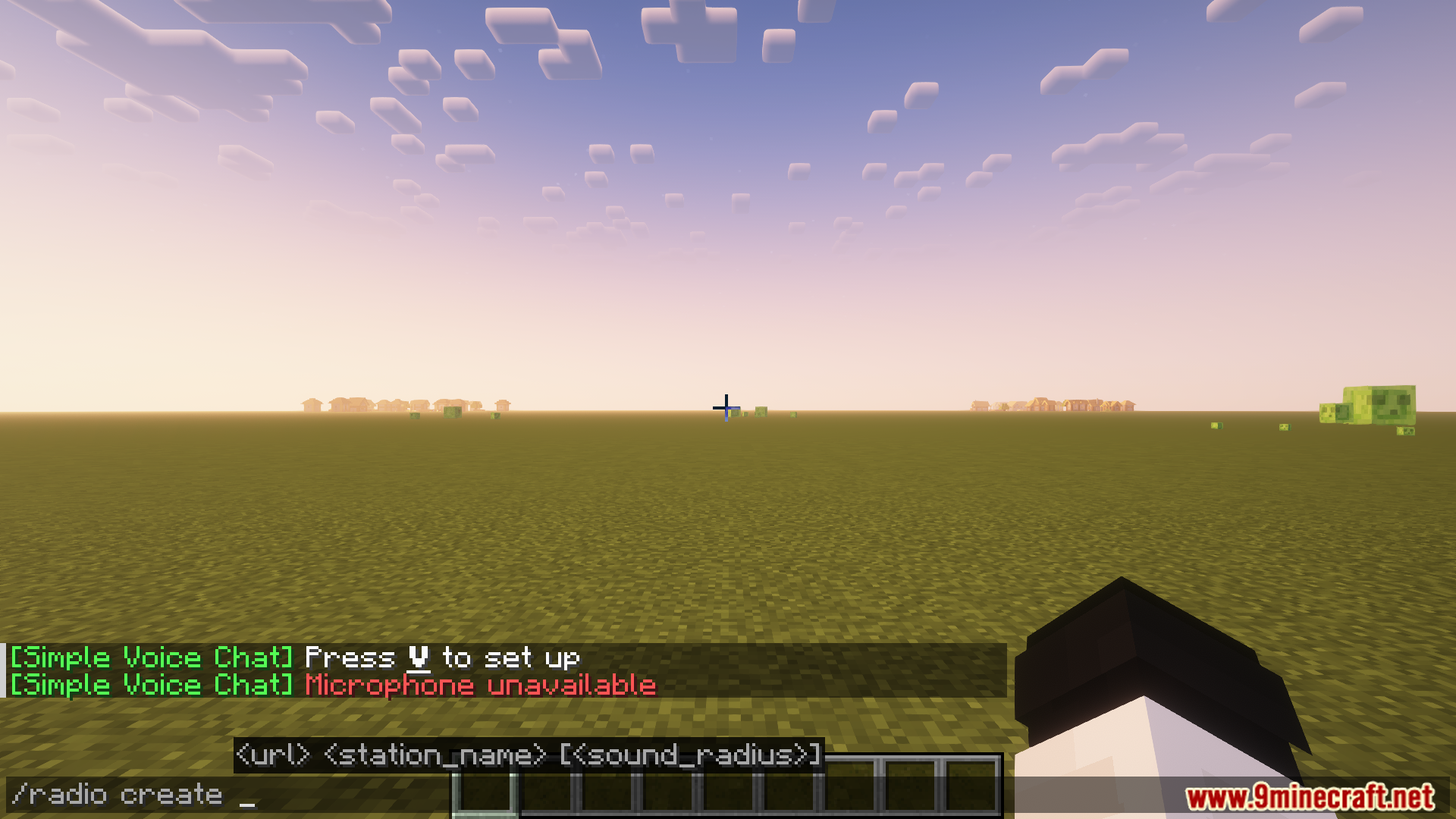
- Enter the command
/radio create "<stream-url" "<station-name>"to create a radio block. - Place the radio block.
- Right-click the radio block to turn it on.
Commands:
/radio create "<stream-url" "<station-name>" [radius]– Gives you a radio playing the provided mp3 stream. Specifying a radius limits the distance that the radio can be heard from manually, otherwise, the server default for distance is used
Screenshots:
Simple Voice Chat Radio Mod Download Links
Quick facts
- Edition: Minecraft Java
- File type: .jar
- Minecraft version listed: 1.20.1
- How to install: Install the matching mod loader (Forge, Fabric or NeoForge) for your Minecraft version. → Download the .jar. → Put it in the .minecraft/mods folder and launch that loader profile.
- Where to get it: In MC Java Mods, or directly above on this page.
Install steps are the general flow for this file type — How to install Minecraft Java mods & modpacks walks through it step by step.
Verified by MCModsHub
- Downloads as 33520.mcaddon
- Download size: 227 KB
- Download link checked 25 Sept 2026 — working
- Mirrored on our own servers — the download does not depend on the original host
These come from our own check of the pack file, not from the source page.