ModsJava
Remove Reloading Screen Mod (26.2, 1.20.1) – Background Resource Pack Loading
Java mod listed for Minecraft 1.20. Downloads from the MC Java Mods app on Android.
⬇ Download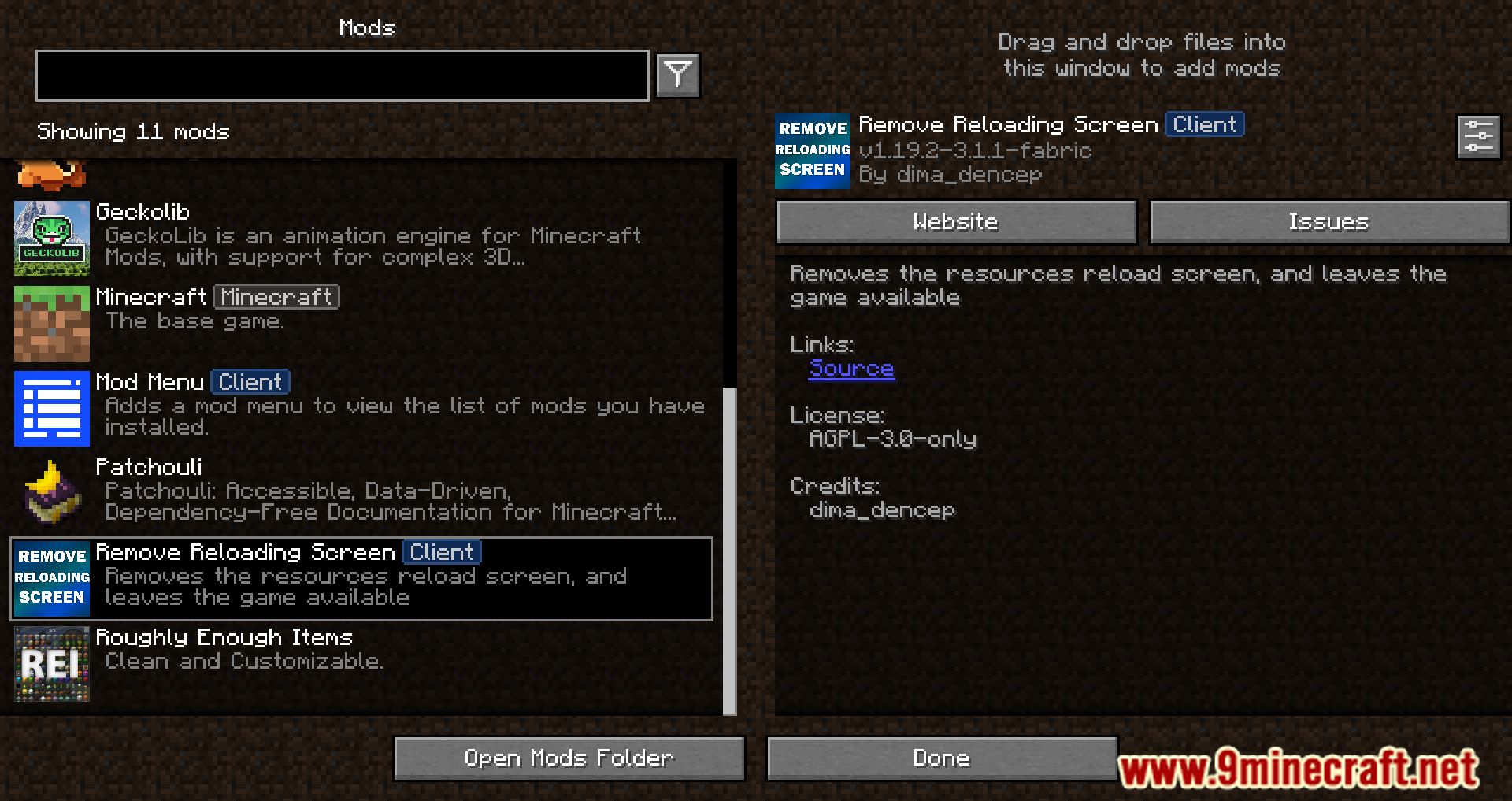
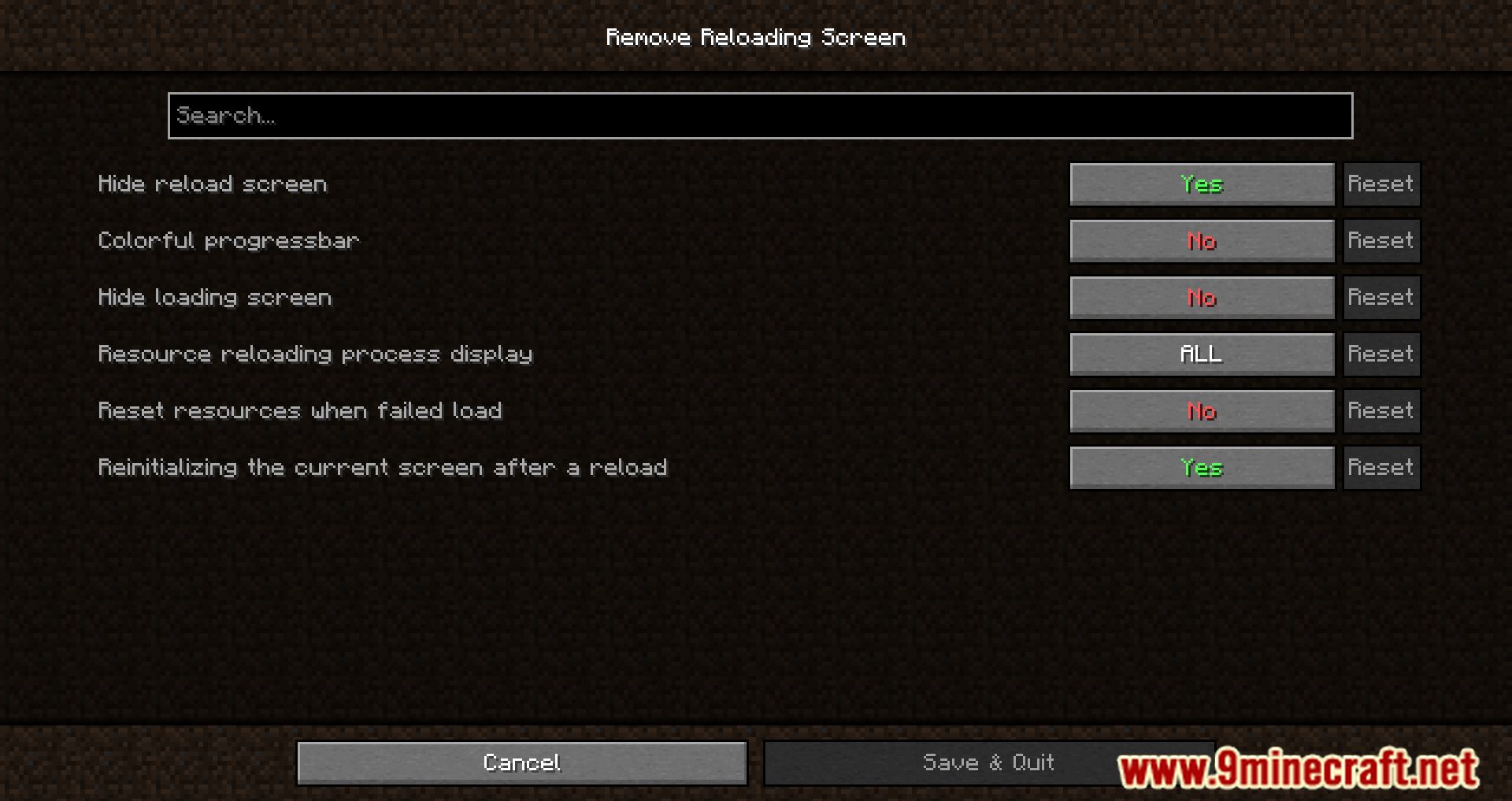
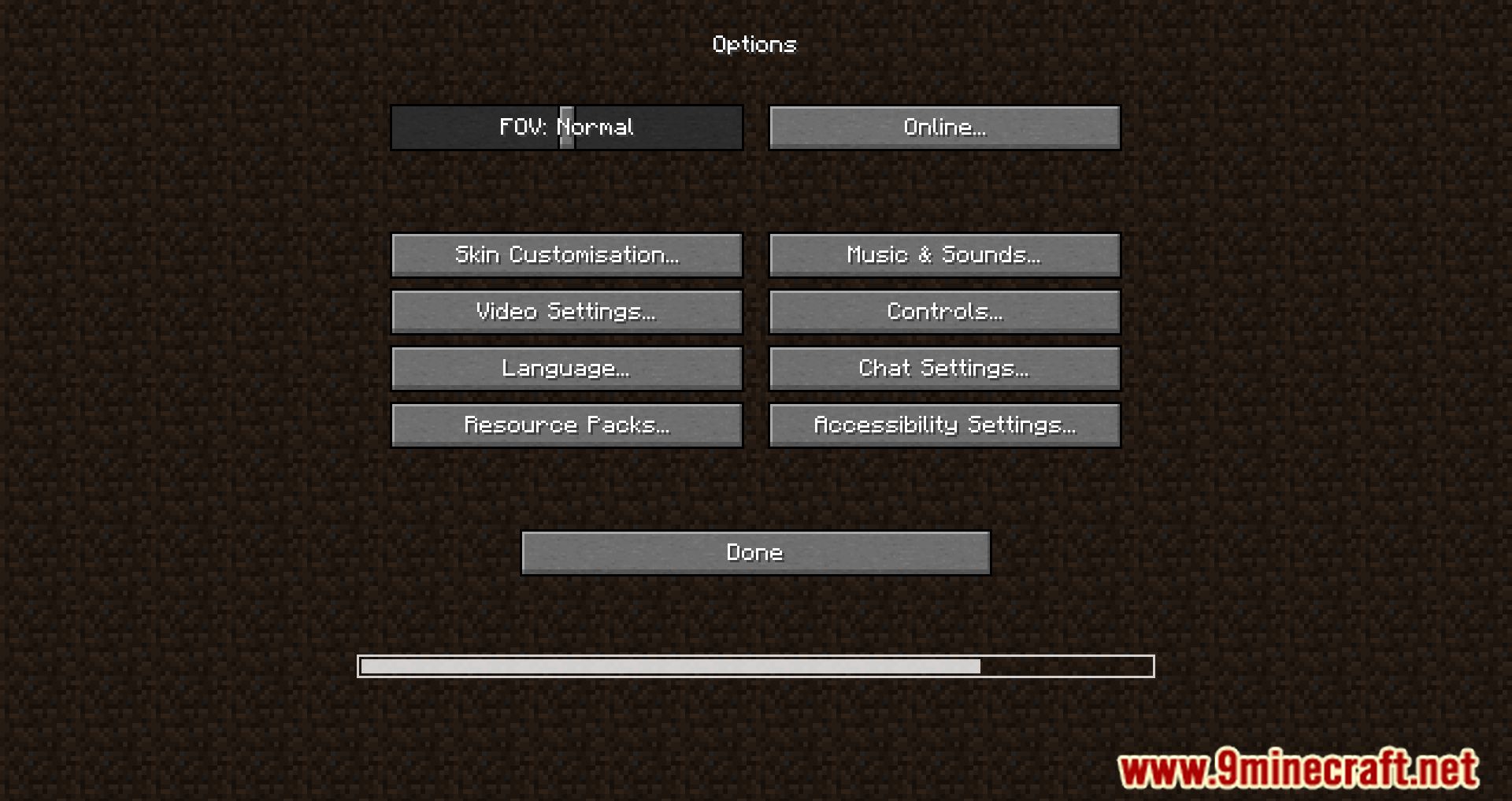
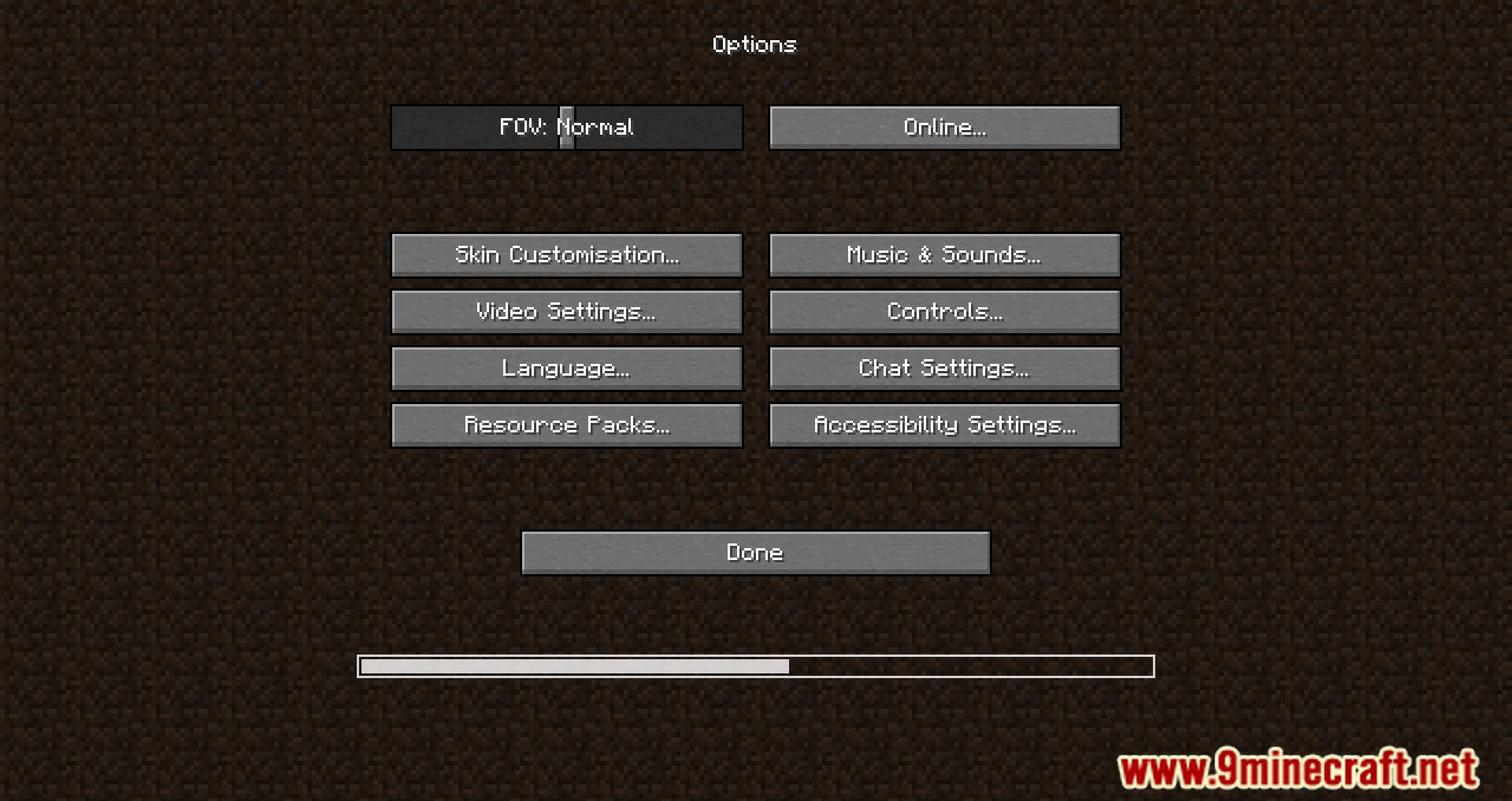
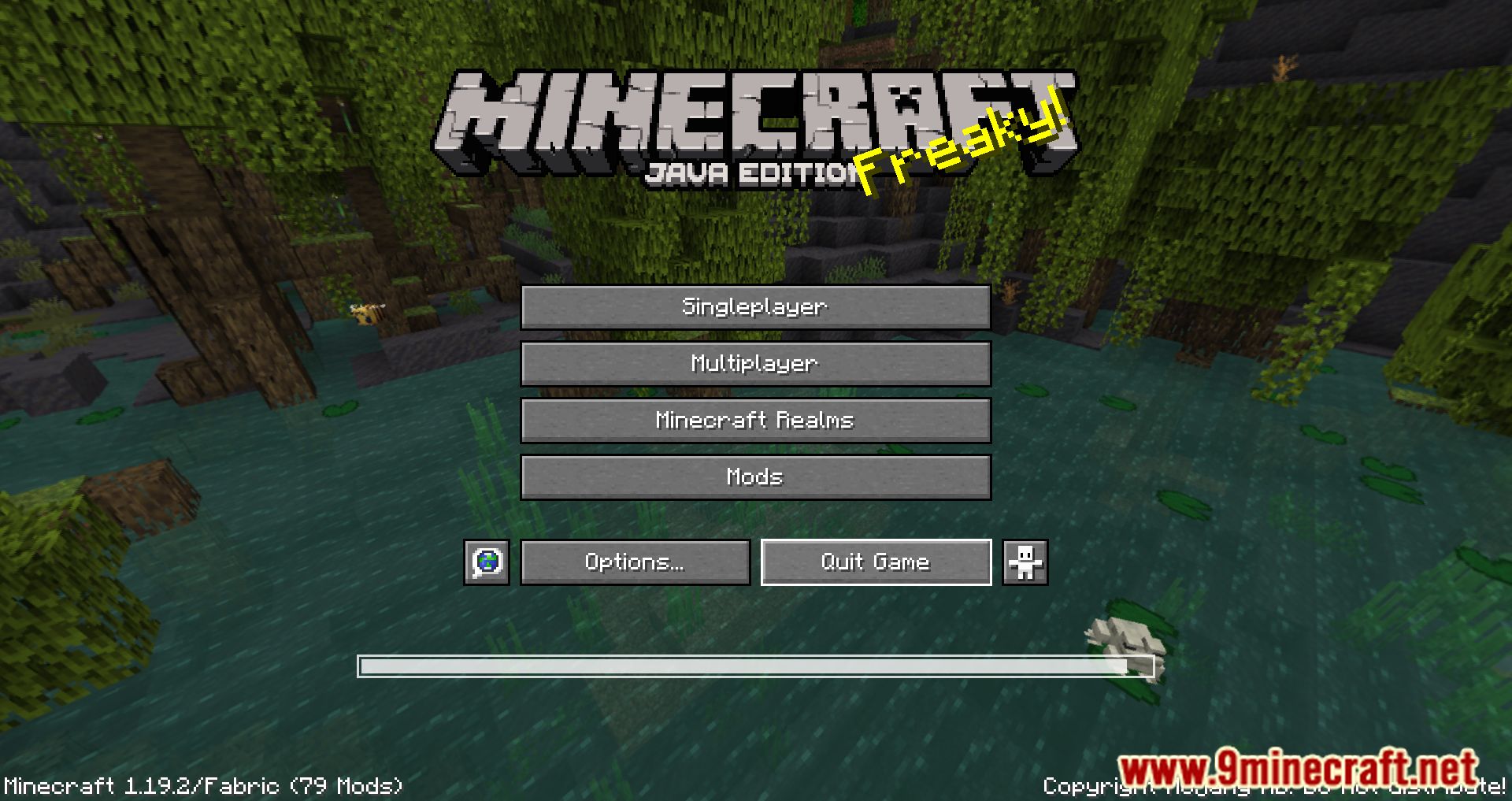
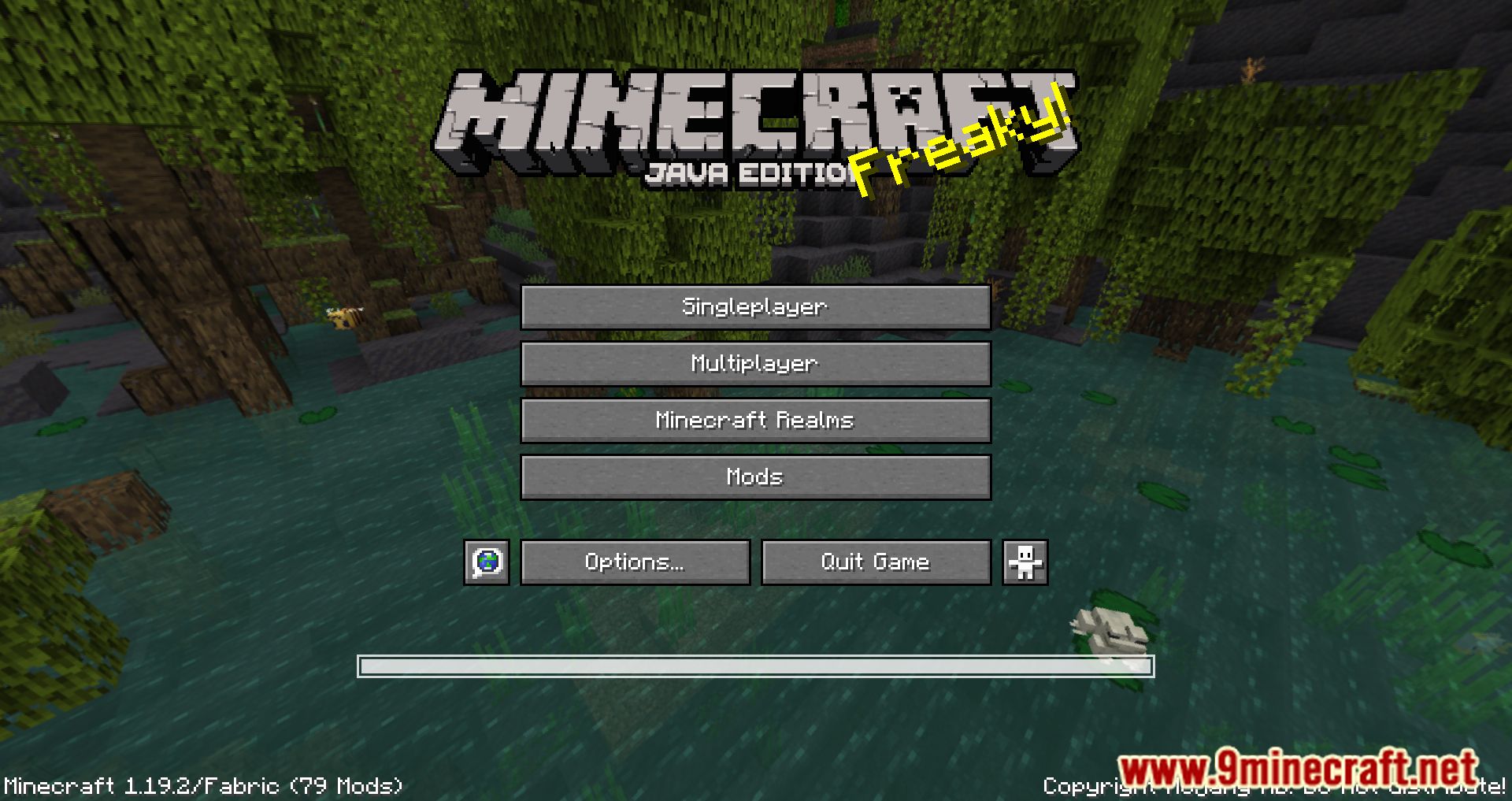
Remove Reloading Screen Mod is a mod that optimizes the loading of resource packs by enabling them to load in the background. With this mod, players can enjoy smoother and more efficient gameplay, allowing them to multitask and perform other activities while waiting for resource packs to load.
Features:
- Removes unnecessary elements from the reload screen, leaving only the progress bar.
- Resource packs load in the background, preventing interruptions.
- Works with OptiFine, and may even apply custom colors from resource packs.
Screenshots:
Remove Reloading Screen Mod Download Links
Quick facts
- Edition: Minecraft Java
- File type: .jar
- Minecraft version listed: 1.20.1
- How to install: Install the matching mod loader (Forge, Fabric or NeoForge) for your Minecraft version. → Download the .jar. → Put it in the .minecraft/mods folder and launch that loader profile.
- Where to get it: In MC Java Mods, or directly above on this page.
Install steps are the general flow for this file type — How to install Minecraft Java mods & modpacks walks through it step by step.
File checked by MCModsHub
- Downloads as 33523.mcaddon
- Download size: 115 KB
- Download link checked 25 Sept 2026 — working
- Mirrored on our own servers — the download does not depend on the original host
These come from our own check of the pack file, not from the source page.