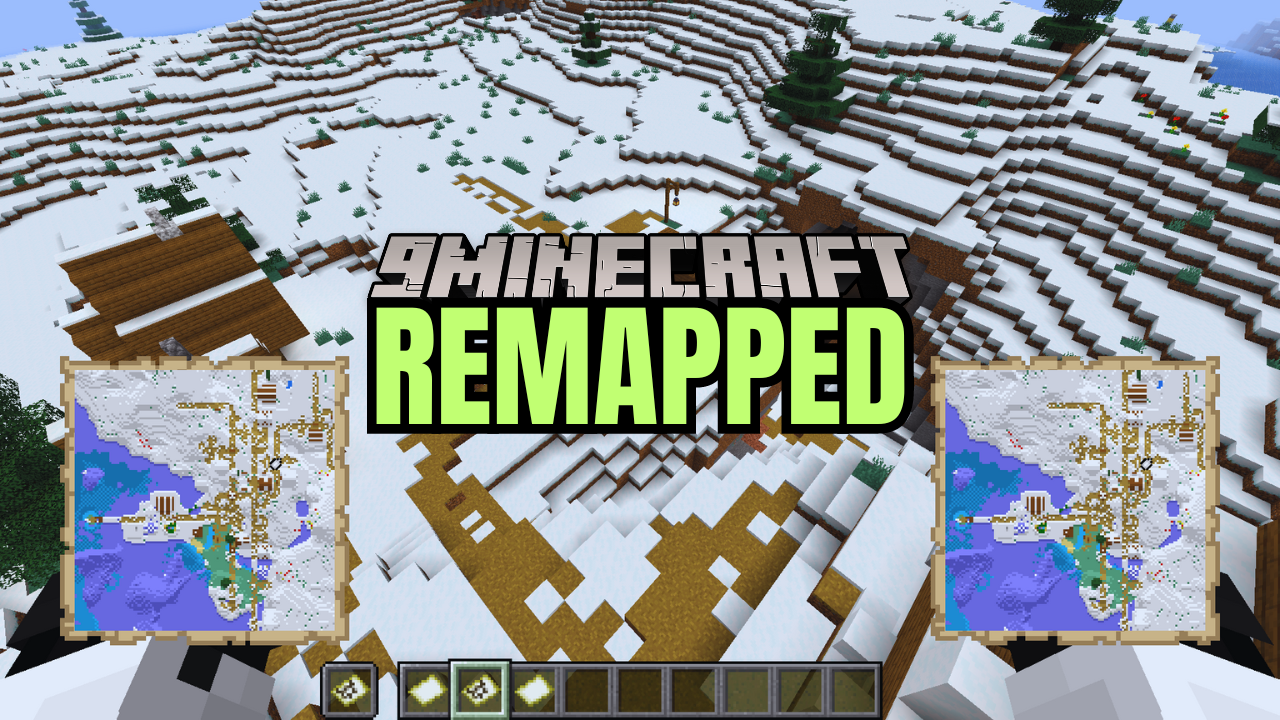
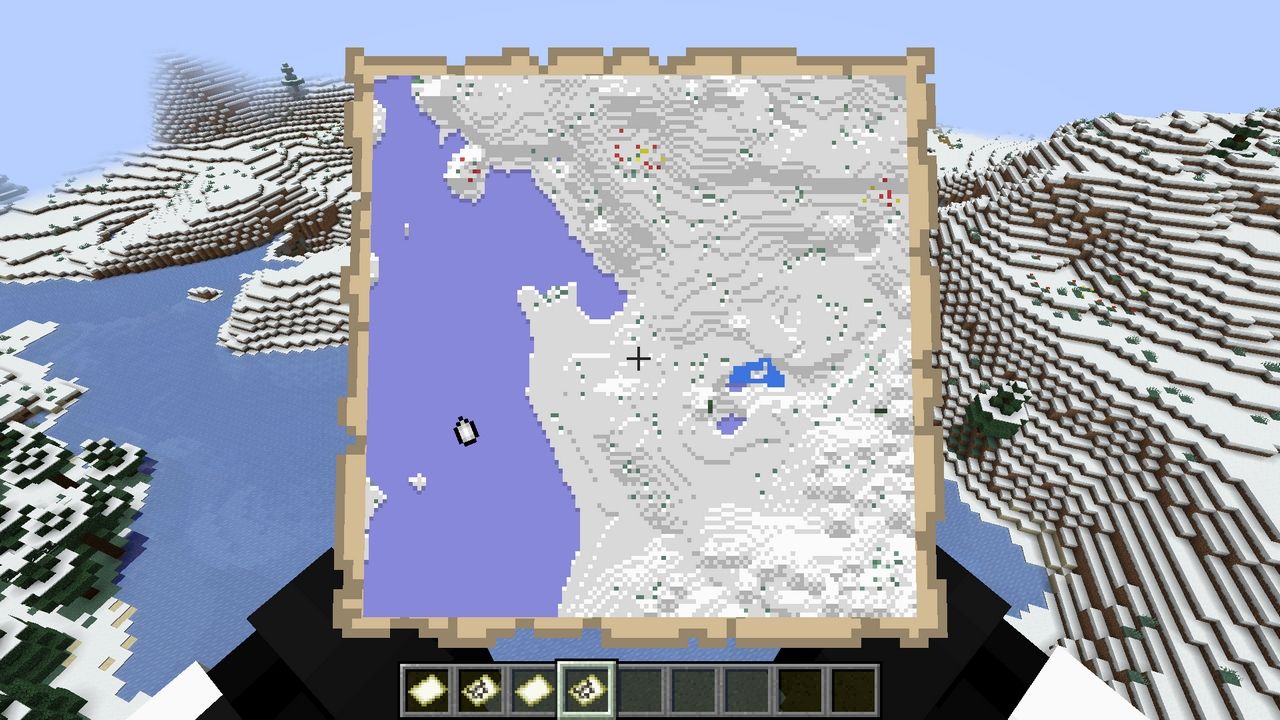
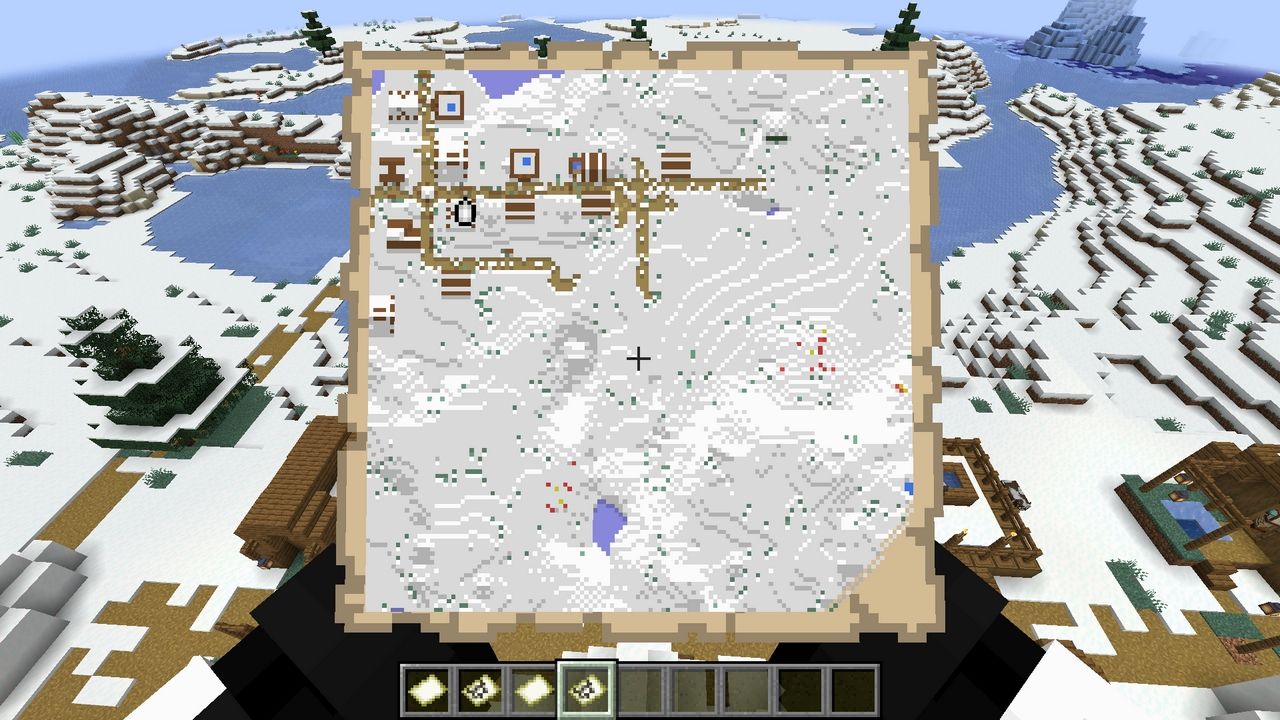
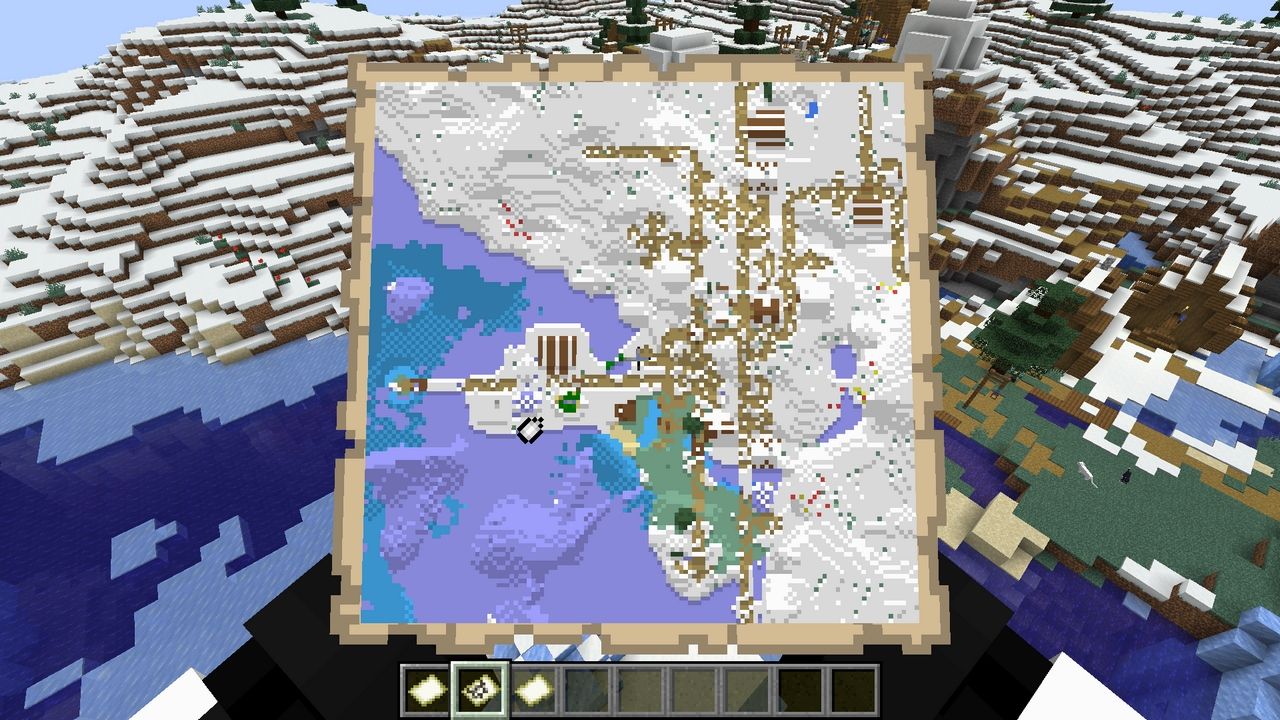
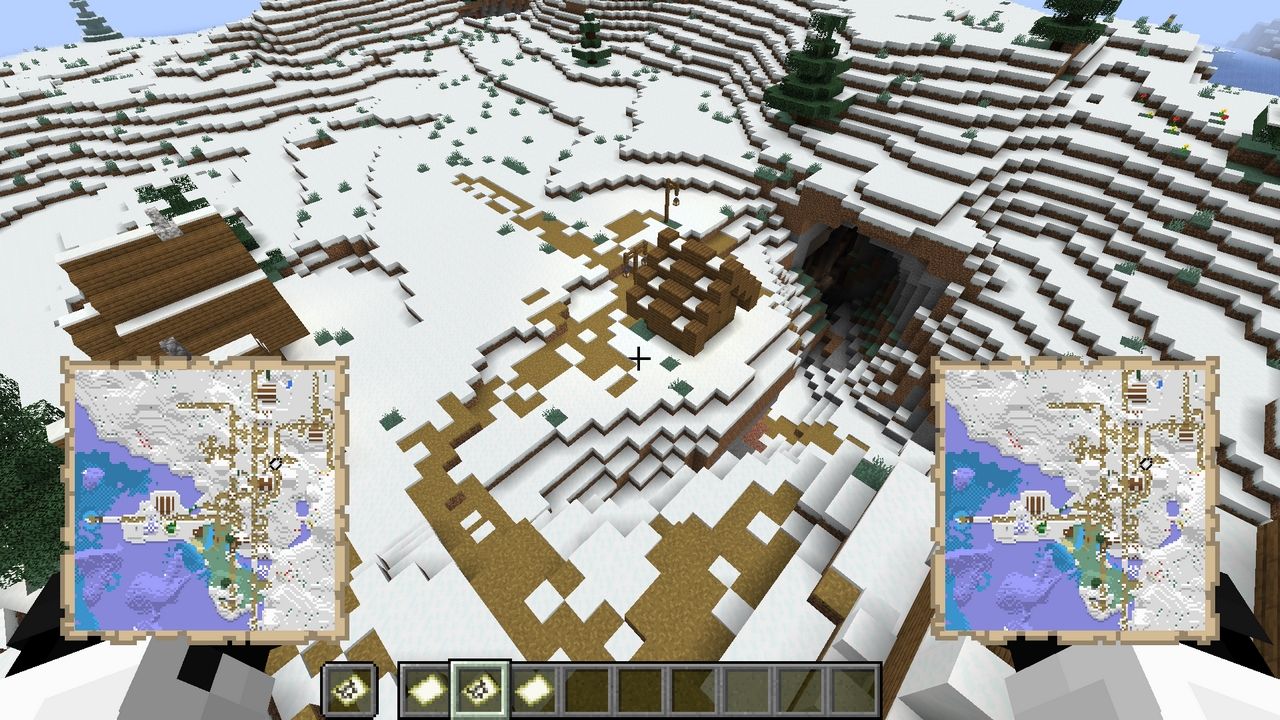
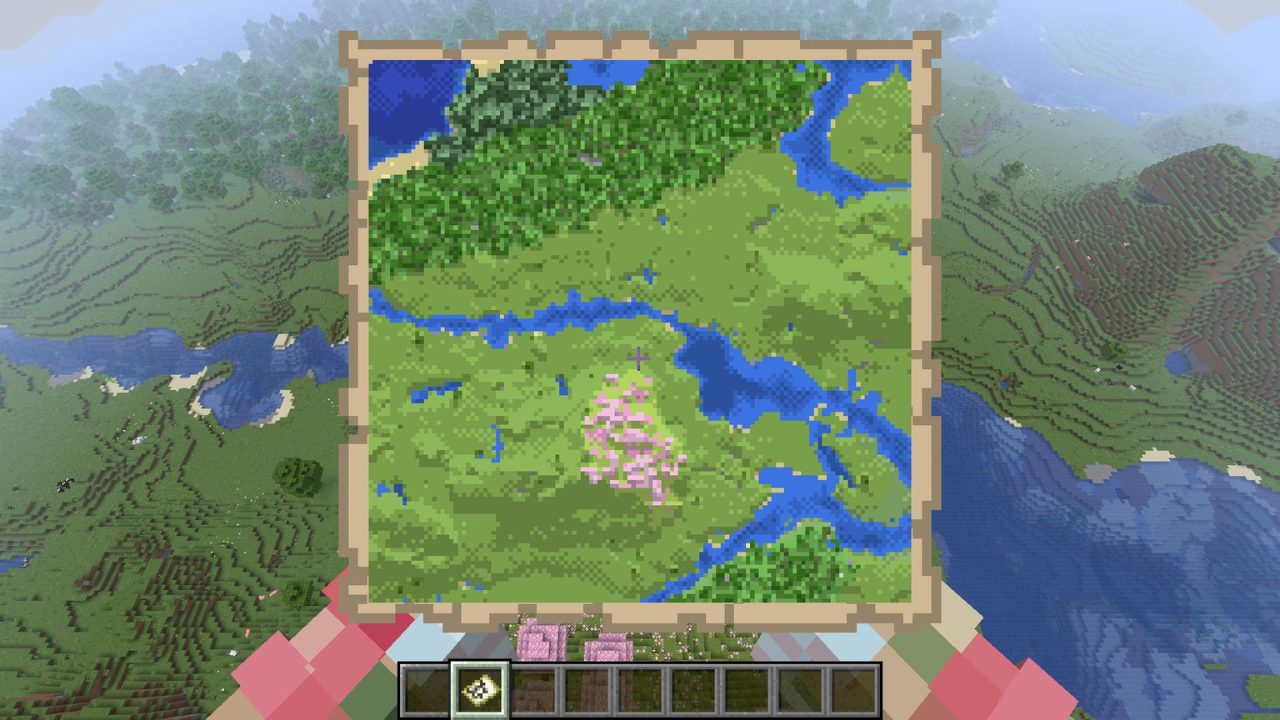
Remapped Mod is designed to make your mapping experience in Minecraft much better. It offers three exciting features that help you create and use maps more effectively. First, the Better Map Colors feature makes maps show more accurate and vibrant colors, making it easier to see different blocks and biomes. Second, with the Cheaper Maps feature, you can create maps using an ink sac instead of a compass, making map-making more accessible and fun. Finally, the Improved Map Zooming feature ensures that the center stays consistent when you zoom out on a map, making it easier to navigate and explore.
Features:
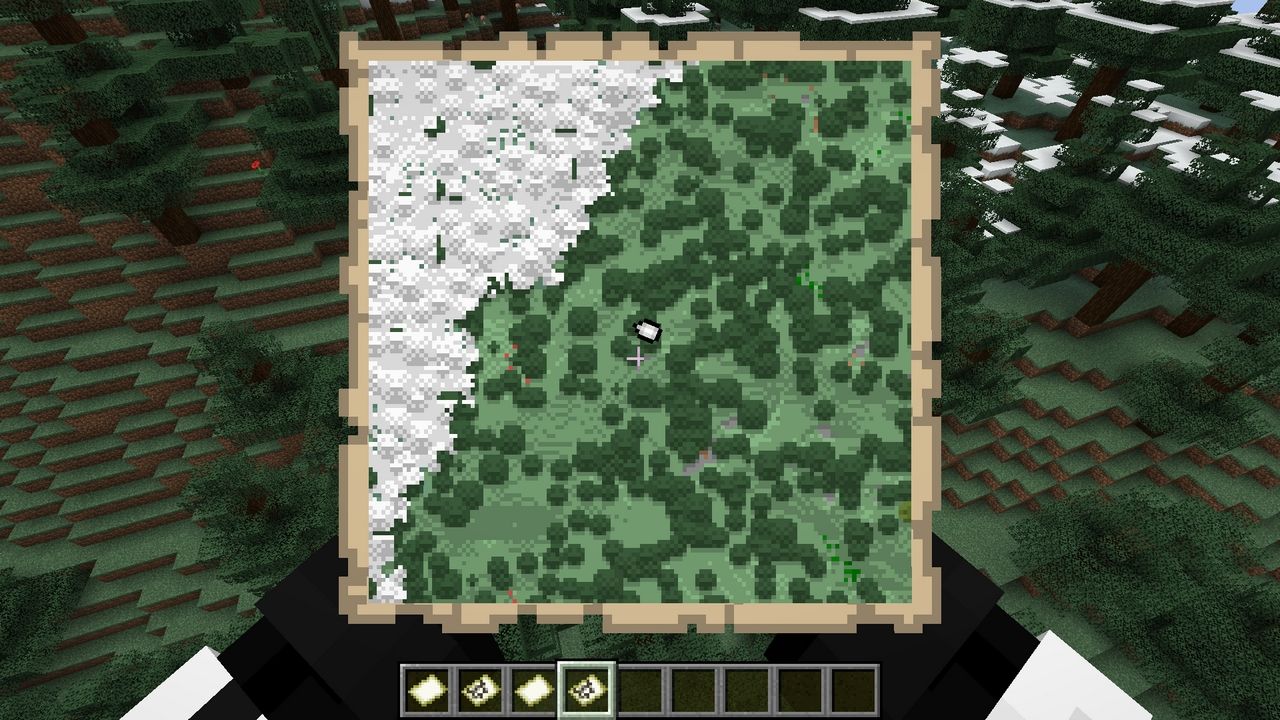
- Better Map Colors: More accurate colors for maps using a data-driven system.
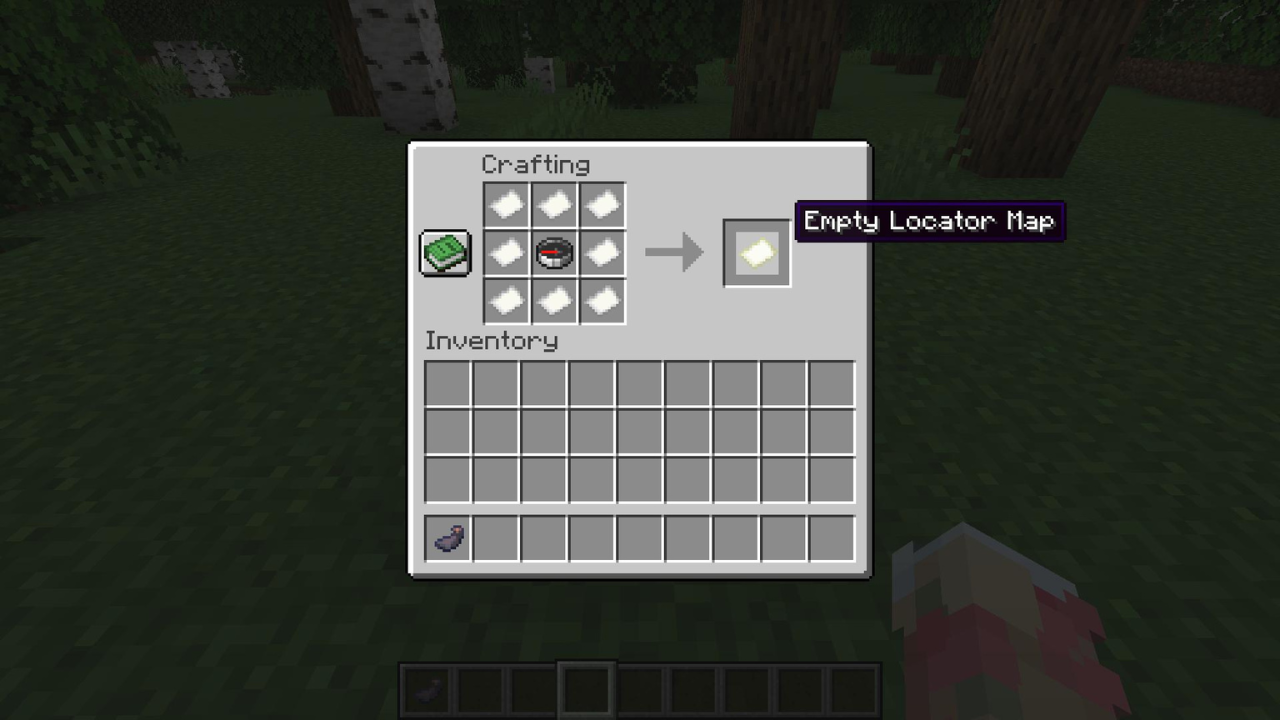
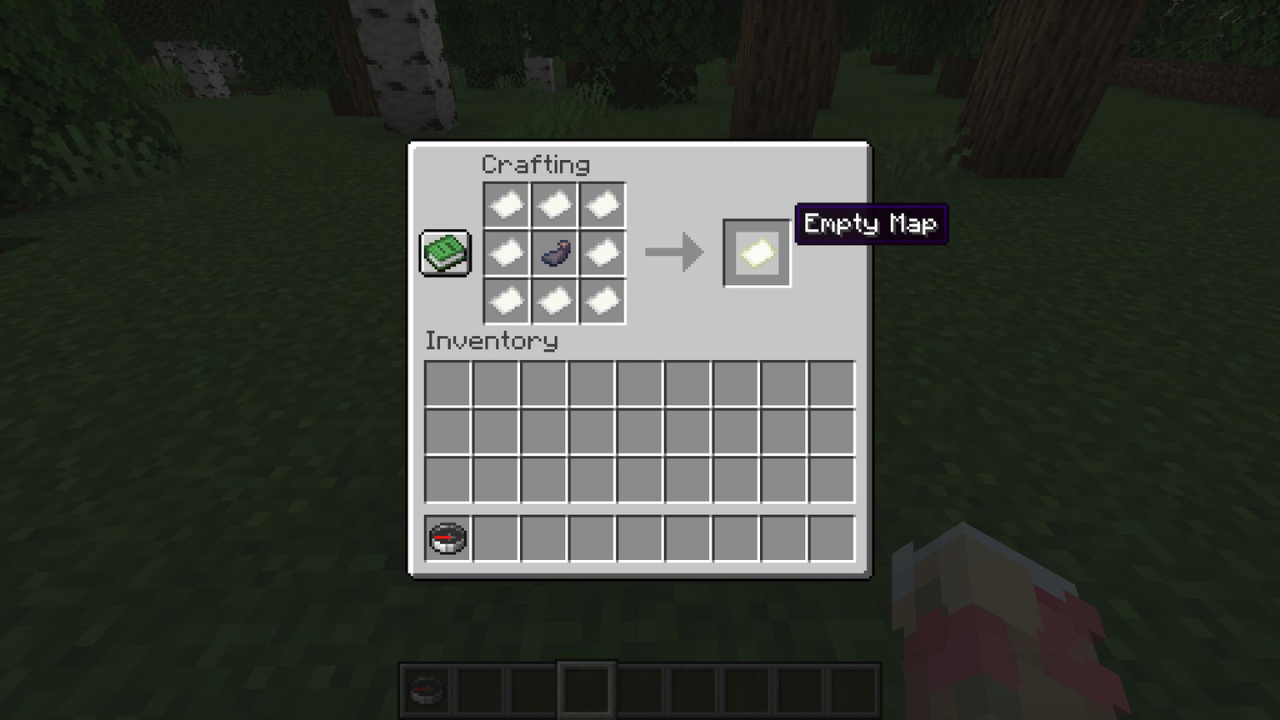
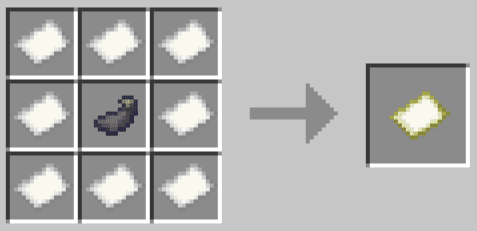
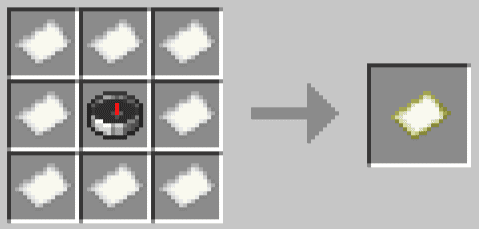
- Cheaper Maps: New recipe uses an ink sac instead of a compass, but without player trackers.
- Improved Map Zooming: Keeps the center of the map consistent when zooming out.
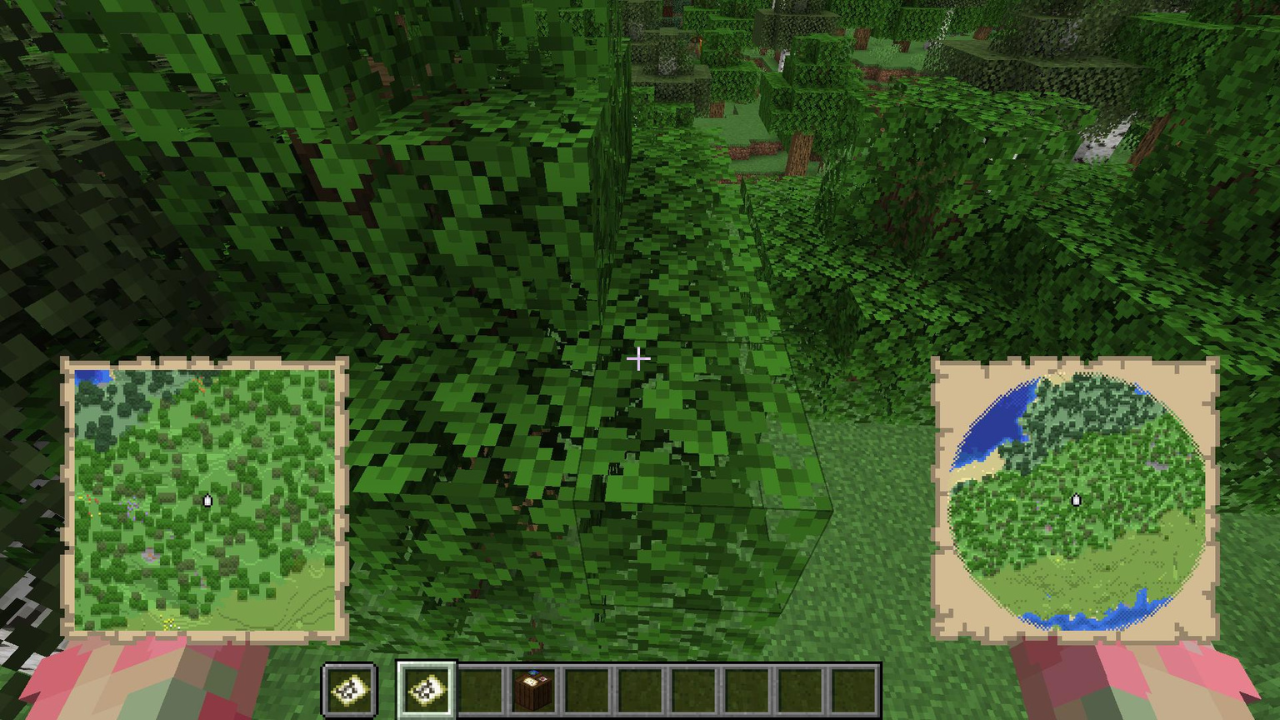
Screenshots:
Crafting Recipes:
Remapped Mod Download Links
- Edition: Minecraft Java
- File type: .jar
- Minecraft version listed: 1.21.1
- How to install: Install the matching mod loader (Forge, Fabric or NeoForge) for your Minecraft version. → Download the .jar. → Put it in the .minecraft/mods folder and launch that loader profile.
- Where to get it: Opens on the file's original source — not every file is mirrored on our own servers.
Install steps are the general flow for this file type — How to install Minecraft Java mods & modpacks walks through it step by step.
Remapped Mod (26.2, 1.21.1) – Enhances Visual and Use of Map is a free Minecraft Java mod. Compatible with Minecraft 1.21.1. Download it and open it directly in the game.