ModsJava
Immersive Storms Mod (26.2, 1.21.11) – Immersive Weather Fog Effects
Java mod listed for Minecraft 1.21. Downloads from the MC Java Mods app on Android.
⬇ Download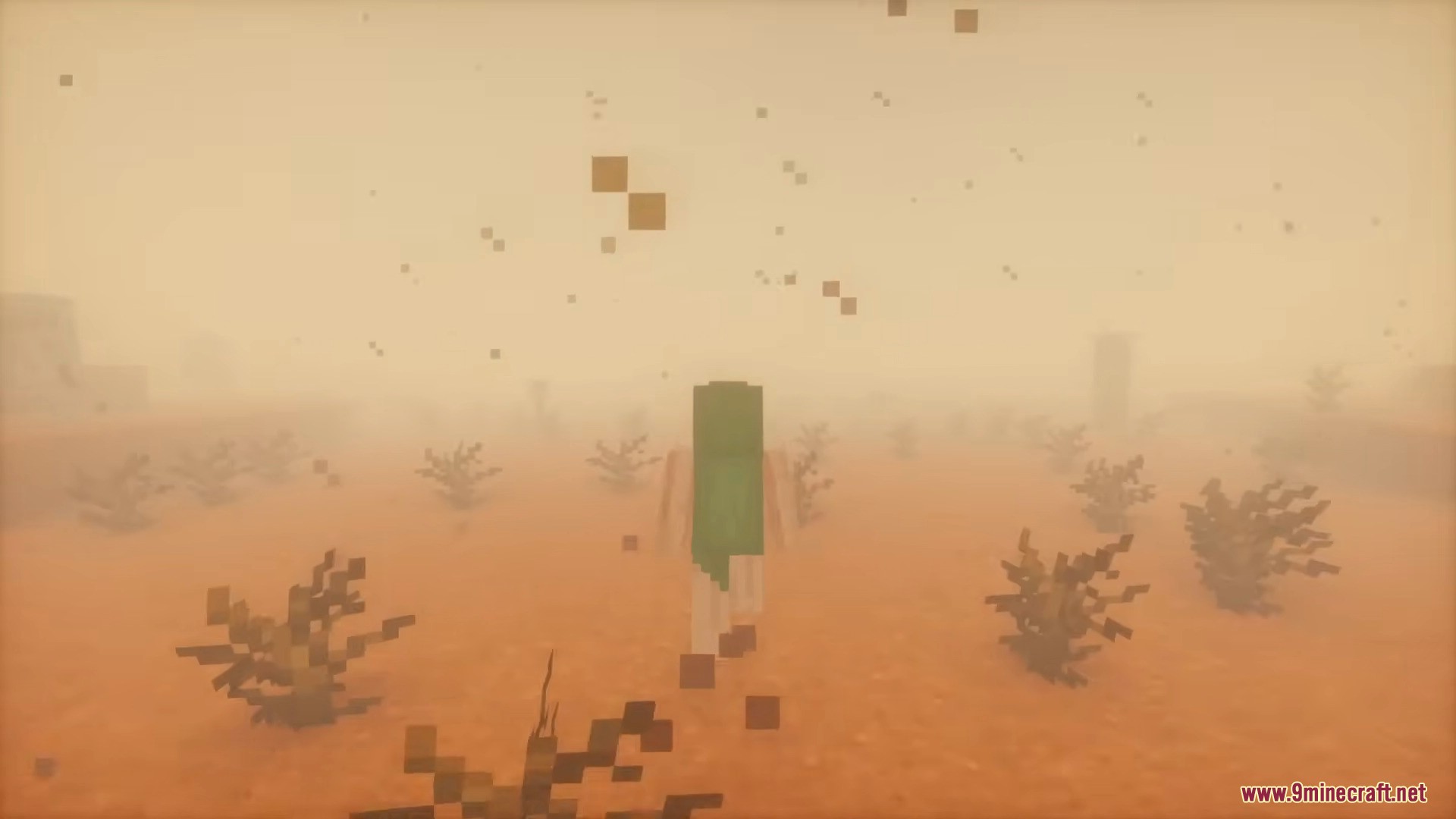


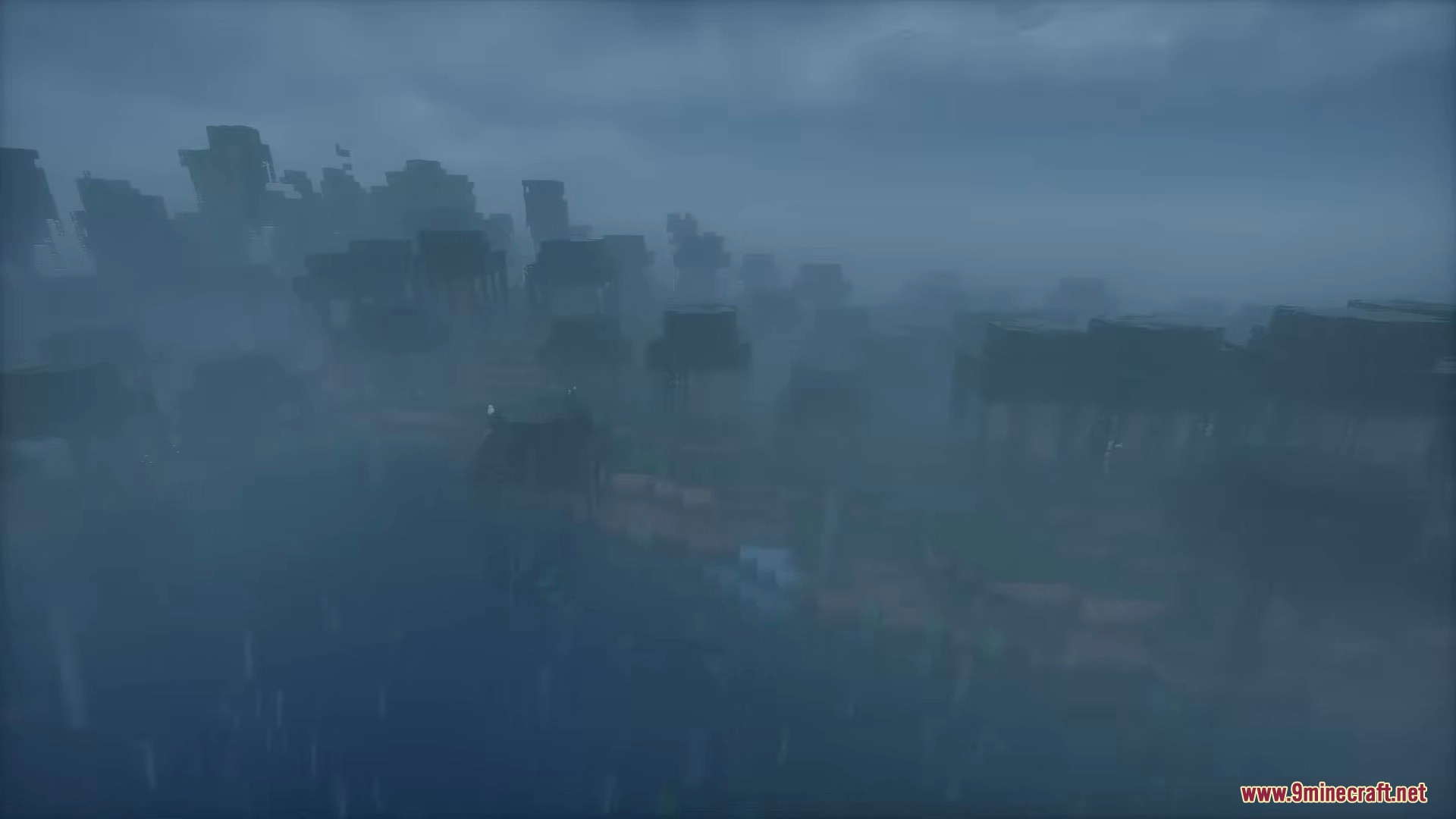
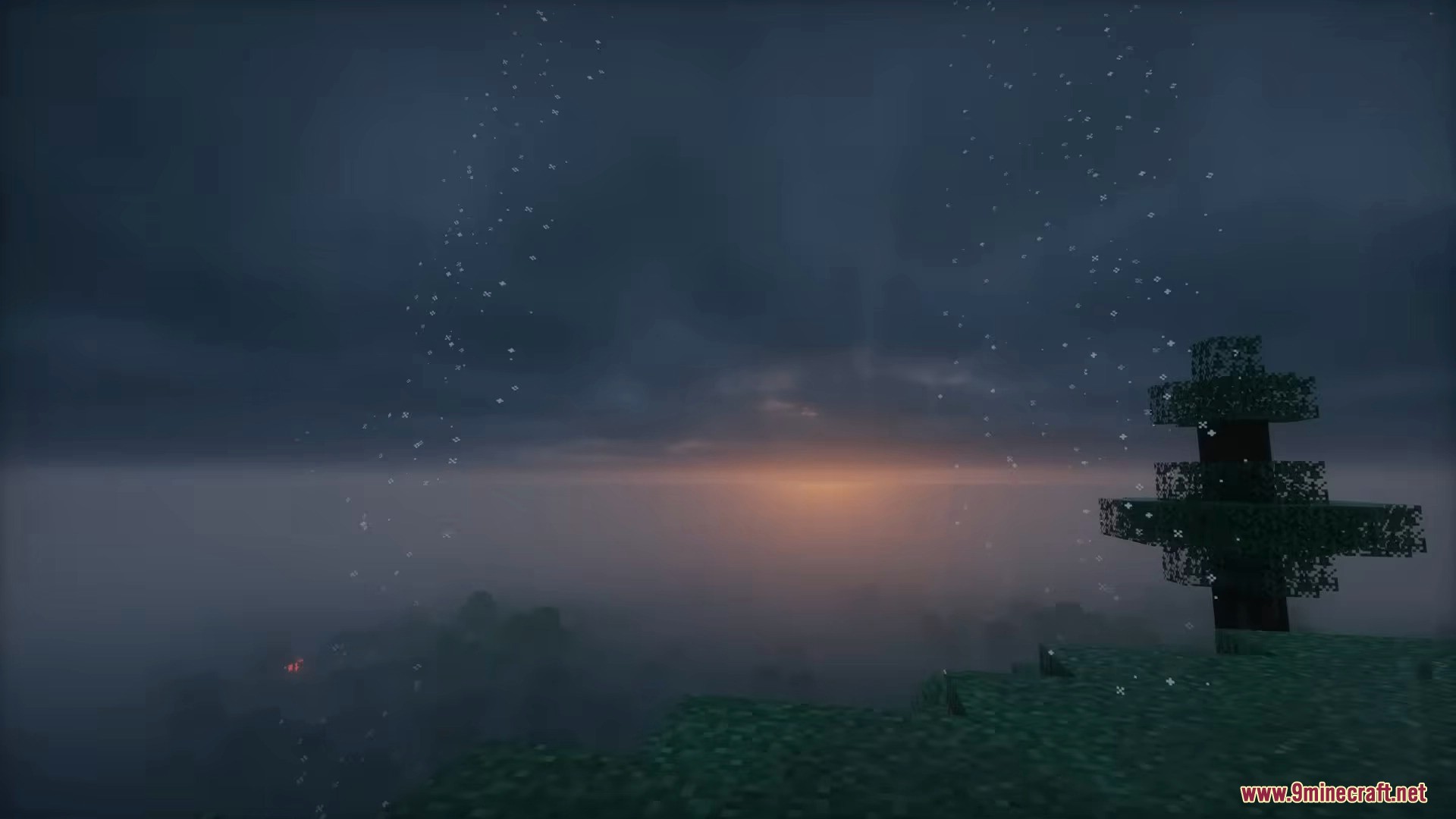
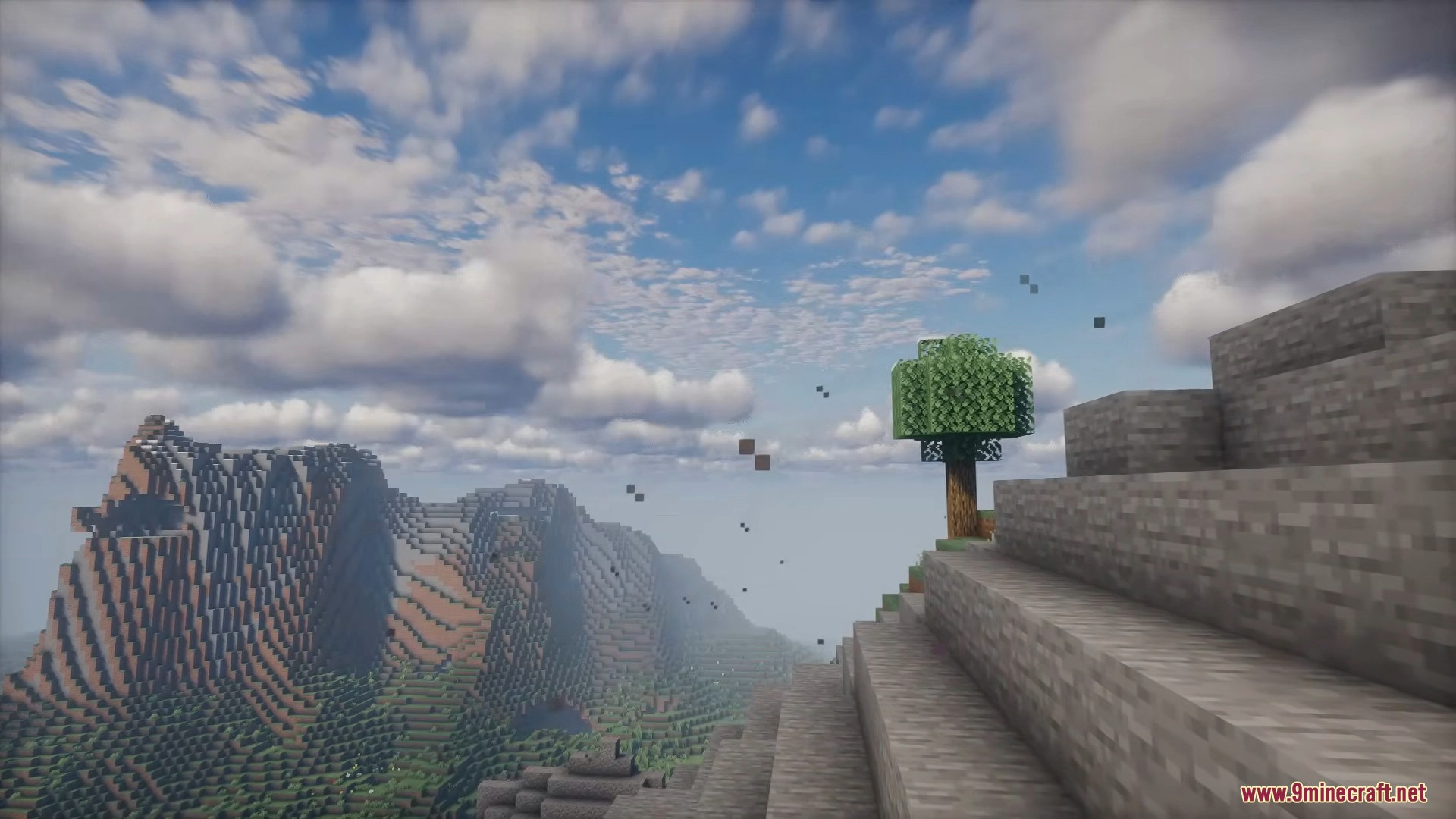
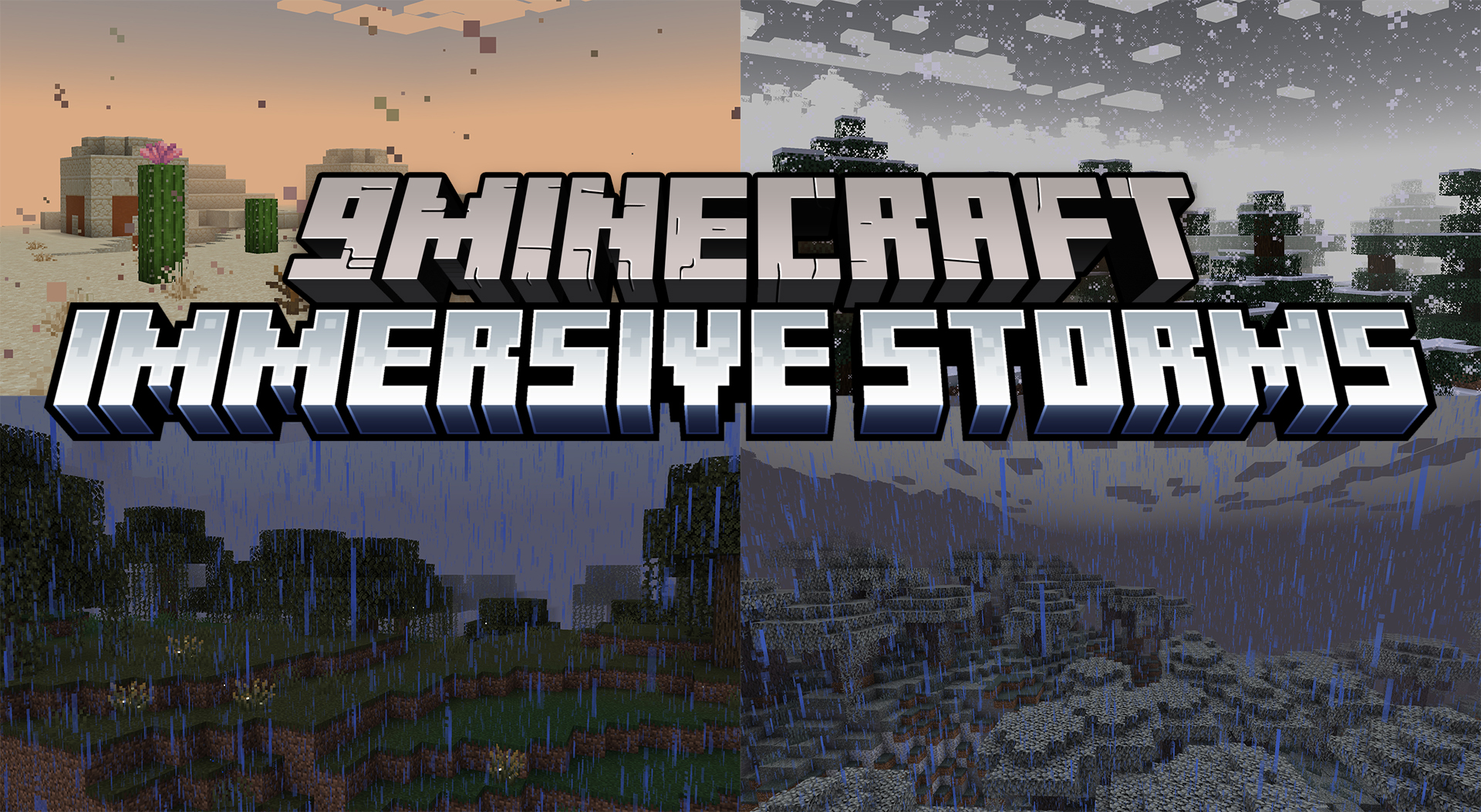
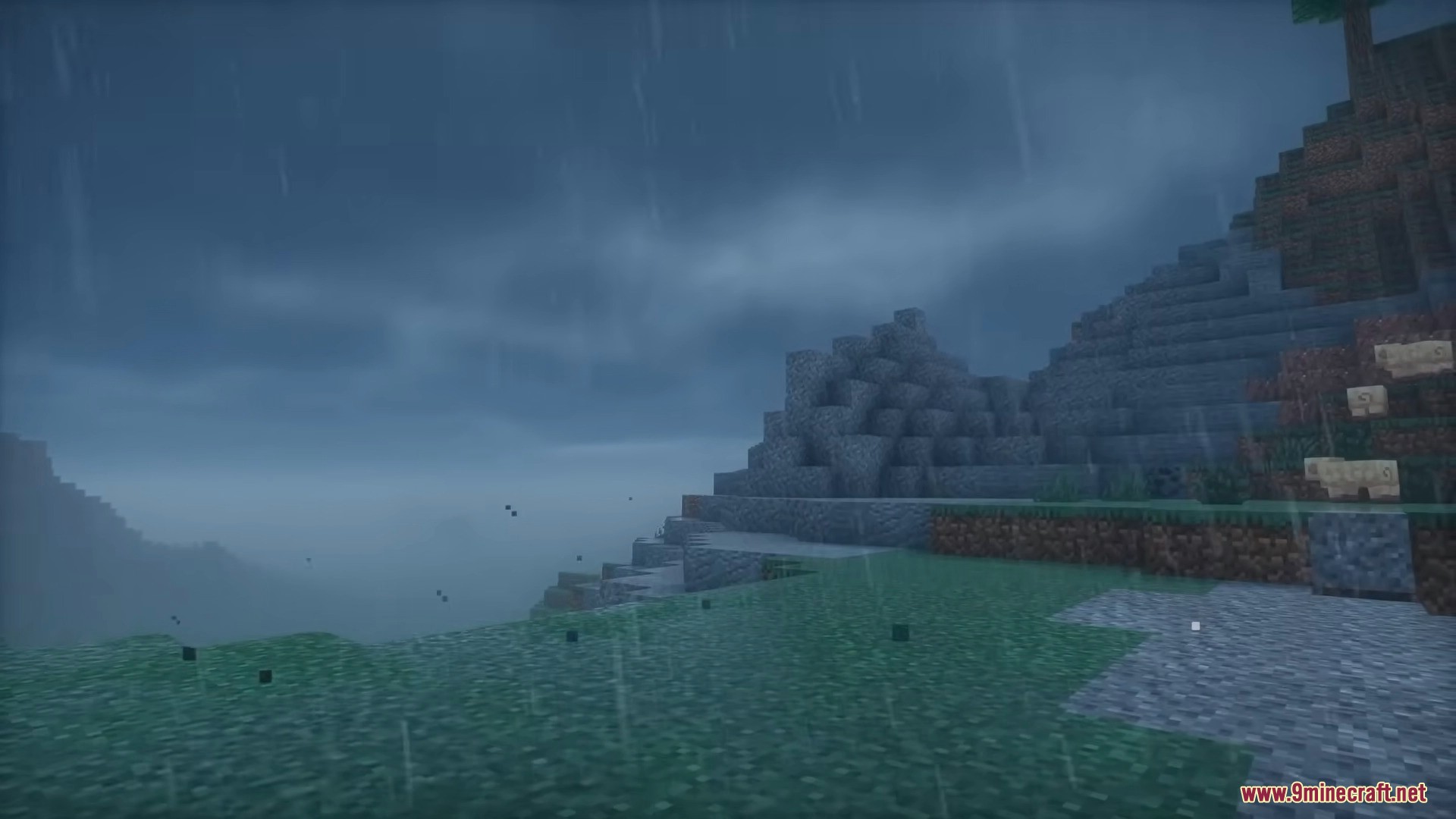
Immersive Storms Mod is a lightweight, client-side mod that enhances weather by adding subtle fog, particles, and ambient effects to different biomes. Its goal is to improve atmosphere without changing gameplay mechanics.
Features:
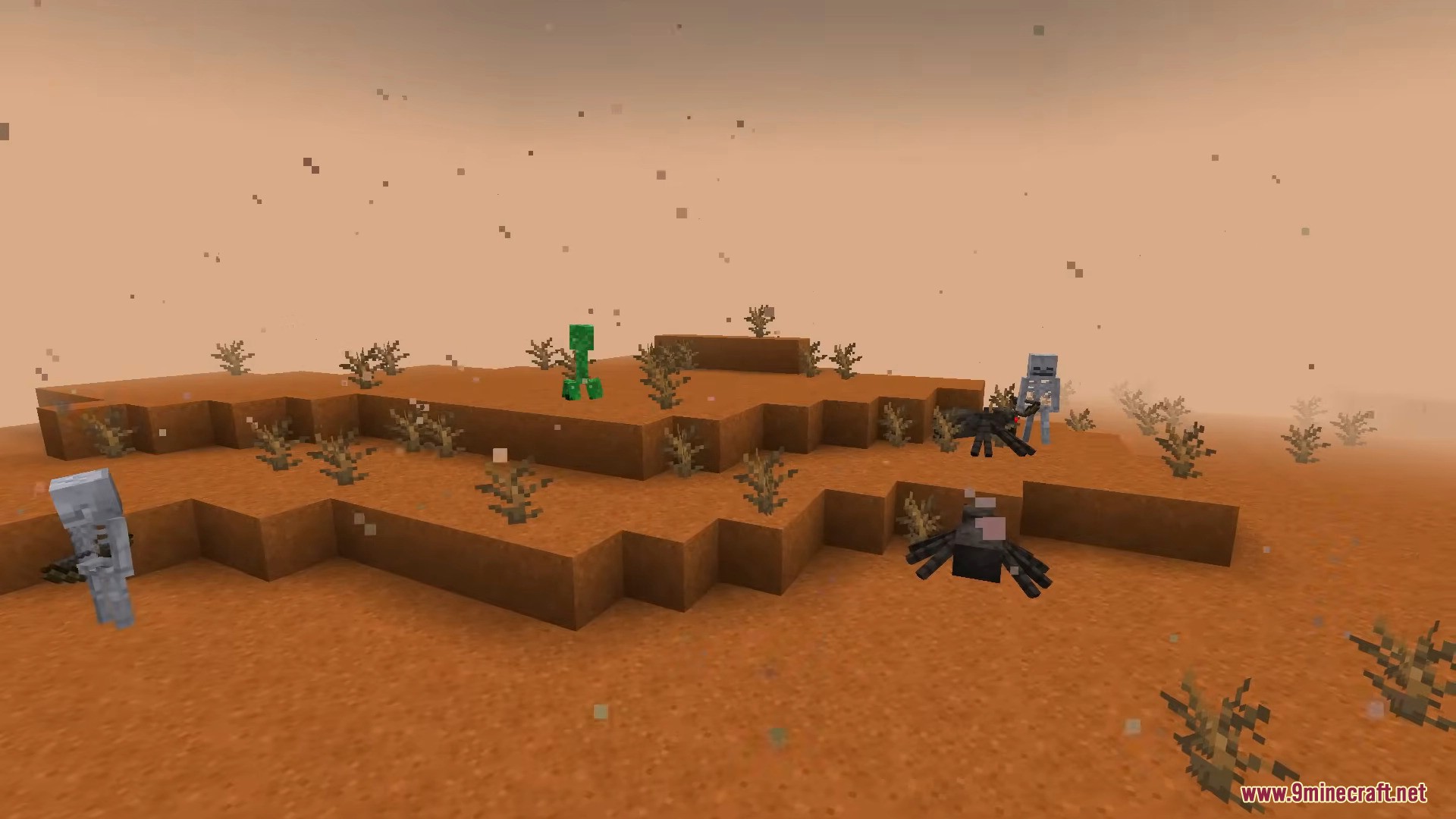
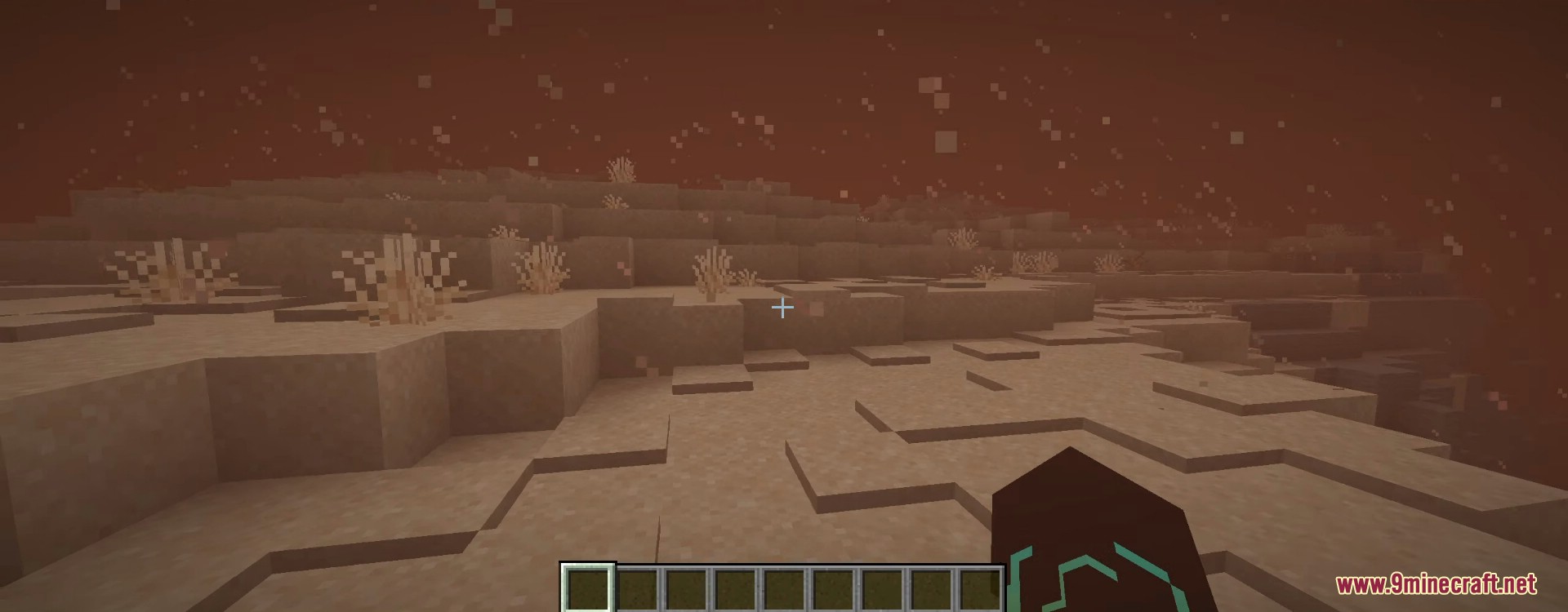
- Sandstorms
- Affects Deserts, Badlands, and Savannas.
- During rain, sandy fog appears and wind carries dust particles.
- During thunderstorms, fog becomes much denser, heavily reducing visibility.
- Snowy Fog (Blizzards)
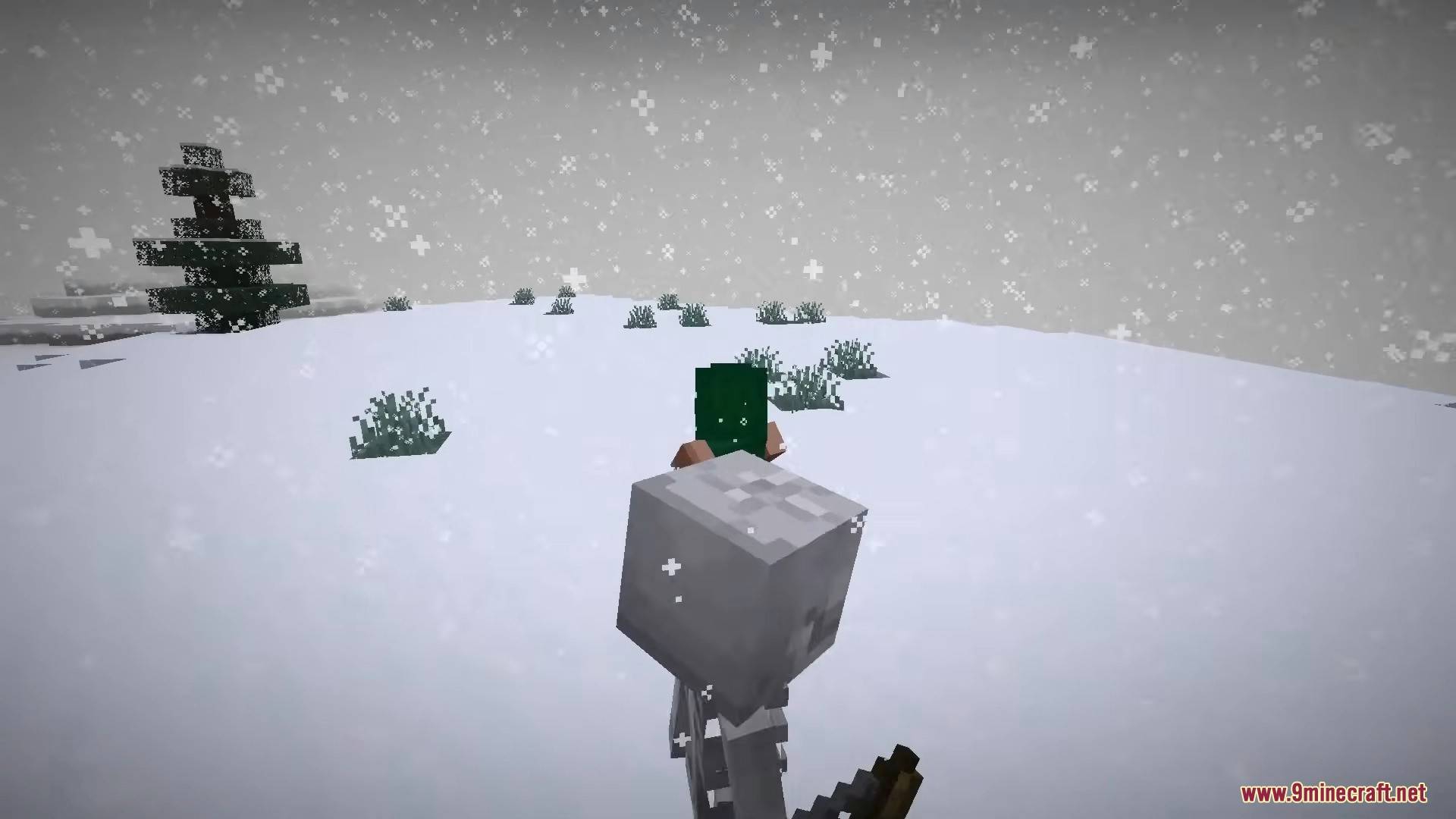
- Fog turns whiter in snowy biomes during snow weather.
- Thunderstorms increase fog density, signaling a blizzard.
- Visibility is reduced, but less severely than sandstorms.
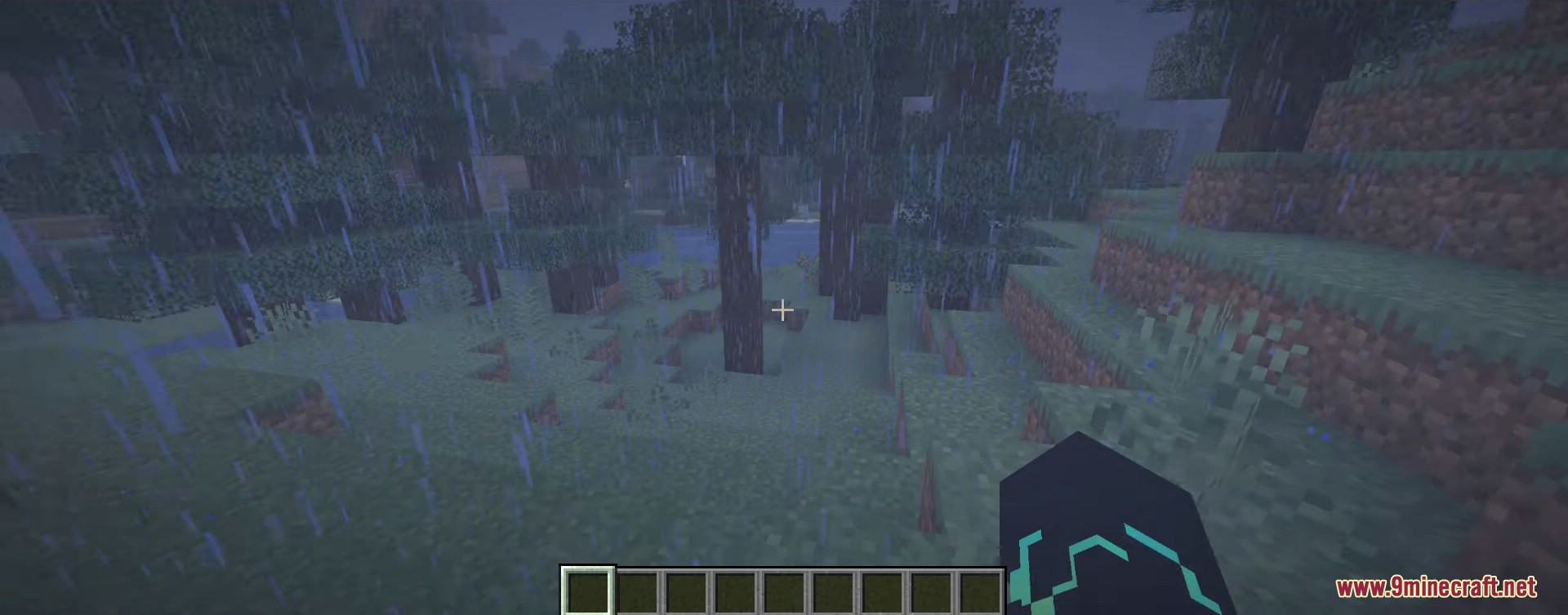
- Foggy Swamps
- Swamps are covered in thick fog during rainy weather.
- Fog density is similar to the strongest sandstorms.
- Also applies to Pale Gardens.
- Ambient Wind
- Hills and mountains feel windier in all weather conditions.
- Small dust and rock particles are carried by gentle breezes.
- Deserts and Badlands also receive this effect.
- Wind sounds use vanilla Minecraft audio.
Screenshots:

Immersive Storms Mod Download Links
Quick facts
- Edition: Minecraft Java
- File type: .jar
- Minecraft version listed: 1.21.11
- How to install: Install the matching mod loader (Forge, Fabric or NeoForge) for your Minecraft version. → Download the .jar. → Put it in the .minecraft/mods folder and launch that loader profile.
- Where to get it: In MC Java Mods, or directly above on this page.
Install steps are the general flow for this file type — How to install Minecraft Java mods & modpacks walks through it step by step.
File checked by MCModsHub
- Downloads as 33530.mcaddon
- Download size: 810 KB
- Download link checked 22 Sept 2026 — working
- Mirrored on our own servers — the download does not depend on the original host
These come from our own check of the pack file, not from the source page.