ModsJava
Sophisticated Storage Create Integration Mod (26.2, 1.20.1)
Java mod listed for Minecraft 1.20. Downloads from the MC Java Mods app on Android.
⬇ Download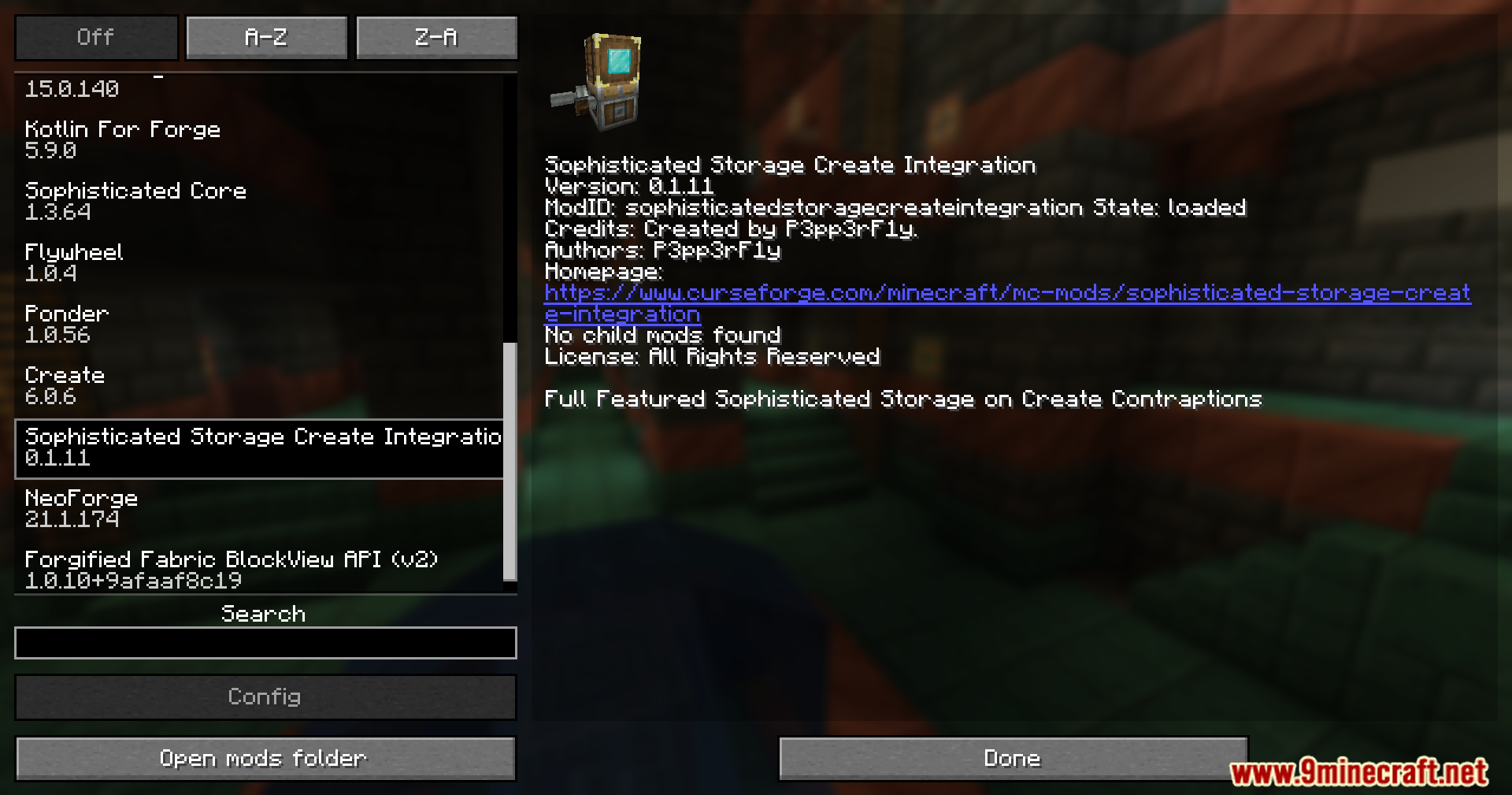
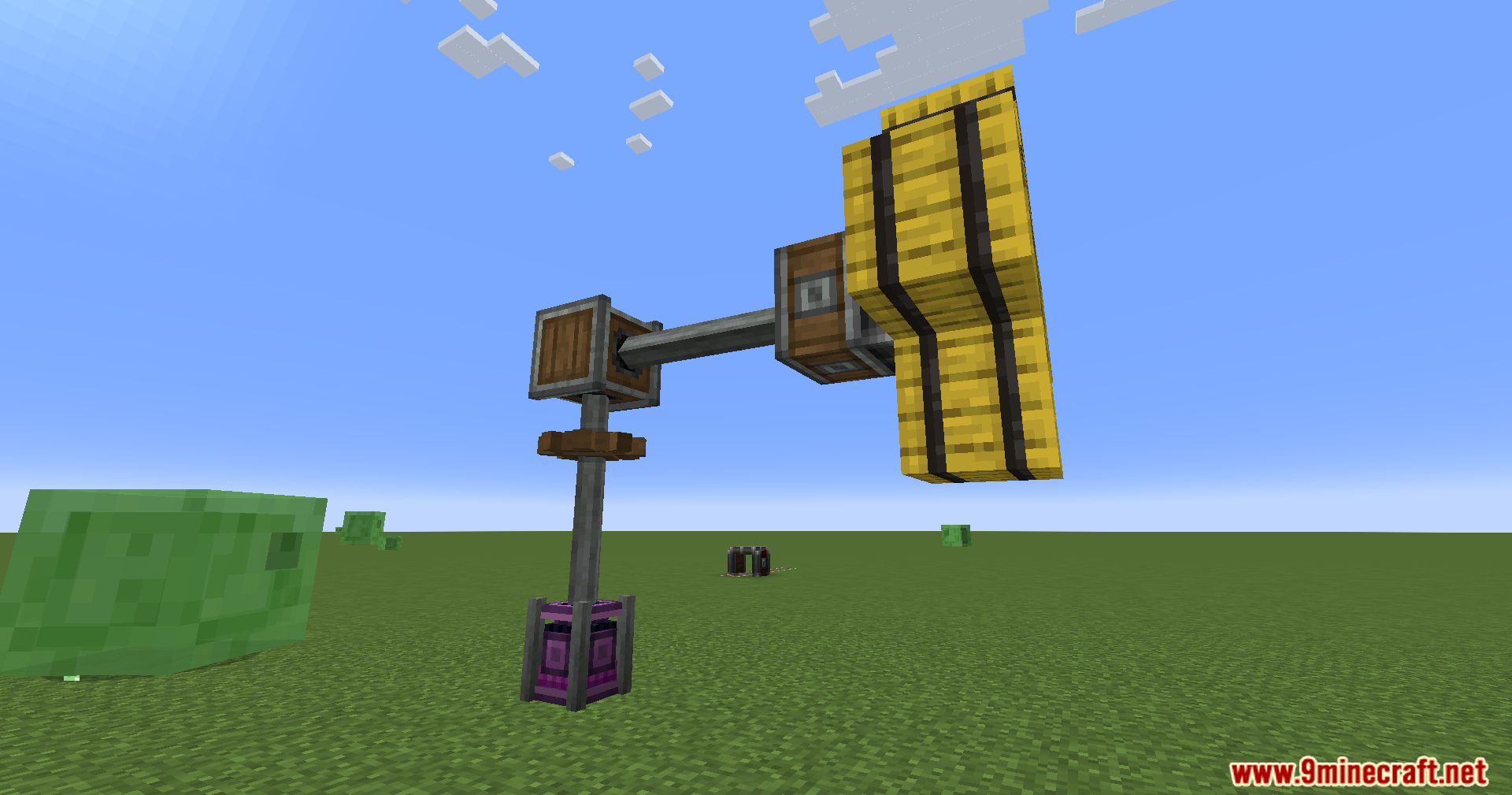
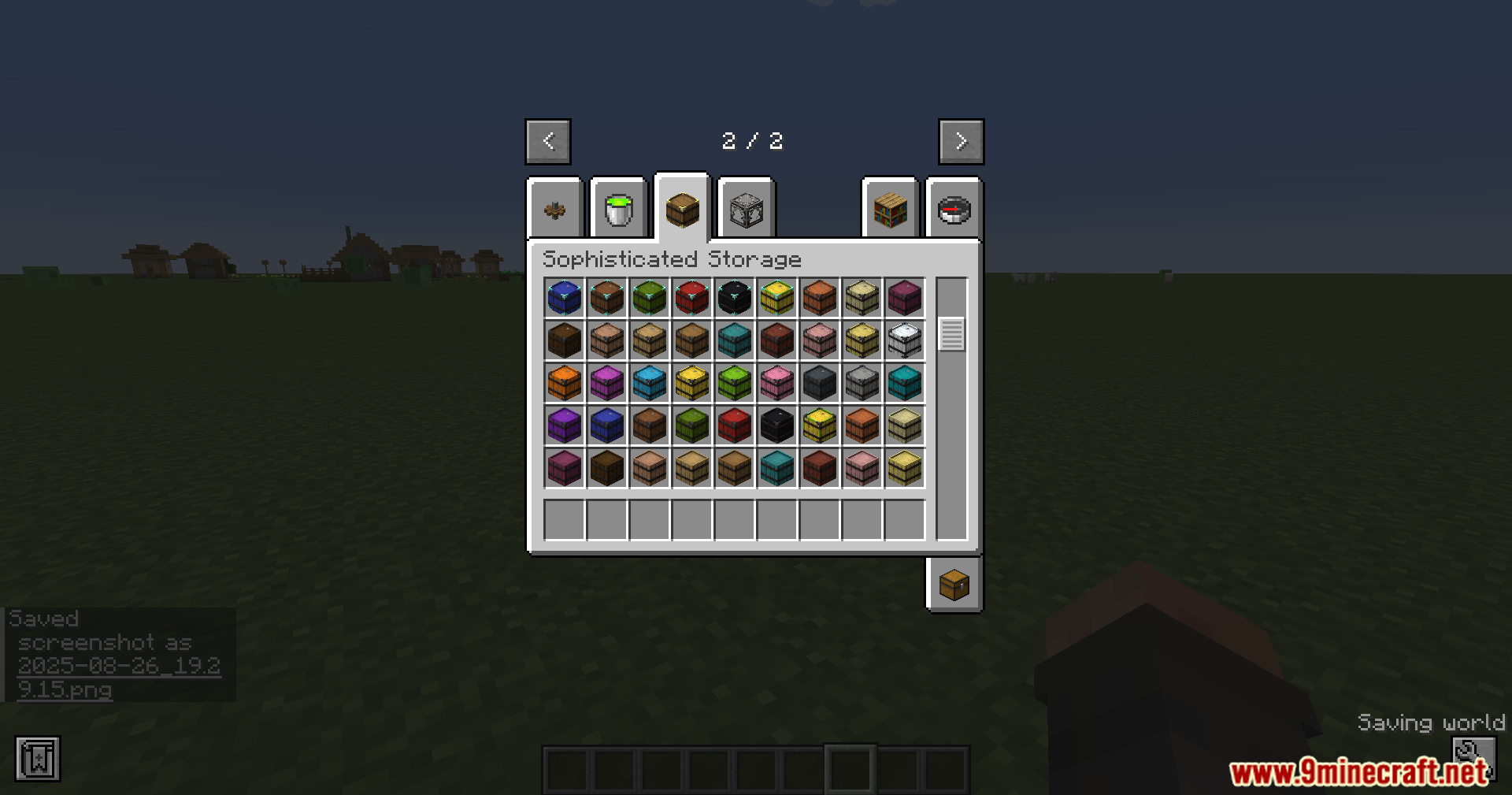
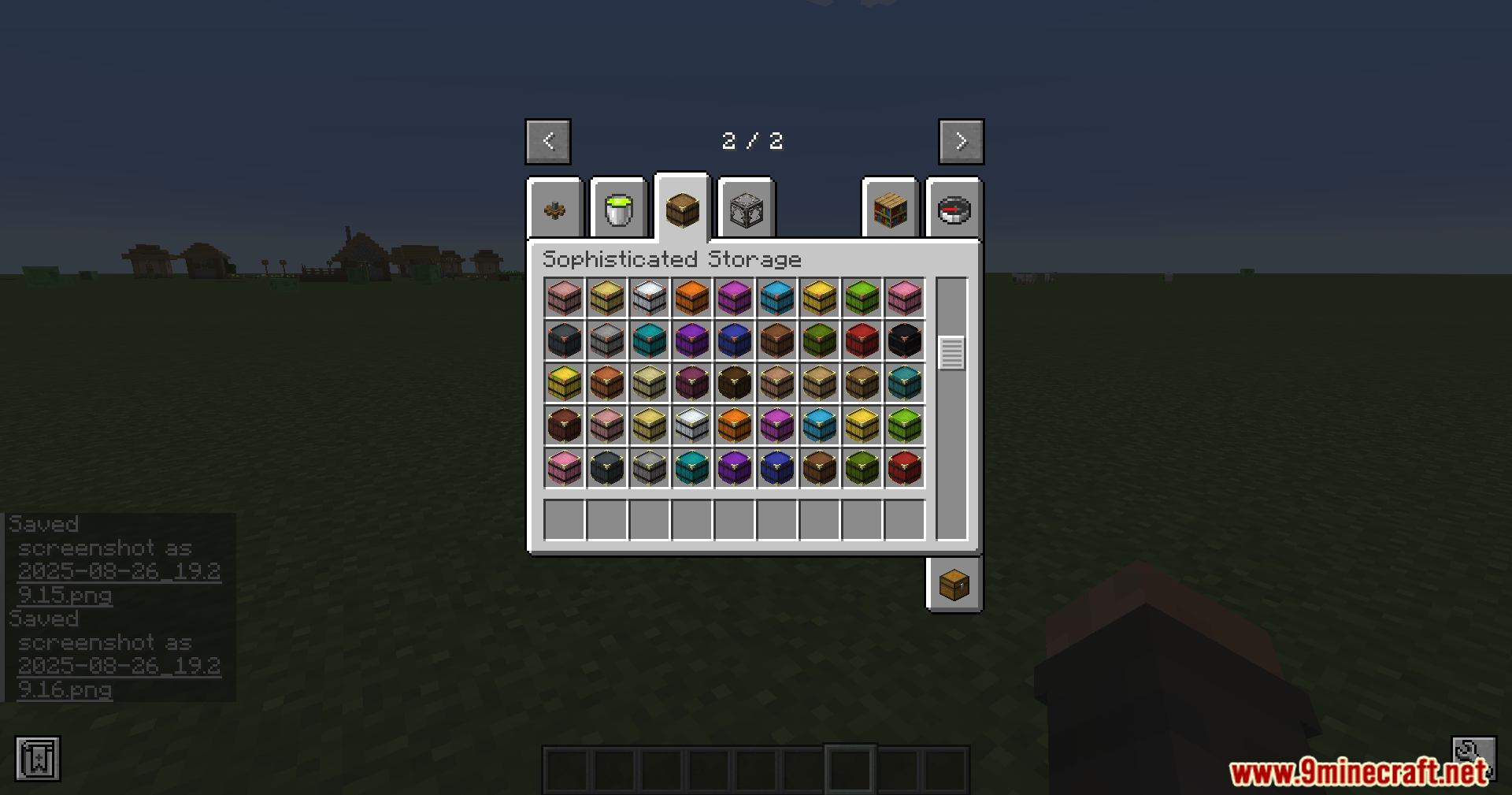
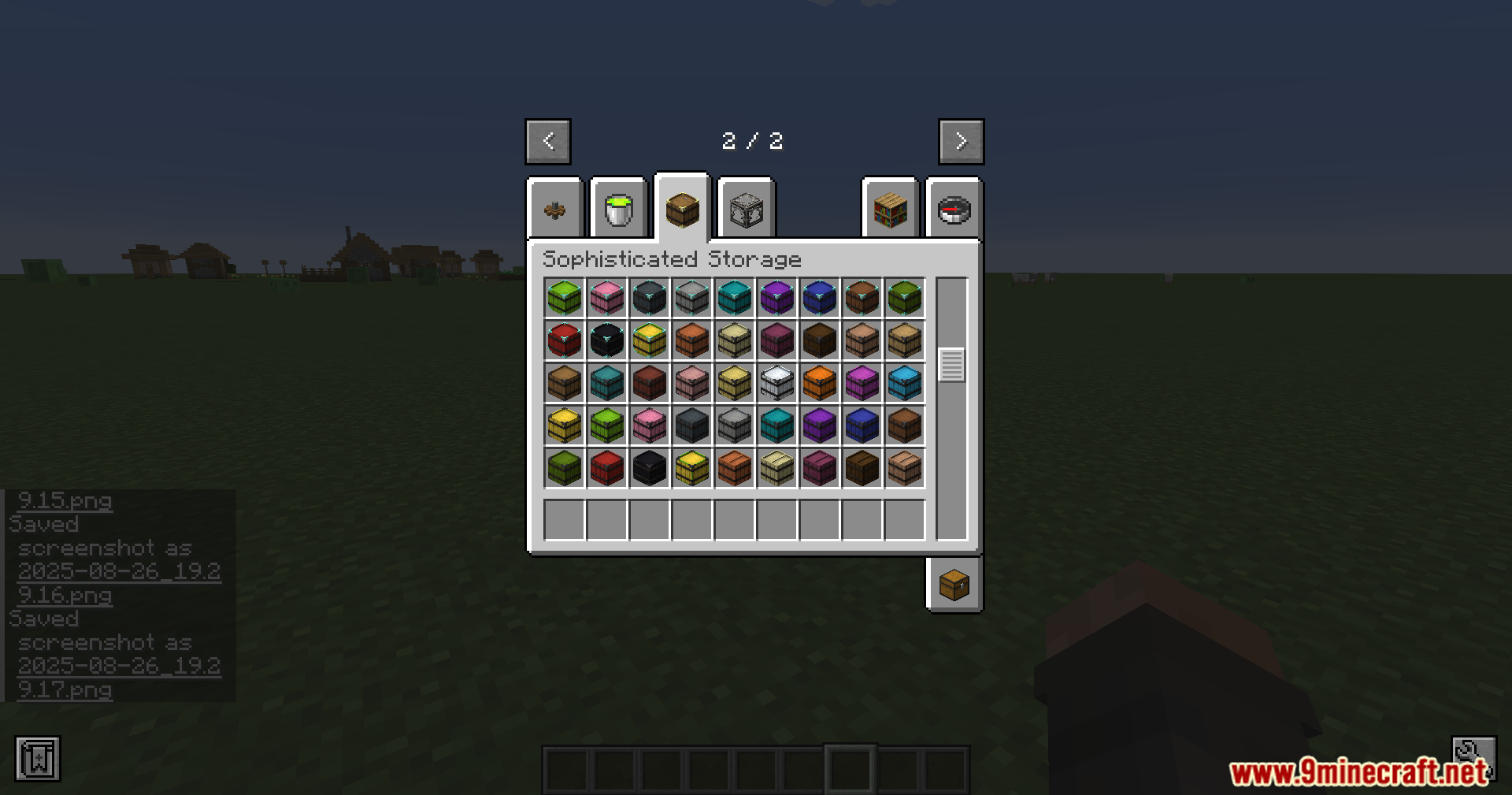
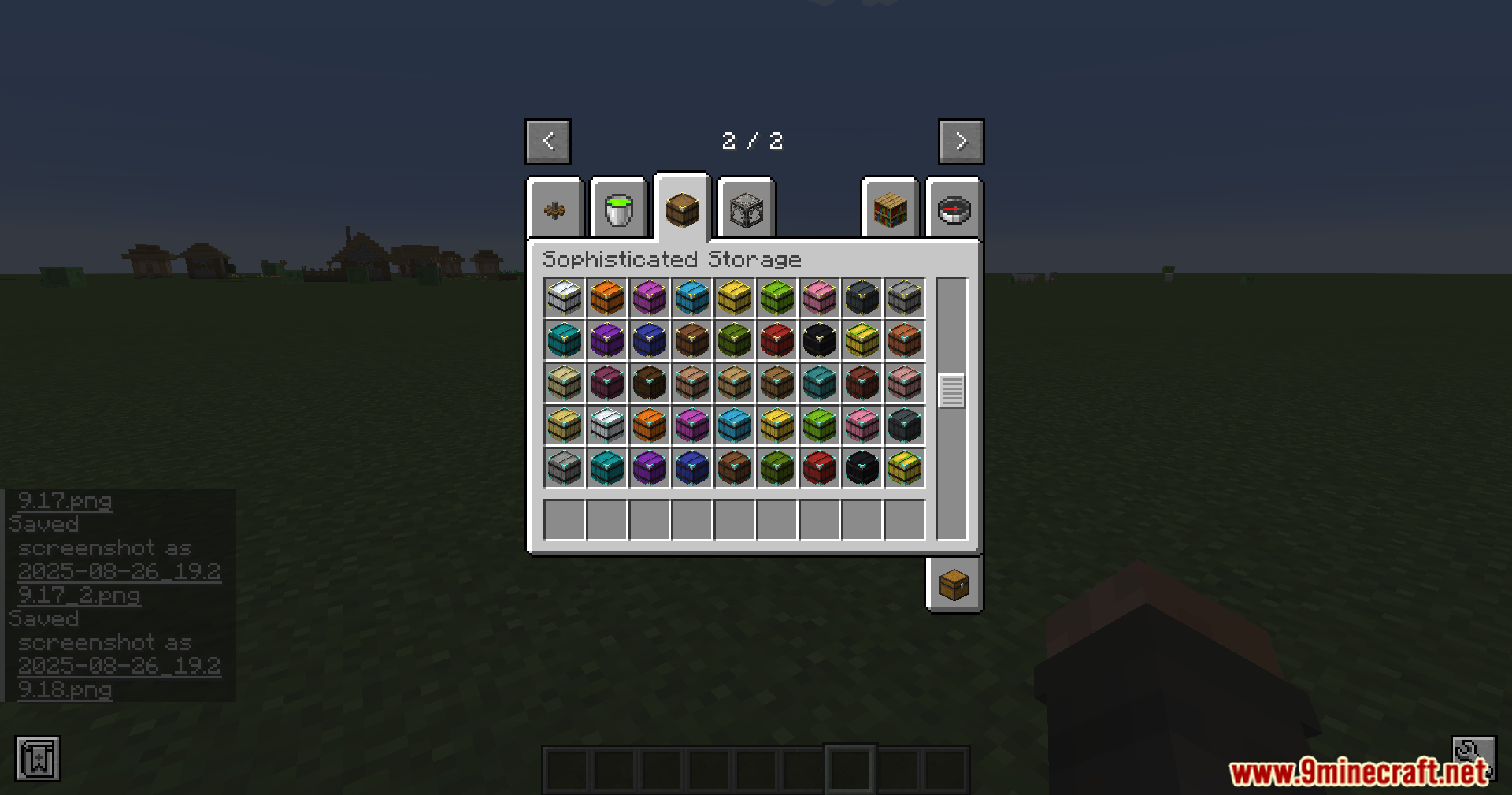
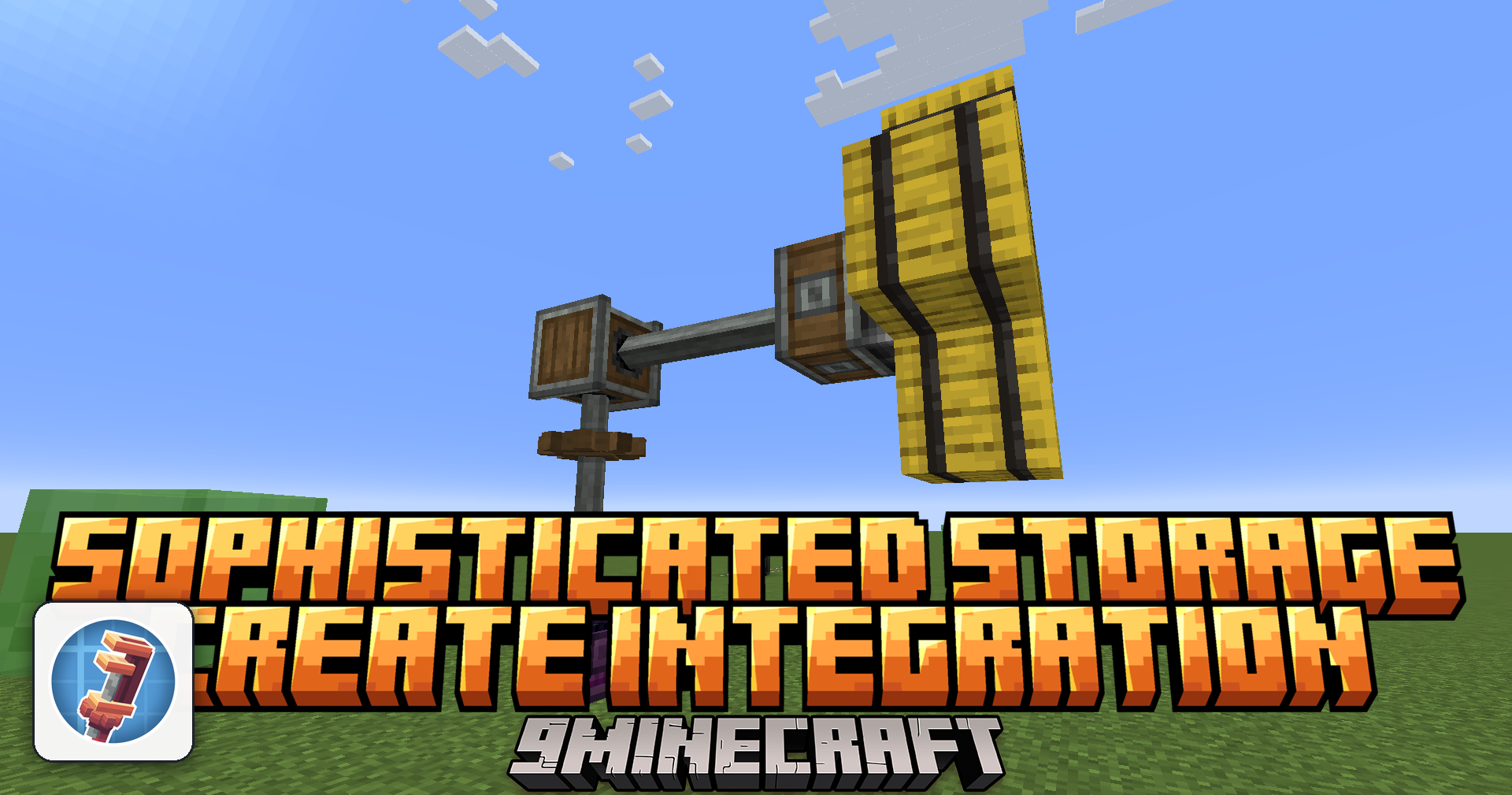
Sophisticated Storage Create Integration Mod connects the Sophisticated Storage and Create mods, allowing storage blocks to work on moving machines. This means barrels, chests, and shulker boxes keep all their items, upgrades, and settings while traveling on trains, platforms, or flying contraptions.
Features:
- Place storage blocks from Sophisticated Storage directly onto Create contraptions.
- Use most upgrades, like Pickup, Magnet, and crafting, on moving storage blocks.
- Keep all items and settings safe when the storage block is in motion.
- Apply tier upgrades to increase capacity by right-clicking the block, even while it moves.
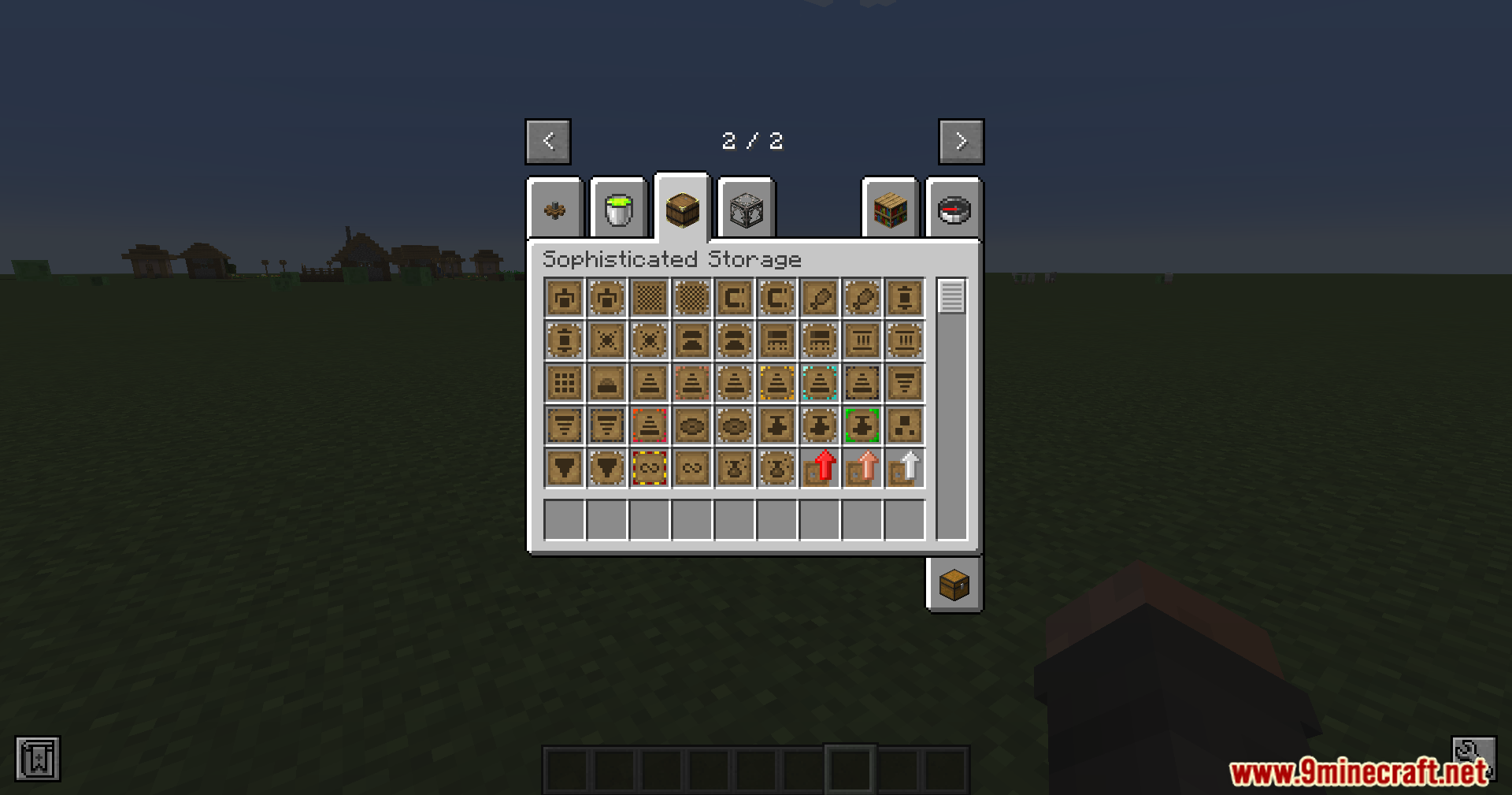
- Use the Storage Tool to manage locks and visual settings on contraption storage.
- Change the color and material of moving storage blocks with the Paintbrush.
How to Use:
- To add an upgrade, right-click it directly onto a storage block that is on a contraption.
- To apply a tier upgrade, simply right-click the upgrade onto the storage block.
- Use the Storage Tool on a moving storage block to change its settings.
- Use the Paintbrush on a moving storage block to customize its appearance.
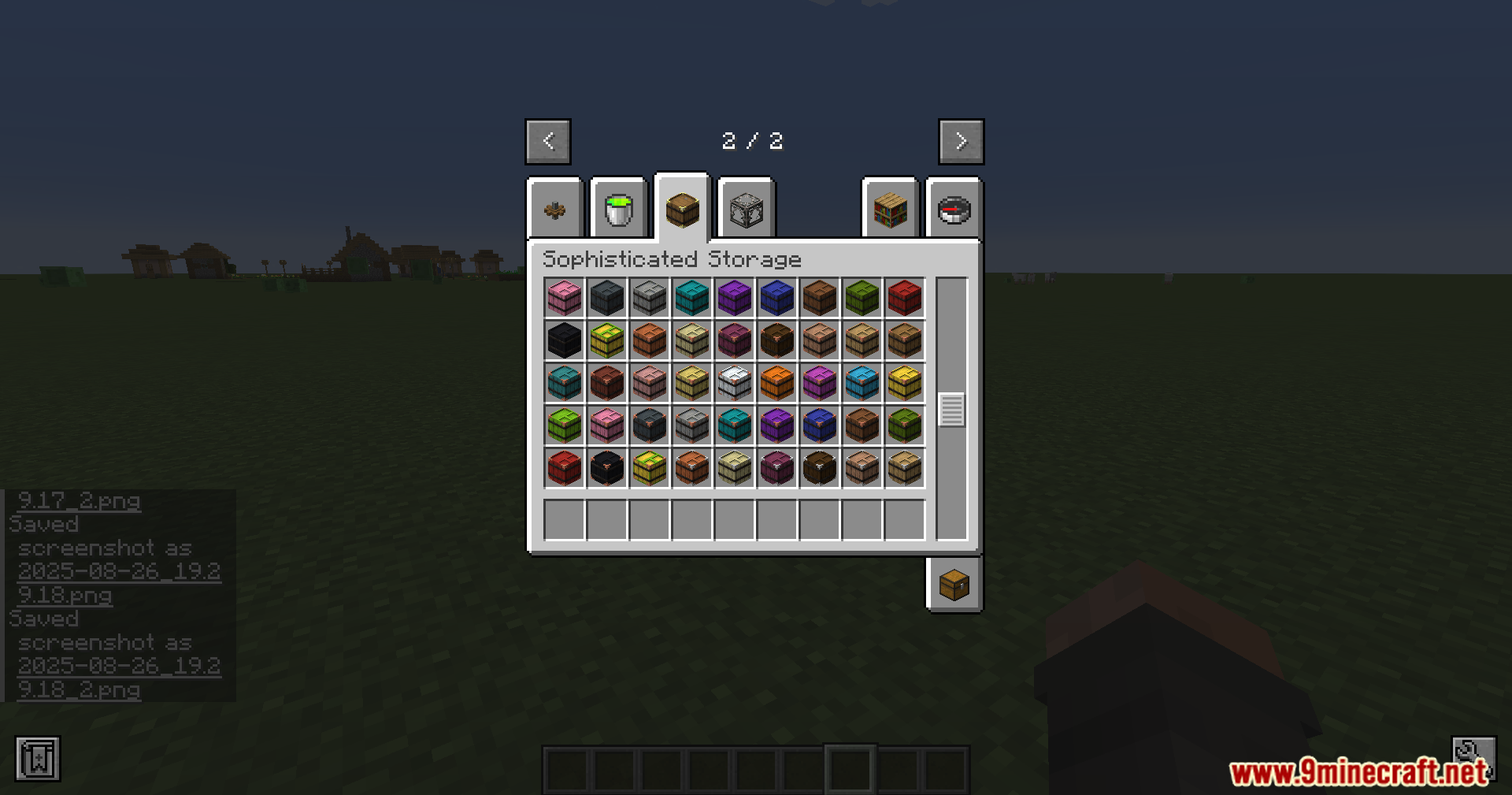
Screenshots:
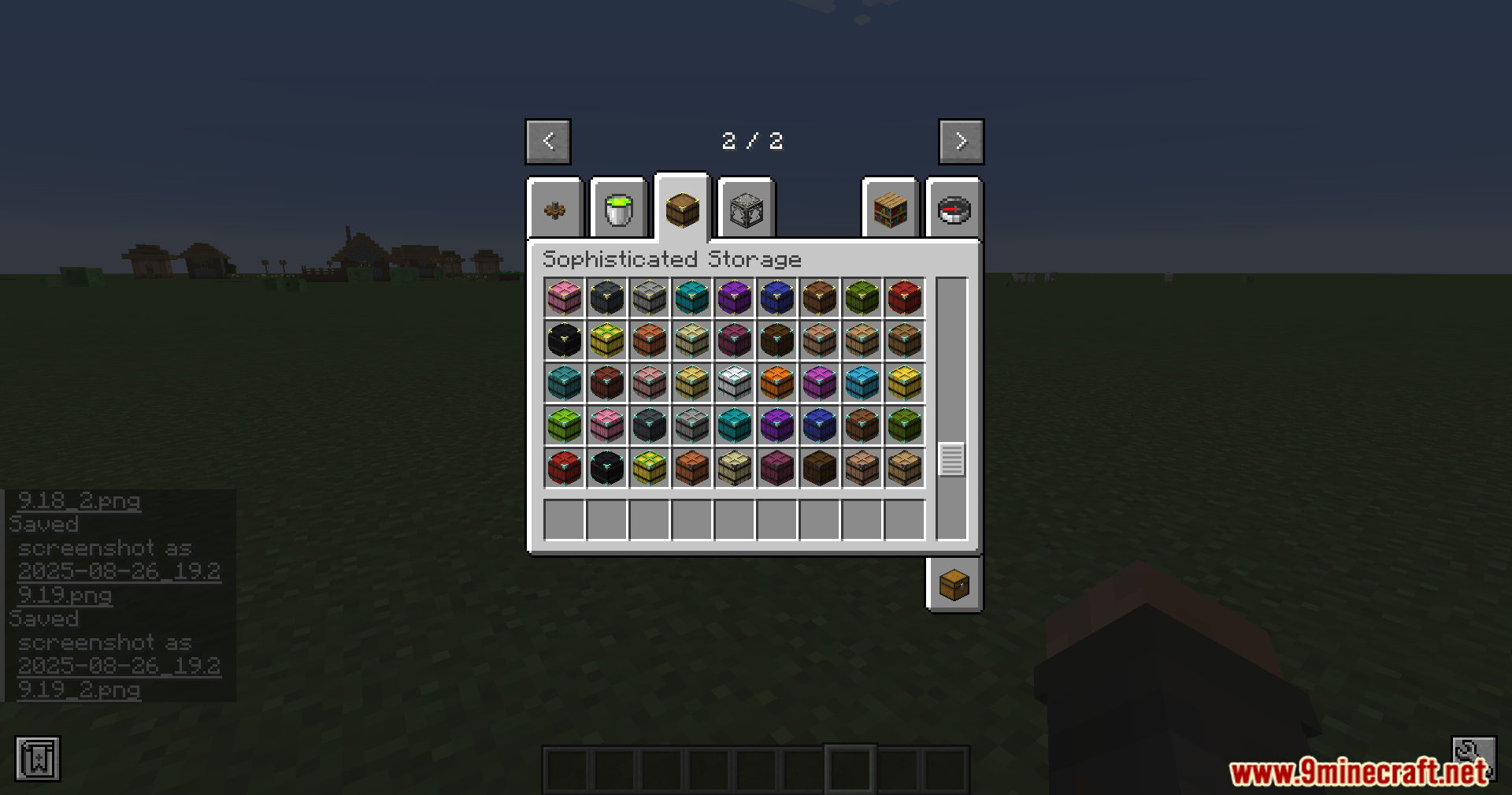
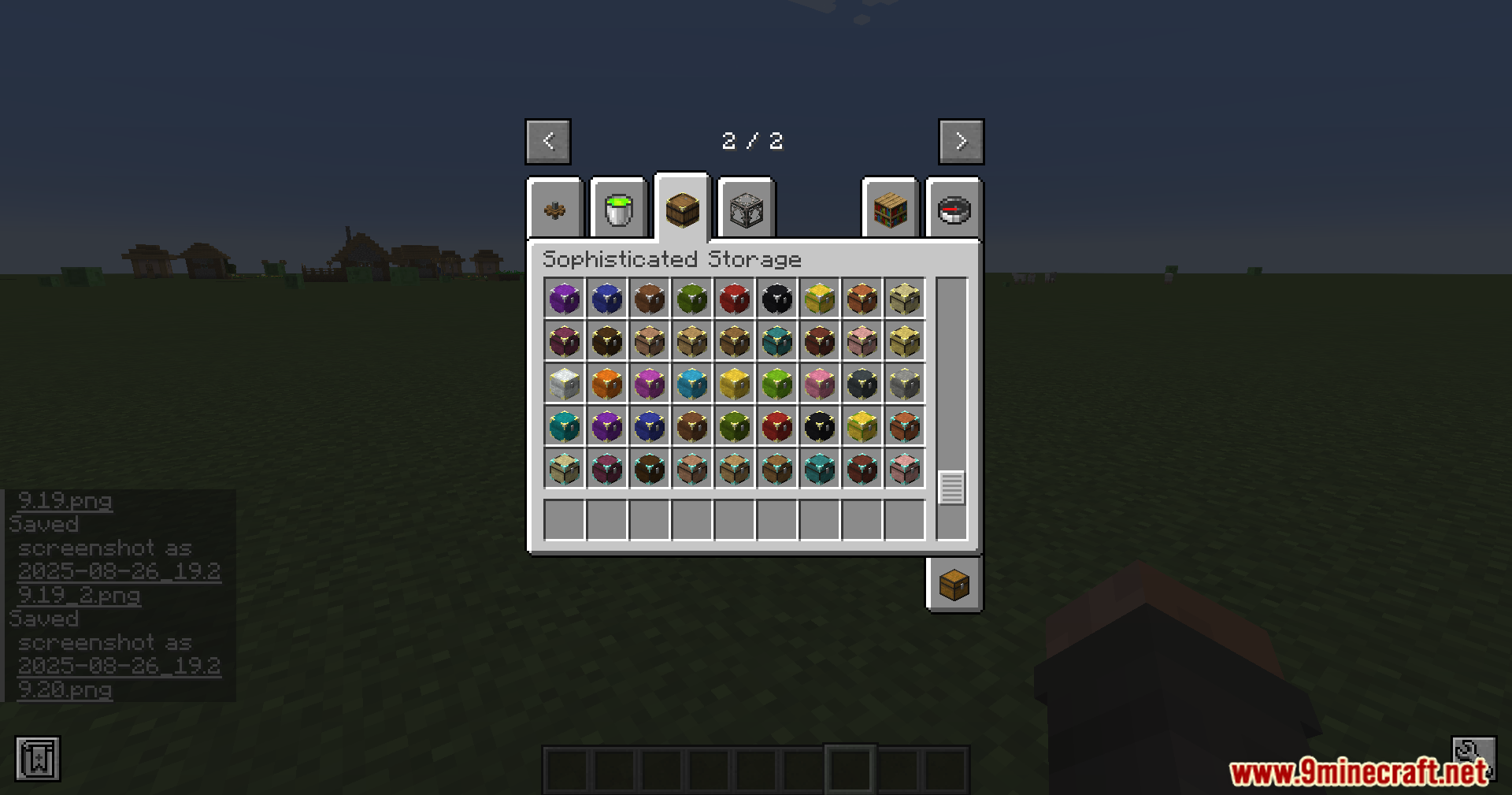
Sophisticated Storage Create Integration Mod Download Links
Quick facts
- Edition: Minecraft Java
- File type: .jar
- Minecraft version listed: 1.20.1
- How to install: Install the matching mod loader (Forge, Fabric or NeoForge) for your Minecraft version. → Download the .jar. → Put it in the .minecraft/mods folder and launch that loader profile.
- Where to get it: In MC Java Mods, or directly above on this page.
Install steps are the general flow for this file type — How to install Minecraft Java mods & modpacks walks through it step by step.
File checked by MCModsHub
- Downloads as 33531.mcaddon
- Download size: 129 KB
- Download link checked 25 Sept 2026 — working
- Mirrored on our own servers — the download does not depend on the original host
These come from our own check of the pack file, not from the source page.