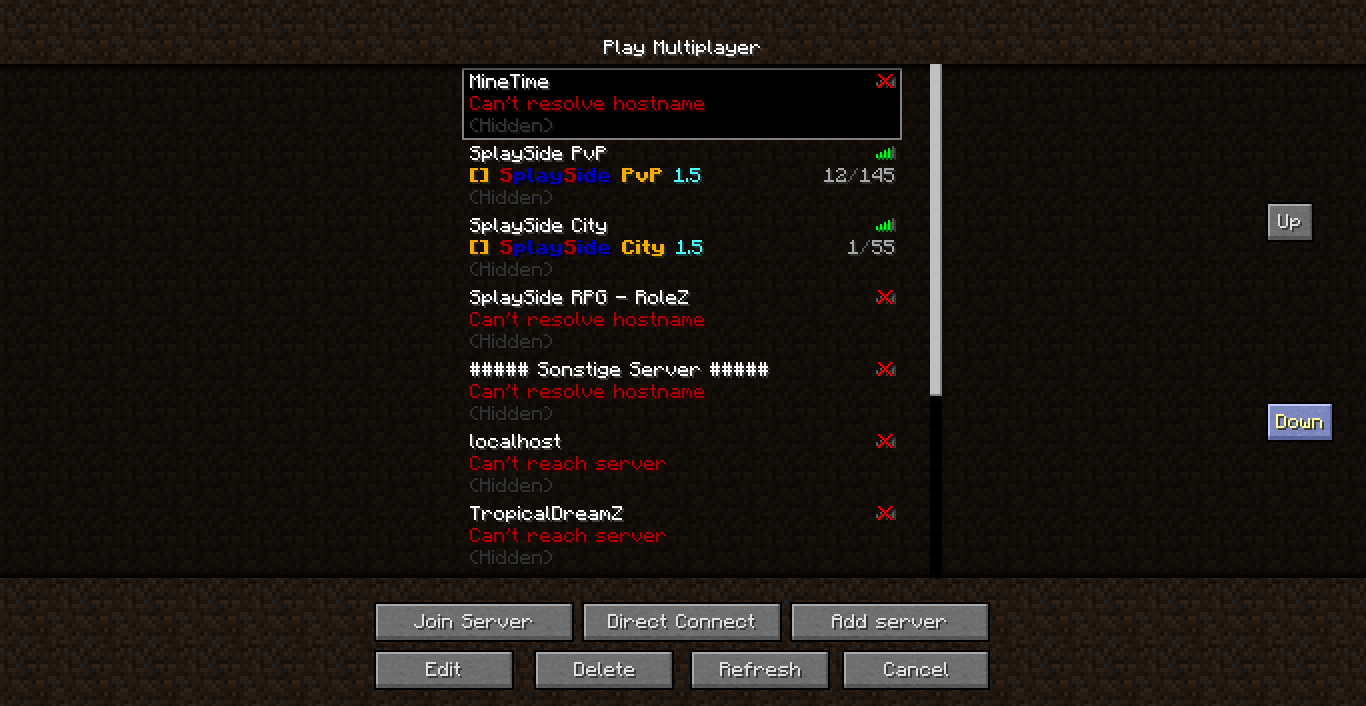
Server Sort
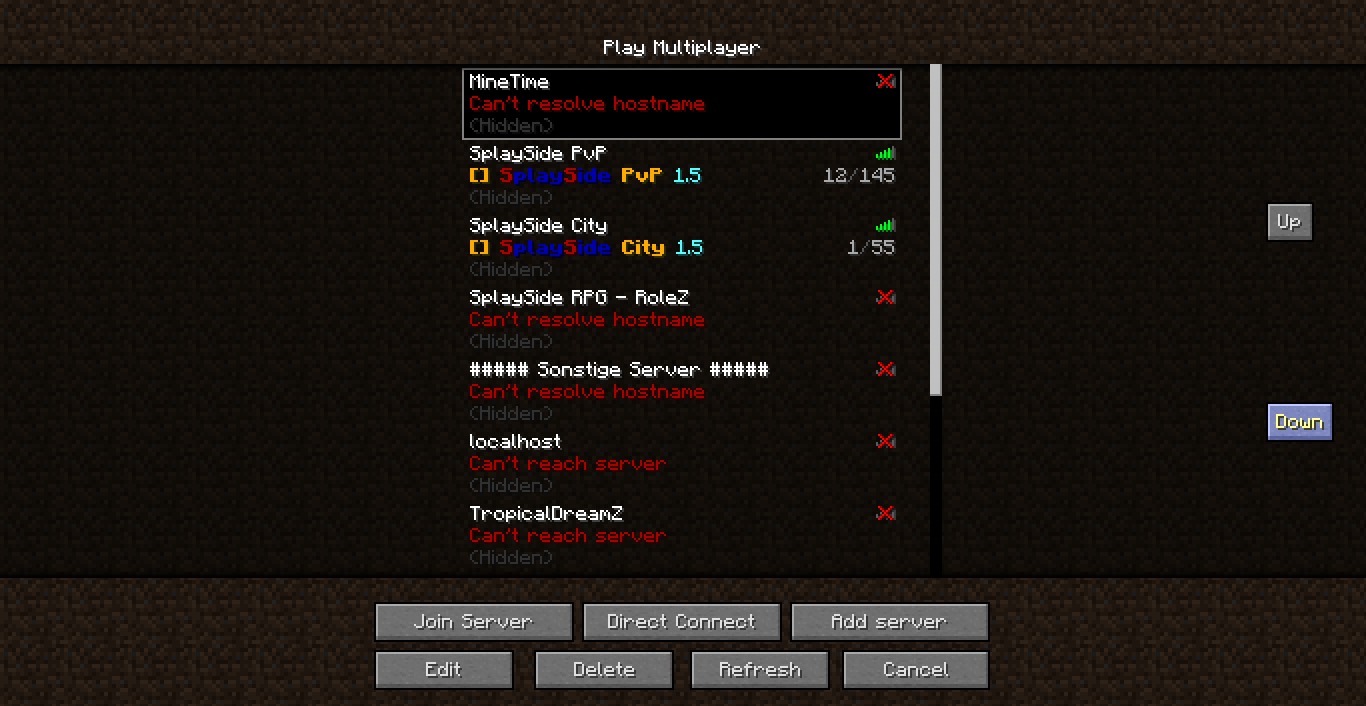
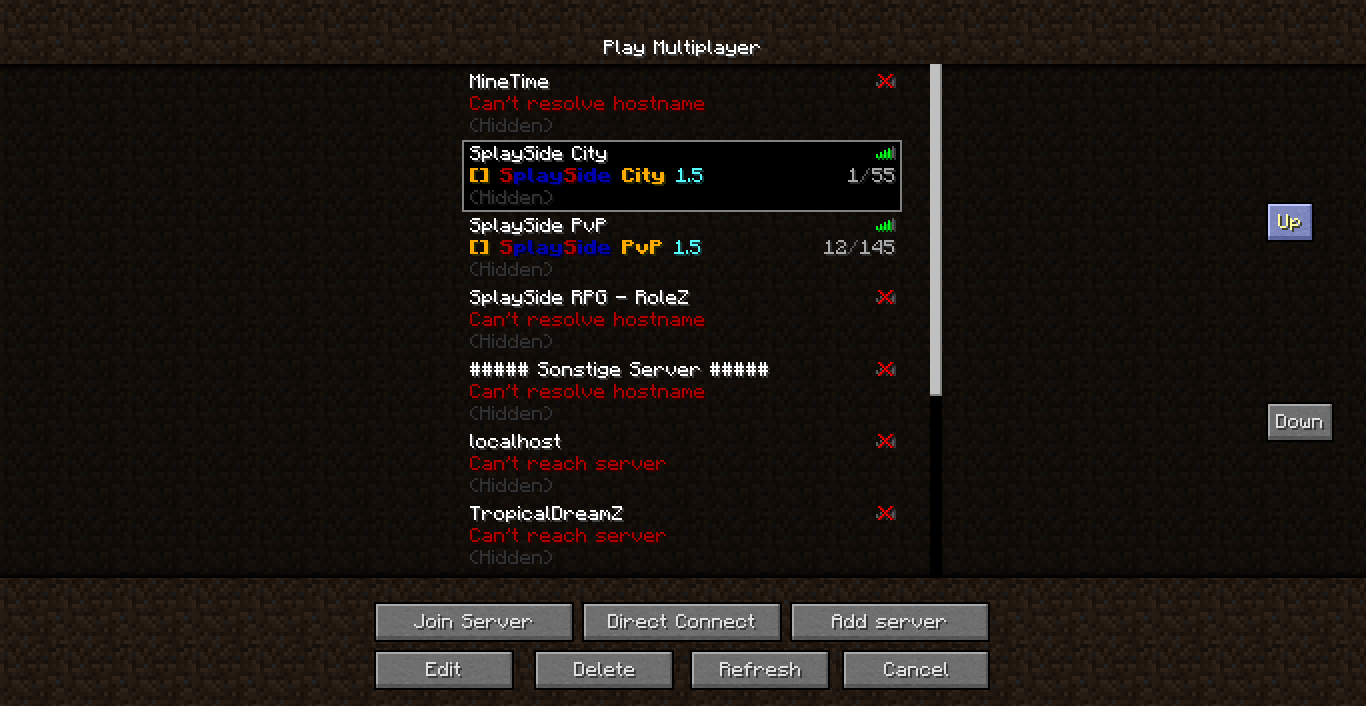
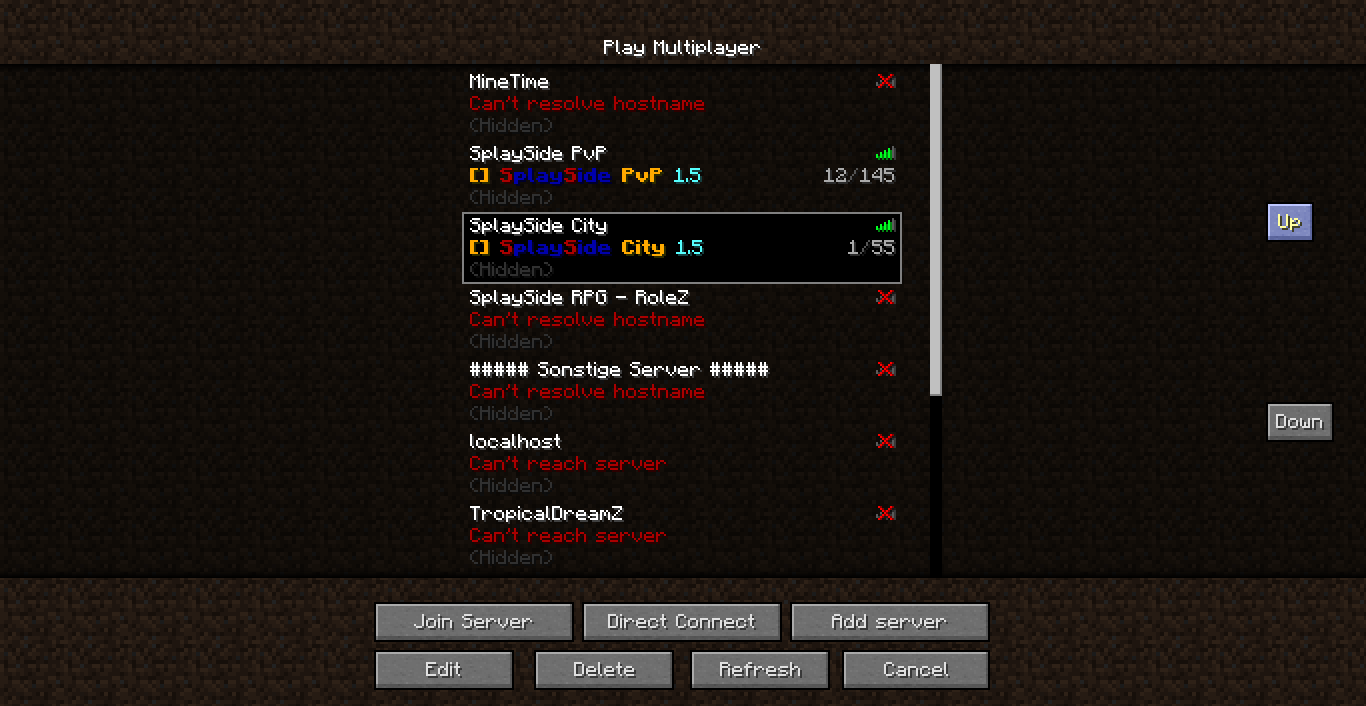
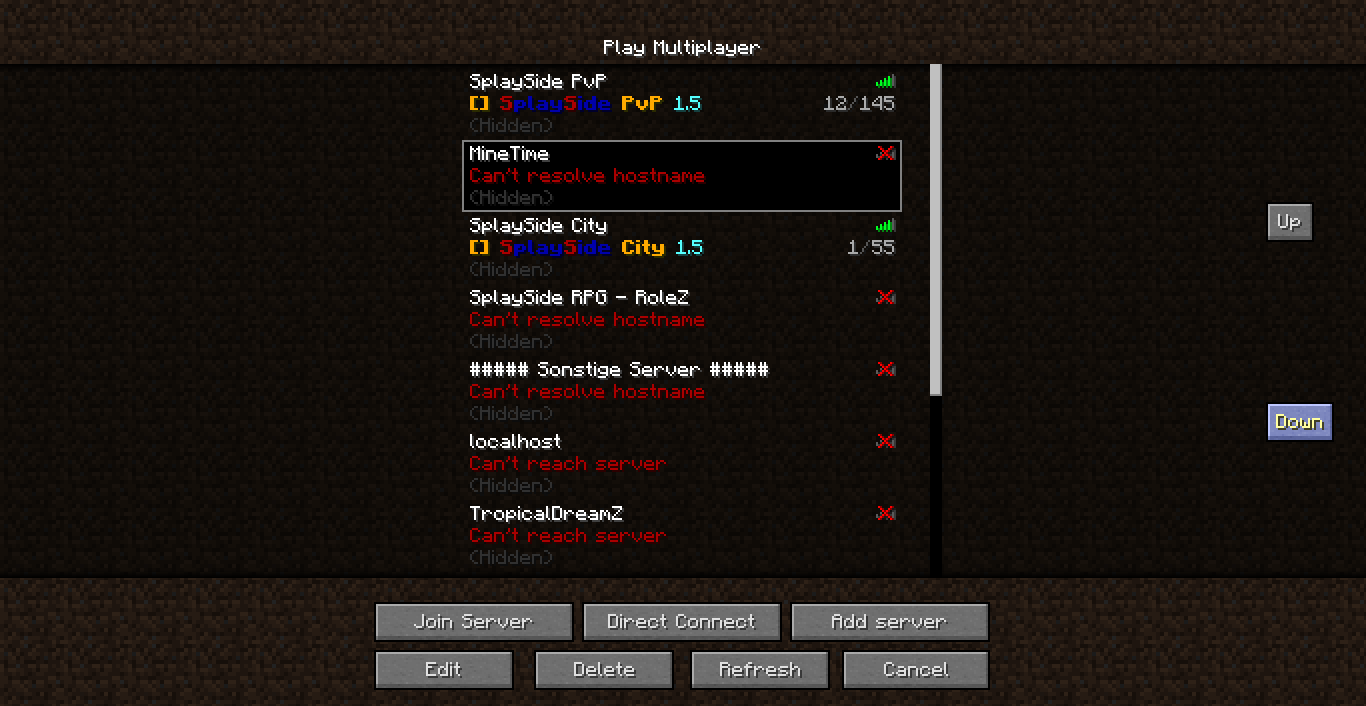
With this mod you can move the servers in the server list up and down
Images
Installation
- Find the .minecraft directory
- Then navigate to versions/VERSION/
- Open VERSION.jar with 7zip or a similar programm.
- Drag and drop all files within ServerSort.zip into the jar.
- Remove the folder "META-INF".
- Start minecraft.
- Enjoy!
Replace the word VERSION with the version you want to mod
Source Code
Here is the source code: Click here
Quick facts
- Edition: Minecraft Java
- File type: .jar
- How to install: Install the matching mod loader (Forge, Fabric or NeoForge) for your Minecraft version. → Download the .jar. → Put it in the .minecraft/mods folder and launch that loader profile.
- Where to get it: Opens on CurseForge — not every file is mirrored on our own servers.
Install steps are the general flow for this file type — How to install Minecraft Java mods & modpacks walks through it step by step.
Server Sort is a free Minecraft Java mod. Downloaded 1,586 times (via CurseForge). Download it and open it directly in the game.