ModsJava
TweakerMore Mod (26.2, 1.20.1) – A Collection of Client-Side Tweak Kits
Java mod listed for Minecraft 1.20. Downloads from the MC Java Mods app on Android.
⬇ Download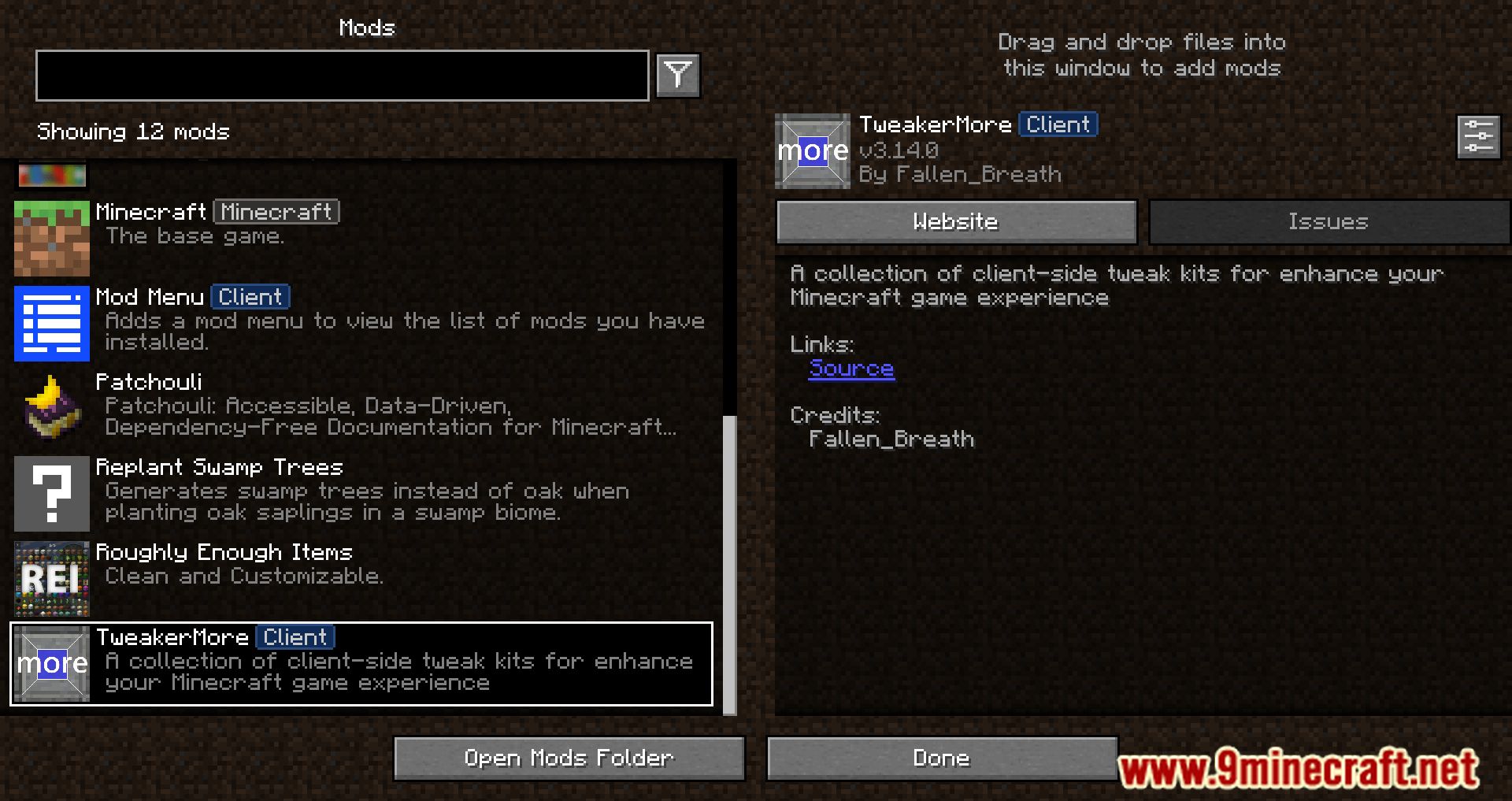
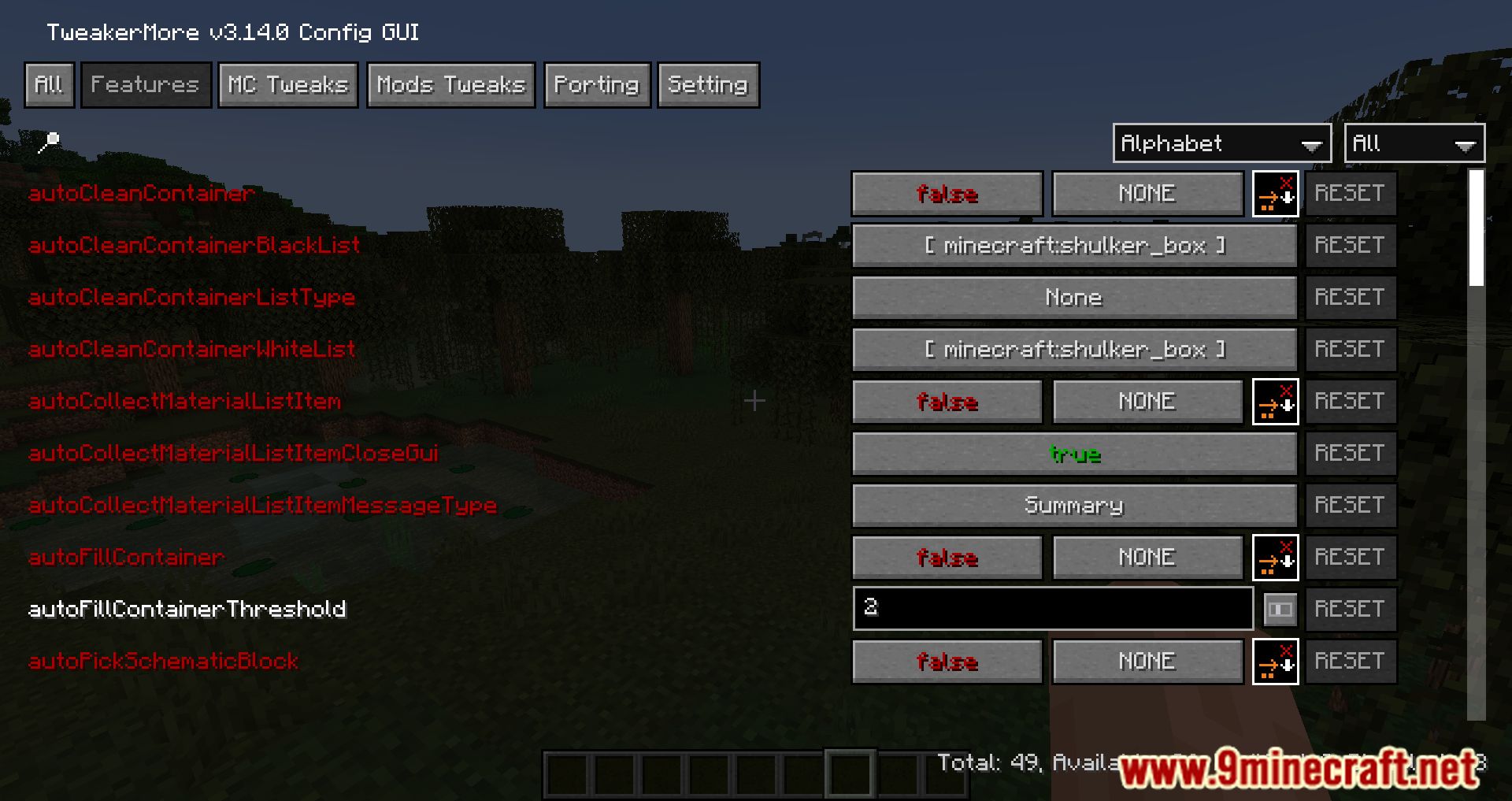
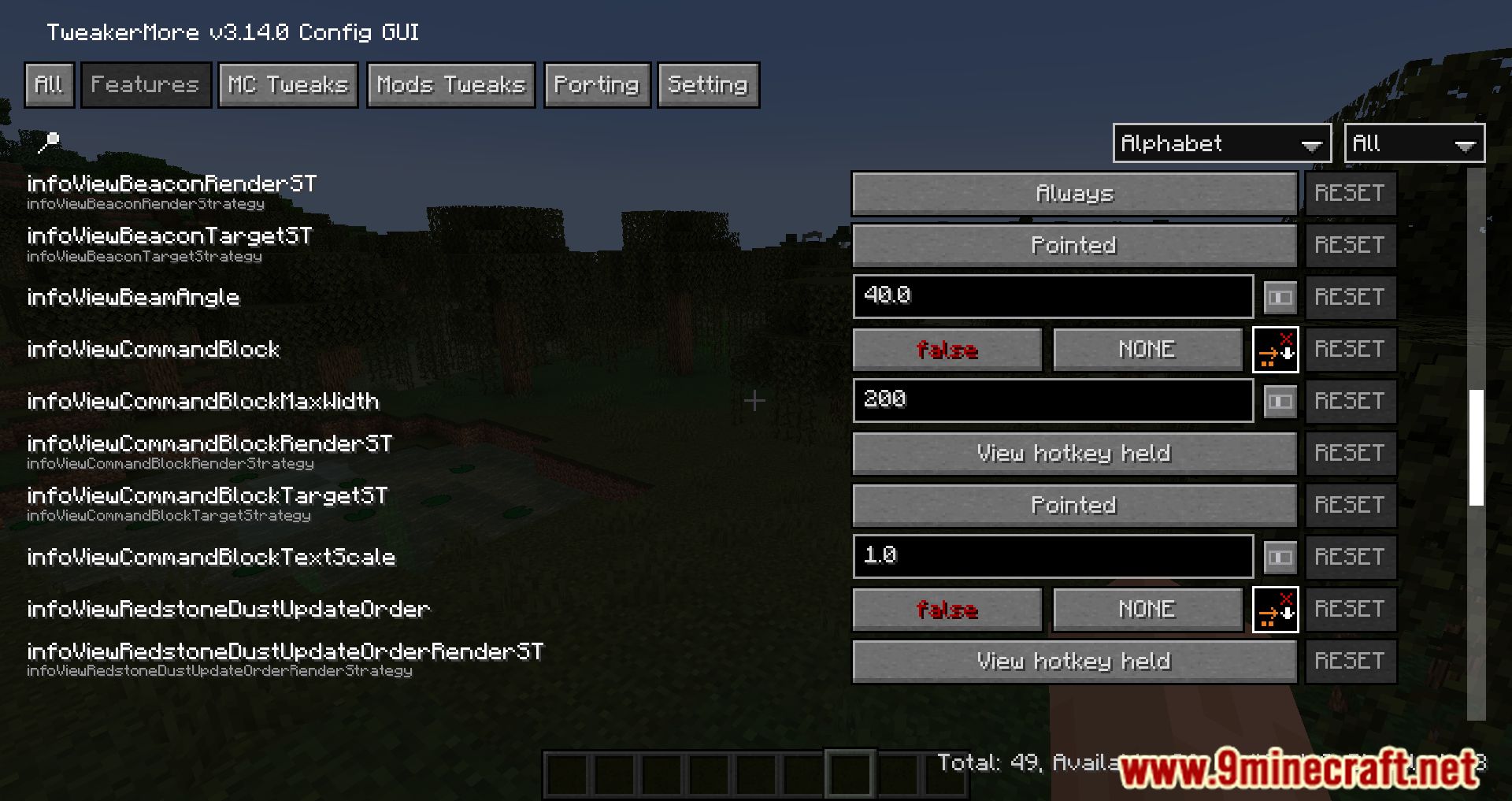
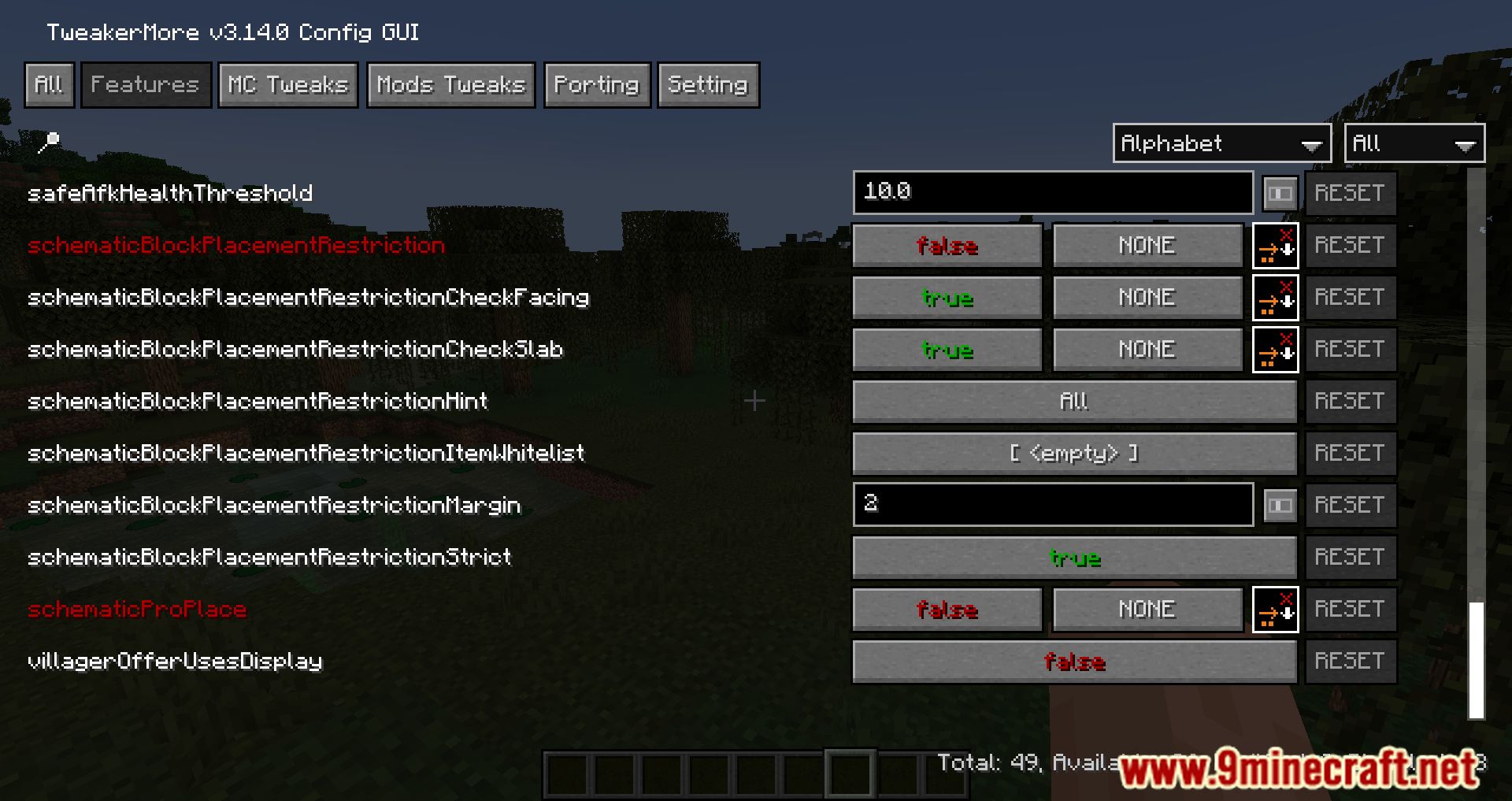
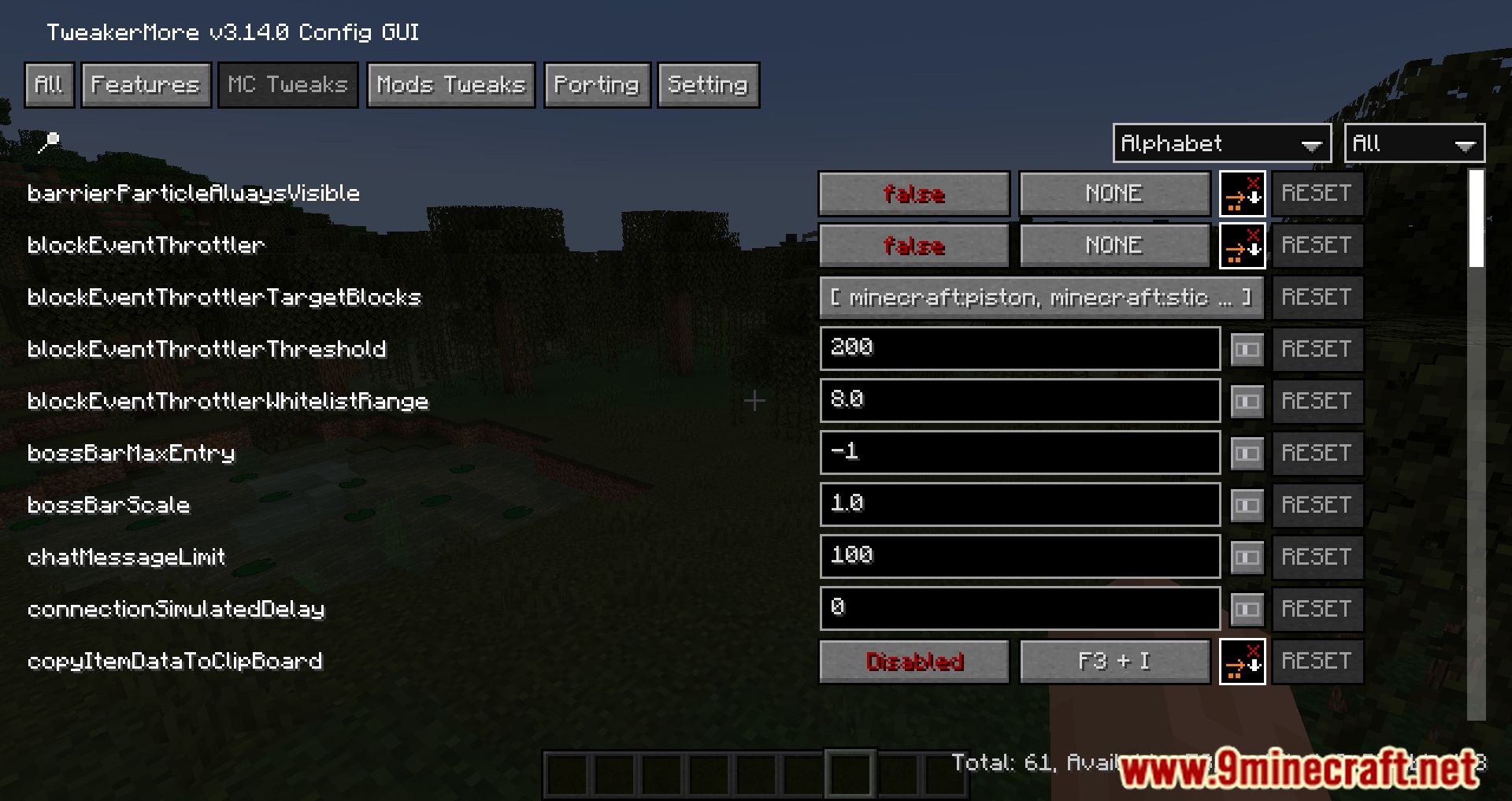
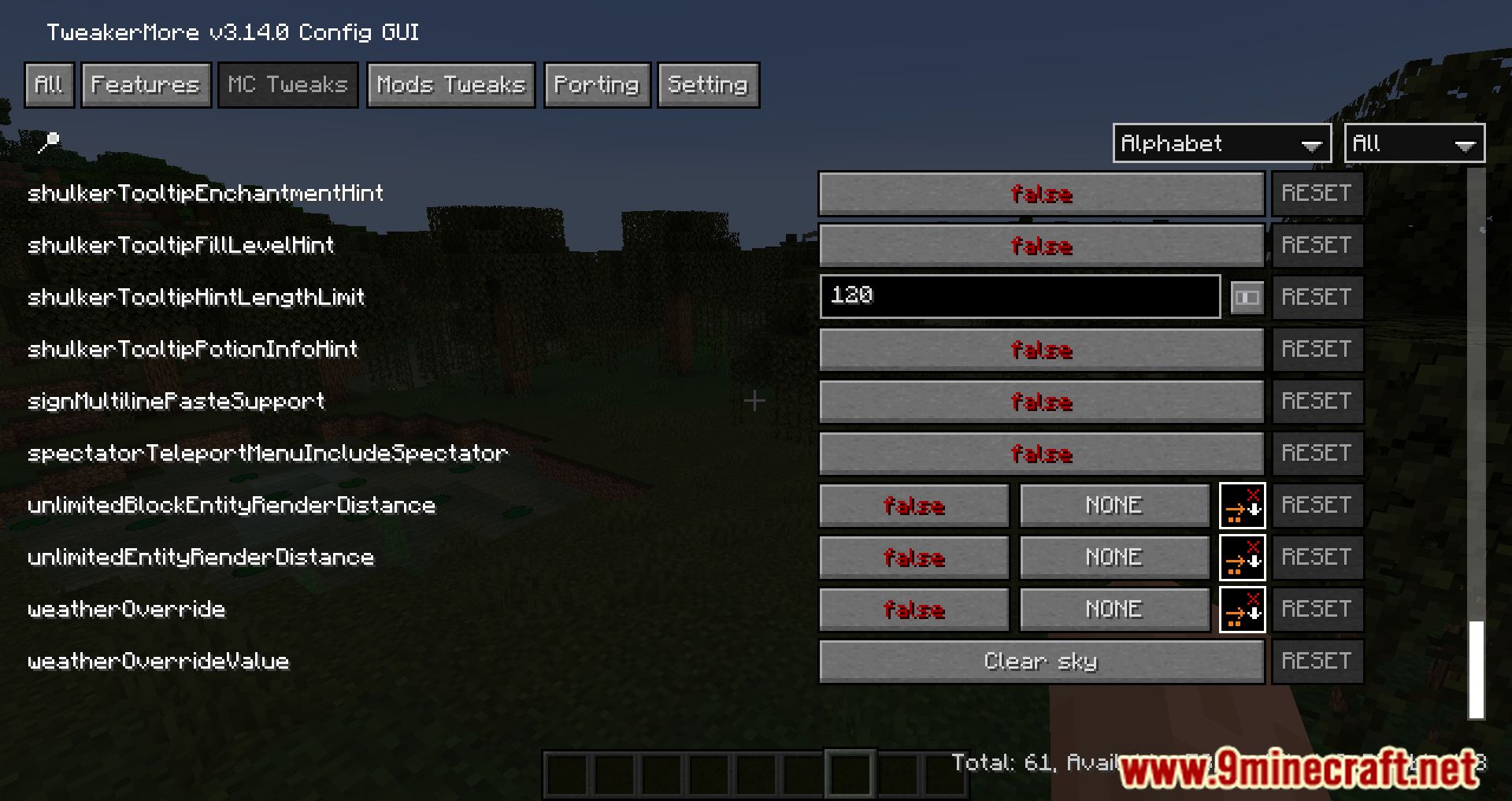
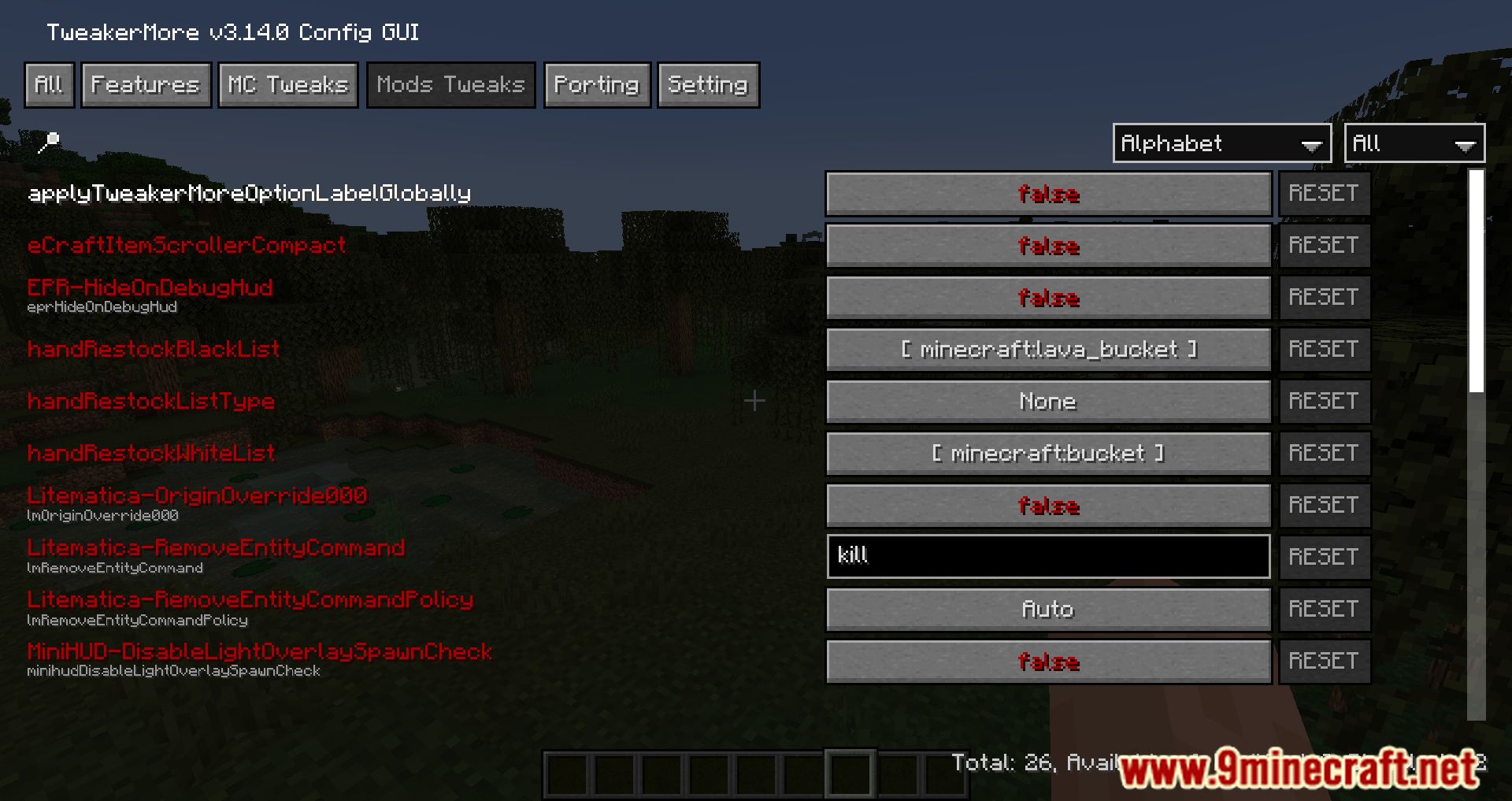
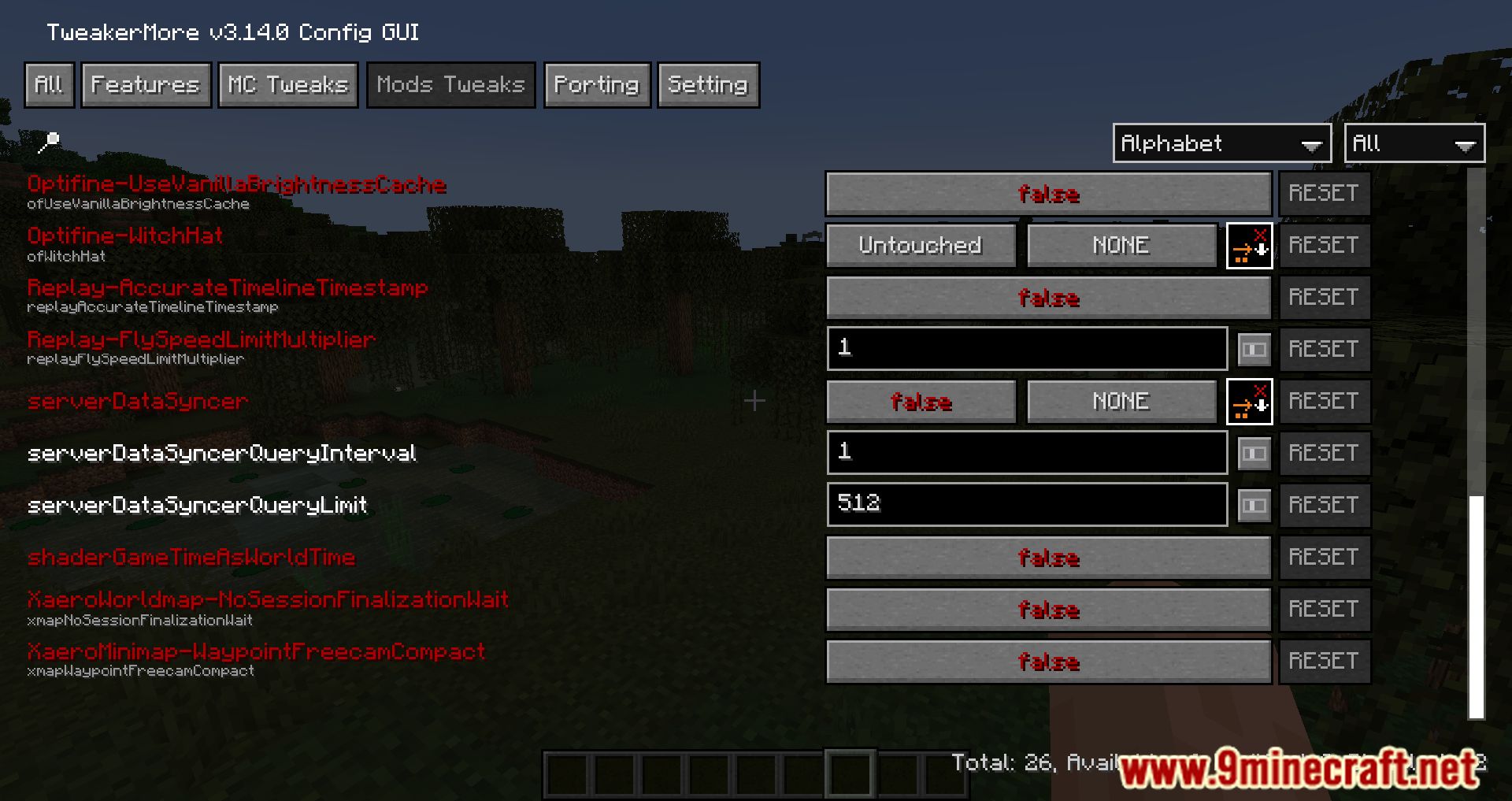
TweakerMore Mod is a client-side toolkit that lets you fine-tune your Minecraft experience with a wide range of optional tweaks-all disabled by default so your game stays vanilla until you choose otherwise.
Features:
- Customize gameplay with dozens of toggleable options like UI changes, inventory behavior, and rendering tweaks.
- Every tweak is opt-in, so you control exactly how your game changes.
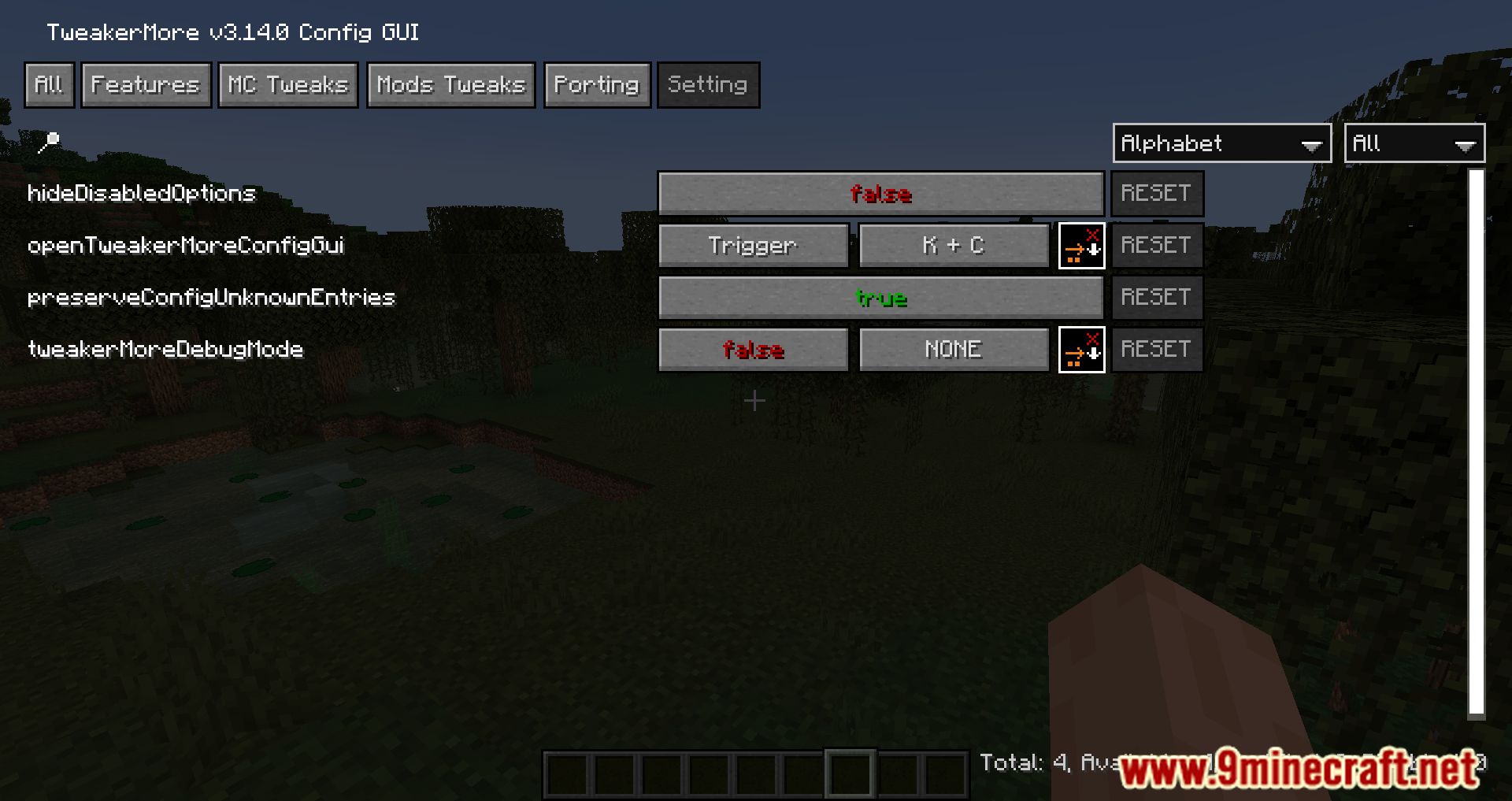
- Press K + C or use Mod Menu to open the configuration interface.
- Supports popular mods like:
- EasierCrafting
- Iris
- Item Scroller
- Litematica
- MiniHUD
- Optifine (via Optifabric)
- ReplayMod
- Tweakeroo
- Xaero’s World Map
- Auto-refresh, cross-dimension support, and state mismatch handling.
- Tooltip behavior, redstone update order display, and creative fly tweaks.
- Remember scroll position, move connected servers to top.
Screenshots:
TweakerMore Mod Download Links
Quick facts
- Edition: Minecraft Java
- File type: .jar
- Minecraft version listed: 1.20.1
- How to install: Install the matching mod loader (Forge, Fabric or NeoForge) for your Minecraft version. → Download the .jar. → Put it in the .minecraft/mods folder and launch that loader profile.
- Where to get it: In MC Java Mods, or directly above on this page.
Install steps are the general flow for this file type — How to install Minecraft Java mods & modpacks walks through it step by step.
File checked by MCModsHub
- Downloads as 33534.mcaddon
- Download size: 954 KB
- Download link checked 24 Sept 2026 — working
- Mirrored on our own servers — the download does not depend on the original host
These come from our own check of the pack file, not from the source page.