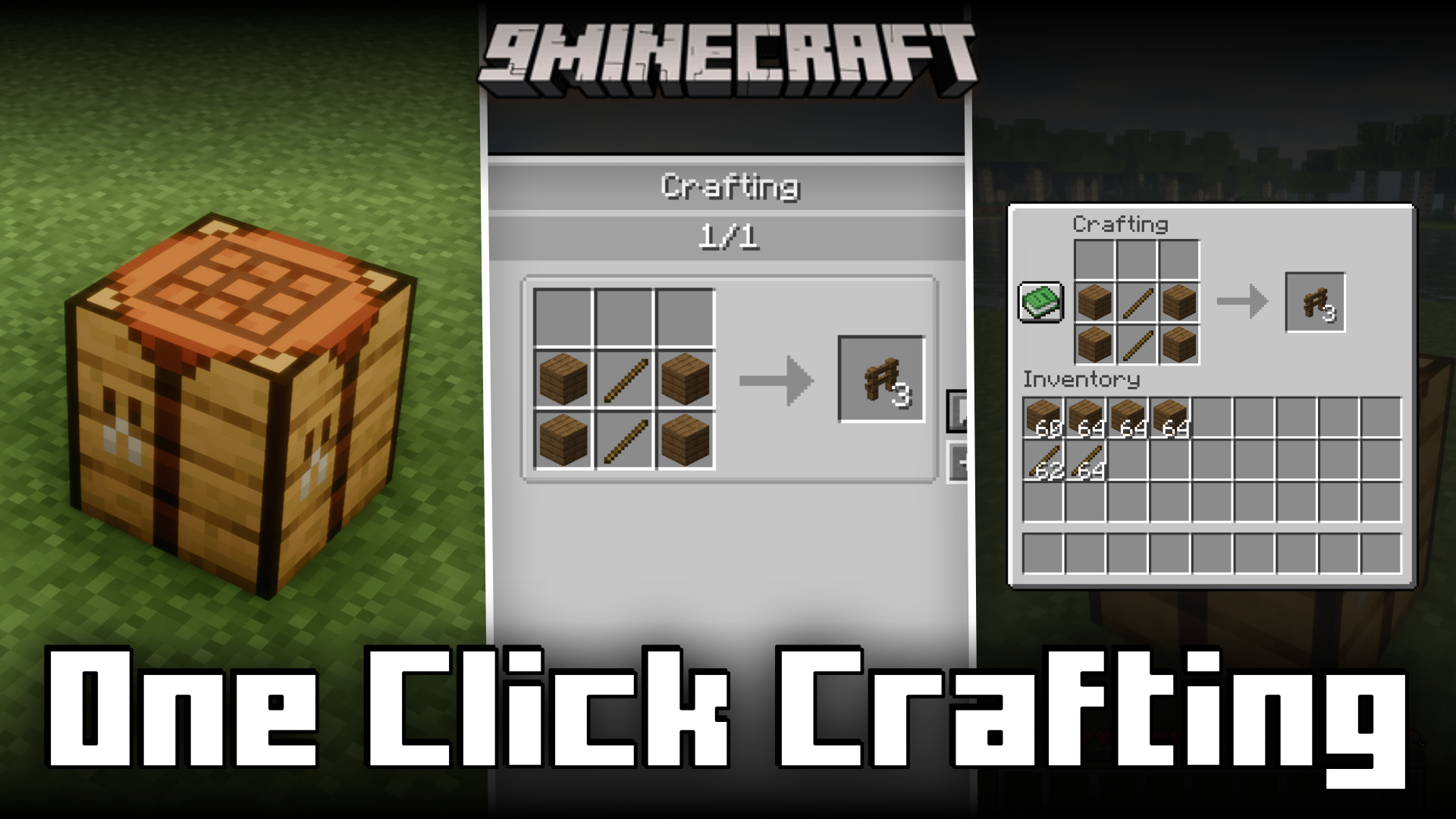
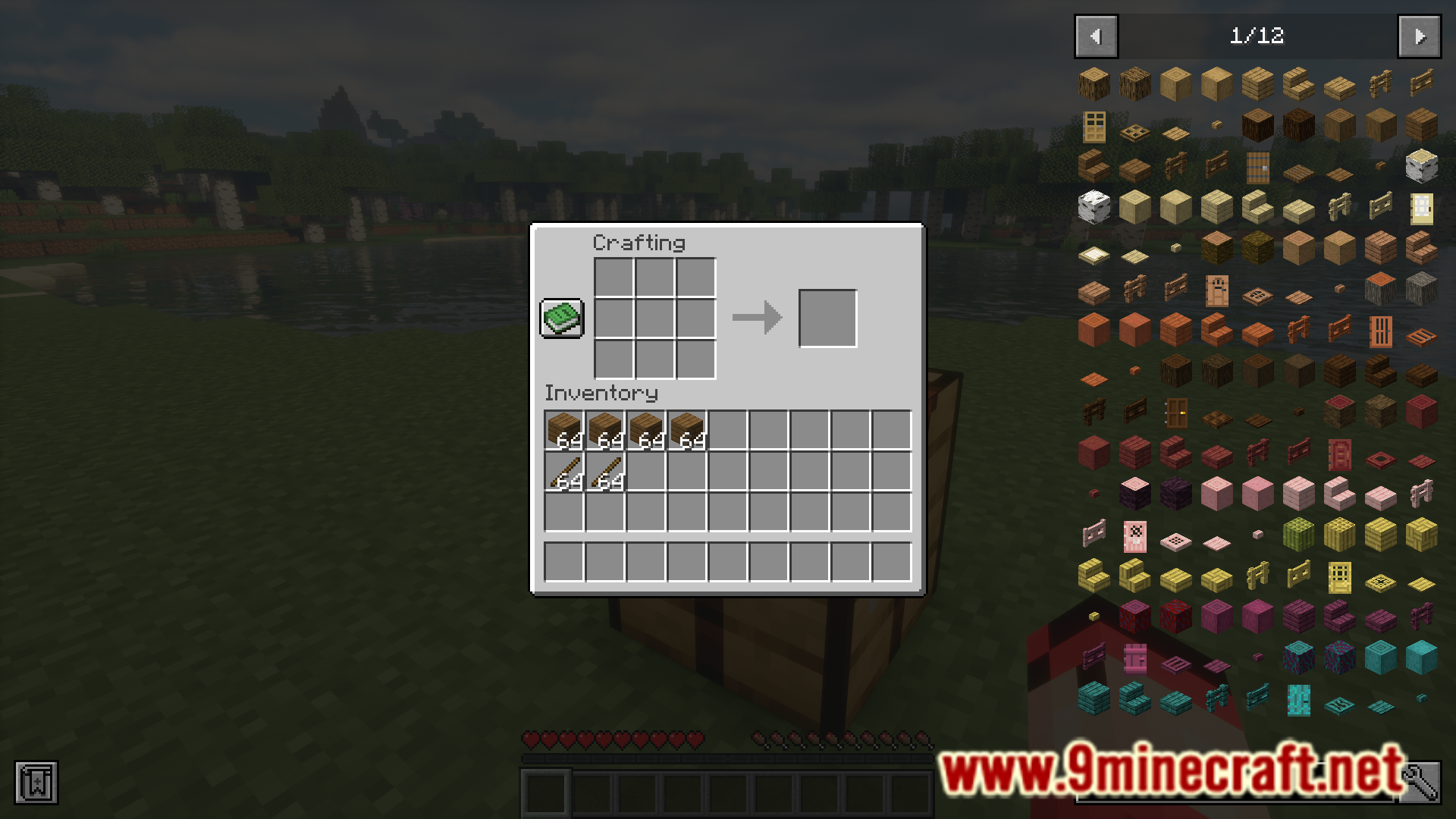
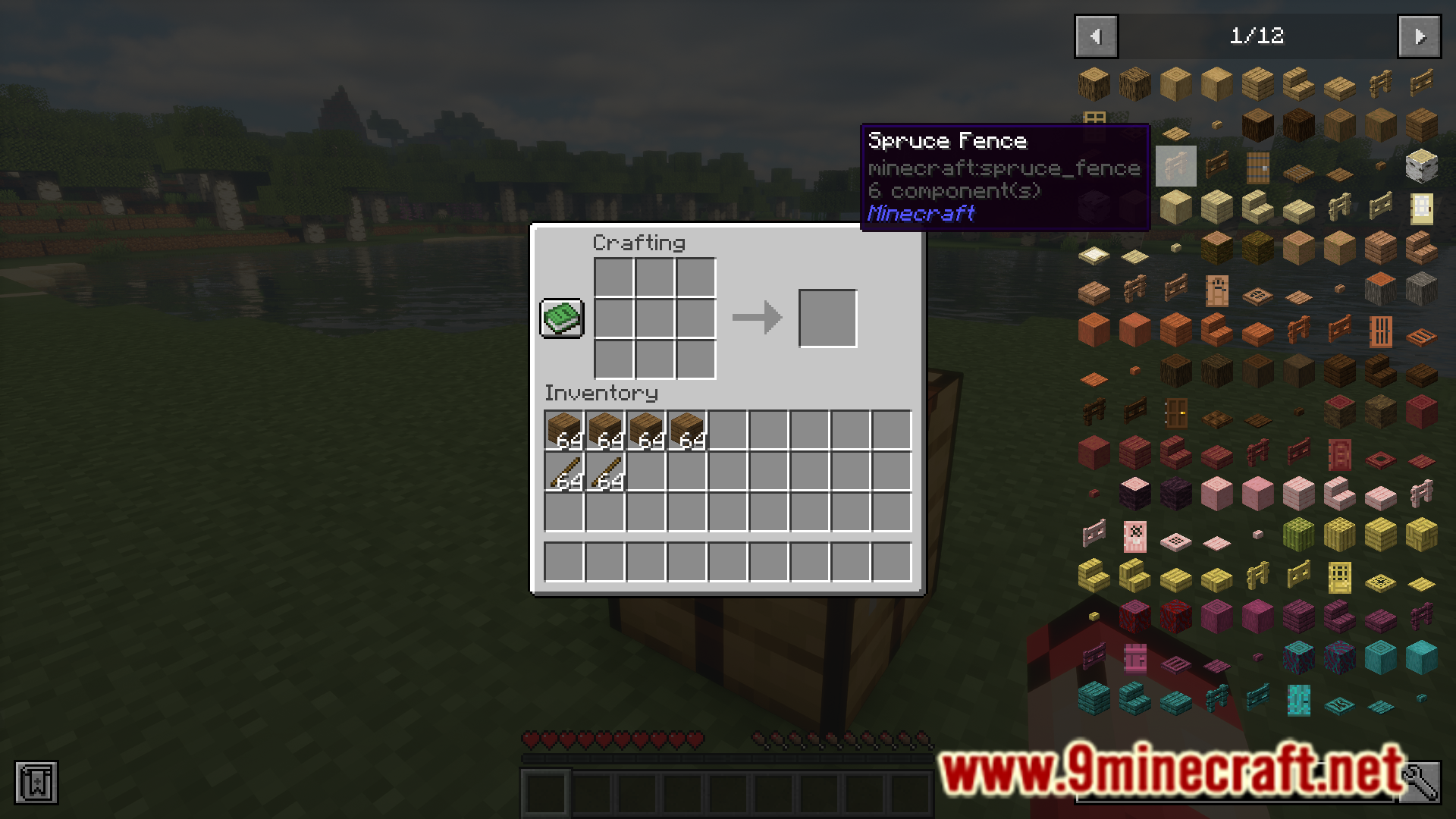
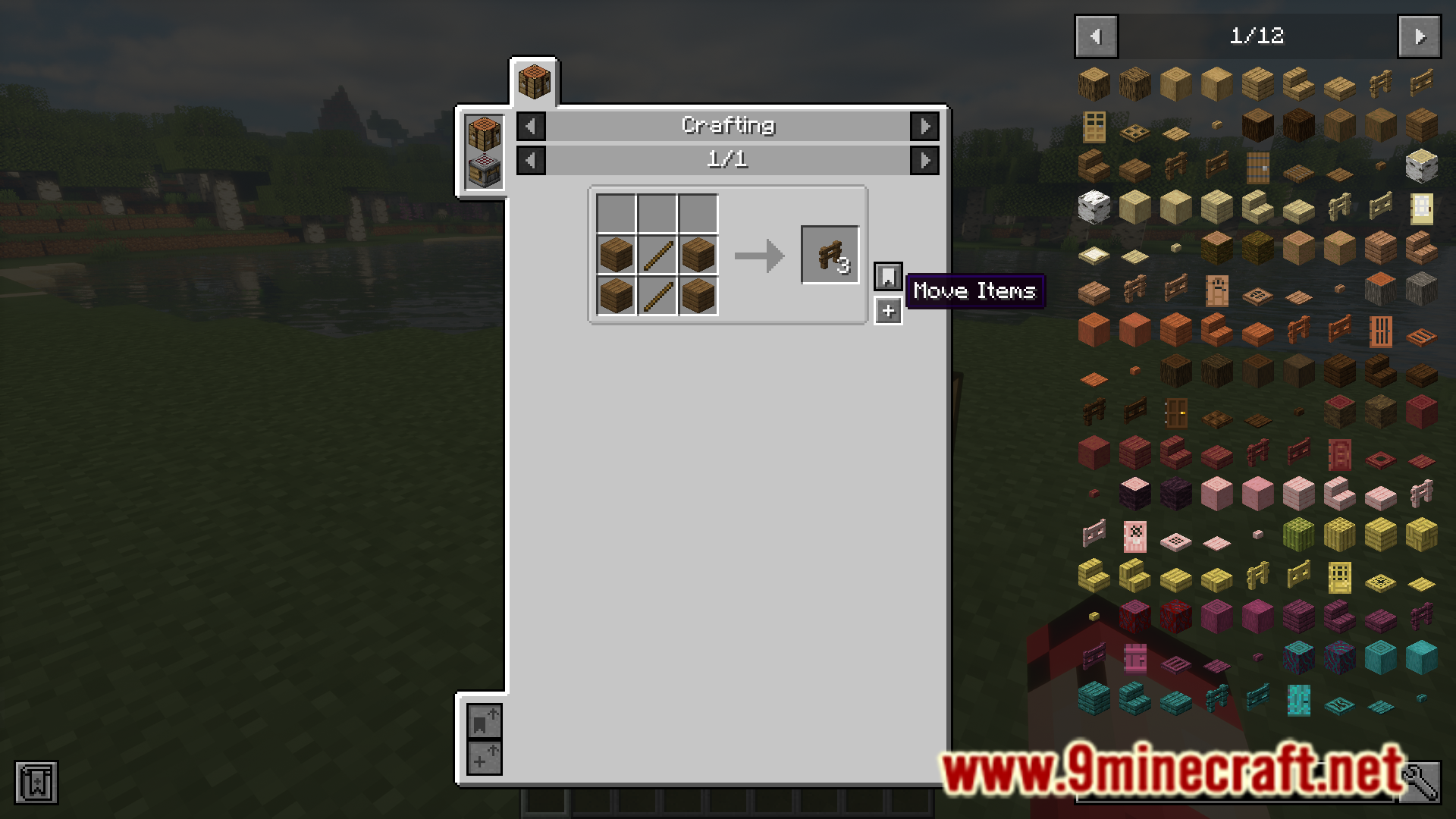
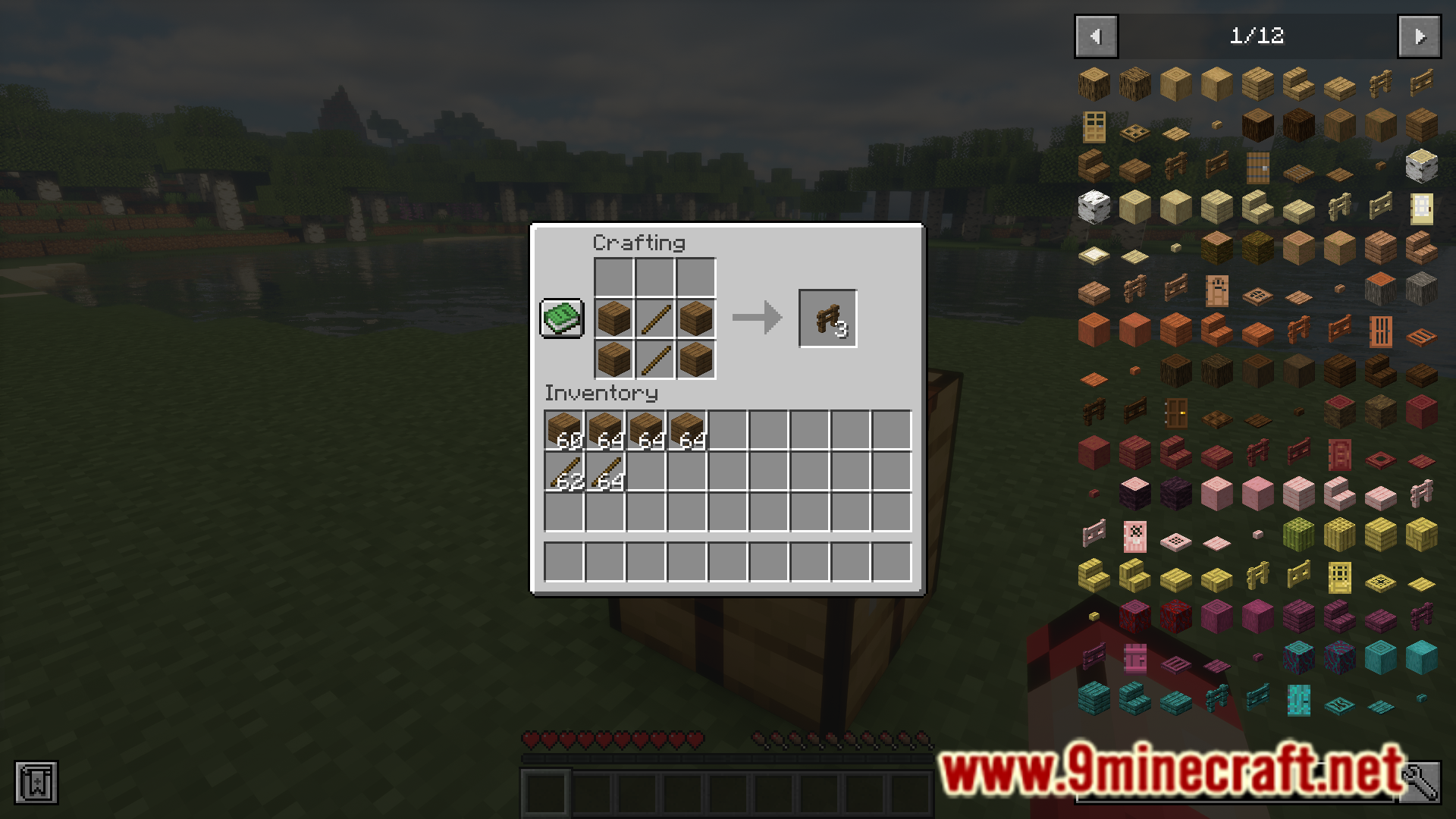
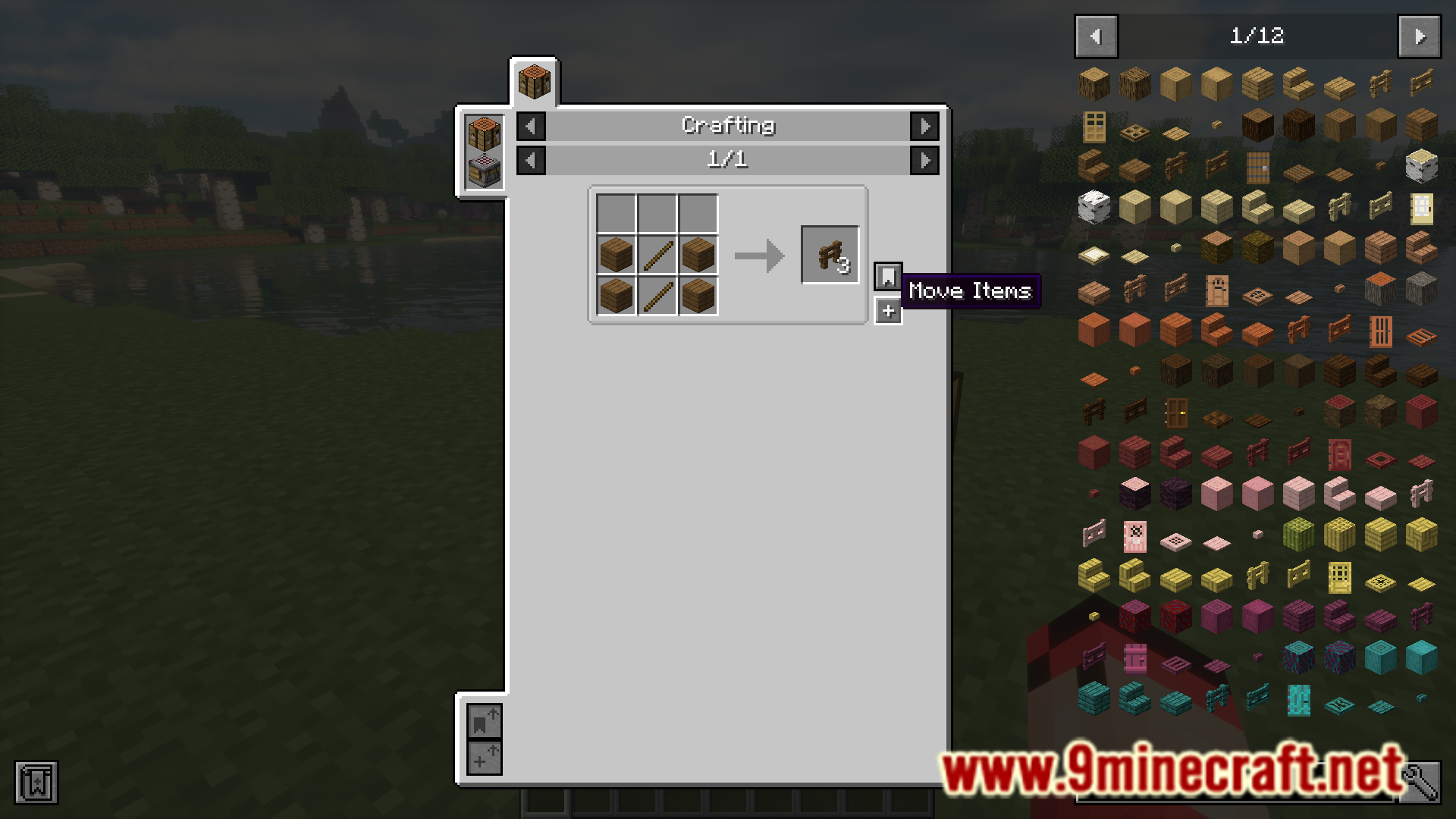
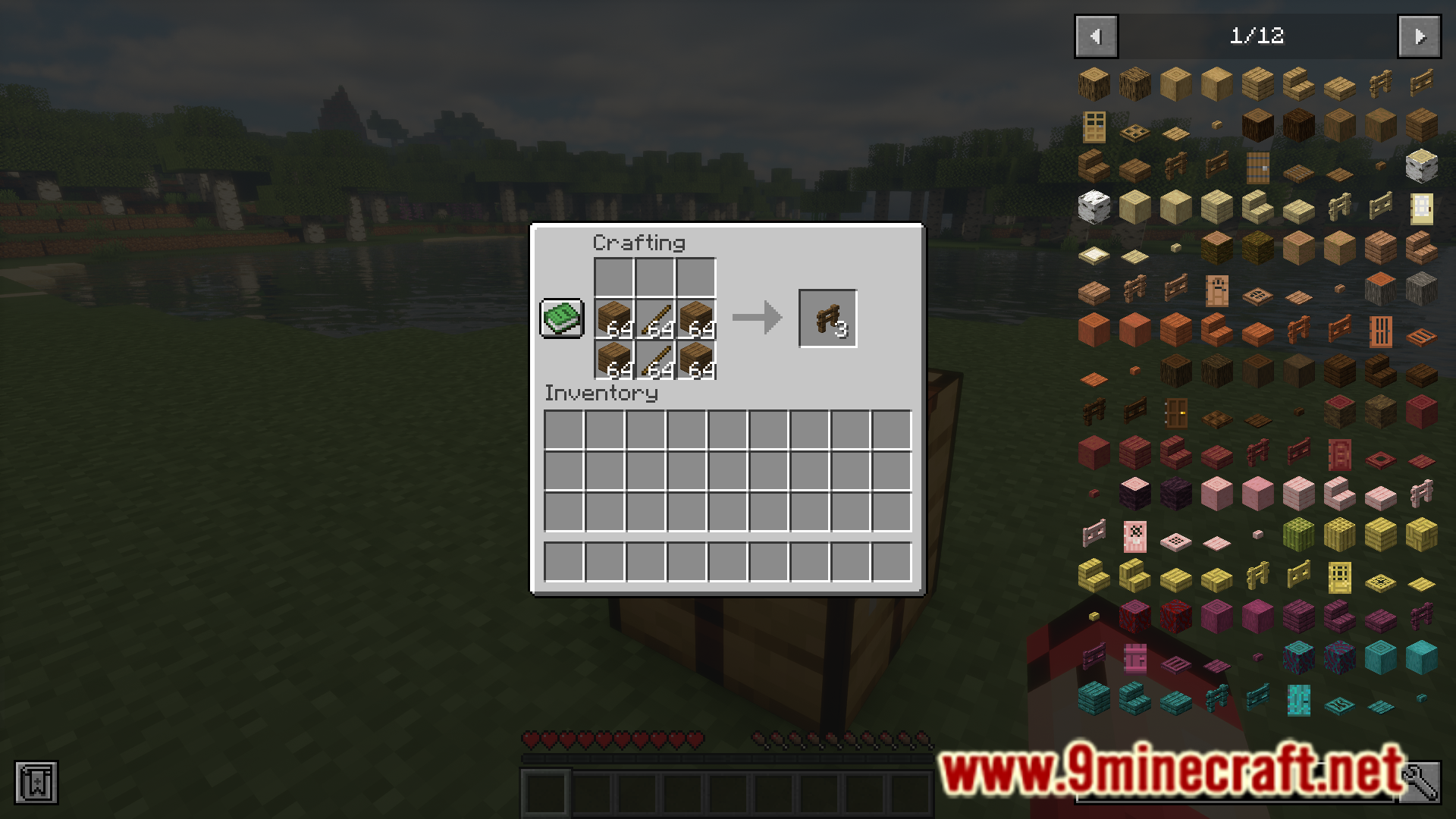
Minecraft’s recipe book feature allows you to view the crafting recipes of certain items that you have unlocked the recipes for. But using the recipes provided by this book to craft your items can often be slow and repetitive. The One Click Crafting Mod is here to make using the crafting book recipes to craft items a lot faster and convenient. This is done using certain keybinds added by the mod. The shortcuts are listed below.
Features:
- Clicking a recipe will craft 1 of that item.
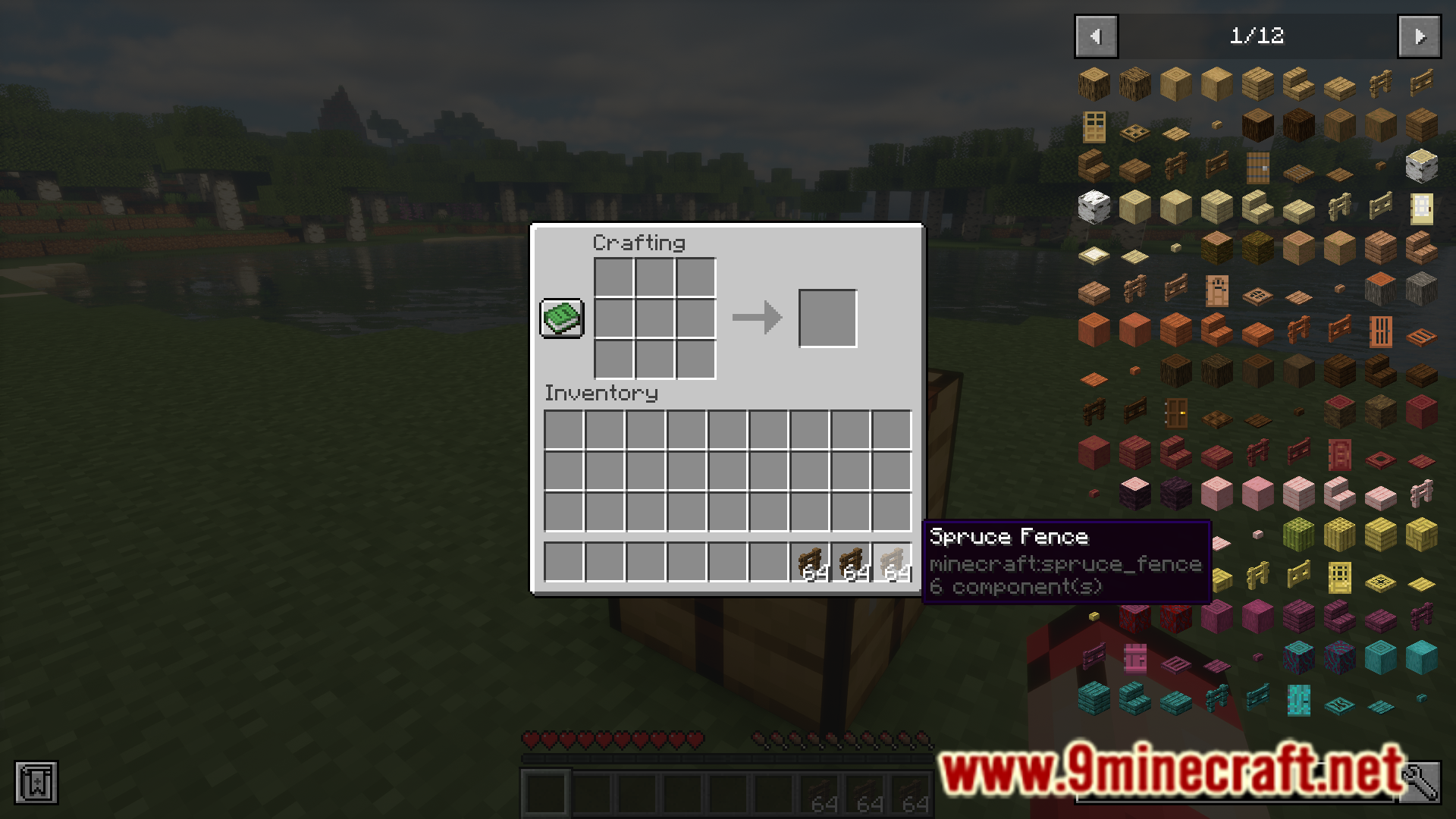
- Shift-clicking a recipe will craft 1 stack of that item.
- Holding the drop key and clicking a recipe will craft 1 of that item and drop it.
- Holding the drop key, Shift, and clicking on a recipe will drop a stack’s worth of crafts.
- Holding Ctrl or Alt will temporarily disable this.
- A keybinding can be configured as an alternative to Ctrl or Alt
Screenshots:
One Click Crafting Mod Download Links
Quick facts
- Edition: Minecraft Java
- File type: .jar
- Minecraft version listed: 1.20.1
- How to install: Install the matching mod loader (Forge, Fabric or NeoForge) for your Minecraft version. → Download the .jar. → Put it in the .minecraft/mods folder and launch that loader profile.
- Where to get it: In MC Java Mods, or directly above on this page.
Install steps are the general flow for this file type — How to install Minecraft Java mods & modpacks walks through it step by step.
Verified by MCModsHub
- Downloads as 33538.mcaddon
- Download size: 69 KB
- Download link checked 24 Sept 2026 — working
- Mirrored on our own servers — the download does not depend on the original host
These come from our own check of the pack file, not from the source page.