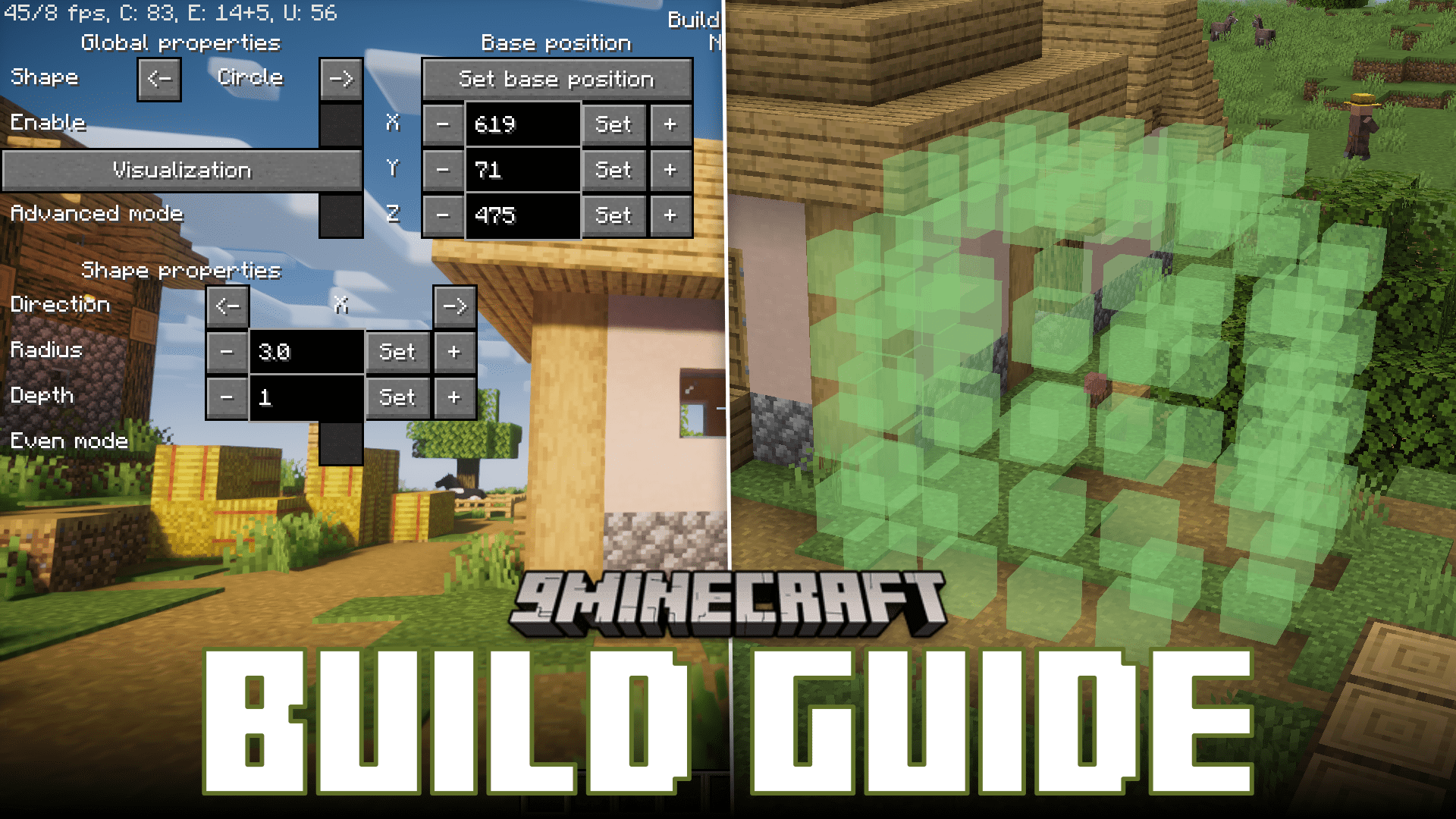
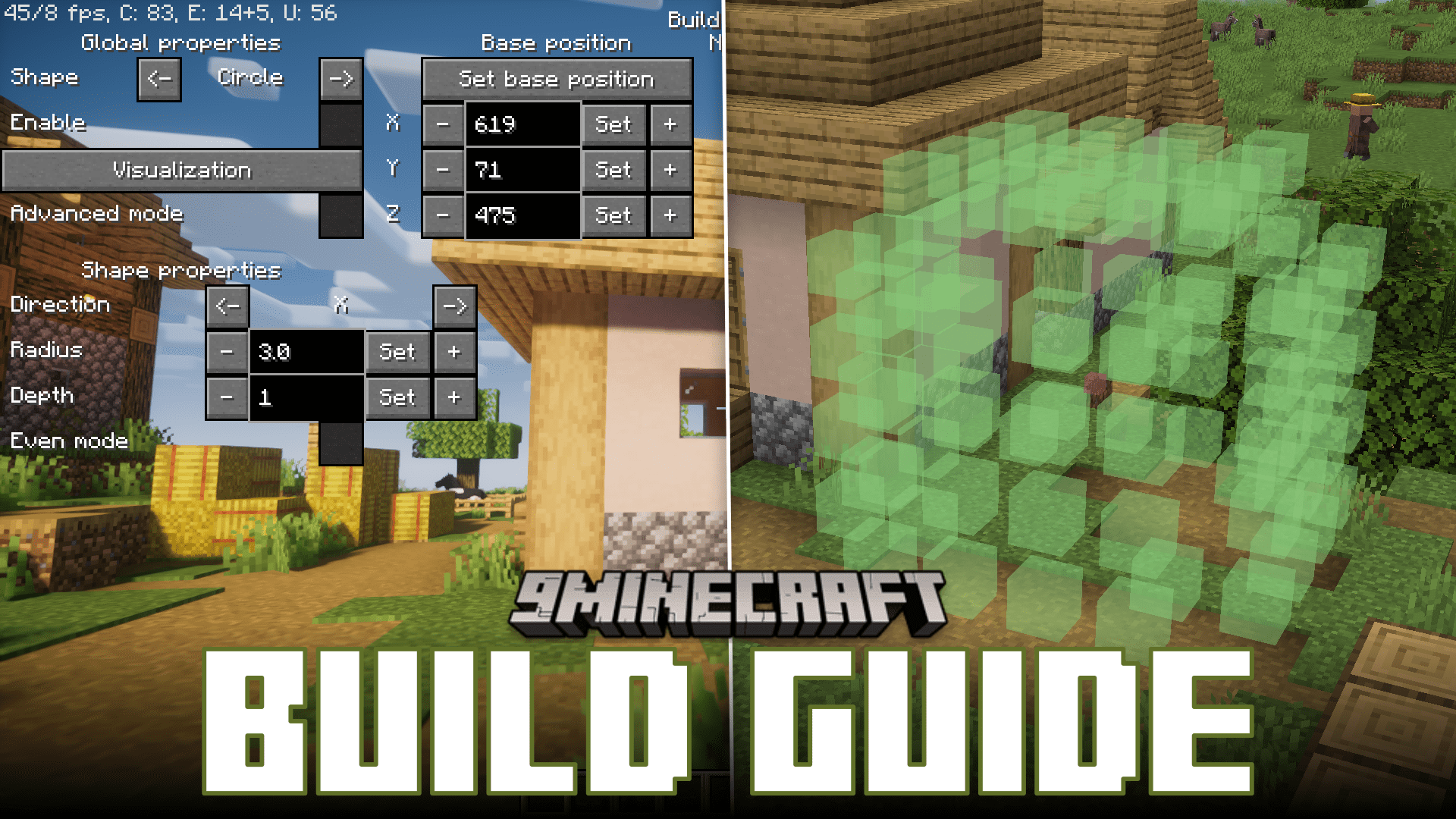
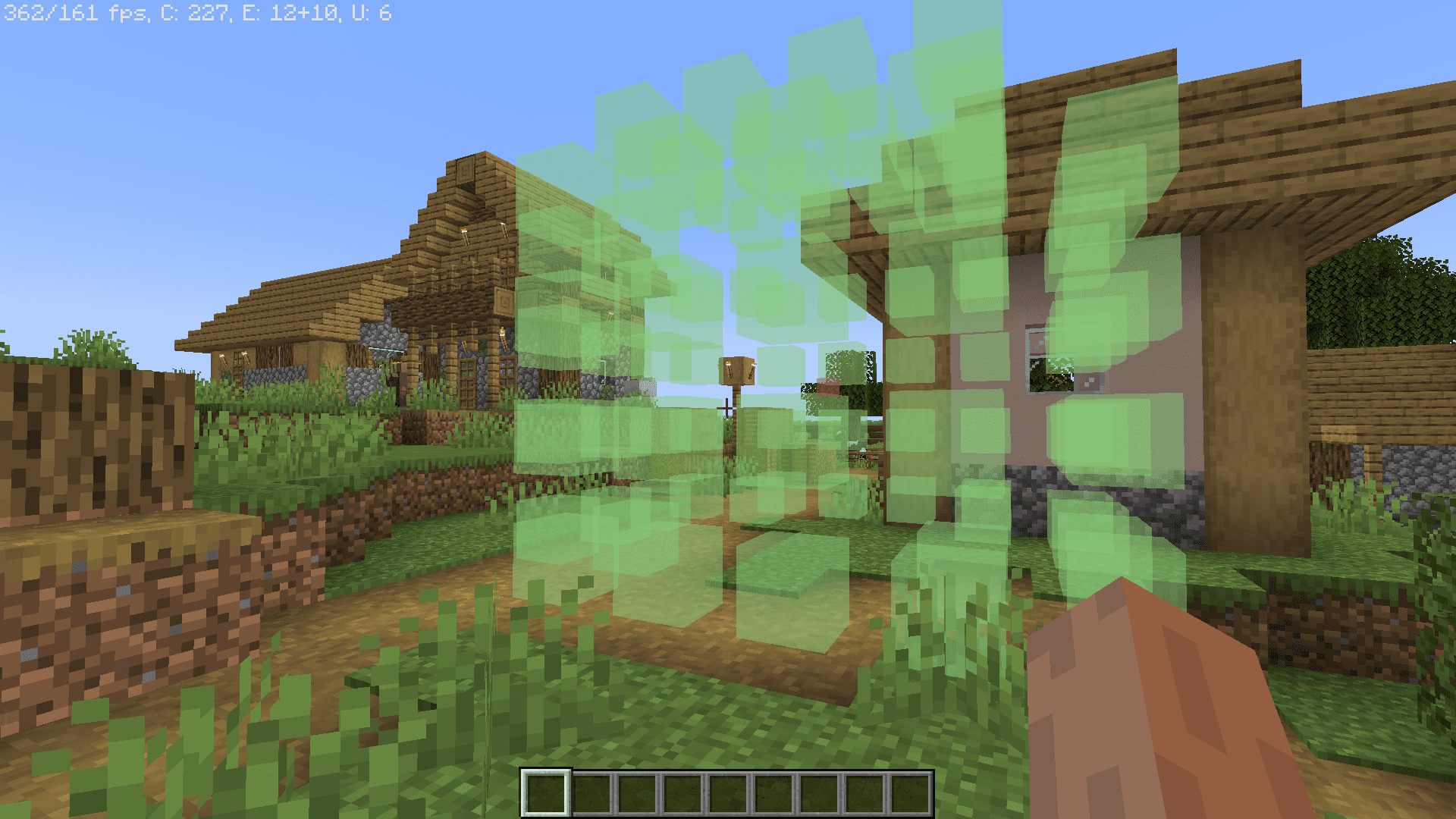
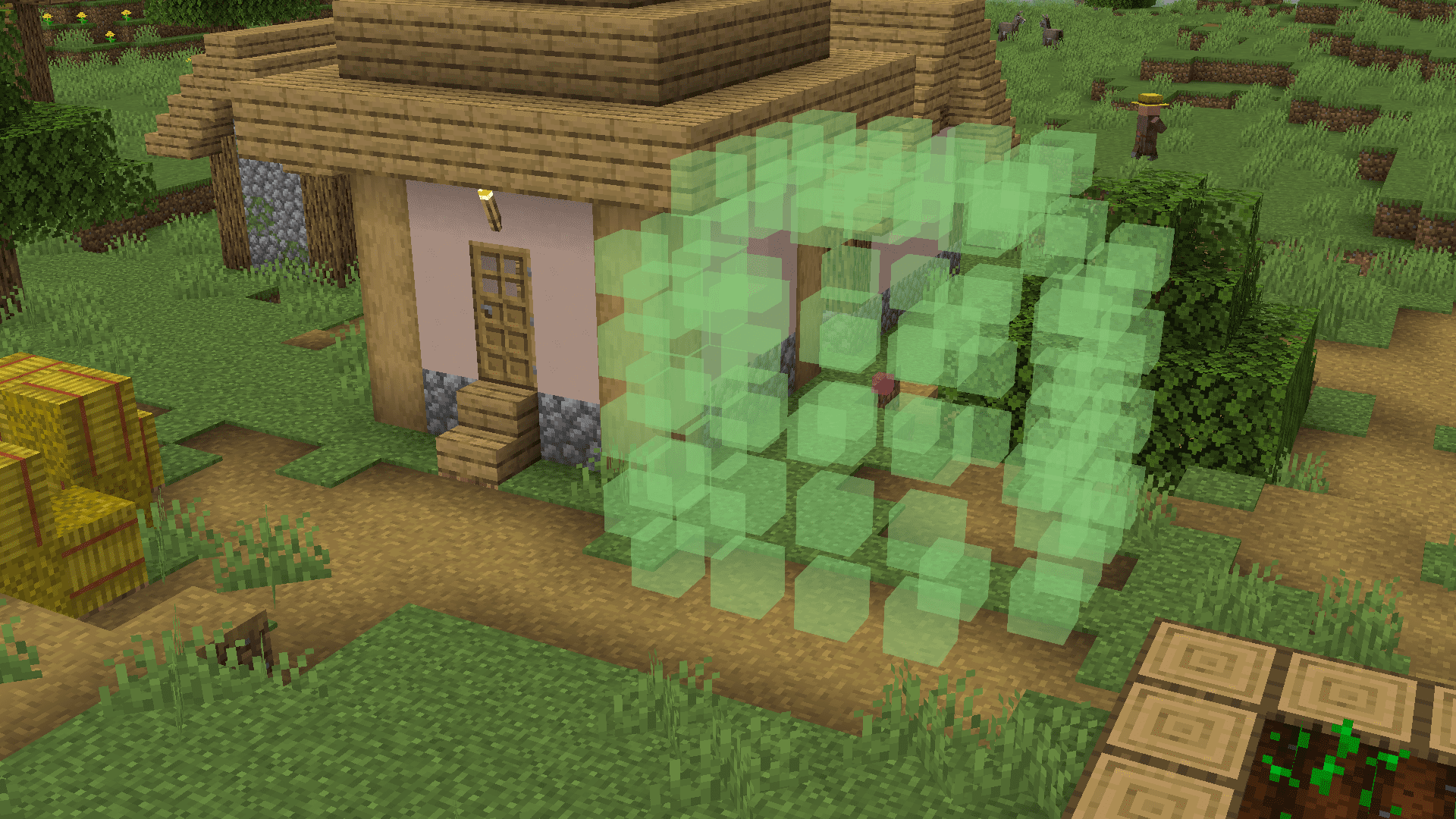
Certain builds in Minecraft require precise block placement. Imagine you are building a huge sphere using blocks. Placing any one block incorrectly may lead to the rest of the blocks being placed incorrectly. And to fix this you may have to remove and replace an entire layer of blocks. The same applies to large redstone builds. Build Guide Mod aims to bring out a solution to these problems. This mod introduces a highly configurable hologram display of the build that you are working on. This will allow you to visually affirm where each block goes.
Features:
- Build Guide is a client-side only mod that allows players to project various shapes, including circles, spheres, cones, lines, and more, into the Minecraft world. This feature is available in both singleplayer and multiplayer, even if the server does not have the mod installed.
- The mod features a user-friendly GUI accessible by pressing the ‘Open Build Guide’ key (default: ‘B’). The GUI allows players to toggle the rendering of shapes, set the origin point for shapes, adjust shape properties like radius and orientation, and even change the colors of the shapes. The ‘Depth test’ option allows users to view shapes through blocks when disabled.
- Players can work with multiple shapes simultaneously, thanks to the ‘Shape list’ functionality. Shapes can be added, selected, and manipulated individually, each with its own origin. The mod also offers the ability to toggle the visibility of specific shapes, making it easier to work with complex constructions.
- The mod binds shapes and their settings to the world name in singleplayer or the server IP in multiplayer, ensuring that these configurations are preserved as long as the client is not closed. This makes it convenient to work on large building projects across different sessions.
- Build Guide provides a wide array of shapes, including catenaries, circles, cones, cuboids, ellipses, ellipsoids, lines, parabolas, paraboloids, polygons, spheres, and tori. Each shape has its own unique parameters that can be adjusted, offering great flexibility in building and designing within Minecraft.
How to use:
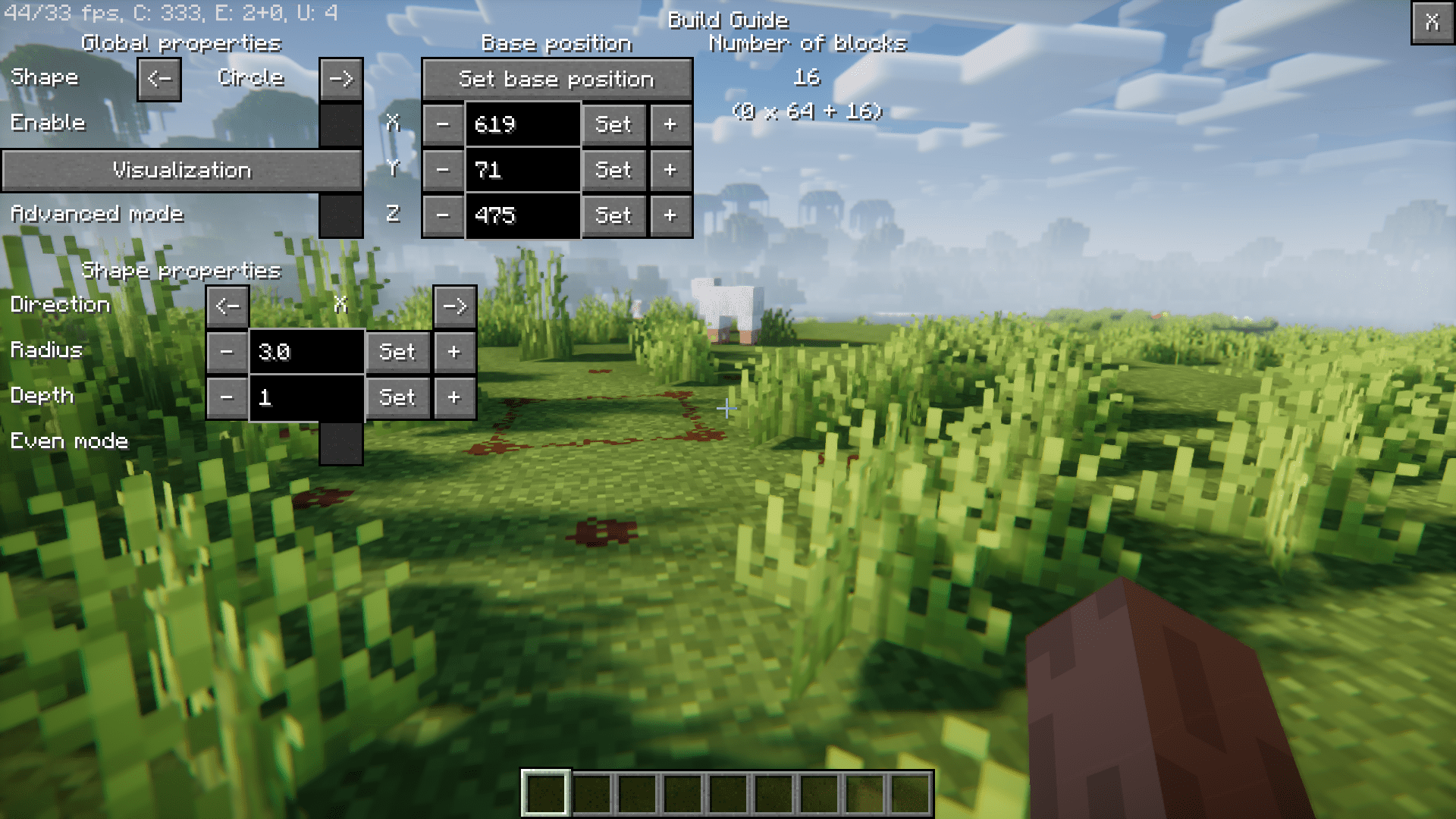
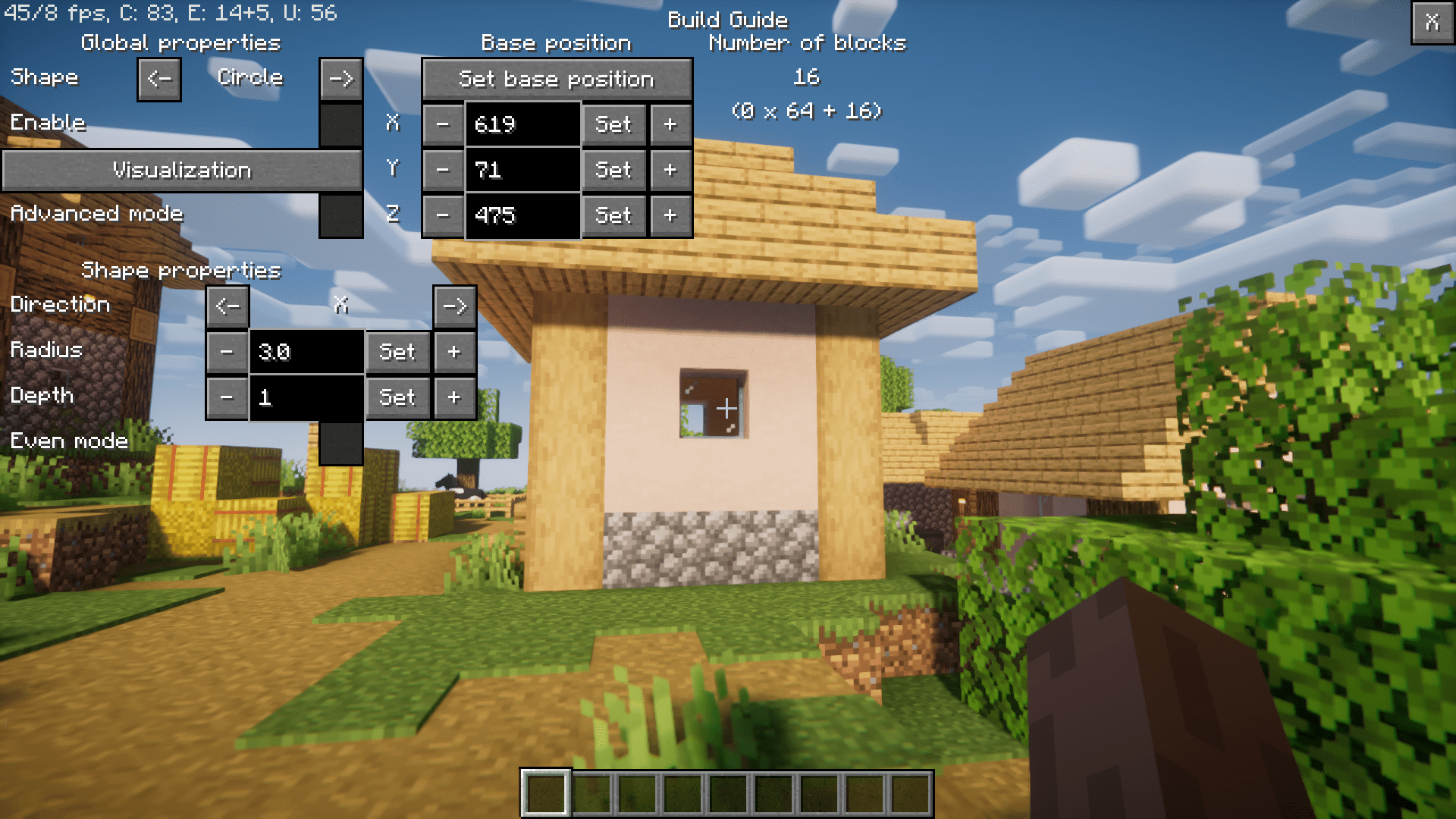
The Build Guide GUI can be accessed using a keybind. By default, this keybind is B, but it can be changed in Minecraft settings (Escape → Options → Controls). The GUI is divided into four sections accessible through buttons at the top: Shape, Visualization, Shape List, and Configuration. A global Enable checkbox toggles shape rendering. The number of blocks for the selected shape and total shapes is shown at the top. Press X or Escape to close the GUI.
- Shape Sub-GUI
- Shape: Choose which shape is shown. Use left/right arrows to cycle between available shapes.
- Origin: Controls the shape’s position. A red block marks the origin (center or start). Use Set origin to move it to your feet or adjust X/Y/Z using buttons or text boxes. Invalid inputs turn red until corrected.
- Shape Properties: Contains parameters such as radius, length, or orientation. Each shape retains its parameters when switching.
- Visualization Sub-GUI
- Adjust color and transparency (Red, Green, Blue, Alpha) for both shape blocks and origin block using sliders.
- Set applies the chosen color; Default restores white for shapes and red for the origin.
- Depth Test: If unchecked, shapes are visible through blocks (no x-ray capability).
- Shape List Sub-GUI
- Add New Shape: Cycle between shapes and click Add to insert one at your current position.
- Selected Shape: Toggle Visible or Delete to manage existing shapes.
- Global Origin: Adjusts the origin for all shapes while keeping their relative positions.
- Shapes: Displays a scrollable list of all active shapes. Select one to edit or recolor. Most buttons are disabled if no shape exists.
- Configuration Sub-GUI
- Allows direct editing of configuration values. Changes take effect immediately without restarting.
- Shapes Overview
- Catenary: Rope-like curve between two points. Adjustable via Delta X/Y/Z and Additional Distance (≥1).
- Circle: Defined by Direction and Radius. Increasing Depth creates a tube.
- Cone: Set Direction, Radius, and Height. Height can be negative.
- Cuboid: Hollow cube with dimensions X, Y, Z. Choose active walls or origin position (corner/center).
- Ellipse / Ellipsoid: Similar to Circle/Sphere but use semi-axes instead of radius.
- Grid: Customizable grid with adjustable block count and spacing.
- Line: Defined by Origin and Delta X/Y/Z. Endpoint can be set at player position.
- Parabola / Paraboloid: Defined by Half-width and Height; supports rotation and depth layers.
- Polygon: Regular shape with 3+ sides. Adjustable sides, radius, rotation, and depth.
- Polygonal Pyramid: Polygon base with adjustable height.
- Sphere: Radius-based; optional Dome mode shows one hemisphere.
- Torus: Donut-shaped. Set Outer and Inner radius (Outer ≥ Inner).
- Worlds, Servers, and Dimensions
- The mod maintains separate states for each world, server, and dimension. By default, shapes are lost after restarting. Enabling persistenceEnabled in config saves and restores shapes automatically. State restoration begins when reopening the GUI.
Configuration
The configuration file is located in the config folder inside your game directory and is named buildguide.cfg. You can also modify these settings directly using the Configuration Sub-GUI.
The available options are listed below:
- debugGenerationTimingsEnabled (default: false)
- Enables debug logging to measure and print the time it takes to generate a shape.
- asyncEnabled (default: true)
- Generates shapes asynchronously, allowing them to be processed in the background without freezing the client.
- If you are sensitive to flashing visuals or experience discomfort, consider disabling this option to avoid flickering effects. This issue may be improved in future updates.
- shapeListRandomColorsDefaultEnabled (default: false)
- When enabled, new shapes added in the Shape List Sub-GUI will have randomly generated colors instead of the default white (shape) and red (origin).
- persistenceEnabled (default: false)
- An experimental setting that saves and restores shapes and states between client restarts.
- Disabled by default on Forge due to technical issues. When enabled, the mod will store shape data in a file and automatically reload it after restarting the client.
Screenshots:
Build Guide Mod Download Links
- Edition: Minecraft Java
- File type: .jar
- Minecraft version listed: 1.20.1
- How to install: Install the matching mod loader (Forge, Fabric or NeoForge) for your Minecraft version. → Download the .jar. → Put it in the .minecraft/mods folder and launch that loader profile.
- Where to get it: In MC Java Mods, or directly above on this page.
Install steps are the general flow for this file type — How to install Minecraft Java mods & modpacks walks through it step by step.
- Downloads as 33545.mcaddon
- Download size: 1.6 MB
- Download link checked 22 Sept 2026 — working
- Mirrored on our own servers — the download does not depend on the original host
These come from our own check of the pack file, not from the source page.