Screenshot Uploader
Minecraft Java mod. Downloads from the MC Java Mods app on Android.
⬇ Download on CurseForge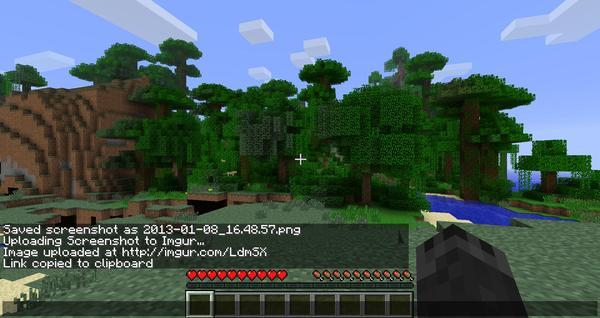
Screenshot Uploader
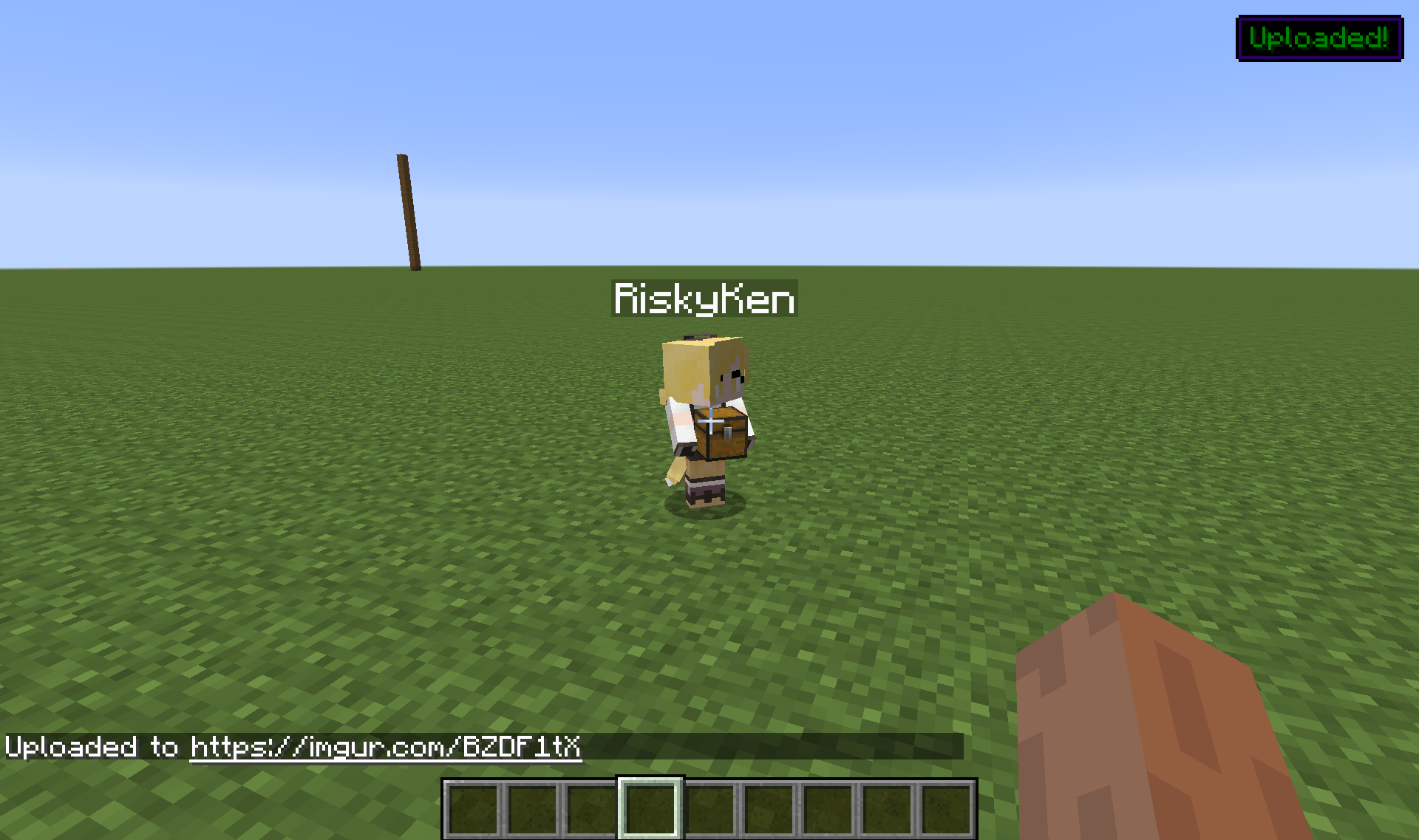
This simple mod uploads any screenshots you take directly to Imgur and provides you with a link.

To take a screenshot and upload it to Imgur, simply press F12! (This can be changed in the Controls menu)
Don't want to upload the screenshot? Just use the default Minecraft screenshot button! (F2)
Requirements
Minecraft
Forge - http:minecraftforge.net/
Installation Instructions
(I recommend using MultiMC for managing mods)
Install Forge
Add ScreenshotUploader file to your mods folder
NOTE: This is a client side only mod, it is not required server side
Known Issues
Binding my screenshot key to F2 will take two screenshots
Planned Features
Ability to save Imgur links to a file locally or view a history of them
Add more image hosts as options
Social
- Twitter: KitsuneKihira
- Patreon: Kihira
- IRC: #kihira on esper.net
Modpacks
You are allowed to distribute this mod in your public or private mod pack so no long no revenue is generated in doing so
- Edition: Minecraft Java
- File type: .jar
- How to install: Install the matching mod loader (Forge, Fabric or NeoForge) for your Minecraft version. → Download the .jar. → Put it in the .minecraft/mods folder and launch that loader profile.
- Where to get it: Opens on CurseForge — not every file is mirrored on our own servers.
Install steps are the general flow for this file type — How to install Minecraft Java mods & modpacks walks through it step by step.
Screenshot Uploader is a free Minecraft Java mod. Downloaded 46,387 times (via CurseForge). Download it and open it directly in the game.