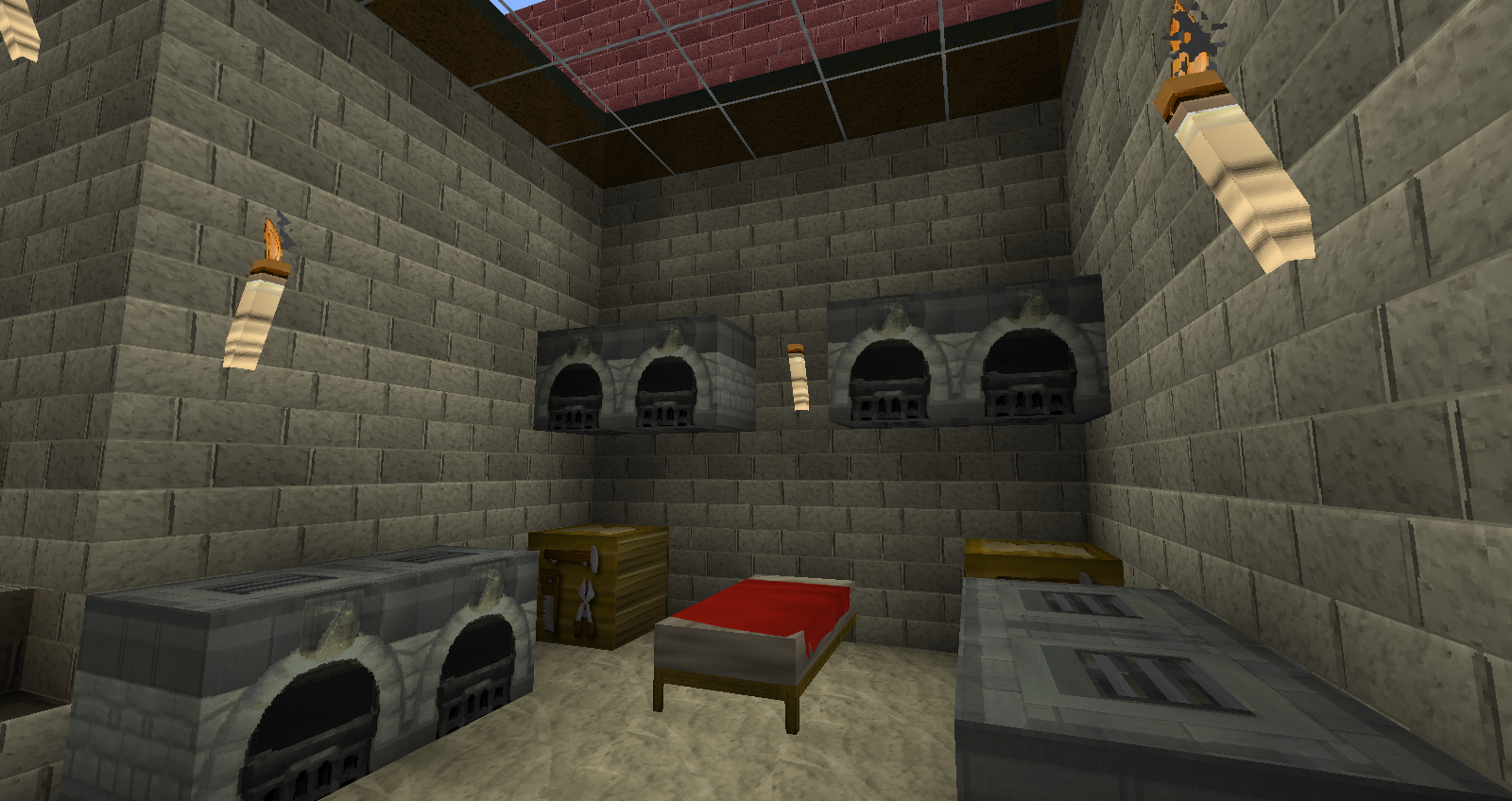
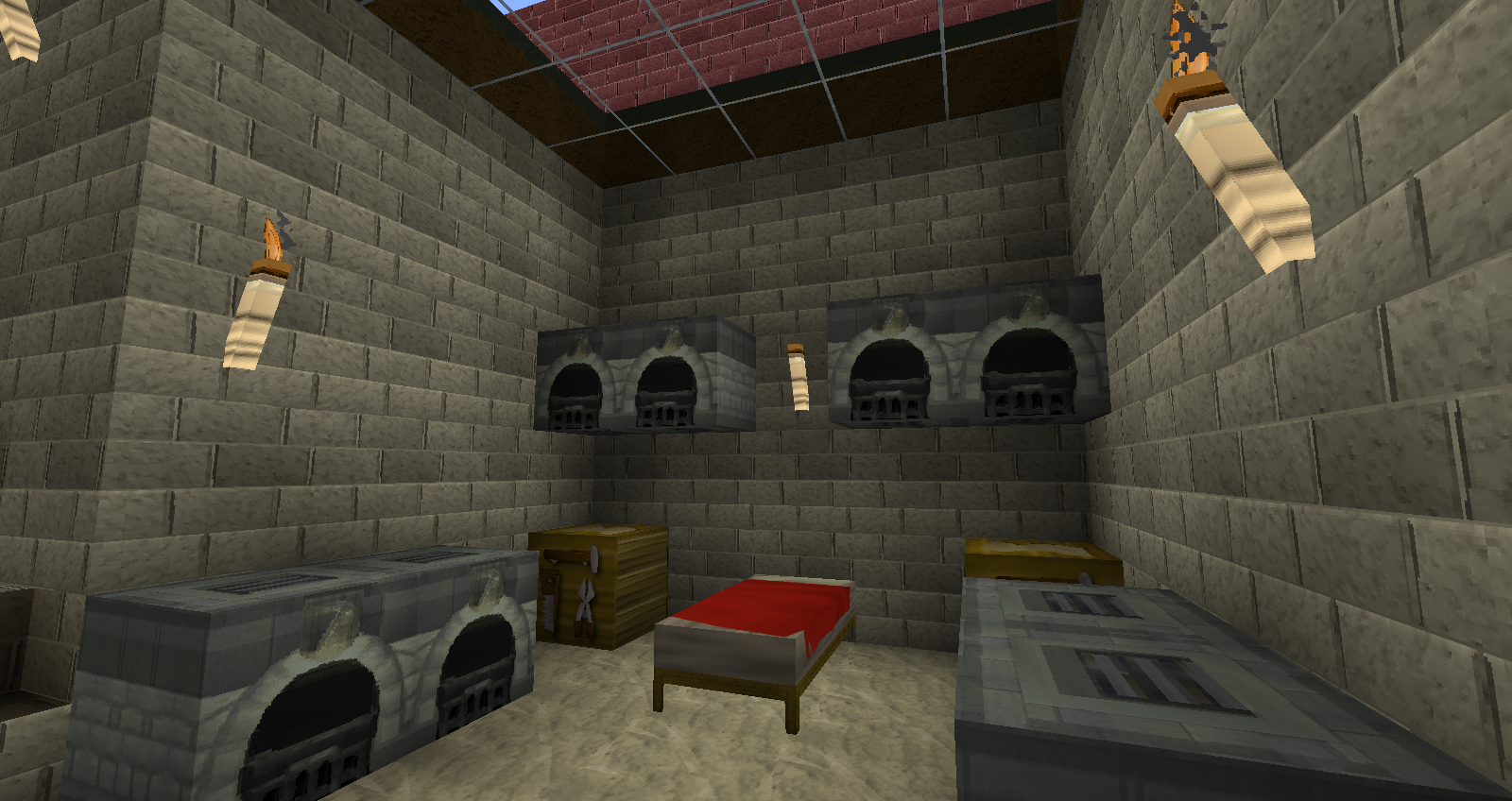
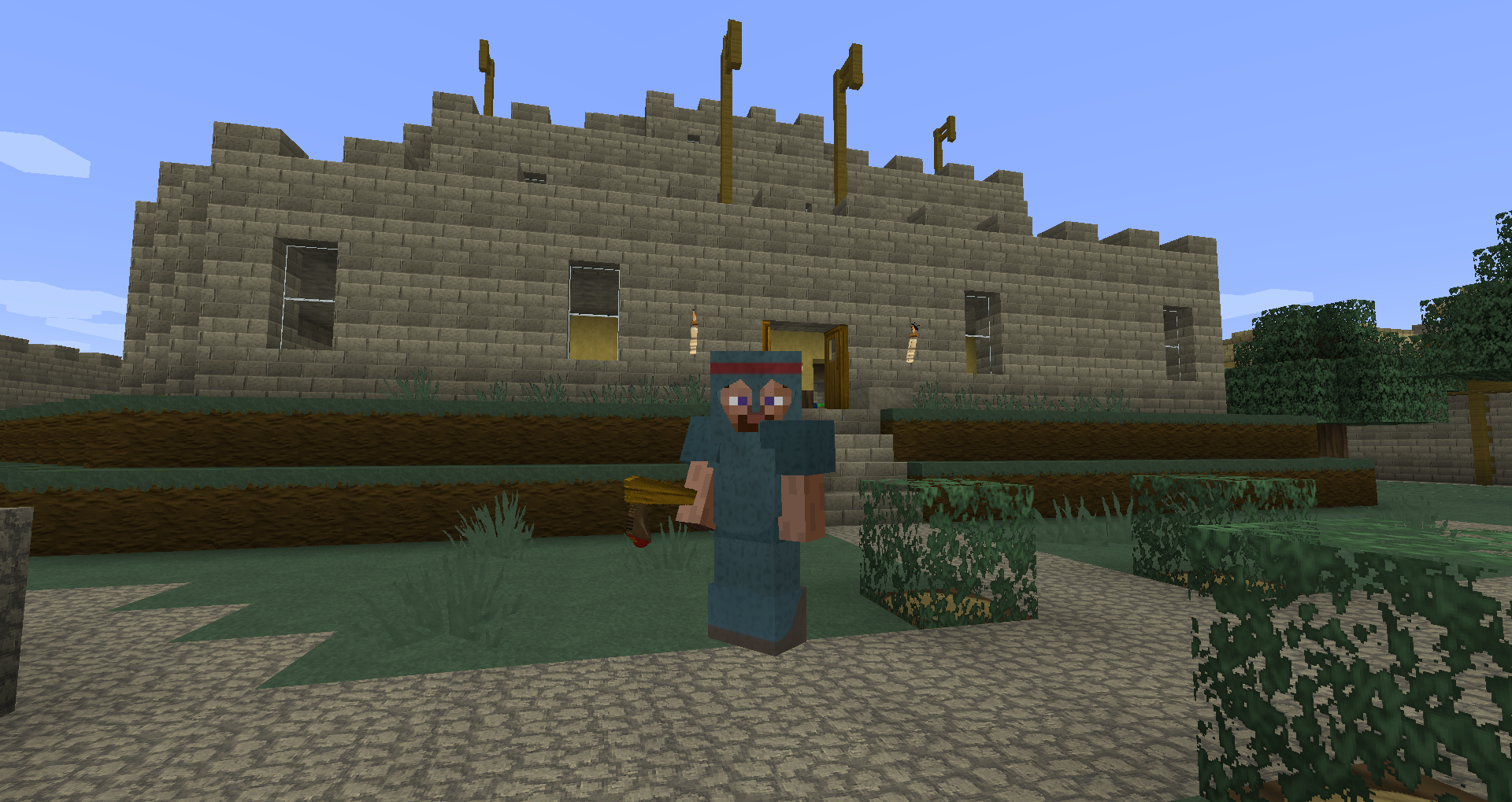
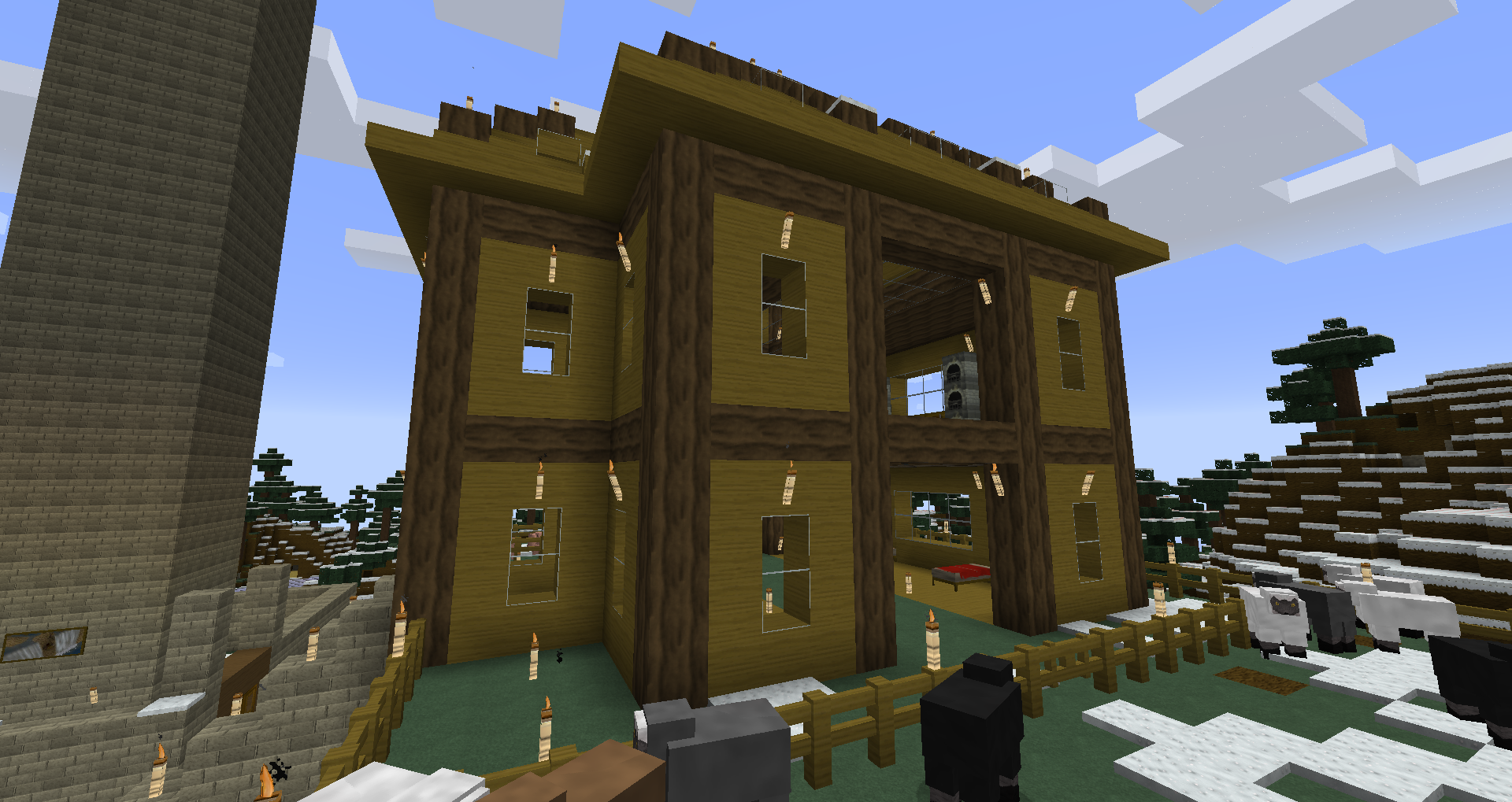
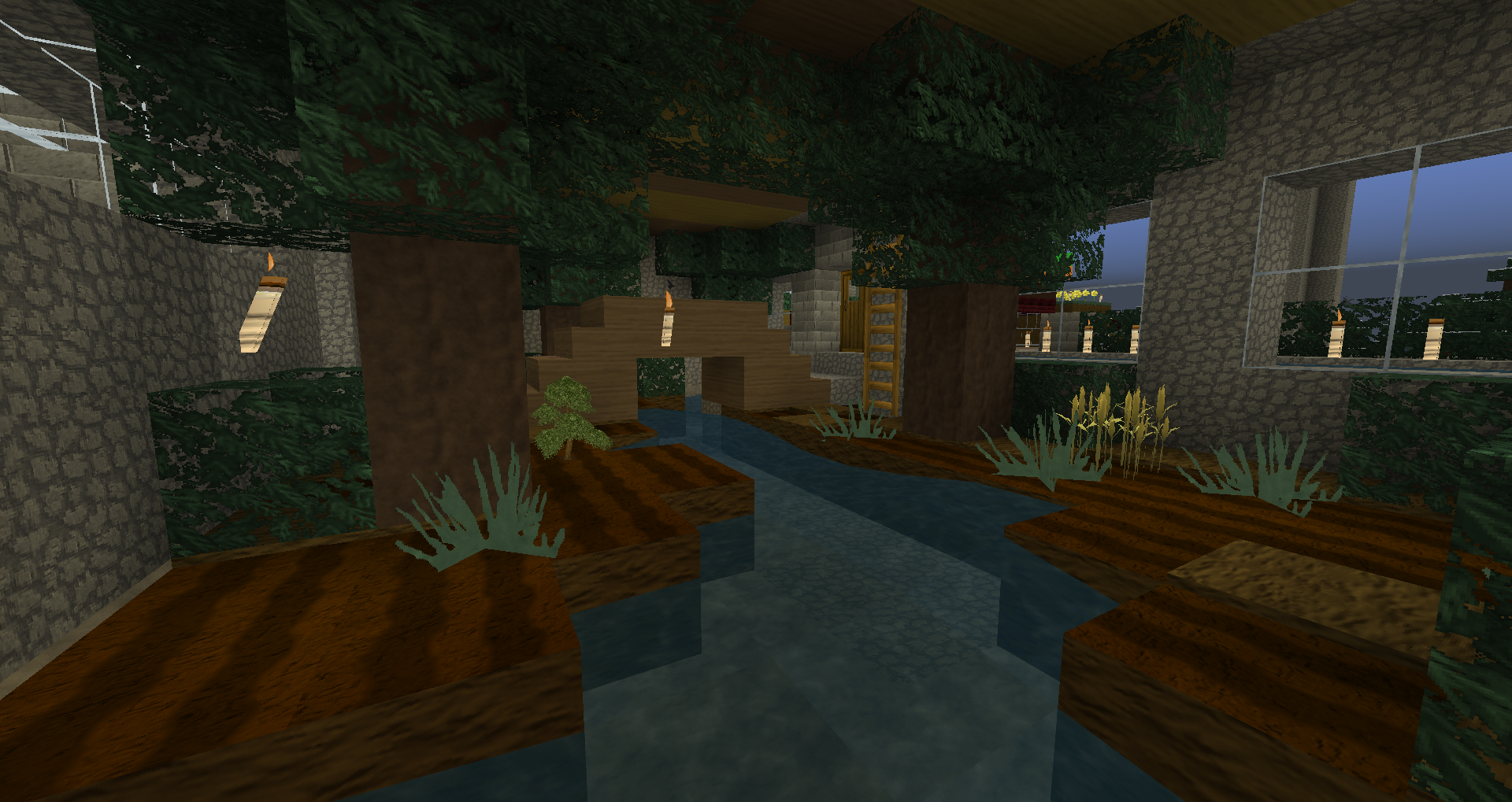
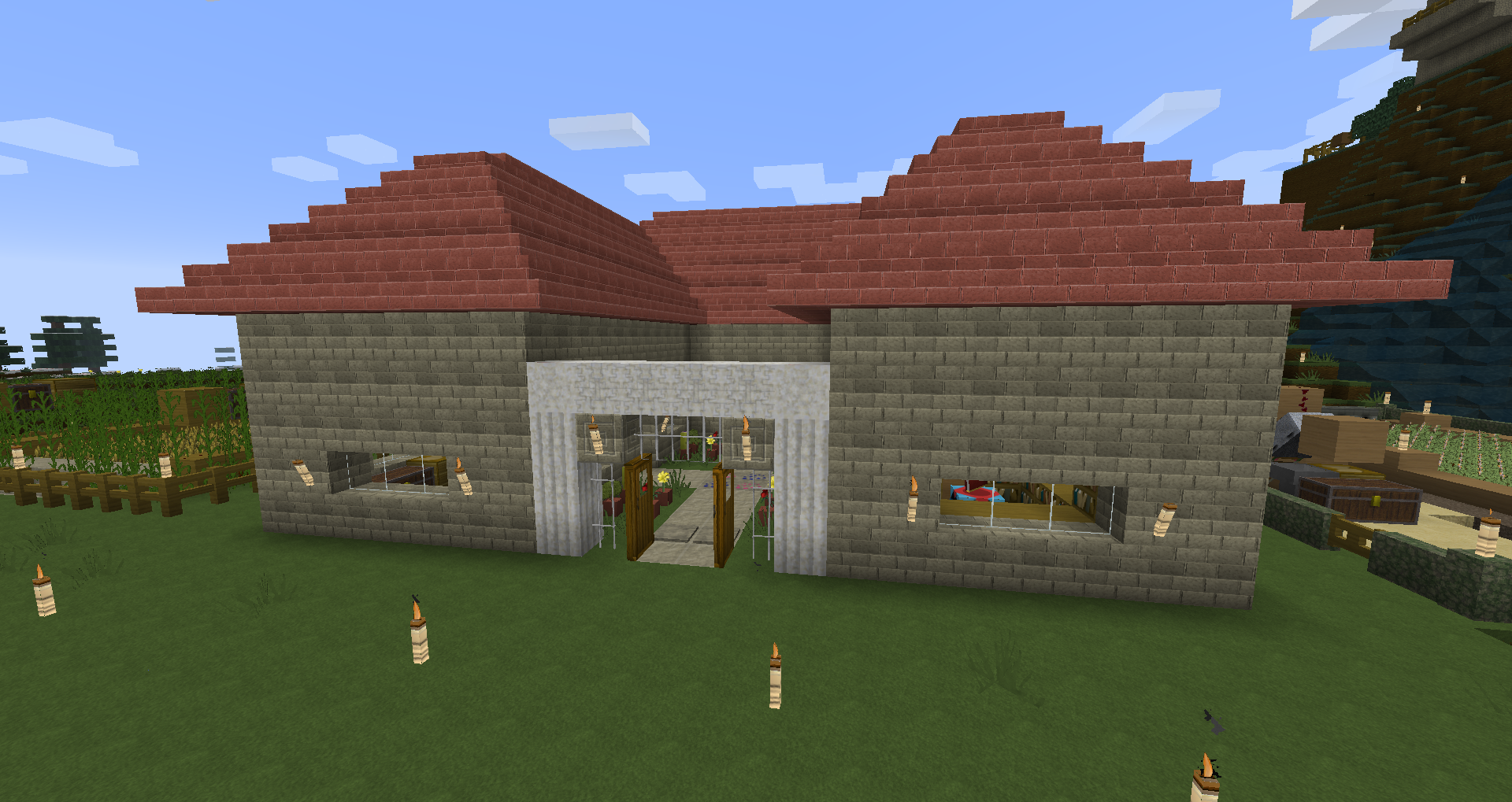
I haven't played RuneScape in a while, so I decided to create a texture pack with a RuneScape theme. Please read the instructions carefully to install the pack, and I hope you enjoy it!
This resource pack comes with a unique RuneScape language. The custom language is now applied automatically so you don't need to modify any Minecraft files anymore.
Instructions for installation:
1. Place the downloaded zip file in "(Username)/AppData/Roaming/.minecraft/resourcepacks".
2. Open Minecraft and choose the resource pack from the options menu.
Special thanks to fox2132 for the textures he contributed to this pack!
If you want to see more images of this texture pack, visit this album: http://imgur.com/a/JEGvn#0
Please don't hesitate to leave suggestions for improvement if you have any! :D
Thanks for downloading and using this texture pack!
- Edition: Minecraft Java
- File type: .zip (resource pack)
- How to install: Download the .zip resource pack — do not unzip it. → Put it in .minecraft/resourcepacks. → Enable it in Options → Resource Packs.
- Where to get it: Opens on CurseForge — not every file is mirrored on our own servers.
Install steps are the general flow for this file type — How to install Minecraft Java resource packs walks through it step by step.
RuneScape Resource Pack is a free Minecraft Java resourcepack. Downloaded 12,211 times (via CurseForge). Download it and open it directly in the game.