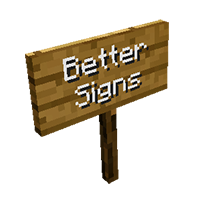
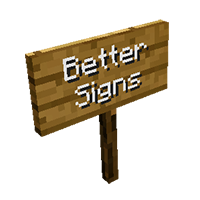

Better Signs is a small mod wich improves the handling and visuals of the standard signs. Goto original thread: Better Signs Mod
Some Facts
- Adds more readable text (white letters with a dark shadow).
- Adds a standard edit-cursor.
- Adds LEFT-, RIGHT- and DEL-Key support.
- Adds CTRL+V (paste from clipboard) support.
- Adds text size 140% (lines <= 2, letters per line <=11).
- Adds text size 180% (lines <= 2, letters per line <=8).
- Adds the ability to vertically center 1 and 3 lines of text.
- Adds the ability to shift lines with UP and DOWN.
- Adds horizontal sign posts (signs will cling to fences/stone walls).
- Improves BACKSPACE- and RETURN-Key functionality.
- This Mod patches 3 classes: bix, bbt, axv
- This mod is client sided and won't change your map data.
- You'll need Forge Modloader.
Install
- Download and install Forge Modloader.
- Put the mod's JAR-File into your mods folder.
Quick facts
- Edition: Minecraft Java
- File type: .jar
- How to install: Install the matching mod loader (Forge, Fabric or NeoForge) for your Minecraft version. → Download the .jar. → Put it in the .minecraft/mods folder and launch that loader profile.
- Where to get it: Opens on CurseForge — not every file is mirrored on our own servers.
Install steps are the general flow for this file type — How to install Minecraft Java mods & modpacks walks through it step by step.
Better Signs Mod is a free Minecraft Java mod. Downloaded 2,710 times (via CurseForge). Download it and open it directly in the game.