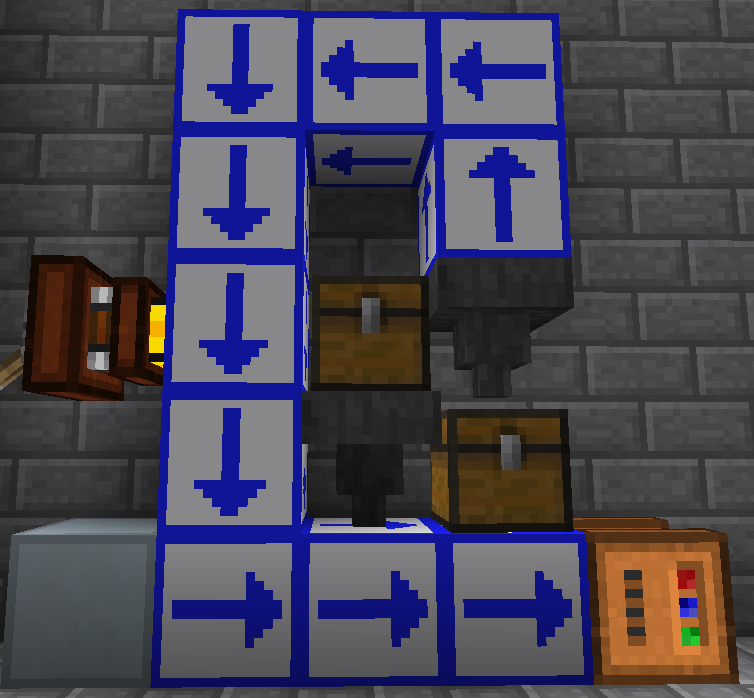
 "The thing is, there's only six sides to a block" -Direwolf20
Not anymore!
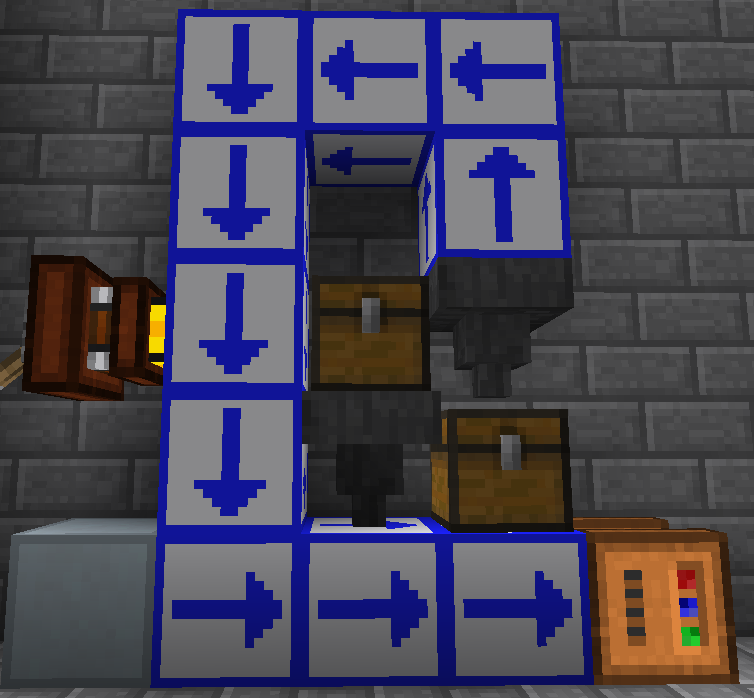
"The thing is, there's only six sides to a block" -Direwolf20
Not anymore!
How?
With the Tile Interface, you can interact with any block at a distance! Simply craft your interface with some lapis lazuli, nether quartz (any form) and an ender pearl, then place it against another block. You can now access the block the Interface is pointing at through the Interface. The interface will transfer right-clicks (enabling you to open GUIs), inventory, liquid, and Buildcraft power as if the Interface didn't exist.

For a better understanding, just watch my YouTube video, or just download and try it for yourself.
This mod only adds this one block.
Installation
Install Red Gear Core1.
Toss the Tile Interface jar into the mods folder.
1Must be version 2.0.2 or higher
- Edition: Minecraft Java
- File type: .jar
- How to install: Install the matching mod loader (Forge, Fabric or NeoForge) for your Minecraft version. → Download the .jar. → Put it in the .minecraft/mods folder and launch that loader profile.
- Where to get it: Opens on CurseForge — not every file is mirrored on our own servers.
Install steps are the general flow for this file type — How to install Minecraft Java mods & modpacks walks through it step by step.
Tile Interface is a free Minecraft Java mod. Downloaded 1,174 times (via CurseForge). Download it and open it directly in the game.