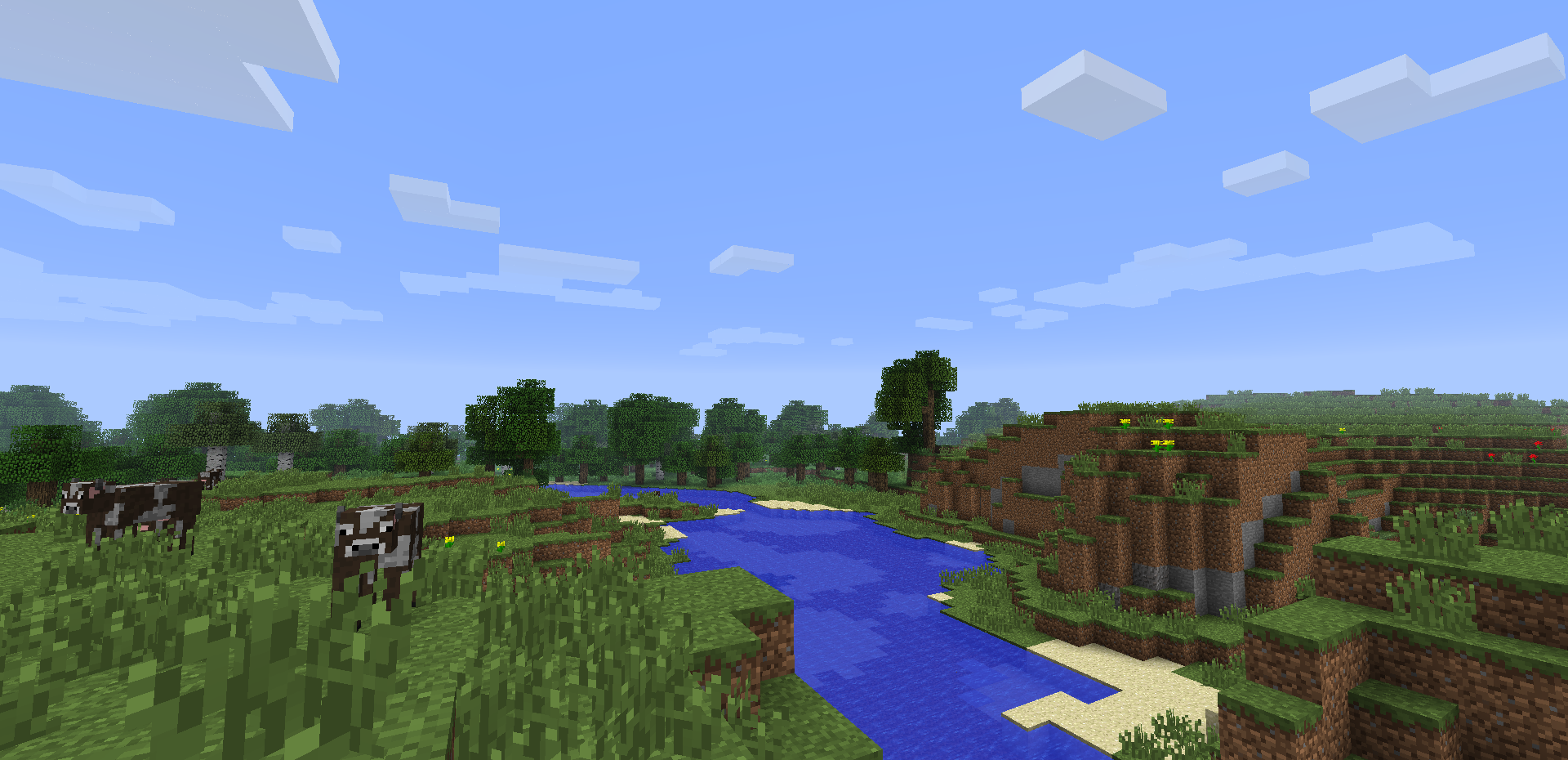
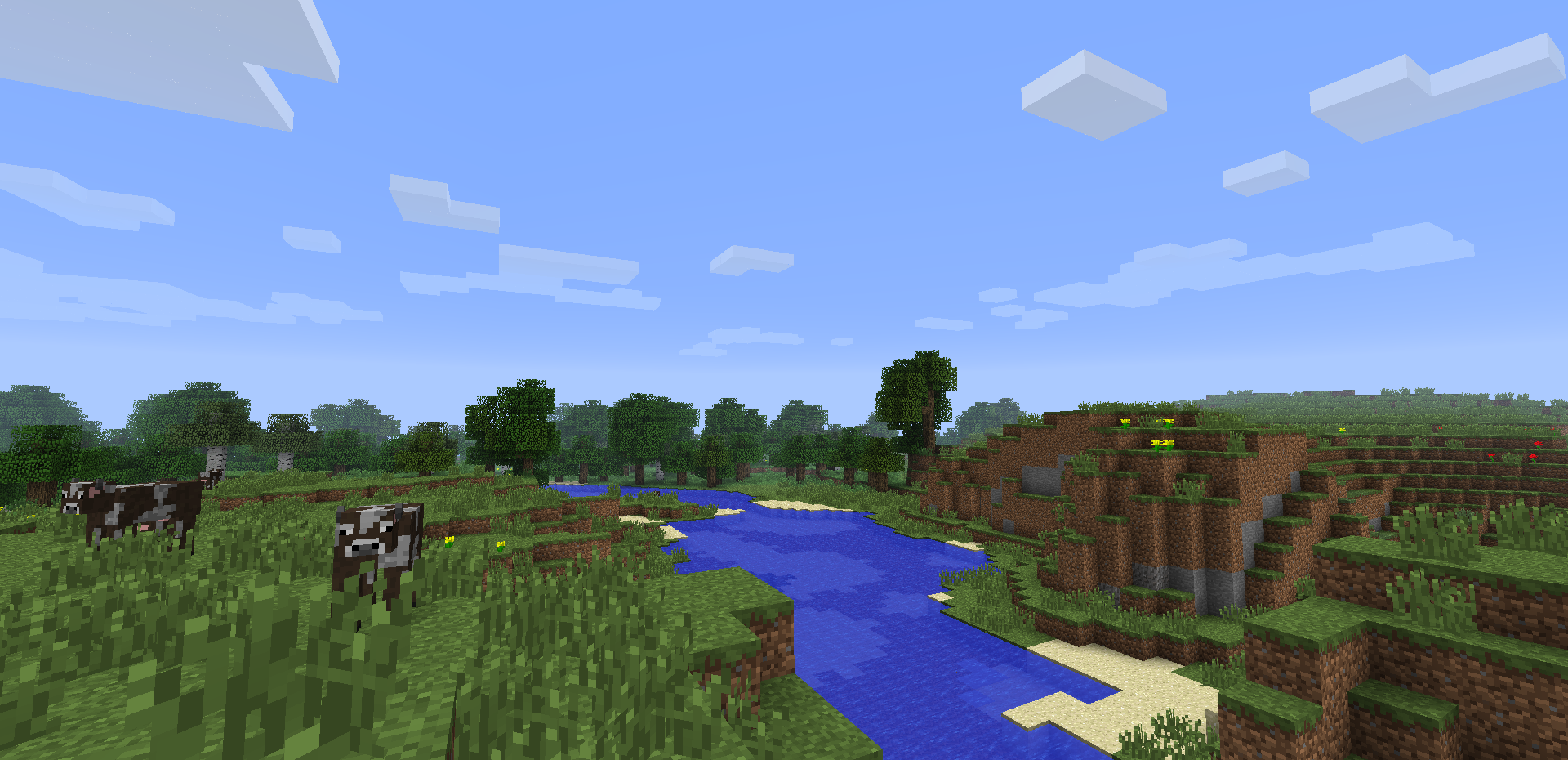
 Ever been stuck in an unwanted taiga, desert or jungle biome?
If you have, this is the mod for you!
To disable biomes, go to the config folder of your .minecraft directory and find the BiomeRemover.cfg file. In this file, set the biomes you don't want to false. As simple as that!
Quick facts
- Edition: Minecraft Java
- File type: .jar
- How to install: Install the matching mod loader (Forge, Fabric or NeoForge) for your Minecraft version. → Download the .jar. → Put it in the .minecraft/mods folder and launch that loader profile.
- Where to get it: Opens on CurseForge — not every file is mirrored on our own servers.
Install steps are the general flow for this file type — How to install Minecraft Java mods & modpacks walks through it step by step.
B0bGary's Biome Remover! is a free Minecraft Java mod. Downloaded 1,278 times (via CurseForge). Download it and open it directly in the game.