
ModsJava
Utilities In Game
Minecraft Java mod. Downloads from the MC Java Mods app on Android.
⬇ Download on CurseForge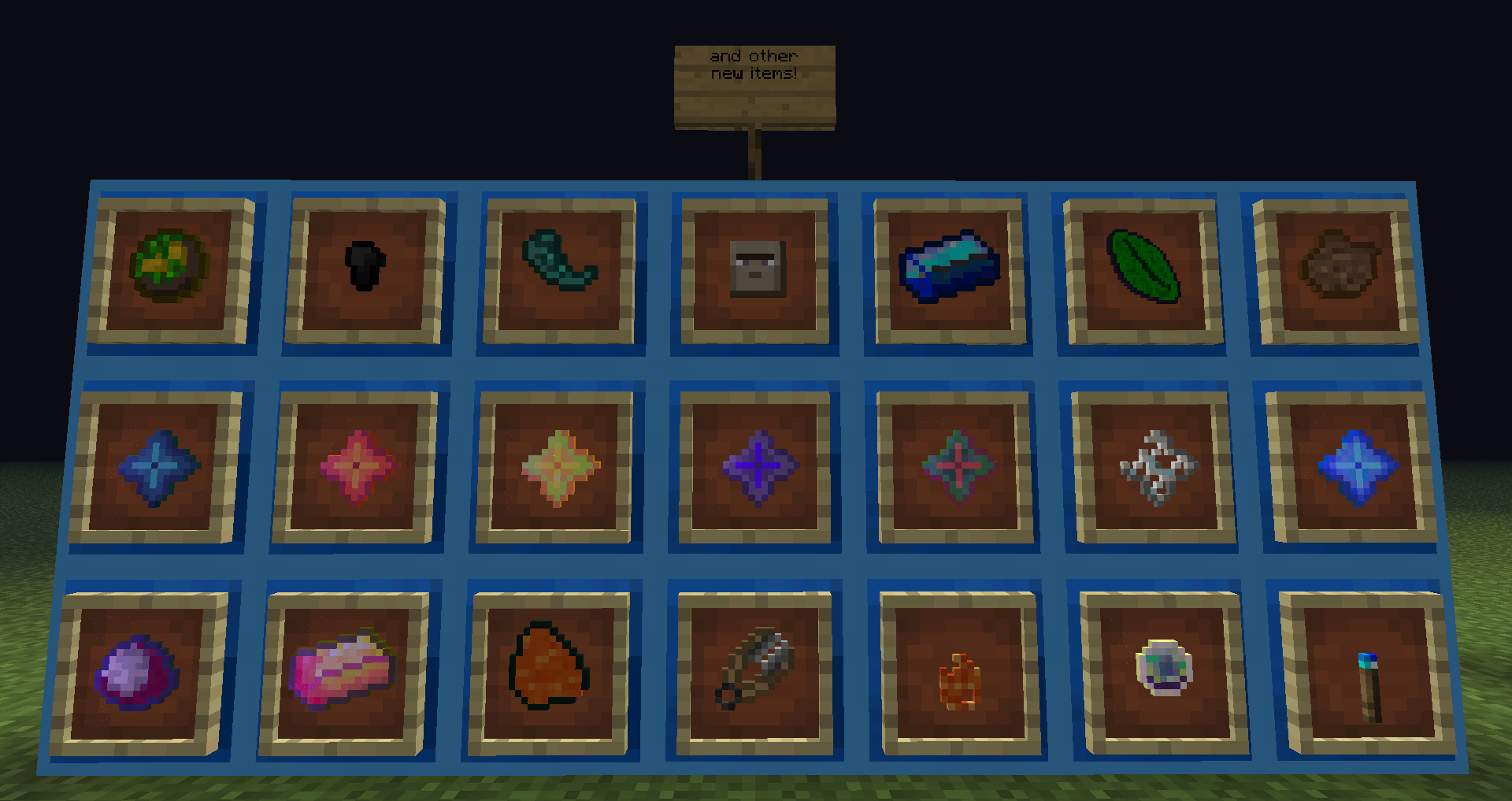

WHAT IS:
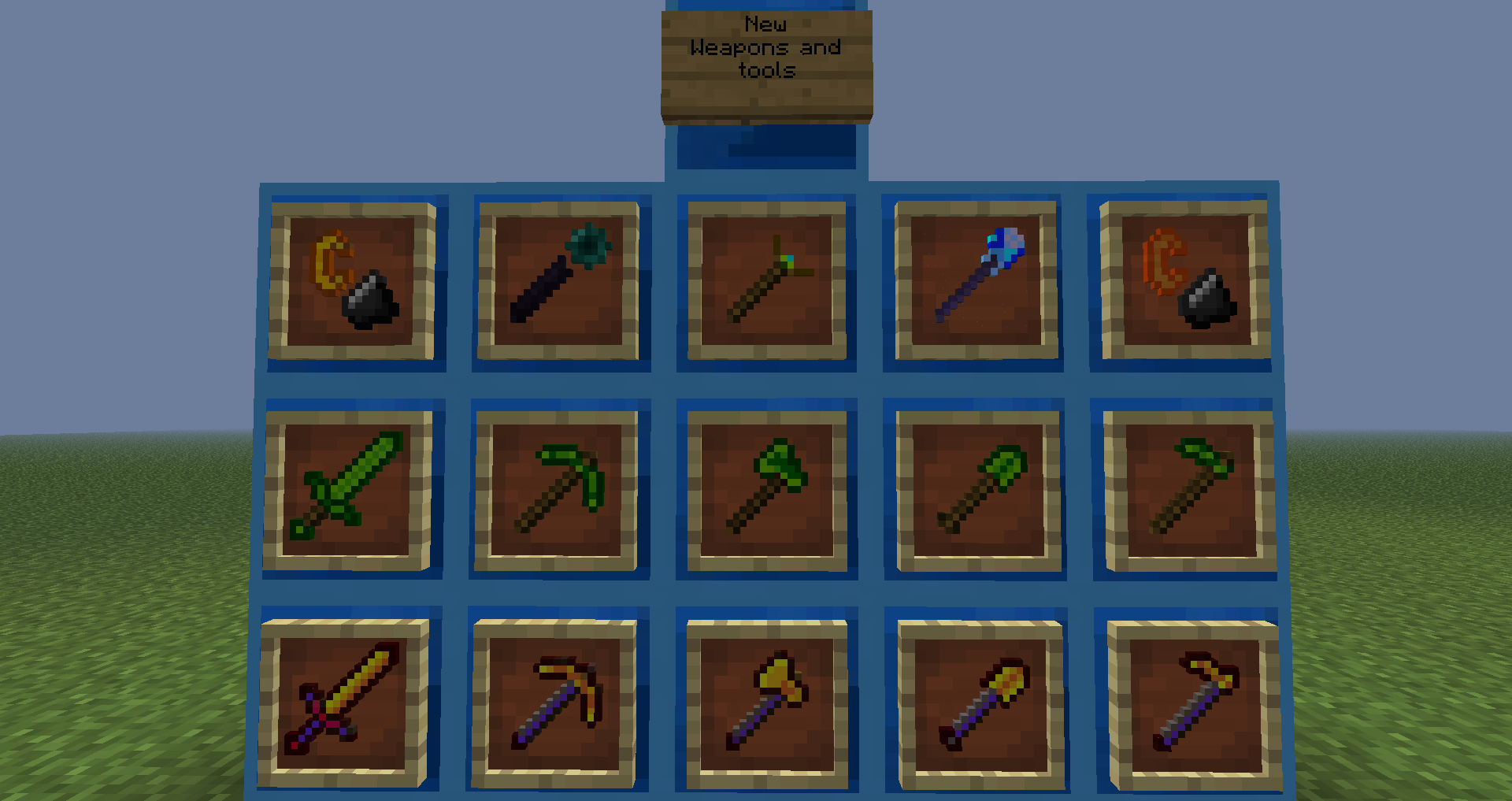
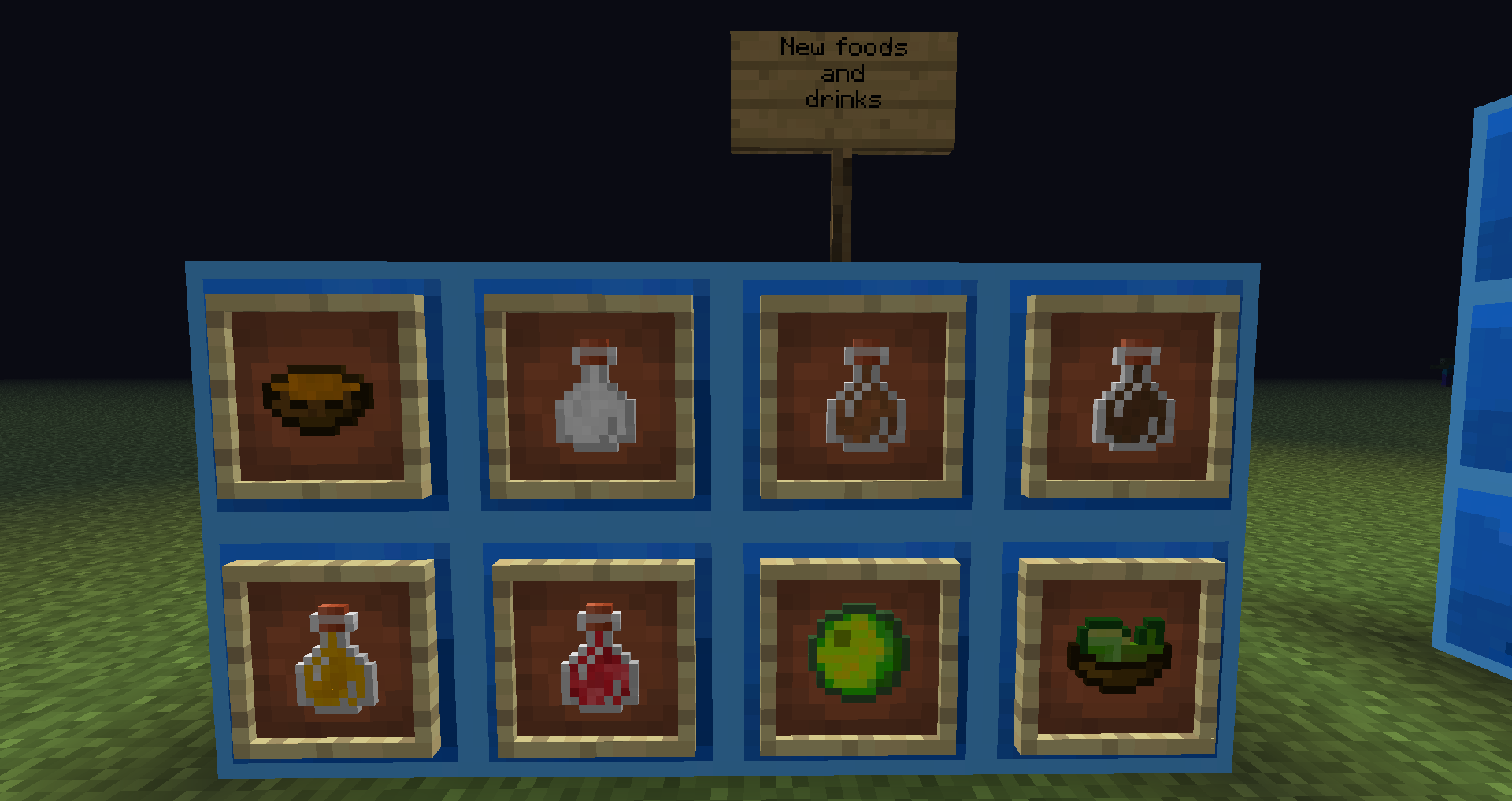
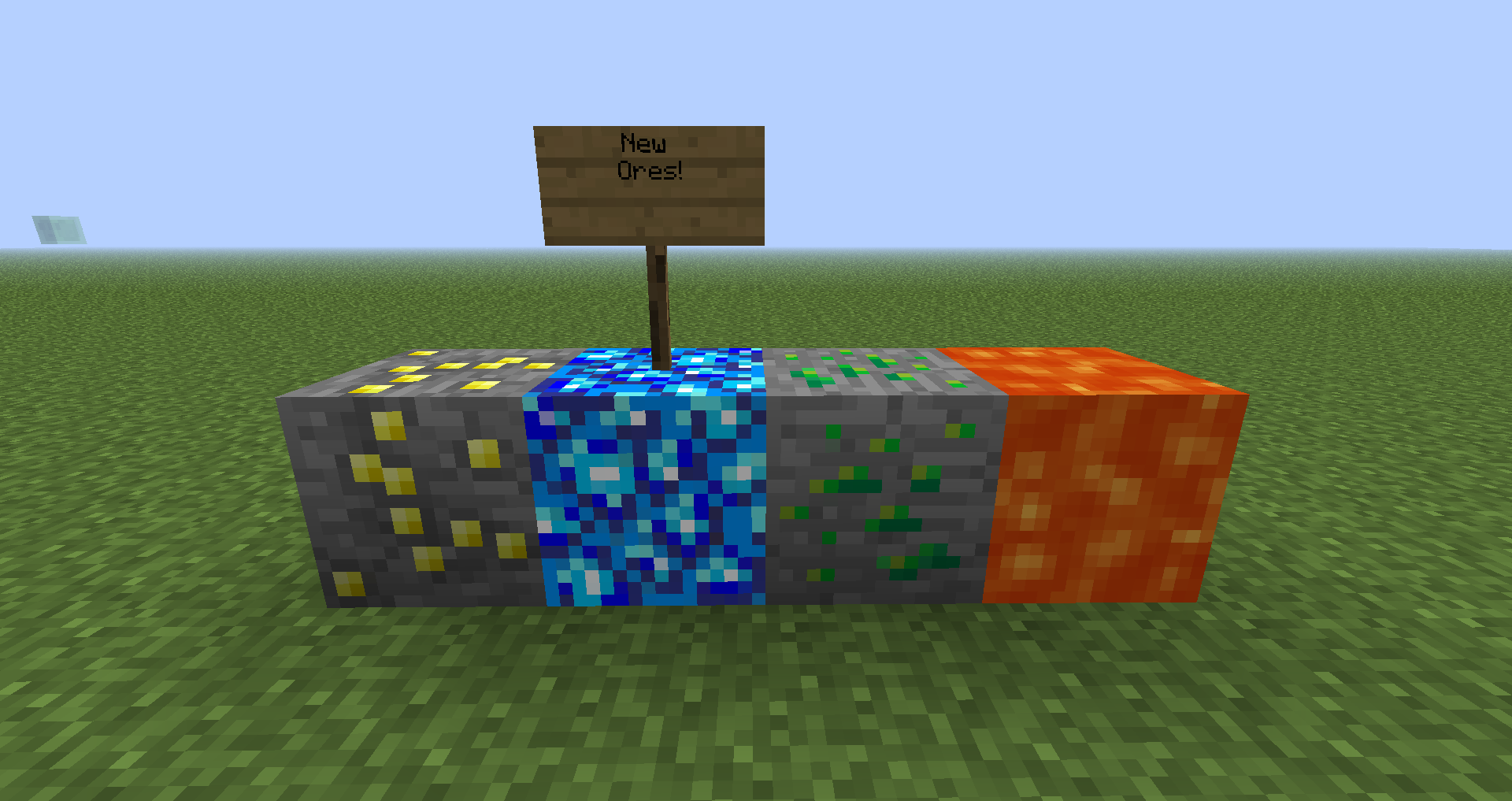
A minecraft mod that adds:
- new item with plenty of uses!.
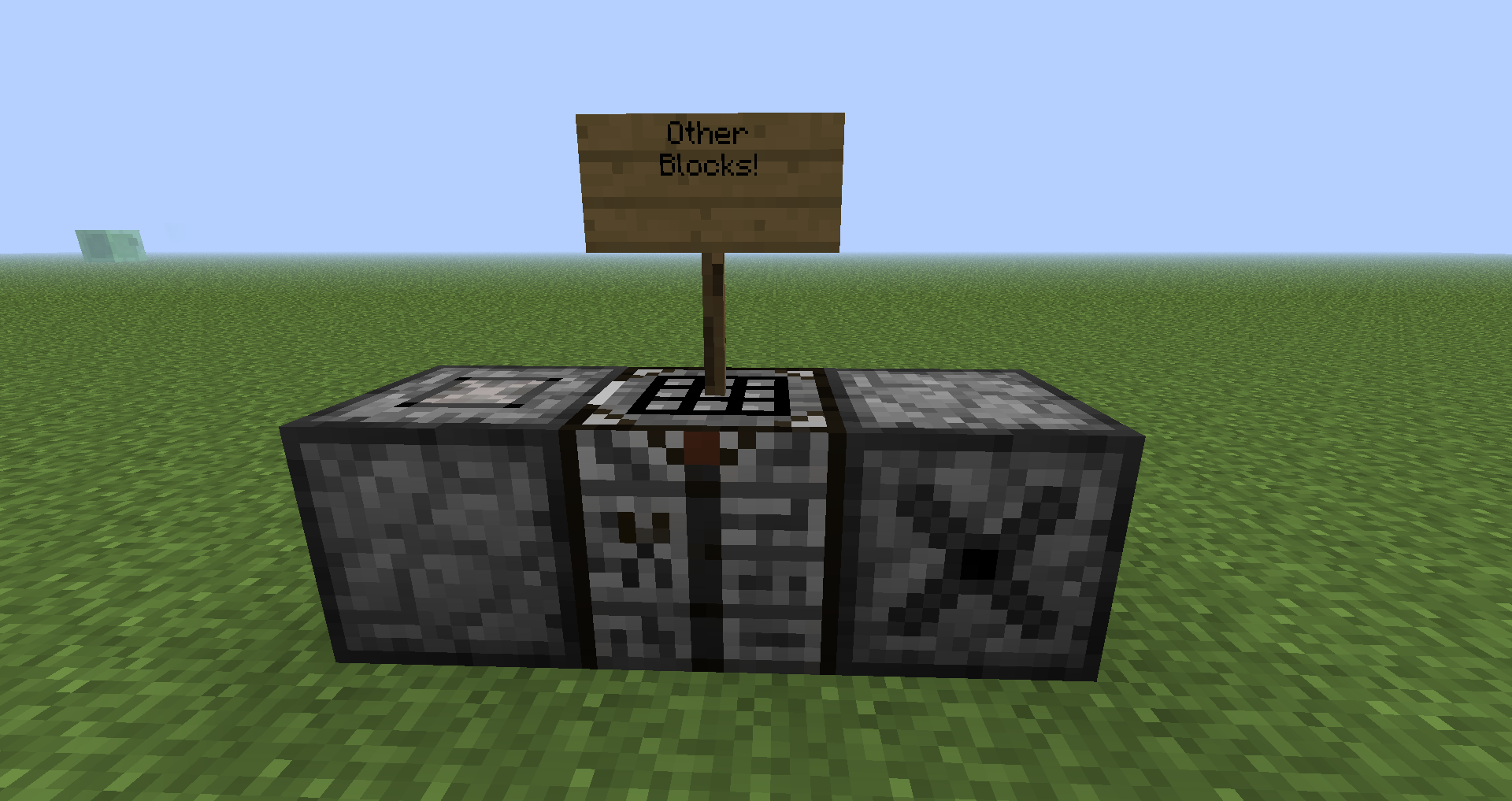
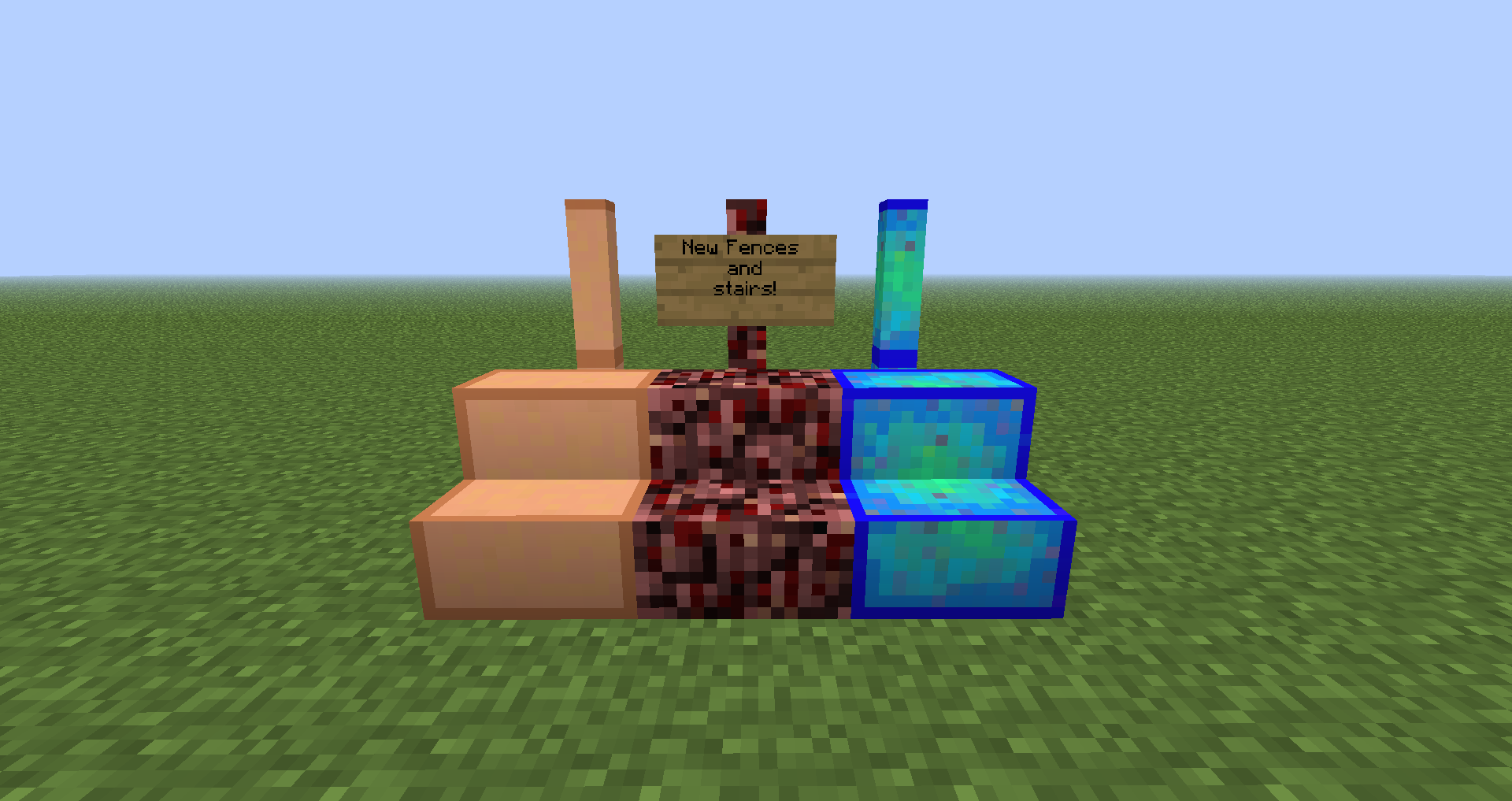
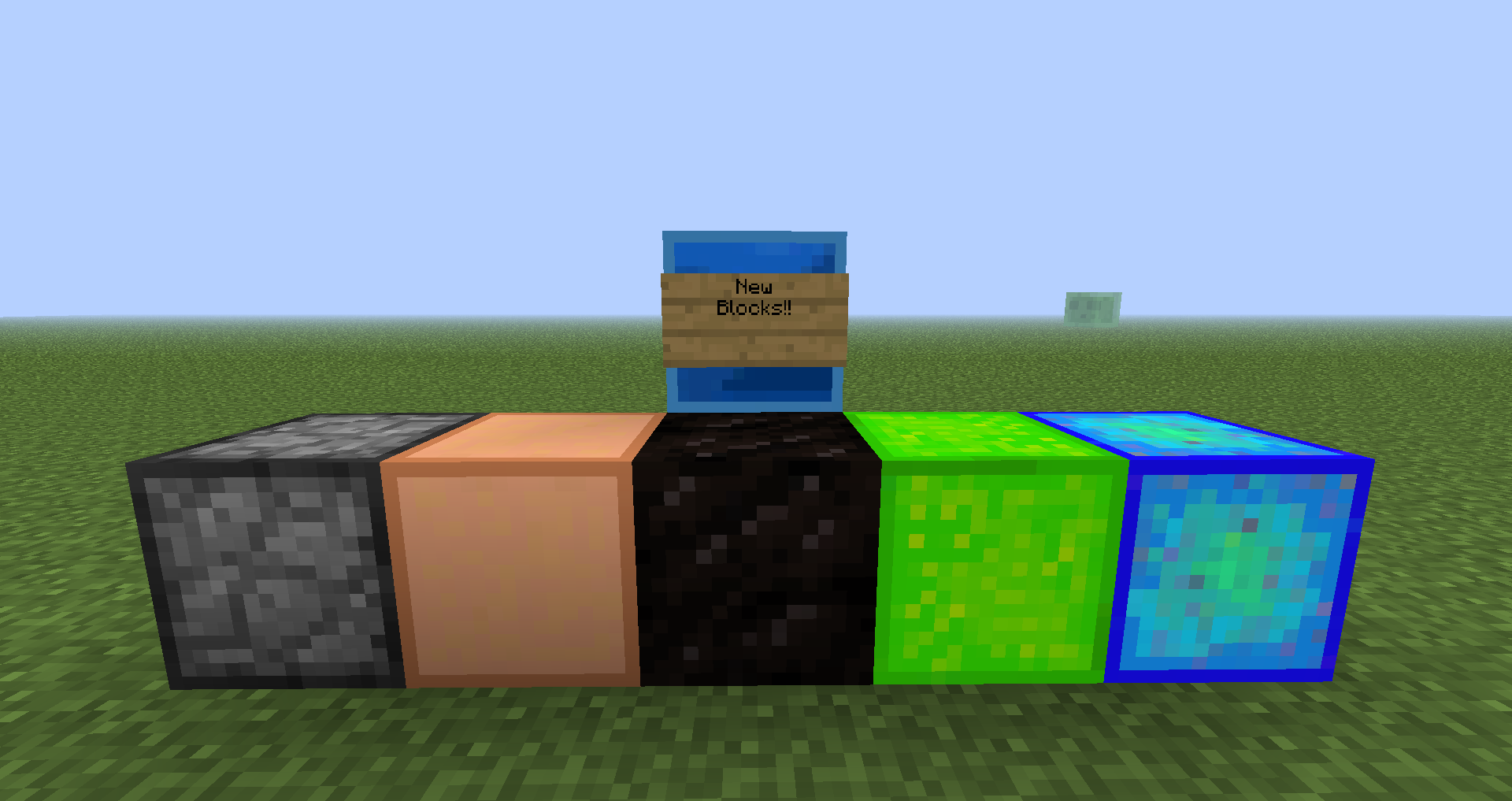
- new decorative blocks (Fences, stairs and more).
- new crafting for minecraft vanilla.
- new trade with villager.
HOW TO INSTALL:
- This mod requires minecraft forge, so you have to download it from the official site: Download.
- Download the latest version of minecraft forge (installer) request (9.11.1.916 +).
- Install minecraft forge and put my mod in mods folder.
- Run minecraft and enjoy!!!.
Quick facts
- Edition: Minecraft Java
- File type: .jar
- How to install: Install the matching mod loader (Forge, Fabric or NeoForge) for your Minecraft version. → Download the .jar. → Put it in the .minecraft/mods folder and launch that loader profile.
- Where to get it: Opens on CurseForge — not every file is mirrored on our own servers.
Install steps are the general flow for this file type — How to install Minecraft Java mods & modpacks walks through it step by step.
Utilities In Game is a free Minecraft Java mod. Downloaded 2,777 times (via CurseForge). Download it and open it directly in the game.