
MyWorldGen
Minecraft Java mod. Downloads from the MC Java Mods app on Android.
⬇ Download on CurseForge
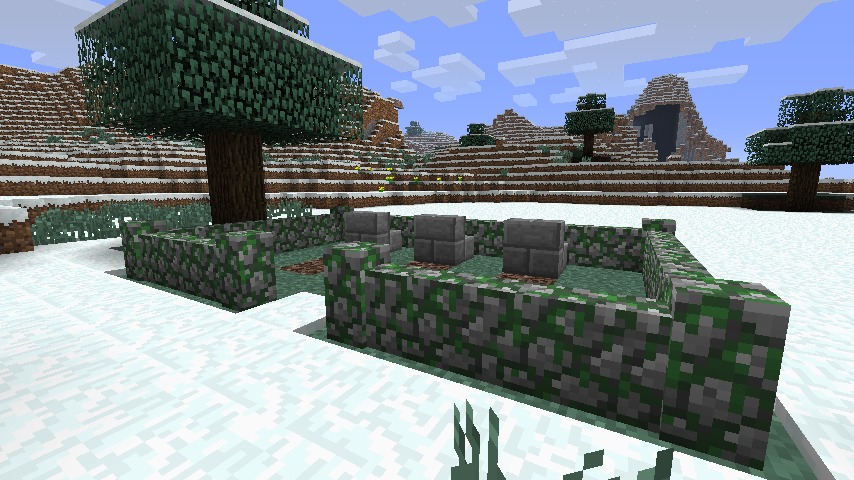
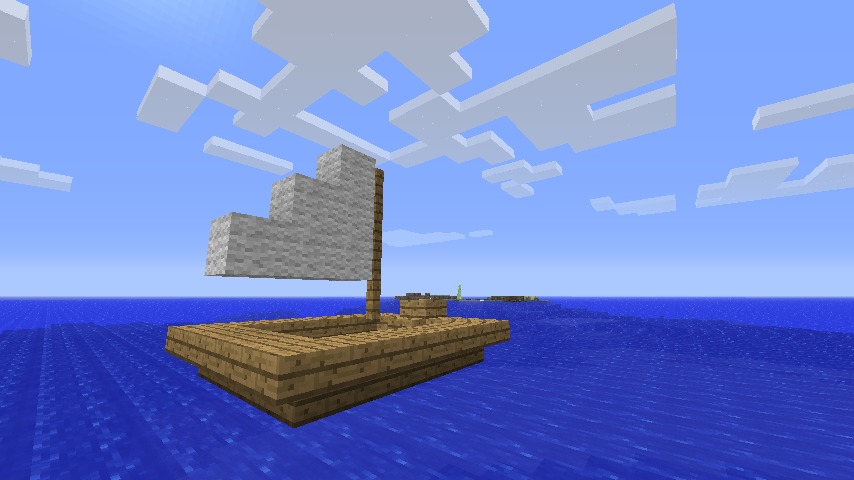
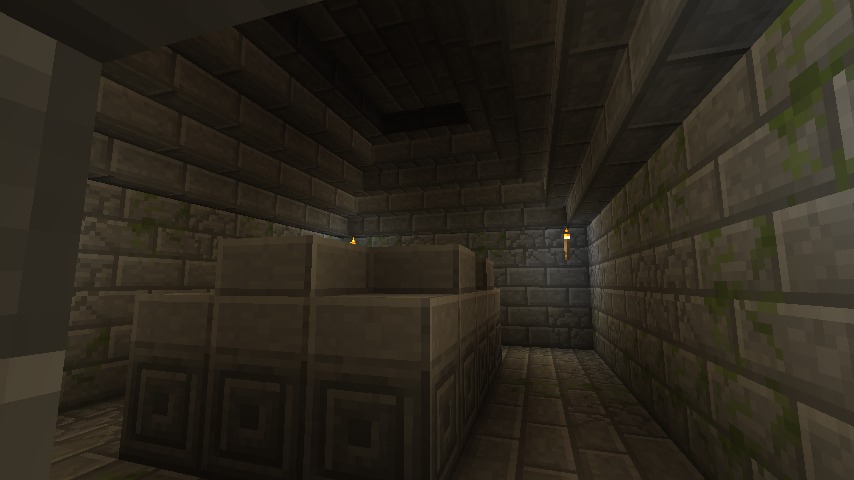
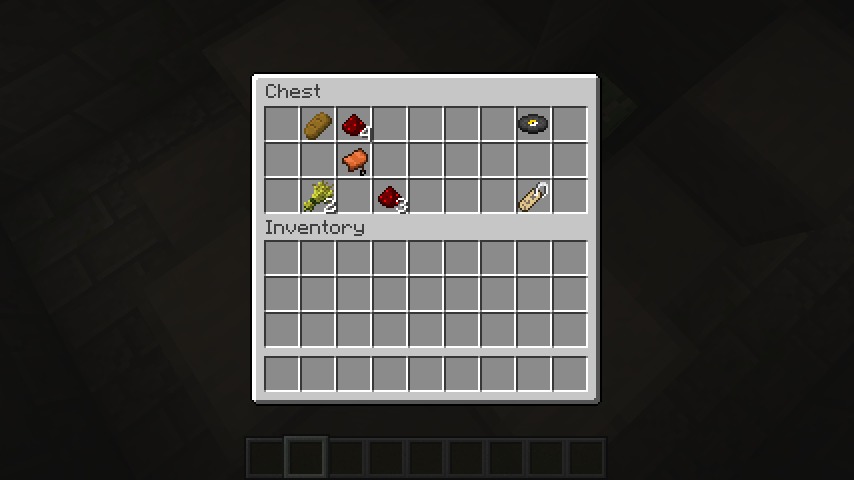
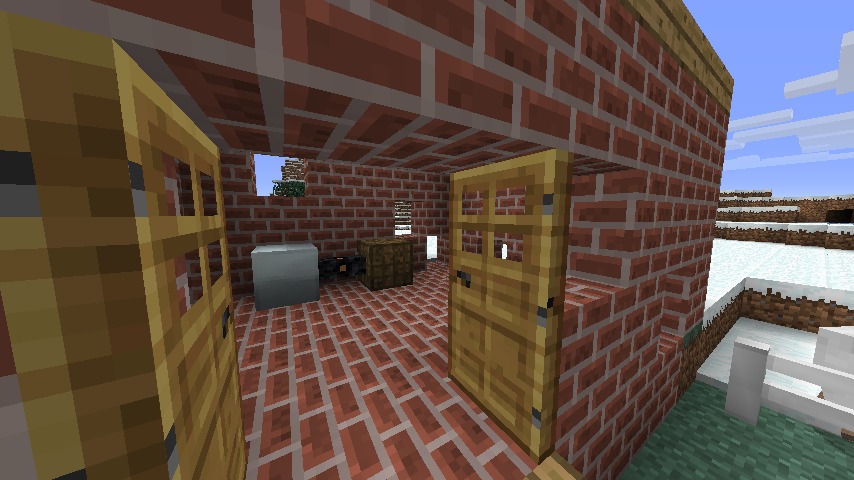
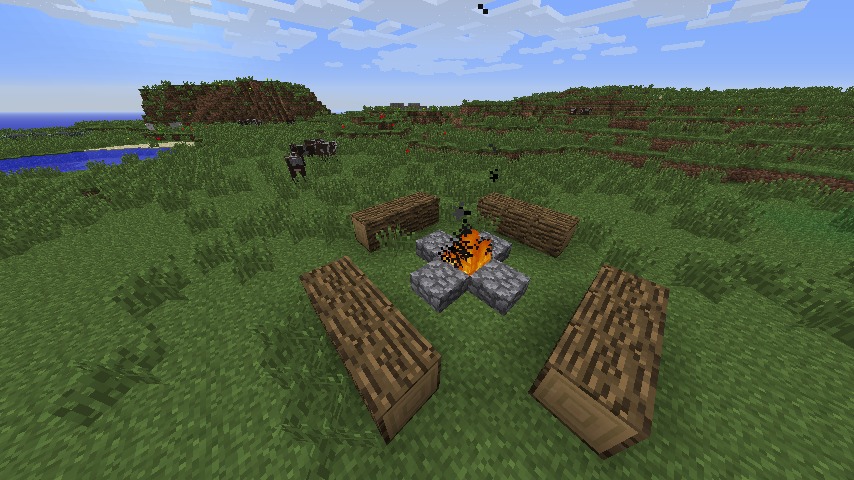
Have you ever felt that Minecraft's world was too… desolate? Uninviting? Or perhaps, is it just not exciting? Worry no longer! MyWorldGen revolutionizes Minecraft world generation. Rather than introducing new biomes, or trying to make up strange-looking hard-coded structures, MyWorldGen relies on you to populate your world. All you have to do is put some schematic files into your .minecraft/worldgen folder, and they'll start showing up in your single-player worlds. You can also install it onto a server, and have custom worldgen for your own community!
Source & issue tracker
Forum thread
CurseForge mod page
CurseForge project page
Screenshots
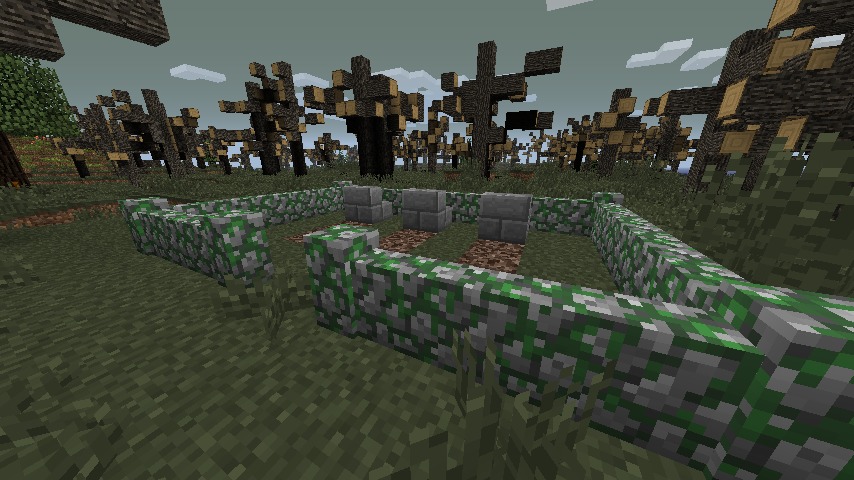
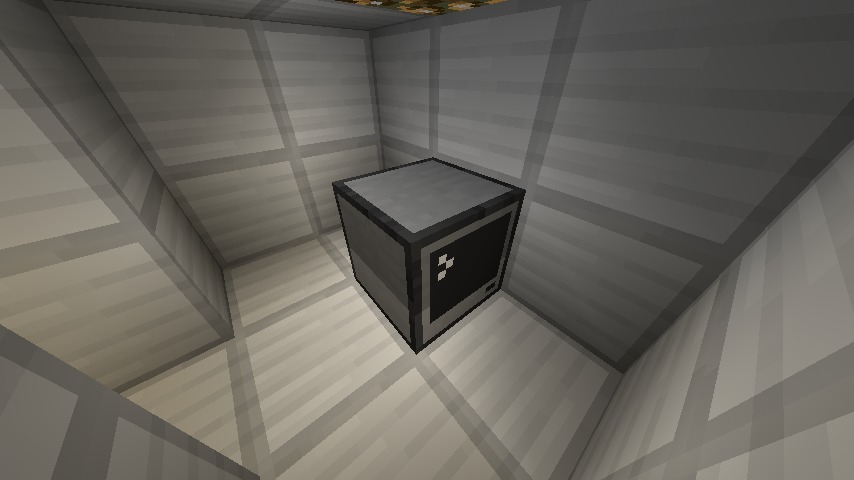
These are screens of some examples that come with the mod, generating in the world.
An underground crypt, with loot!
Fully mod compatible! Here's a graveyard I made showing up in a Biomes O' Plenty forest.
It appears I've stumbled upon an abandoned power plant. The batbox still has some power left in it.
Instructions
So, you want to make your own world generation? Well, that's easy! If you already have a schematic ready, you can go ahead and drop it into your .minecraft/worldgen folder. Otherwise, all you have to do is build something in a creative world, and use the "Schematic save wand" in the "MyWorldGen" creative tab to save the schematic to the correct directory.
 Save wand
The save wand uses a rectangular selection method, which you should be familiar with if you've ever used WorldEdit or MCEdit. Right click (activate) the first corner block, and the wand will glow to let you know that it's holding a selection point, as well as show a blue box around the selection area. Activate the opposite corner block, and a save dialog will show up. See "advanced" below for an explanation of all of the buttons, but you can just type in a name and leave everything at defaults.
 Load wand
To verify that you've saved it correctly, you can use the load wand to place a schematic into the world. Just right-click on a block and choose a file to load.
Anchor blocks
There are two types of special blocks that determine how a structure is placed into the world, both found in the "MyWorldGen" creative tab. The first are anchor blocks. Anchor blocks will only allow a structure to be placed into the world if they all match blocks already in the world.
 Ground anchor: Matches the "top block" of the current biome. That's usually grass, but is sand for desert biomes and mycelium for mushroom biomes.
 Air anchor: Matches any "replaceable" block, except for liquid. That includes air, tall grass, ferns, dead shrubs, and fallen snow.
 Stone anchor: Matches any block with the "rock" material. That includes stone, ores, netherrack, and end stone — basically anything that is mined with a pickaxe.

 Lava and water anchors: Matches either flowing or still blocks.
Wood, dirt, sand, and leaves anchors: Matches their respective material types.
Inventory anchor: This special anchor will only match any of the 9 blocks that you place in its inventory. For example, an inventory anchor containing a stone block and a grass block will only allow the structure to appear with either a stone block or a grass block in that place.
Try to use at least one anchor block for all of your builds, otherwise the mod will just put it down somewhere on the surface, which may not be what you want. Don't use too many anchor blocks either though, because that will make it harder to find a place for!
Once placed in the world, anchor blocks will act like ignore blocks.
 Ignore blocks
When placing a schematic into the world, all world blocks within the rectangular region will be replaced, even if they are air blocks. If you want to preserve the existing block in a part of your structure, use an ignore block. Generally though it will only really matter for oddly-shaped underground structures.
External tools
Now, when I say schematic file, I actually mean schematic file. It's the same kind used by MCEdit, WorldEdit, and many others! That means you don't even have to use Minecraft to make your own world generation! In fact, there are whole databases of schematic files for you to download for free:
Minecraft Schematics.com
Minecraft-Schematics.net
Planet Minecraft
Plus, with the wands, this mod could be used just for a rudimentary copy & paste for your creative builds.
Advanced
In addition to the standard schematic NBT format (described here), MyWorldGen adds a few optional NBT tags for itself. You can add or edit these with any NBT editor; I've been using NBTExplorer with Mono.
- randomWeight (integer, default 10): The bigger, the more likely it will show up, and the less likely others will.
- chestType (string, default dungeonChest): Identifies what type of chest loot to use for chests. If the field exists and is blank, chests will retain their contents. Possible values include mineshaftCorridor, pyramidDesertyChest, pyramidJungleChest, pyramidJungleDispenser, strongholdCorridor, strongholdLibrary, strongholdCrossing, villageBlacksmith, and bonusChest.
- excludeBiomes (list of strings, no default): A list of biomes that this structure will not generate in. This tag is not allowed alongside onlyIncludeBiomes.
- onlyIncludeBiomes (list of strings, no default): A list of biomes that this structure will only generate in. This tag is not allowed alongside excludeBiomes.
- lockRotation (boolean, default false): Rotating blocks isn't very reliable in Minecraft, so if you really care that your structure looks perfect, this flag will make it always face the same direction.
- generateSpawners (boolean, default true): When this is on, all spawner blocks will get a random dungeon mob when placed in the world. When off, it keeps the mob specified in the tile.
- fuzzyMatching (boolean, default false): This enables an alternate method for finding structure spawn locations. Instead of trying to find locations that match all anchors, it will choose a single anchor at random and then find an appropriate spot for that. It's much faster and ensures more guaranteed spawns, but it's gets somewhat uglier results.
- terrainSmoothing (boolean, default false): This option really only makes sense with fuzzyMatching also turned on. When an anchor block is placed in the world, regardless of whether it matches that spot, it will fill the space around it to match. For example, mismatching ground anchors will fill any air beneath it with dirt.
- MWGIDMap: Because the block IDs can be reconfigured, this allows for compatibility across installs. Don't touch unless you know what you're doing!
If you're unsure about how these work, take a look at the included or generated schematics for examples.
Questions that I'm sure somebody will ask
- "Hasn't this been done before?" Yes (many times), but I wanted to do it myself. I wanted to make something that was accessible, extendable, and compatible.
- "Mod packs?" This mod is open source, so I can't really stop you from doing anything with it. I'd appreciate it if you linked back here, though. Also, let me know if you do!
- "Why aren't modded blocks rotating properly?" Ask the mod author to implement rotateBlock the same way Forge does with vanilla blocks.
- "Torches are popping off!" That's a limitation of Forge's block rotation. It forces a block update, making invalid block configurations resolve themselves. I might implement custom rotation some day.
Changelog
1.4.1
- [1.9] Fixed crash when holding something in off-hand
- Fix MWG blocks breaking in water (changed material type to "iron")
- Improved schematic world placement (Block updates are all done at once so that no more updates are done than are necessary. Also, the load wand places facing away from you now.)
- Added a simple guard against infinite recursion
- Improve support for schematics without anchors
- [1.9] Fix ignore block collision weirdness
1.4
- Implement fuzzy matching and terrain smoothing
- More detailed save want GUI
- Revamped resource pack handling (requires json index; allows setting/overriding spawn parameters in the json)
- Added a selection box for the save wand
- Updated some of the included schematics to use the new fuzzy matching system (as usual, delete or move your worldgen folder to see them)
1.3.4
- Fixed some crashes
1.3.3
- Built on 1.7.10, but it should still work with 1.7.2
- Rotation lock (NBT tag "lockRotation")
- Respect a world's "generate structures" setting
- Lossless/as generated switch for the load anchor
- Various small fixes, see https://github.com/impiaaa/MyWorldGen/commits/1.7
1.3.2
- Fixed dedicated server crash
- Fixed issue with saving & loading metadata
1.3.1
- Fixed entity saving
- Fixed anchor blocks not being recognized in some circumstances
- Fixed wands having a stack size of 0 (resulted in some inventory glitches)
- Moved some wand logic server-side (some functionality may be missing, though it's much more reliable)
- Fixed mineshaft entrance schematic
1.3
- 1.7 support!
- Fixed loading the mod on a dedicated server. Note: There is now a config option enableItemsAndBlocks that MUST be turned off if you want Forge clients without the mod installed to be able to connect.)
- Lots of internal changes and fixes for MC 1.7. Some MWG v1.2 schematics might not be compatible.
- Added support for OpenBlocks donation station ;-)
1.2
- Updated to latest Forge
- Changed some things to prepare for 1.7
- Added an inventory anchor: matches any blocks in any of the 9 slots
1.1
- Updated to 1.6.3 (pre-release)
- Added wood, dirt, sand, and leaves anchors
- Added dedicated creative tab
1.0
- Improved world generation algorithm, and made it configurable
- Added support for resource packs; it looks for schematics in assets/myworldgen/worldgen inside all packs.
- Added some more example schematics; if you're upgrading, either delete/move your worldgen directory, or extract them yourself from the jar.
- Slightly improved placement of schematics without anchors
- Added an mcmod.info file
Donate
Any and all help is appreciated to keep development going!


Signature
[url=http://www.minecraftforum.net/topic/1902599-][img]https://media.forgecdn.net/attachments/10/373/pack.png[/img][/url]
Planned features include non-ignoring anchor blocks and anchor-to-anchor blocks for complex structures. While this mod should work fine on a Forge server, I might want to make a version for Bukkit someday, though it will be limited.
Share your schematics and resource packs below! I'd also like to hear about any bugs, crashes, or feedback.
- Edition: Minecraft Java
- File type: .jar
- How to install: Install the matching mod loader (Forge, Fabric or NeoForge) for your Minecraft version. → Download the .jar. → Put it in the .minecraft/mods folder and launch that loader profile.
- Where to get it: Opens on CurseForge — not every file is mirrored on our own servers.
Install steps are the general flow for this file type — How to install Minecraft Java mods & modpacks walks through it step by step.
MyWorldGen is a free Minecraft Java mod. Downloaded 452,369 times (via CurseForge). Download it and open it directly in the game.