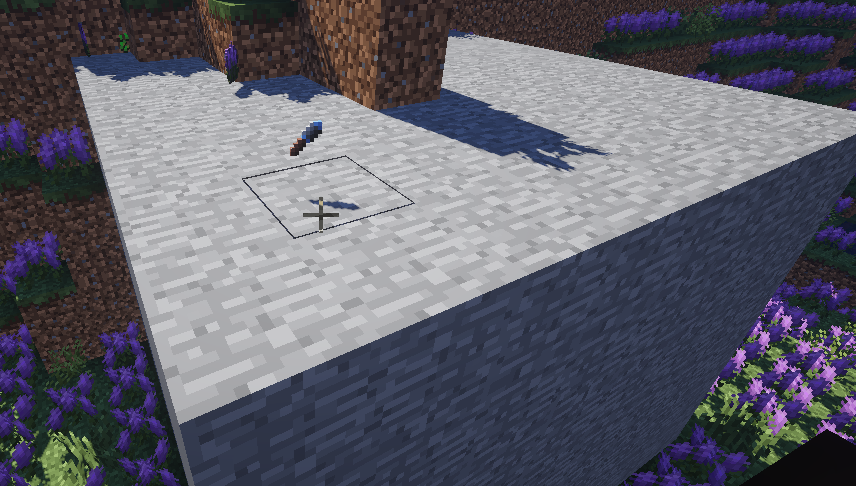
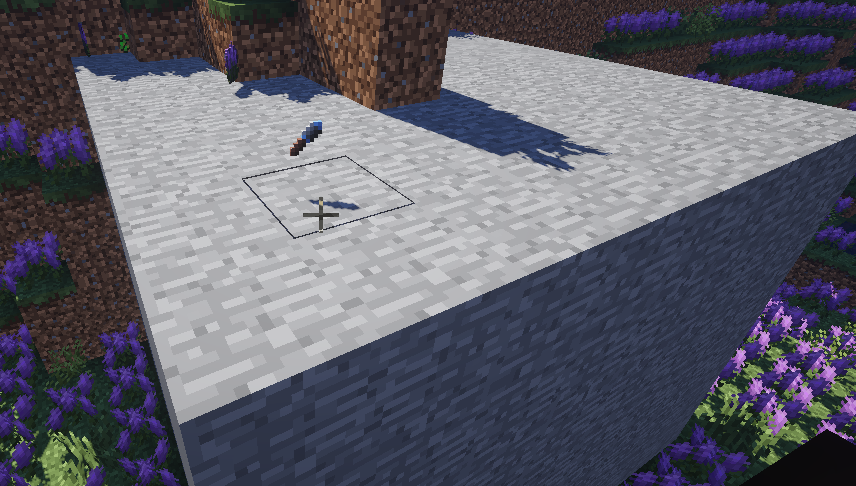
This mod adds a basic terraforming tool.
It lets you mark two points (left/right click) and then use the /fillblocks [block] [optional:meta] command to fill the area with the desired block type.
To replace only specific blocks: /replaceblocks [newBlock] [oldBlock] [optional:meta]
To scatter the desired block type across the target zone: /scatterblocks [block] [percentage] [optional:meta] (percentage is a "per block" chance to be replaced with the desired block.)

Sunshine and flowers not included.
This tool is only usable in creative mode and while holding it. (Meaning you can have multiple tools for different areas.)
The [block] parameter is using the new block identifiers, ie “minecraft:dirt“. Or “minecraft:air“.
This should also work for any other mods that you know the names of. (You can crouch-use the tool to get the block name.)
- Edition: Minecraft Java
- File type: .jar
- How to install: Install the matching mod loader (Forge, Fabric or NeoForge) for your Minecraft version. → Download the .jar. → Put it in the .minecraft/mods folder and launch that loader profile.
- Where to get it: Opens on CurseForge — not every file is mirrored on our own servers.
Install steps are the general flow for this file type — How to install Minecraft Java mods & modpacks walks through it step by step.
Fill Tool is a free Minecraft Java mod. Downloaded 7,886 times (via CurseForge). Download it and open it directly in the game.