Contents added by the mod:
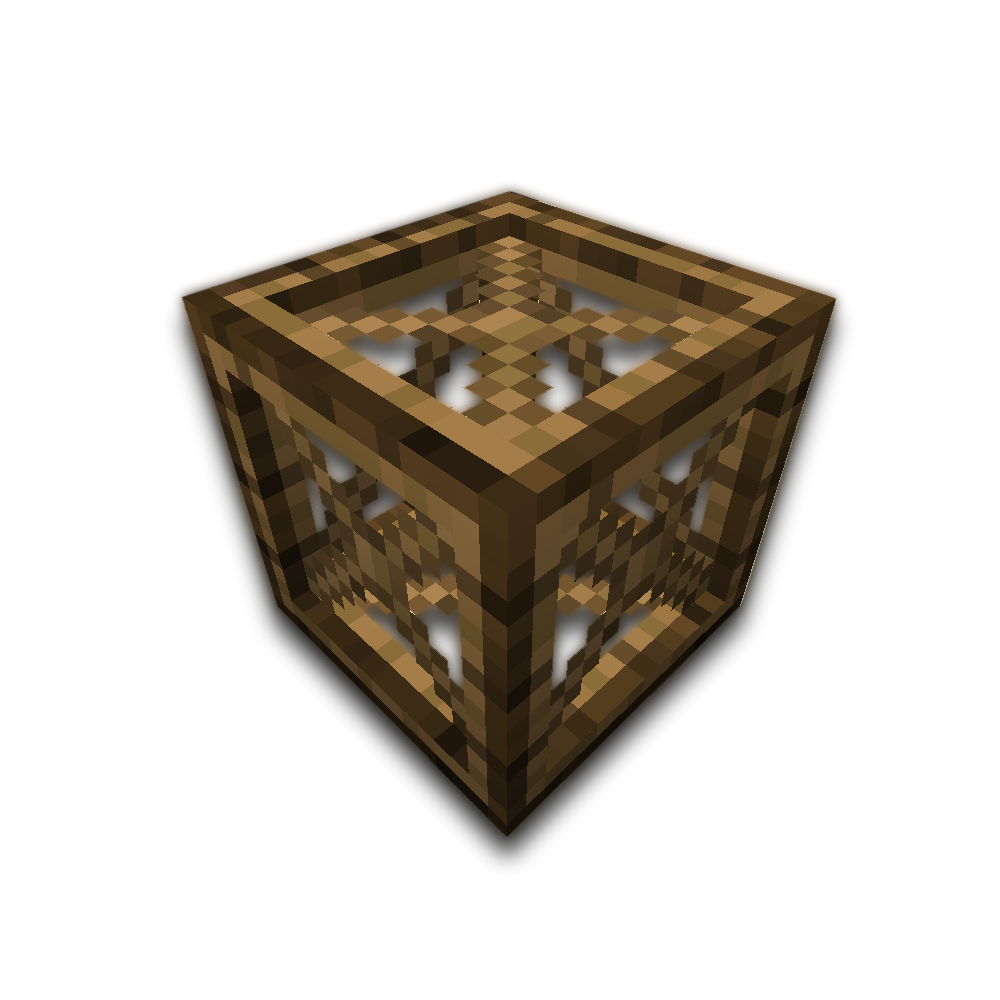
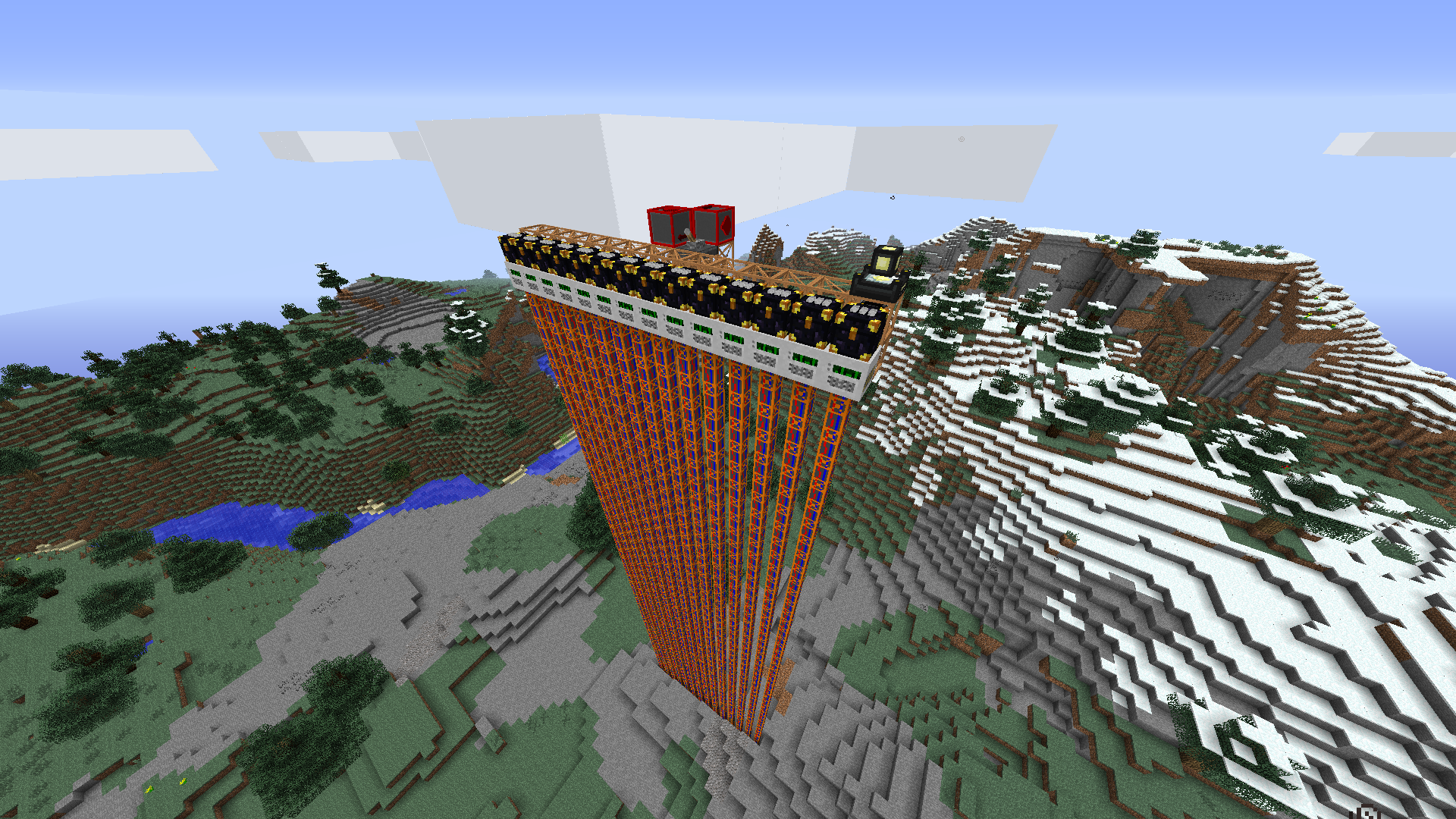
Framez adds various blocks and items that can be split into 4 categories: motors, frames, upgrades and miscellaneous blocks and items.
Motors:
Motors are your source of movement in Framez and they can be classified in two different ways:
By type:
- Frame Sliders: These motors slide the block(s) on their active face (indicated by the line) in a specific direction (indicated by the arrow).
- Frame Rotators: These motors rotate the block(s) around the axis of their face (indicated by the line). Movement speed is relative to the distance of the furthest block from the motor.
- Frame Linear Actuators: These motors work pretty much like Frame Sliders, but instead of sliding the block along their face, they push it away from that face (indicated by the line and arrow).
- Frame Blink Drives: These motors allow frame structures to travel long distances very quickly, but they require another one in the same axis, 64 or or less blocks away from it, that's facing towards it. They will automatically link to eachother and be able to send the block(s) back and forth, even though they are not near eachother. It's probably worth mentioning that power consumption will be multiplied by 1 + 0.1 * distance.
By power source:
- DC Motors: These motors don't require any power at all to run. They are intended for creative testing or if none of the mods in your pack that have a power system support any of the others. They are disabled by default in the config file.
- Electric Motors: These motors run on IndustrialCraft 2 EU. They work with any power tier up to Extreme Voltage (EV).
- Fluctuating Motors: These motors run on Redstone Flux. They are enabled as soon as the RF API is detected.
- Electro-Fluctuating Motors: These motors are a combination of Electric and Fluctuating motors, meaning they can run on either EU or RF, or even both at the same time!
- Botanist's Motors: These motors run on Botania mana, which can be put into them with either a mana spreader or a spark. Yes, motors powered by pure magic. This is Minecraft, what did you expect?
- Pneumatic Motors: These motors run off PneumaticCraft pressure. They can take up to 10 bars.
Power sources that may be supported in the future:
- Archmage's Motor: Runs on BloodMagic LP. This one was available in Framez 1 and I plan on adding it back relatively soon.
Frames:
Frames have changed a lot from how they worked in Framez 1. In the past, there used to be a "block cap" that would be increased by every frame you placed in the structure, even if it wasn't touching any other important blocks. Framez 2 completely changes how this works.
Frames now have stats: maximum amount of attached blocks, maximum amount of multiparts in the same block and minimum movement speed. These all have a huge effect on how you build your structures and how they are moved.
We can find various types of frames: Name (max blocks, max multiparts, min time)
- Wooden Frames (3, 3, 2s)
- Iron/Copper/Tin Frames (4, 4, 1s)
- Gold Frames (5, 3, 0.5s)
- Bronze/Silver Frames (5, 5, 0.75s)
- *Invar Frames (5, 5, 1s)
- *Electrum Frames (5, 7, 0.75s)
- *Enderium Frames (6, 10, Warp = 0s)
* These frames are only available when Thermal Foundation is installed.
Upgrades:
Motors can now be upgraded for extra functionality, so here are the upgrades you can currently apply to a motor to make it do different things:
- Bouncy Upgrade: This upgrade can only be applied to slider motors and it allows them to slide the blocks one way when powered, and the other way when unpowered. Very useful in conjunction with the stopper.
- Camouflage Upgrade: This upgrade can be applied to any and all motors and allows you to camouflage each of their sides as a different solid block.
- Momentum Conservation Upgrade [WIP]: More on this one... soon... *serves tea*
- *CC/OC computer: A computer can be put into the motor to allow it to be controlled by another one that's actually placed as a block. This option can be disabled in the config file.
* This upgrade requires either ComputerCraft or OpenComputers to be installed.
Miscellaneous items and blocks:
There are some other items in the mod such as:
- Wrench: Allows you to rotate motors and block the sides of frames you can't put a cover on. Can also hide the sides of multipart frames when holding shift and right-clicking them.
- Silky Wrench: Made by combining a Wrench with a Silk Touch book. This wrench works just like the normal one, but also allows you to hold shift while breaking a frame, which will make it drop with all the already blocked sides and all the supported multiparts that were in the same block.
- Metamorphic Stone: Explained in detail right below the list.
- Stopper: This block does exactly what it says in the tin. It grabs onto a line of frames, and when it's reached, puts the motor into "suspension mode", which requires you to unpower it and power it again for it to continue running (if there are more frames behind the stopper). Very useful in conjunction with the Bouncy Upgrade for slider motors.
- Motor core: It's the item used as the core for all motors (and by default is included in all recipes), along with other mod-dependant items.
- Other crafting items: Crosses, panels, iron nuggets... They are used to craft frames.
Metamorphic Stone:
Metamorphic Stone is the only worldgenned block added by Framez. When mined with a normal pickaxe (diamond required), it'll drop Cracked Metamorphic Stone, unless it's mined with a Silk Touch pick.
Apart from being a nice building material, both in its raw state and as a brick block, it has more uses. A Cracked Metamorphic Stone block can be infused with water, lava or ice, and then sealed up with some more Metamorphic Stone to form powerful blocks that act like the fluid block, but don't get turned into cobble or obsidian.
- Aqueous Metamorphic Stone: This block holds the solidifying power of water, allowing you to turn flowing lava streams into stone and lava source blocks into obsidian.
- Fiery Metamorphic Stone: This block has an eternal burning flame on the inside which, when in contact with a flowing water block, will turn it into cobblestone. When adjacent to a water source block, it'll turn it into a stone block.
- Gelid Metamorphic Stone: This block has the freezing power of ice, even in barren land. It'll freeze flowing water into ice, and source blocks will be turned into packed ice.
Default block movement:
All blocks (including those with TileEntities and MultiParts) are moveable by default with some exceptions:
- Blocks that are unbreakable in survival won't get moved by frames and will stop a structure from moving if it runs into them.
- Fluid blocks will be deleted from the world if a structure runs into them but will be carried with the structure if they were attached to it at first.
- Blocks that are marked as replaceable inside their block class (like tall grass, leaves, etc...) will be able to be replaced by moving frame blocks.
Some mods might not take into consideration that their blocks can be moved, so don't expect them all to work right away, but in most cases they'll be fine. If you run into any issues, please report them on the issue tracker linked at the top of the page.
Forge MultiPart support:
Framez frames have full support for Forge MultiPart, allowing you to place pipes/tubes/conduits inside them and covers and panels on the sides.
Microblock support:
Much like in RedPower, covers and panels have different effects when placed on the side of a frame. A cover will give you a solid surface to place other blocks on, but those blocks won't stick to the frame when it moves. A panel, on the other hand, will provide you with a solid surface that will also grab onto blocks when moving.
Some multiparts can sometimes have issues with covers and not allow you to place them on some faces (like AE2's Annihilation Plane). Framez adds a way to get around this, allowing you to wrench the side of a frame where a cover cannot be placed, so that blocks won't stick to it.
Other multipart support:
If enabled in the config file (on by default), you'll also be able to cut frames into microblocks with a saw. These frame microblocks will work just like the actual frame block.
Metamorphic Stone blocks (all variants) will be available as microblocks if enabled in the config (on by default). These microblocks will work the exact same way as the full block version, but only on the face of the block they are on.
Just to feel proud of myself, I also made it so that if you place a hollow cover on a frame, you'll be able to click through that face ;)
Without Forge MultiPart:
If you don't use Forge MultiPart (and even if you do, but you'd rather not use covers and panels), Framez has got you covered. There's a mode that allows you to place normal frame blocks, instead of multiparts. You can wrench the sides of these blocks to block them, preventing blocks from sticking to them.
There's two ways of accessing this mode:
- With FMP installed: You need to go into FramezCompat's config file and disable the option that says "Force FMP Frames" under "ForgeMultiPart". Frames will be placed as normal blocks by default, unless you try to place them on an already existing multipart block, which will place an FMP frame and you'll have to use covers and panels.
- Without FMP installed: This will be it right off the bat! No need to change any config files :D
Other features:
- Vanilla blocks and some modded ones can be fully interacted with while moving! (turn on and off levers, open GUIs, open and close fence gates...)
- Hollow covers/panels allow you to access the multiparts inside the frame and even the ones on the other side as long as you have line of sight to whatever you want to interact with through the hole in the cover/panel!
- Suport for both ComputerCraft and OpenComputers: you can control motors with computers and have computers be moved by motors without them turning off!
- The Silky Wrench allows you to pick up frames and retain their blocked sides and, if supported, the multiparts in the same block (by default only FMP microblocks are supported).
- You can put 4 frames into the crafting grid to get their base resources back.
- You can craft microblocks with a frame in specific positions to pre-place them in the frame, so that when you right click it onto the world it'll already have this microblock. You can also craft it with a wrench to block sides if no multiparts are placed, or hide them if there are.
- There's full Funky Locomotion support. FL frames can be interchangeably used with Framez's and they'll work fine.
- For mod integration purposes, there's other things that also work like frames. Namely:
- BuildCraft frame facades
- Forge MultiPart frame microblocks
- Thermal Dynamics frame covers (works on any block that implements IBlockAppearance and returns a frame block)
Useful links:
GitHub Repo: http://github.com/amadornes/Framez
Issue Tracker: http://github.com/amadornes/Framez/issues
My website: http://amadornes.com
My twitter: http://twitter.com/amadornes
My patreon: http://patreon.com/amadornes
Framez's IRC channel on Esper.net: #Framez (http://webchat.esper.net/?nick=&channels=Framez)
Modpack permissions:
Only add Framez 2 to your pack if you know what you're doing. This is an alpha mod and I give no warranty that it'll be stable and not cause you or the players of your pack to lose blocks (although it's unliklely).
When it goes out of alpha I'll be okay with it being in non-alpha packs, although I'm not going to stop you from using it if you really want to.
- Edition: Minecraft Java
- File type: .jar
- How to install: Install the matching mod loader (Forge, Fabric or NeoForge) for your Minecraft version. → Download the .jar. → Put it in the .minecraft/mods folder and launch that loader profile.
- Where to get it: Opens on CurseForge — not every file is mirrored on our own servers.
Install steps are the general flow for this file type — How to install Minecraft Java mods & modpacks walks through it step by step.
Framez is a free Minecraft Java mod. Downloaded 146,571 times (via CurseForge). Download it and open it directly in the game.