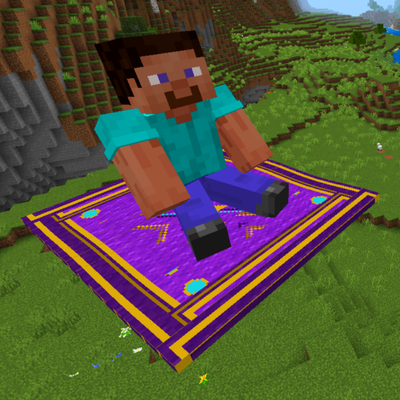
Flying Carpet
Bedrock add-on listed for Minecraft 1.21–26.x (behavior + resource pack). File opened and checked on 29 Sep 2026; installs from the MC Bedrock Mods app on Android.
A craftable magic carpet you can ride anywhere — steer in any direction, dye it 16 colors, set speed up to 66 blocks/sec, and let it follow you…
⬇ Download on CurseForge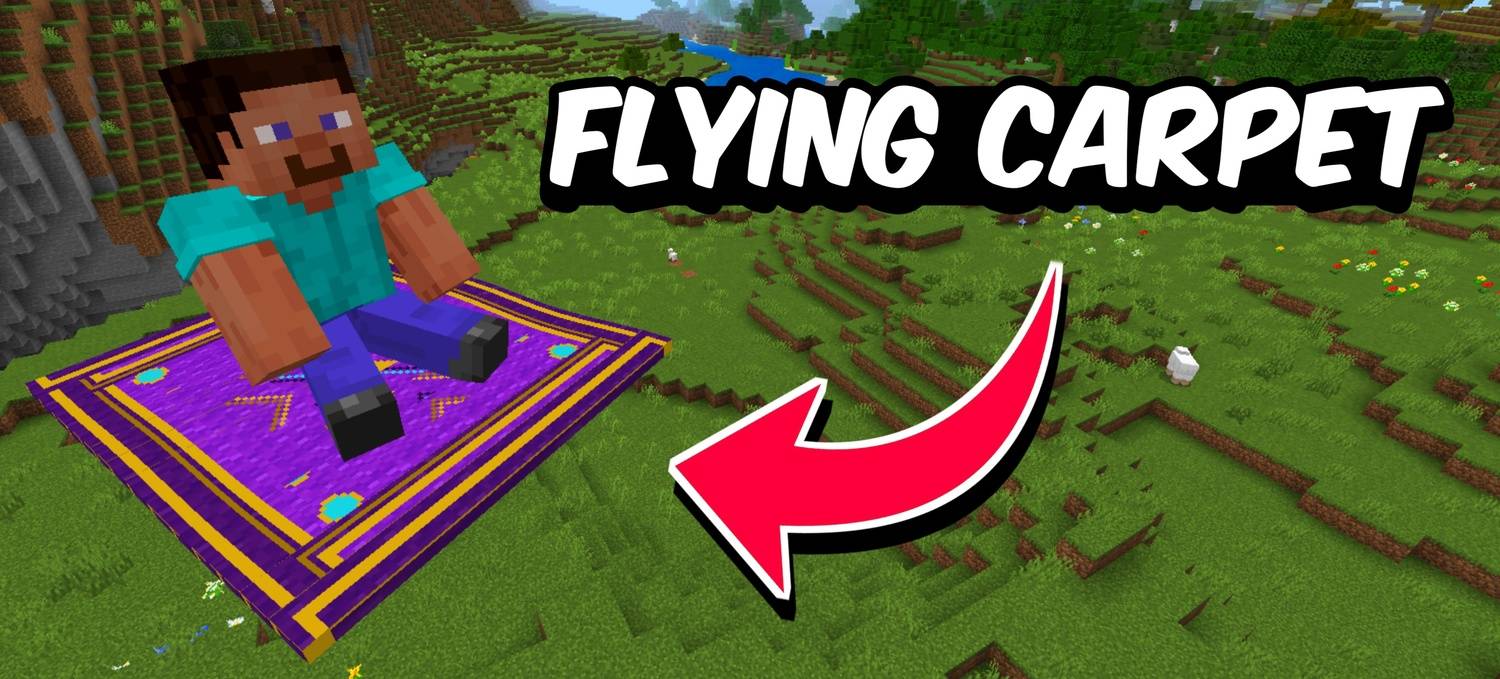
Craft a magic carpet, toss it into the air, and hop on. The Flying Carpet is a fully rideable entity that you can steer in any direction — up, down, forward, strafe — all with smooth physics and a gentle idle bob. Dye it any color, set your speed, and let it follow you around when you're not riding.
✦ Features
- Fully rideable entity — hop on and steer with W/A/S/D and your look direction; Jump to go up, Sneak to step off
- 16 carpet colors — right-click with any dye to instantly recolor the carpet while it's deployed
- Adjustable top speed — set your speed from 5 to 66 blocks per second using the speed slider in the carpet menu
- Follow Me mode — carpet floats and follows you automatically when you're not riding, bobbing gently beside you
- Pick Up anytime — crouch and tap the carpet to instantly return it to your inventory, preserving its color
- Multiplayer support — multiple players can ride the same carpet at once
- Craftable item — craft with 6 Magenta Wool, 2 String, and 1 Gold Nugget at a crafting table
- No cheats required — works fully in survival mode
✦ Crafting Recipe
Craft at a Crafting Table:
Row 1: String, Gold Nugget, String
Row 2–3: Magenta Wool × 6
or just type /fc in chat to get
✦ Commands
/voxen:carpetor/voxen:fc— get the Flying Carpetfcin chat — quick shortcut to get the carpet
✦ How to Use
PC: Hold the carpet and right-click to deploy it. Step onto it to start riding. Steer with W/A/S/D and look direction. Right-click with a dye to recolor. Crouch + right-click the carpet to open the menu (Follow / Colour / Speed / Pick Up).
Mobile: Hold the carpet and tap to deploy. Step onto it to ride. Crouch + tap the carpet to open the menu.
✦ Achievement Friendly?
Yes — fully achievement friendly. Use it without any worries.
- Edition: Minecraft Bedrock
- File type: .mcpack or .mcaddon
- Minecraft version listed: 26.30
- How to install: Download the .mcpack or .mcaddon file. → Open it — Minecraft imports it. → In your world: Behavior Packs → Available → Activate, then the same under Resource Packs.
- Where to get it: Opens on CurseForge — not every file is mirrored on our own servers.
Install steps are the general flow for this file type — How to install Minecraft Bedrock addons & mods walks through it step by step.
- Pack type: .mcaddon — behaviour and resource pack in one file
- Manifest requires Minecraft 1.21.100 or newer
- Complete pack — everything it depends on is inside the file
- Download size: 4.3 MB
- Download link checked 20 Oct 2026 — working
These come from our own check of the pack file, not from the source page.