AddonsBedrock
Food Stats | Hunger & Saturation Tooltips
See hunger, saturation, harmful effect chances, and other useful food details directly on vanilla food items in Minecraft Bedrock.
⬇ Download on CurseForge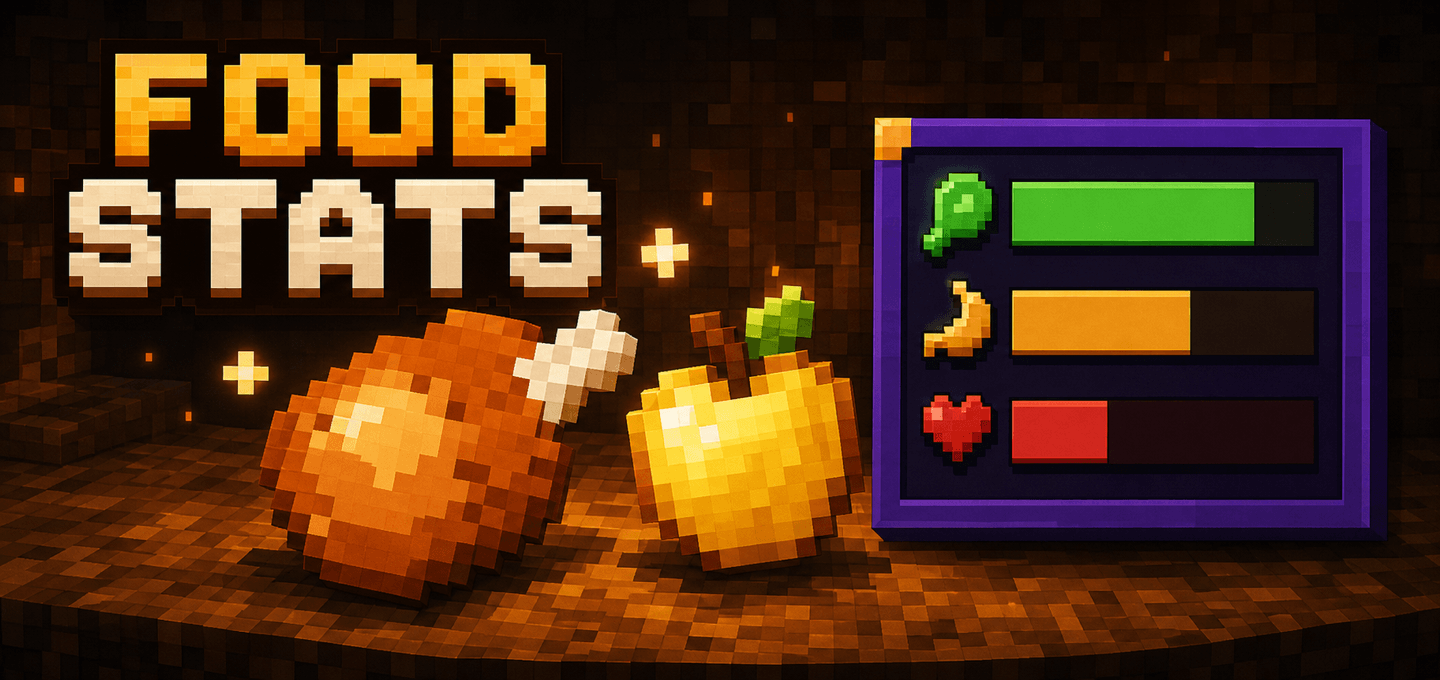
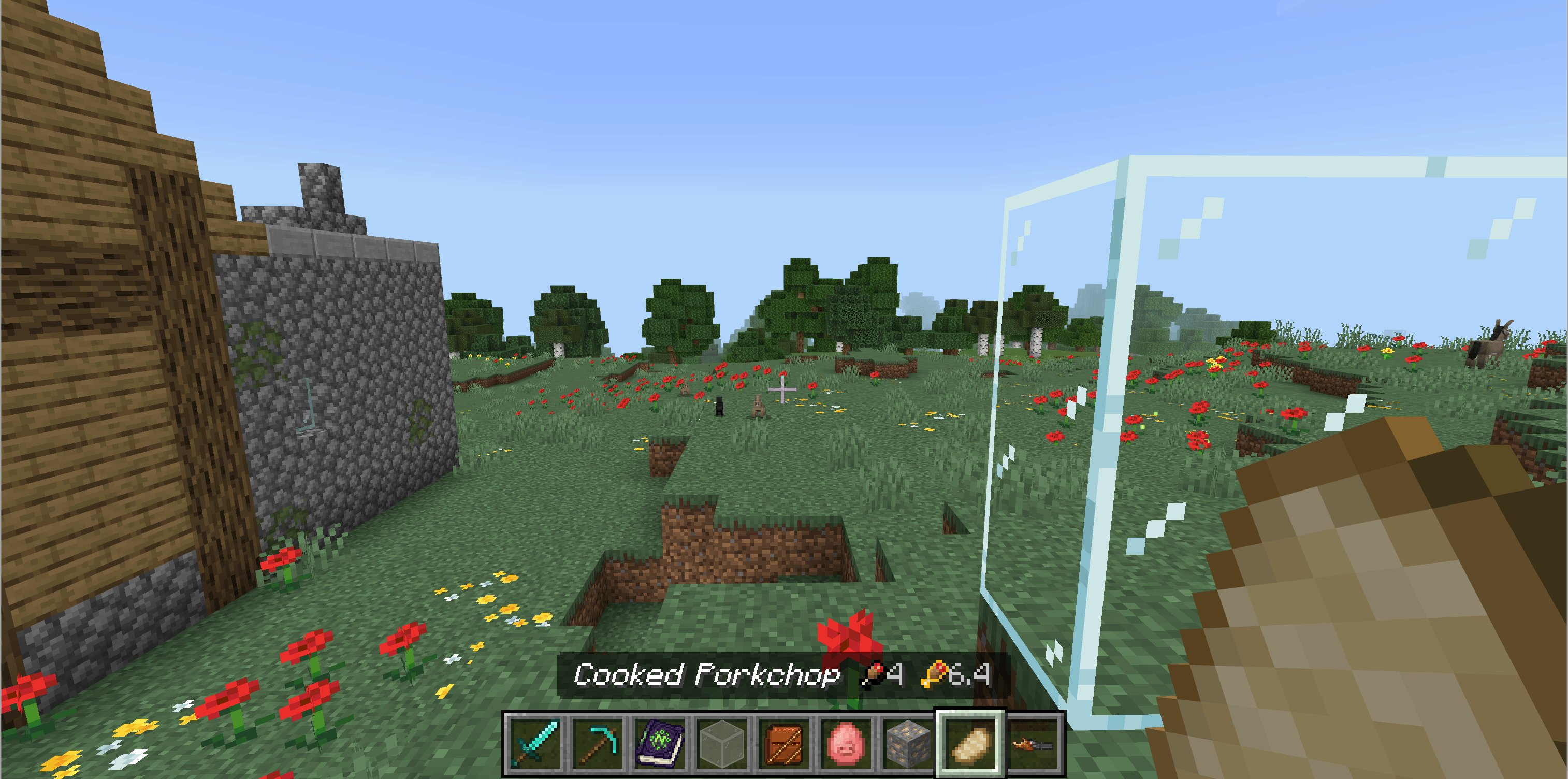
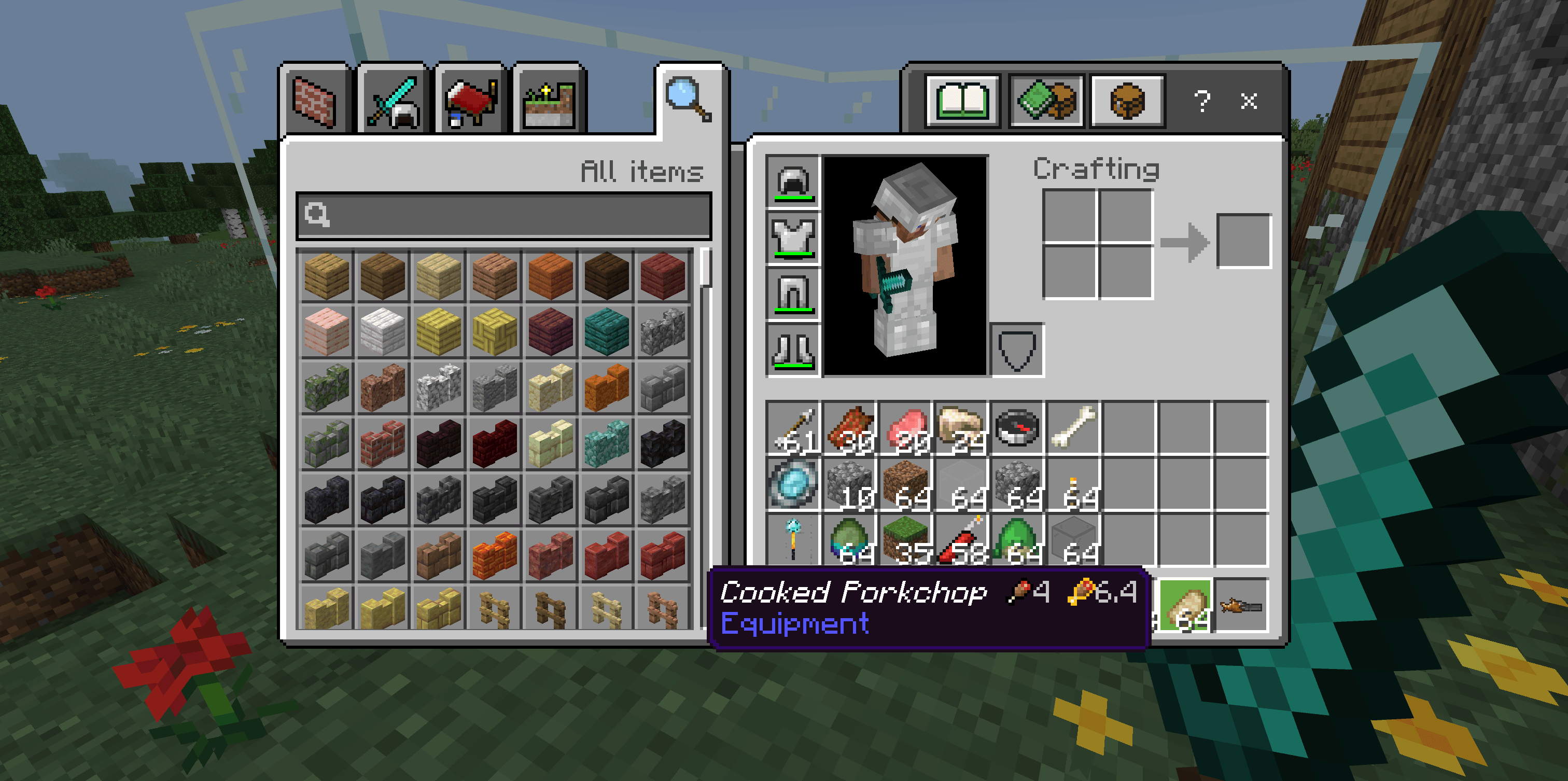
See useful food stats before choosing what to eat in Minecraft Bedrock.
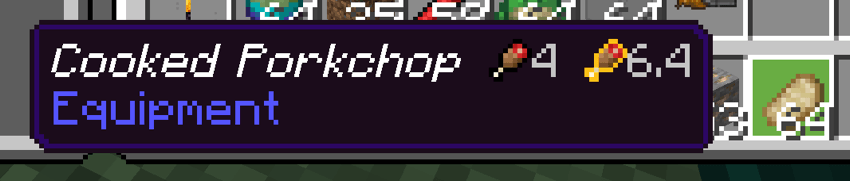
Food Stats adds compact, easy-to-read details to vanilla food item names. Compare hunger and saturation at a glance, spot foods with harmful effect chances, and check how much food remains in a cake without opening a menu.
Features
- Shows hunger and saturation values directly on vanilla food items
- Covers more than 40 food item IDs, including cooked food, raw food, stews, berries, golden food, and suspicious stew
- Displays harmful effect chances for foods such as raw chicken, rotten flesh, poisonous potatoes, spider eyes, and pufferfish
- Marks foods that grant bonus health or other beneficial effects
- Shows the remaining slices, hunger, and saturation when you look at a placed cake
- Uses compact custom icons for quick visual comparison
- Supports English and Russian player languages
- Works automatically in survival gameplay with no commands or settings required
How to use
- Import the
.mcaddonfile into Minecraft Bedrock. - Activate both the Food Stats Behavior Pack and Resource Pack in your world.
- Open your inventory and inspect vanilla food items. Their names will show hunger and saturation values alongside any supported effect information.
- Look directly at a placed cake to see its remaining slices and total remaining food value in the action bar.
Notes
- Food Stats changes the displayed names of supported food stacks so it can append the statistics. Add-ons that also rename the same food items may override each other.
- Values are shown in food-bar icons: one full icon equals two hunger or saturation points.
- The add-on does not change food balance, recipes, or eating effects.
Requirements
- Minecraft Bedrock Edition 1.26.0 or newer
- Both included packs must be active
- No external dependency required

Quick facts
- Edition: Minecraft Bedrock
- File type: .mcpack or .mcaddon
- Minecraft versions listed: 26.0.02, 26.0, 26.3
- How to install: Download the .mcpack or .mcaddon file. → Open it — Minecraft imports it. → In your world: Behavior Packs → Available → Activate, then the same under Resource Packs.
- Where to get it: Opens on CurseForge — not every file is mirrored on our own servers.
Install steps are the general flow for this file type — How to install Minecraft Bedrock addons & mods walks through it step by step.
Verified by MCModsHub
- Pack type: .mcaddon — behaviour and resource pack in one file
- Manifest requires Minecraft 1.26.0 or newer
- Complete pack — everything it depends on is inside the file
- Download size: 10 KB
- Download link checked 19 Aug 2026 — working
These come from our own check of the pack file, not from the source page.