

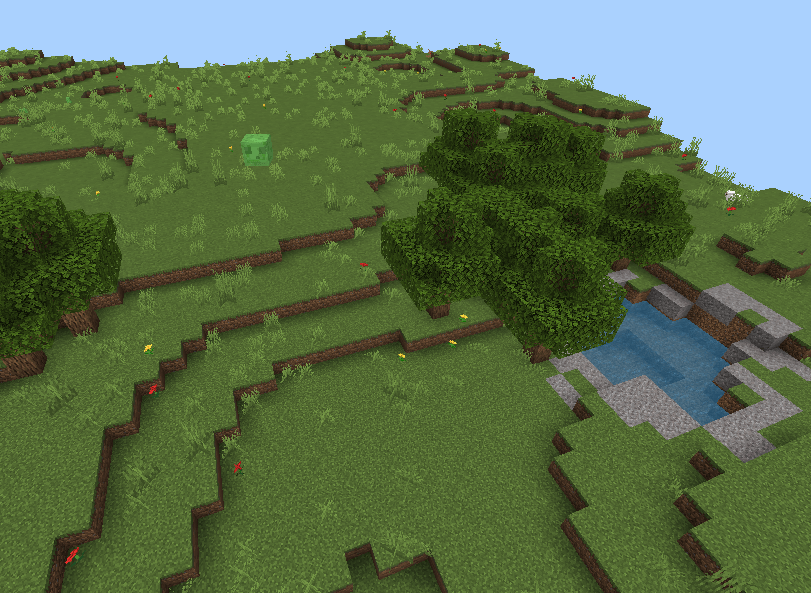
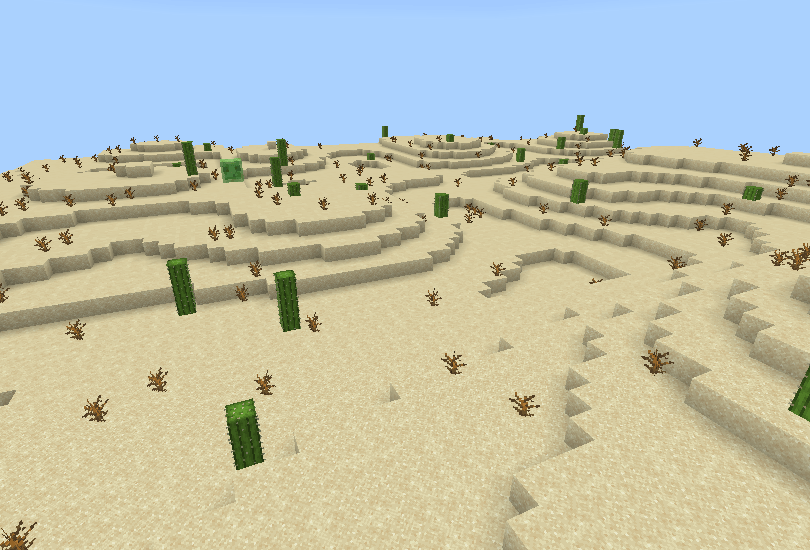
From my own problems while trying to make a natural terrain for one of my maps, I decided to make this addon for you and myself, making landscapes much easier with just a single command.
Some notes that I want to clear out before you have any questions the same as these:
- Which version does the addon support? -> Minimum 1.26.0.
- My friends can't use the command? -> Only Operators role can use the command, you need to /op them.
- Do I need to enable any Experiments? -> No, you only need to enable the addon itself.
- It doesn't fully generate the terrain, BUG? -> No, the issue is the chunks you want the terrain to be generated are unloaded. You should consider giving it tickingAreas or increase the simulated distances in the world settings.
-----------------------------------------------------------
The addon features a new custom command: /generate, the usage is as below:
/generate <from> <to> <biome> [seed] [waterFeatures] [treeBatches] [speed]
(<text> is required to type, [text] is optional)
- <from>: the first corner of the area to generate,
- <to>: the second corner of that area,
- <biome>: type of biome, there are: Plains, Desert, and Void (for clearing the area),
- [seed]: used to determine how the area is generated (default: random),
- [waterFeatures]: config for generating water/lava pools,
- [treeBatches]: config for spawning trees, in batches,
- [speed]: controls how gently generation is spread across ticks.
For [seed], [waterFeatures] and [treeBatches], the default is either default (for seed) or the addon's config (waterFeatures and treeBatches). so the config while typing the command for these are:
- -1 for random or default addon config (default),
- 0 for none,
- 1 - 10 for the number of features (capped at 10).
For [speed], this is for low end devices that can't handle the fast generation. There are 3 options:
- low: slowest speed,
- normal: normal speed,
- fast: quickest speed (default).
eg. you want to have random seed, but want 5 water pools, you need to type:
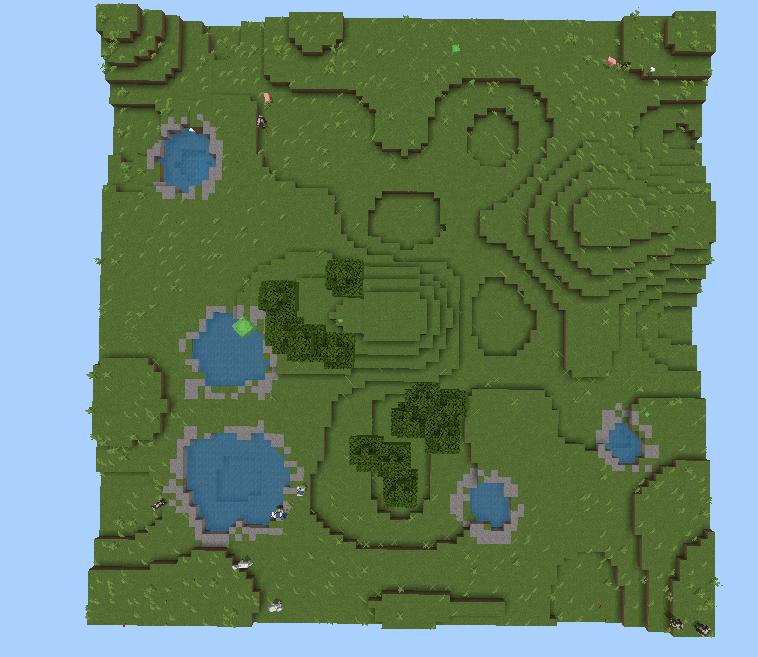
/generate ~ ~ ~ ~90 ~20 ~90 plains -1 5
This means generating a Plains biome, from your position to 90 blocks away both sides and 20-block height, random seed (as its -1) and 5 water pools (5 in command), with the default tree amount (as empty equals -1). Finally, the generating speed is Fast as default
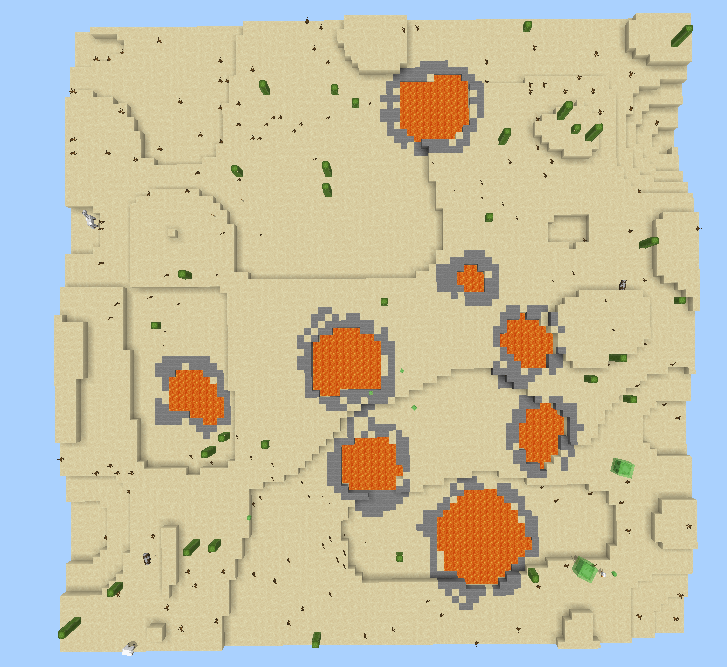
Or you may want to go to the desert, finding yourself 8 lava pools?
/generate ~ ~ ~ ~90 ~20 ~90 desert -1 8
Ever have you wanted to travel through a dense oak jungle?
/generate ~ ~ ~ ~90 ~20 ~90 plains -1 -1 10
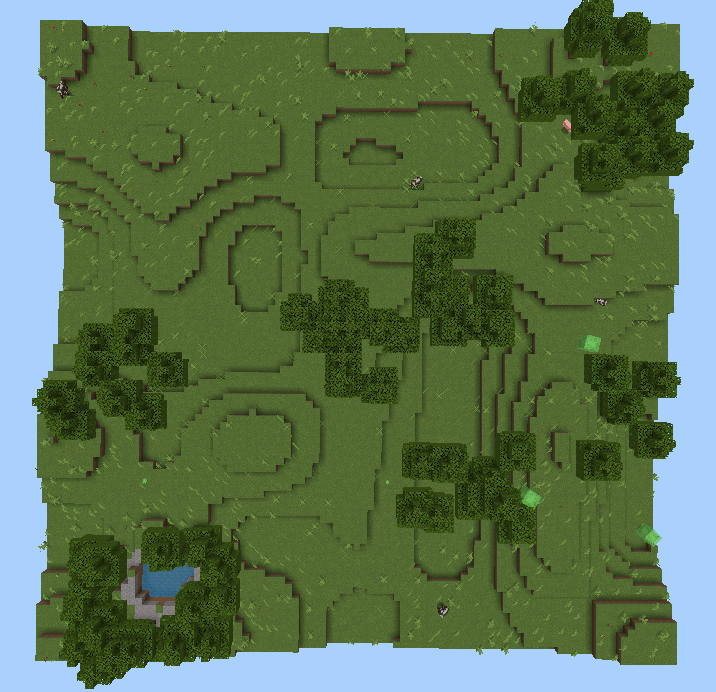
Remember that the same seed can generate the same terrain all the time, as long as the position are the same (if you change the features such as waterFeature or treeBatches, there maybe a minor difference). Below is the perfect example:
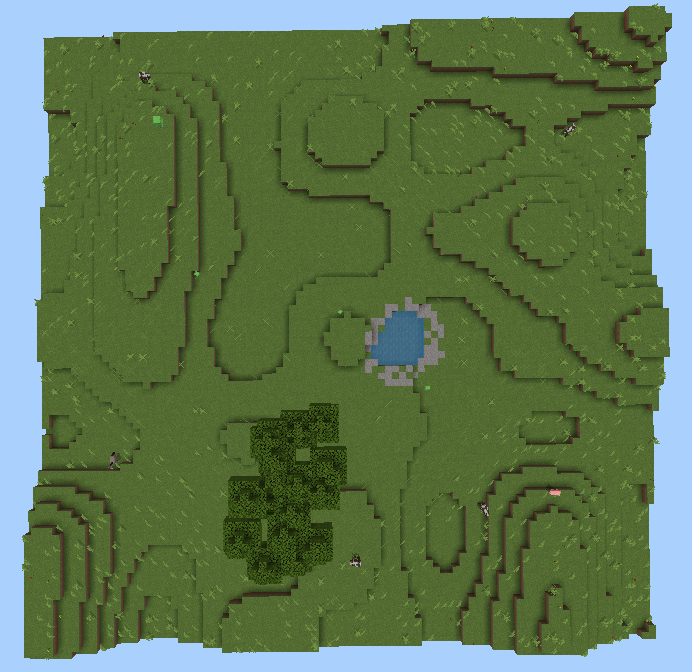
(seed: 123456 with default features)
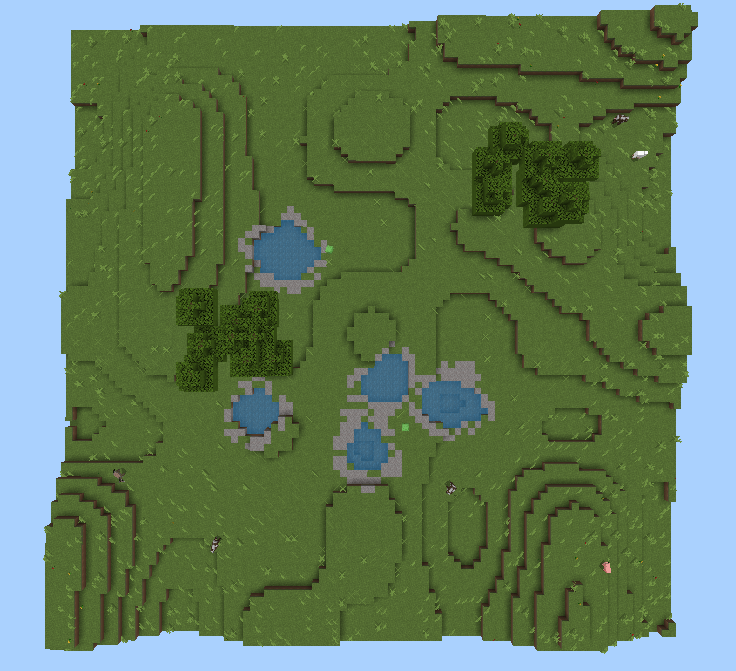
(seed 123456 with determined 5 water pools, default treeBatches)
Note that you can generate in the same area that the previous are will get replaced, but what if you want to delete it? Theres an useful feature to quickly clear the area, thats the Void biome.
/generate <from> <to> void
-----------------------------------------------------------
That's everything you need to know. Thanks for reading and playing!
- Edition: Minecraft Bedrock
- File type: .mcpack or .mcaddon
- Minecraft versions listed: 26.0.02, 26.0, 26.3
- How to install: Download the .mcpack or .mcaddon file. → Open it — Minecraft imports it. → In your world: Behavior Packs → Available → Activate, then the same under Resource Packs.
- Where to get it: Opens on CurseForge — not every file is mirrored on our own servers.
Install steps are the general flow for this file type — How to install Minecraft Bedrock addons & mods walks through it step by step.
- Pack type: .mcpack — a single pack
- Manifest requires Minecraft 1.26.0 or newer
- Complete pack — everything it depends on is inside the file
- Download size: 218 KB
- Download link checked 21 Aug 2026 — working
These come from our own check of the pack file, not from the source page.