AddonsBedrock
Elevator | Jump & Sneak Teleport
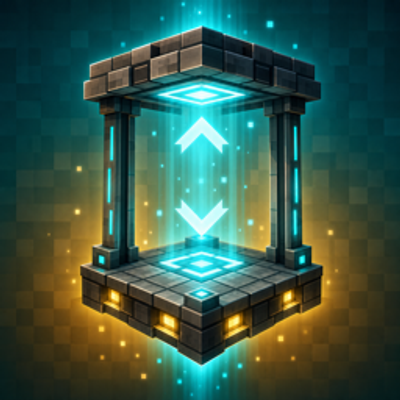
Elevator adds a craftable elevator block to Minecraft Bedrock: stack two or more on the same column, then jump to ride up or sneak to ride down — instant…
⬇ Download on CurseForge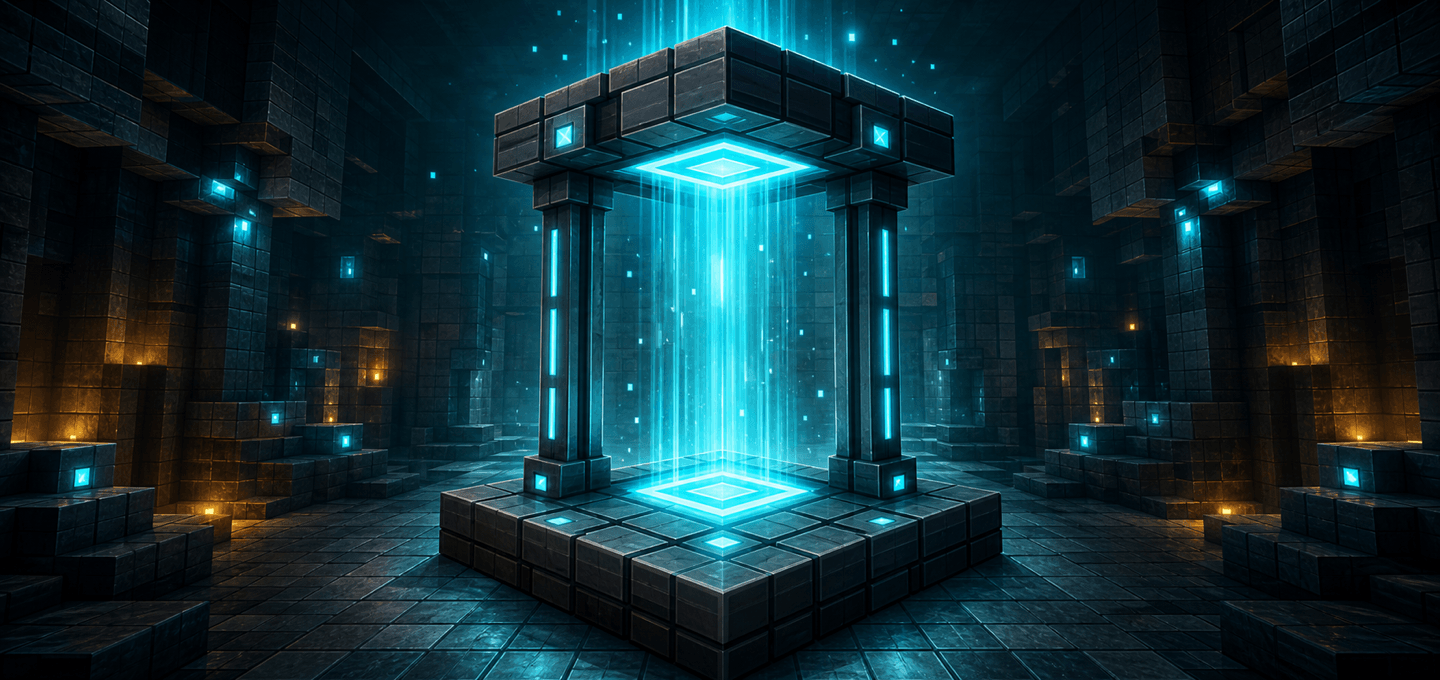
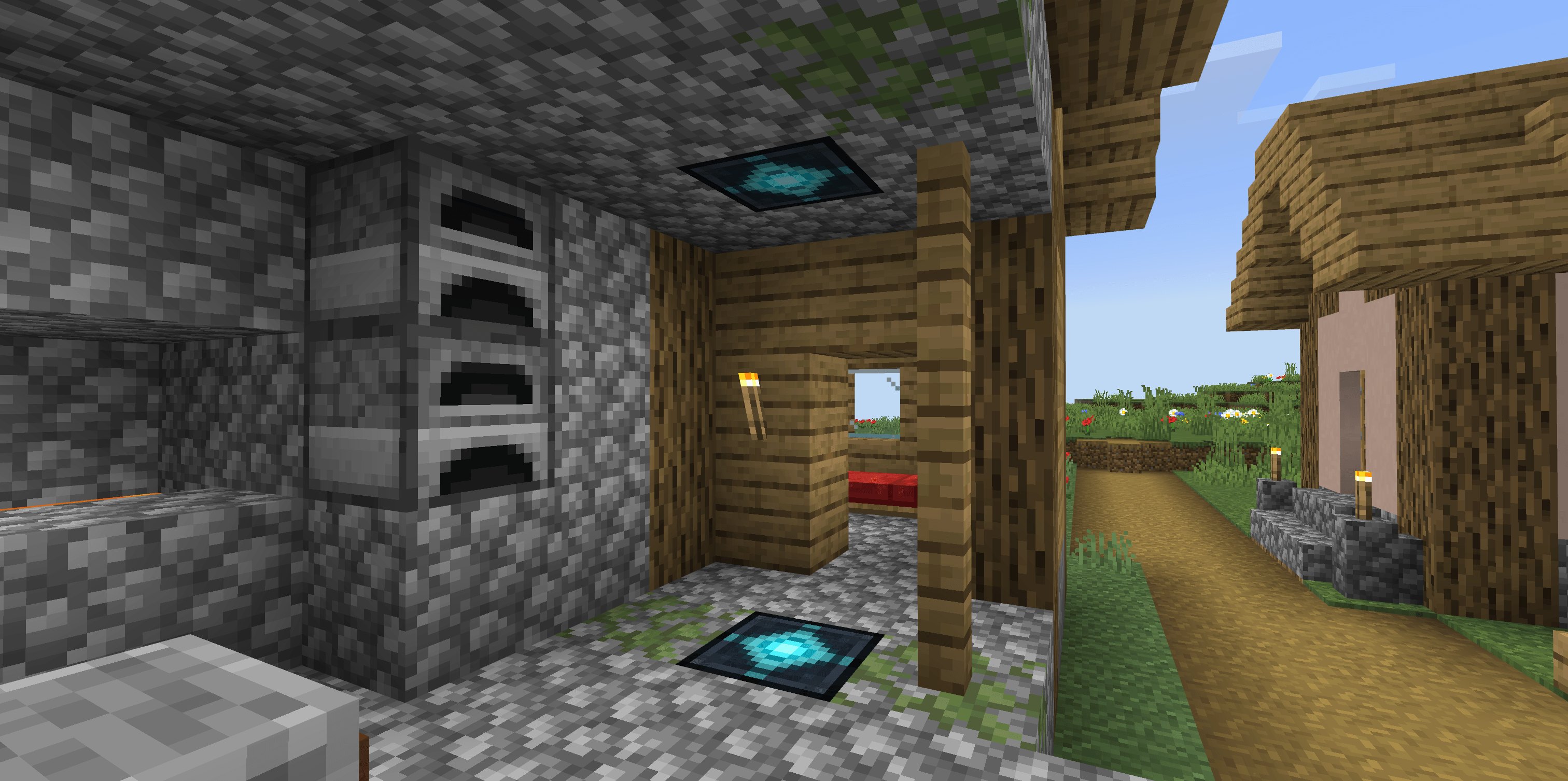
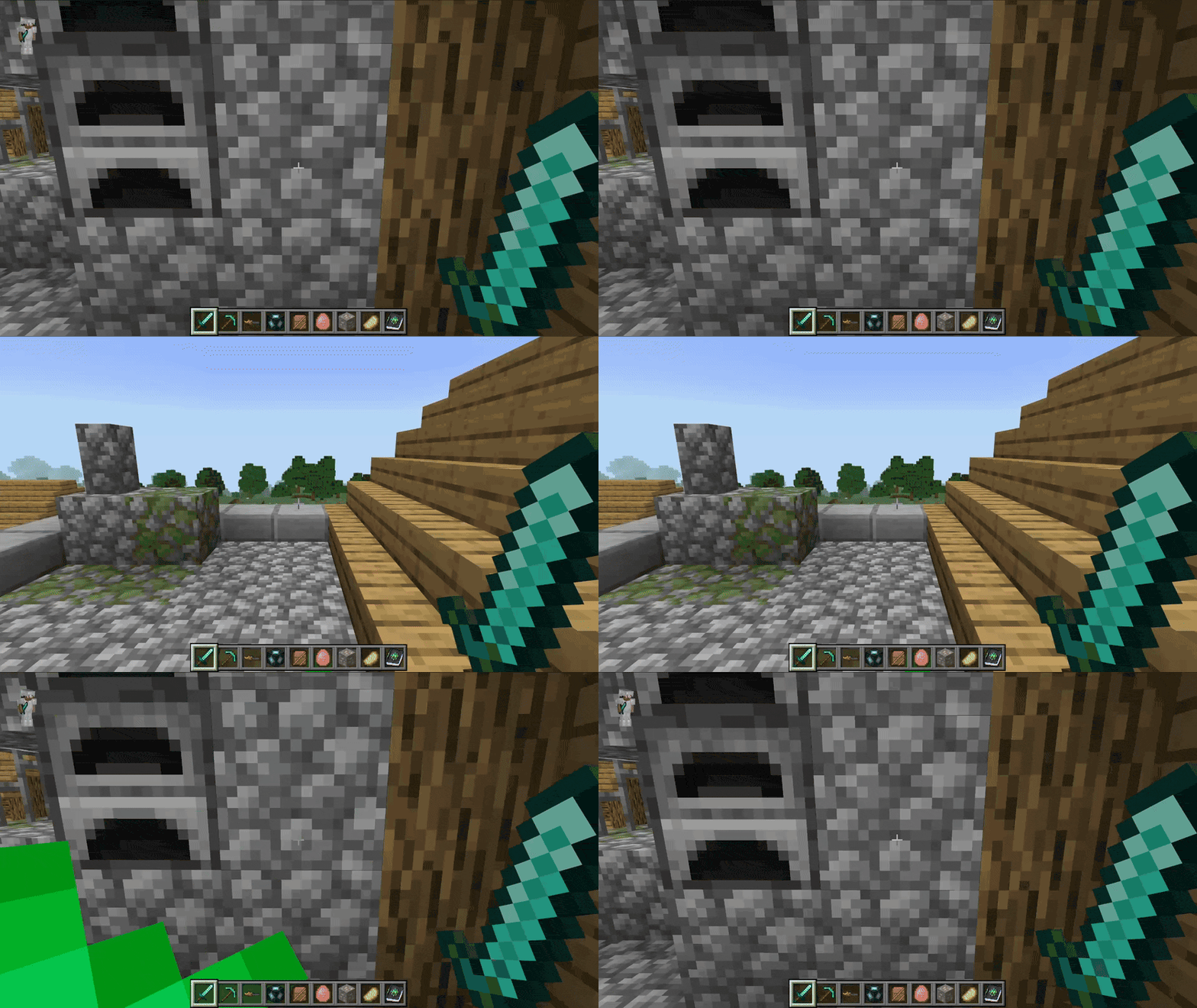
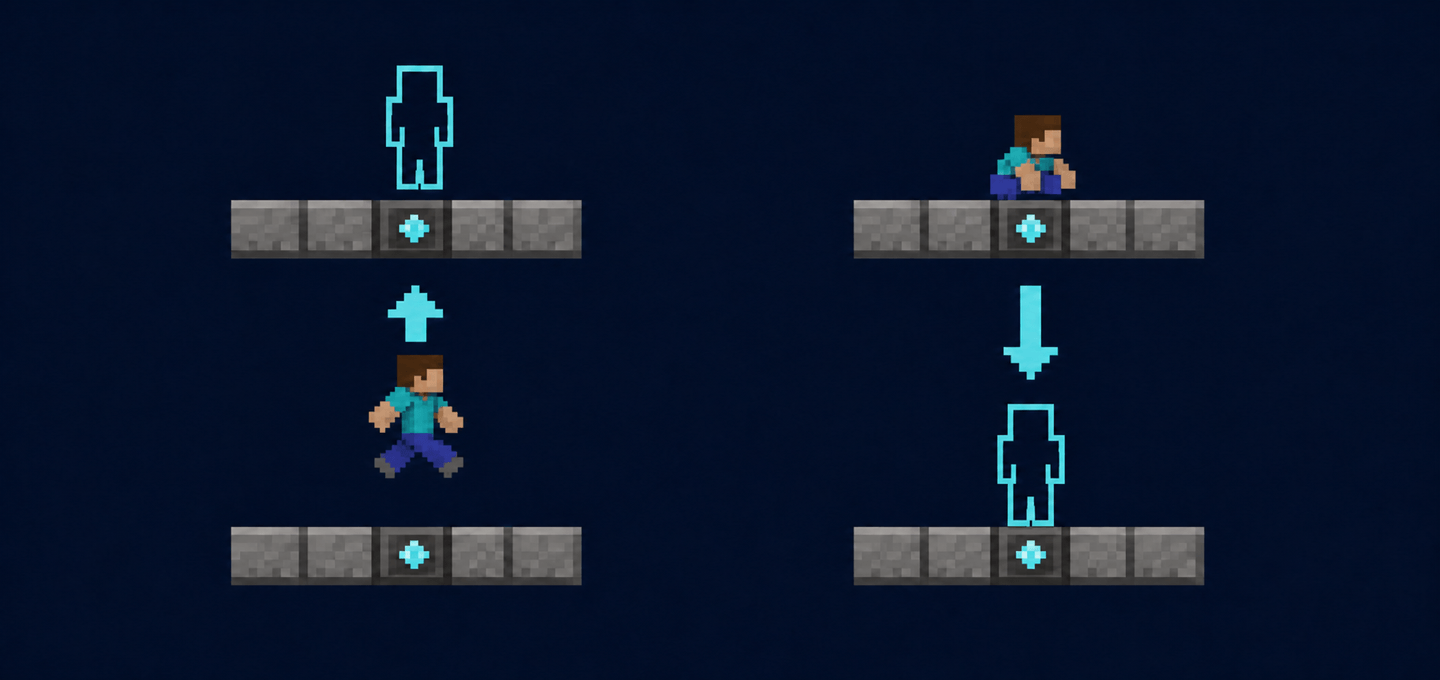
Elevator adds a simple, survival-friendly elevator block: stand on it and jump to teleport up, or sneak to teleport down to the next elevator on the same column. No redstone, no commands — just place the blocks and go.
Features
- Jump to go up, sneak to go down — instant teleport between elevator blocks placed on the same vertical column.
- Long reach — elevators connect across up to 64 blocks of vertical distance, perfect for deep mines and tall towers.
- Multi-floor support — place as many elevator blocks on one column as you like; each jump or sneak moves you one floor at a time.
- Safe teleporting — you only arrive at floors with enough headroom, so you never get stuck inside blocks.
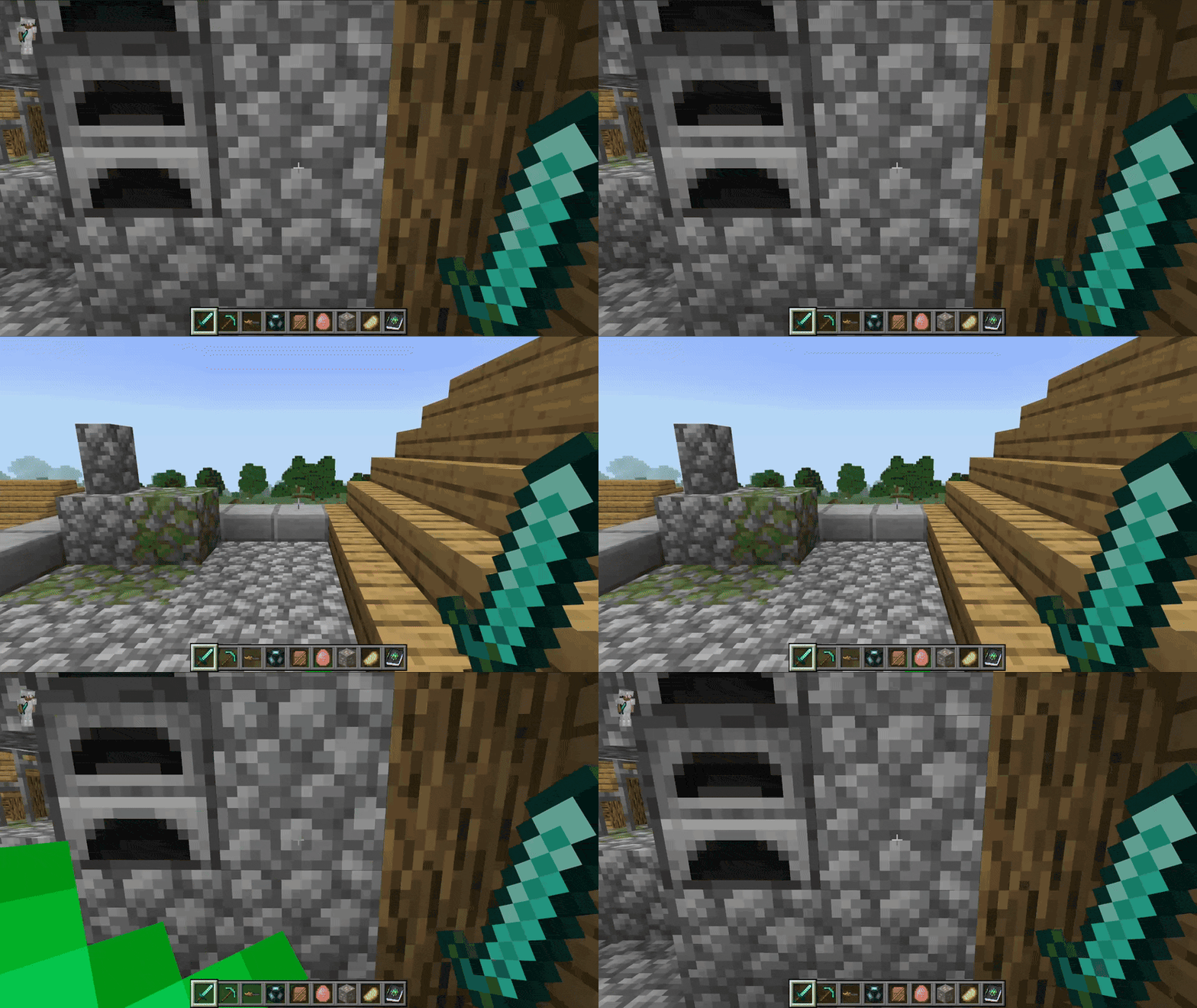
- Built-in lighting — the elevator block softly glows, making your elevator shaft easy to find in the dark.
- Polished feel — teleport sound and particle effects, plus a short cooldown so you never accidentally skip a floor.
- Multiplayer friendly — works for every player independently, with no setup per player.
How to use
- Import the
.mcaddonfile into Minecraft Bedrock. - Activate the behavior pack and resource pack for your world (no experiments required).
- Craft at least two Elevator blocks.
- Place them on the same vertical column (same X/Z), for example one on each floor of your base.
- Stand on an elevator block and jump to teleport to the next elevator above, or sneak to teleport to the next one below.
Crafting
- Elevator — 8 Iron Ingots surrounding 1 Ender Pearl in a crafting table.
Notes
- Elevator blocks must share the same X/Z column and be within 64 blocks vertically of each other.
- The destination needs 2 blocks of free space above it (air or liquid); blocked floors are skipped safely.
- Works in the Overworld, the Nether, and the End.
Requirements
- Minecraft Bedrock Edition (v1.26.0+)
- No experimental toggles required
- No external dependency required

Quick facts
- Edition: Minecraft Bedrock
- File type: .mcpack or .mcaddon
- Minecraft versions listed: 26.0.02, 26.0, 26.3
- How to install: Download the .mcpack or .mcaddon file. → Open it — Minecraft imports it. → In your world: Behavior Packs → Available → Activate, then the same under Resource Packs.
- Where to get it: Opens on CurseForge — not every file is mirrored on our own servers.
Install steps are the general flow for this file type — How to install Minecraft Bedrock addons & mods walks through it step by step.
Verified by MCModsHub
- Pack type: .mcaddon — behaviour and resource pack in one file
- Manifest requires Minecraft 1.26.0 or newer
- Complete pack — everything it depends on is inside the file
- Download size: 209 KB
- Download link checked 11 Sept 2026 — working
These come from our own check of the pack file, not from the source page.